
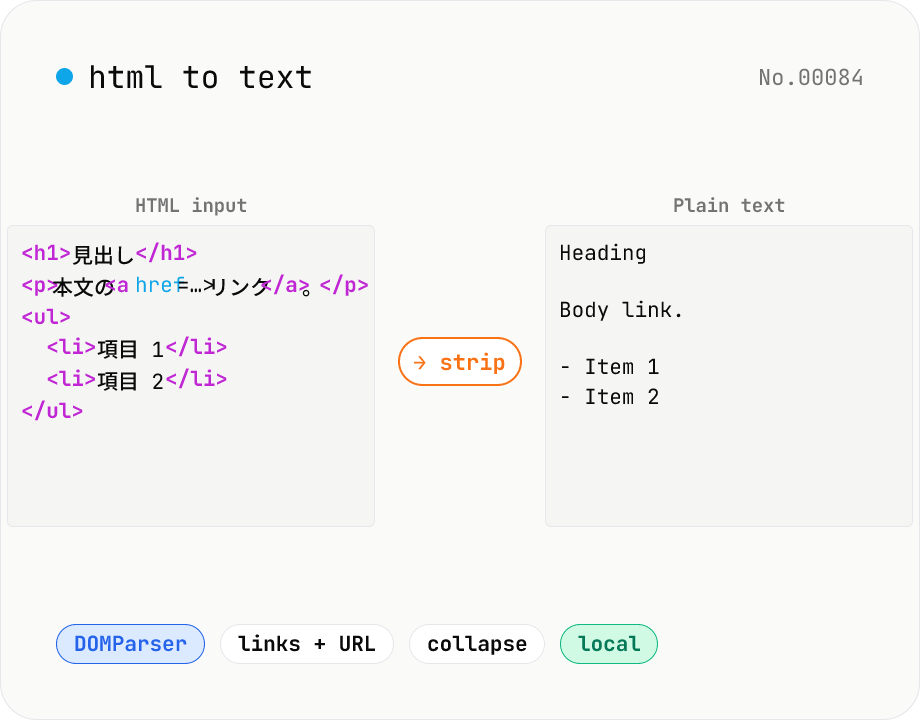
HTML to text — strip tags and keep only the visible text
Strip a chunk of HTML to its plain visible text. Removes script / style / noscript / comments; converts <p>, <h*>, <li>, <br>, etc. to line breaks; optionally pairs link text with its href. Toggles for collapsing whitespace, decoding HTML entities, and keeping list markers. Useful for cleaning scraped pages, NLP preprocessing, plain-text emails, or pasting articles into note apps. Everything runs in your browser.
How to use
Paste HTML into the input area. The plain-text version is updated live in the output panel. Toggle 'Append URLs after link text' to get `Article title (https://example.com/post)` style references. Turn 'Keep list markers' off to leave `<li>` contents on their own lines. Leave it on for a Markdown-ish look with `- ` or `1. `. Turn 'Collapse whitespace' off to keep the original line breaks and indentation. Leave it on when you only want the prose. Copy the result or download it as `.txt`.
FAQ
- Are script and style contents extracted?
- No. `<script>`, `<style>`, `<noscript>`, and HTML comments are removed before extraction, so code, CSS, and hidden comments never end up in the output.
- Are HTML entities decoded?
- Yes. `&` → `&`, `<` → `<`, ` ` → a space, and numeric references like `—` are all decoded by the browser's DOMParser.
- What about broken HTML?
- The browser's lenient parser auto-corrects most missing closing tags. Complex `<table>` nesting doesn't survive whitespace collapsing well — when tables matter, route the HTML through a dedicated tool first.
- I want to keep the Markdown structure.
- This tool fully strips tags. To preserve structure as Markdown, use the markdown-html-convert tool instead.
- Is anything uploaded?
- No. Everything runs in your browser via DOMParser + JavaScript.
Related tools
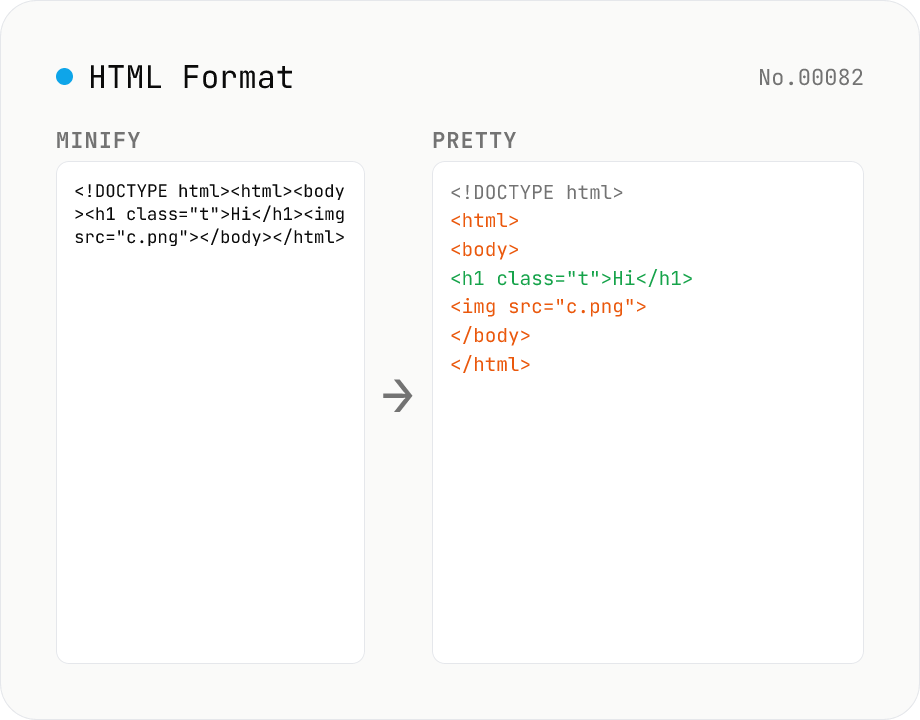
HTML Formatter — pretty / minify HTML in one click
Format HTML with two modes: pretty (indent 2/4/tabs, line breaks) and minify (collapse whitespace between tags into a single line). Built on htmlparser2 with a hand-rolled indenter that respects HTML5 void elements (`<br>` `<hr>` `<img>` `<input>` `<meta>` `<link>`...) and preserves content inside `<script>` / `<style>` / `<pre>` / `<textarea>`. Keeps DOCTYPE, comments, attribute order, and XML namespaces (`xmlns:*`). For XML use xml-format. For HTML → text use html-sanitize / markdown-html-convert. Runs entirely in your browser.
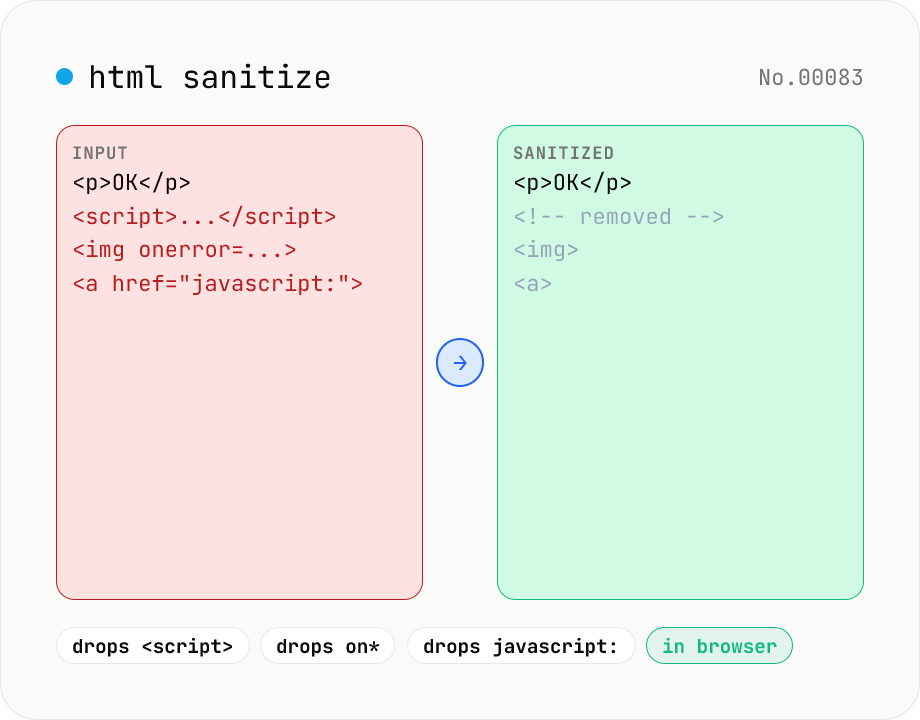
HTML sanitizer — strip XSS vectors with DOMPurify
Strip XSS vectors (script tags, on* handlers, javascript:/data: URLs, iframes, etc.) from untrusted HTML using DOMPurify. Three profiles — Strict / Standard / Permissive — control which tags and attributes survive. Useful before passing user-generated HTML to a CMS / forum, locking down Markdown→HTML output, or cleaning legacy HTML during a blog migration. Runs entirely in your browser — HTML never leaves your device.
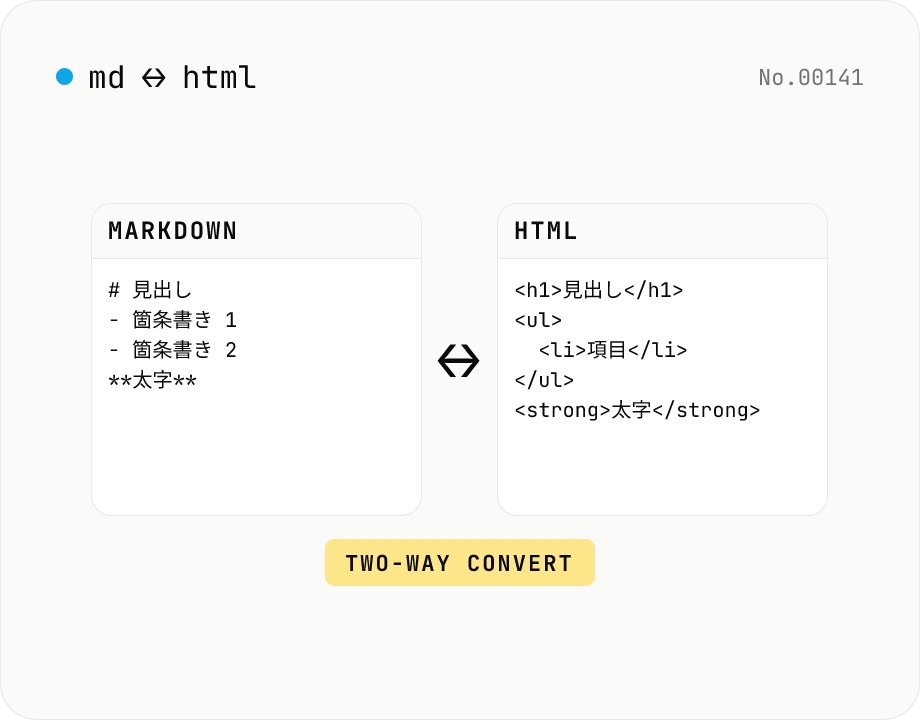
Markdown ⇄ HTML converter — round-trip
Convert Markdown to HTML and HTML to Markdown in both directions. Ideal for migrating between platforms (a blog into WordPress, an HTML page into a README, etc.). Runs entirely in your browser using marked and turndown — your drafts never leave the page.
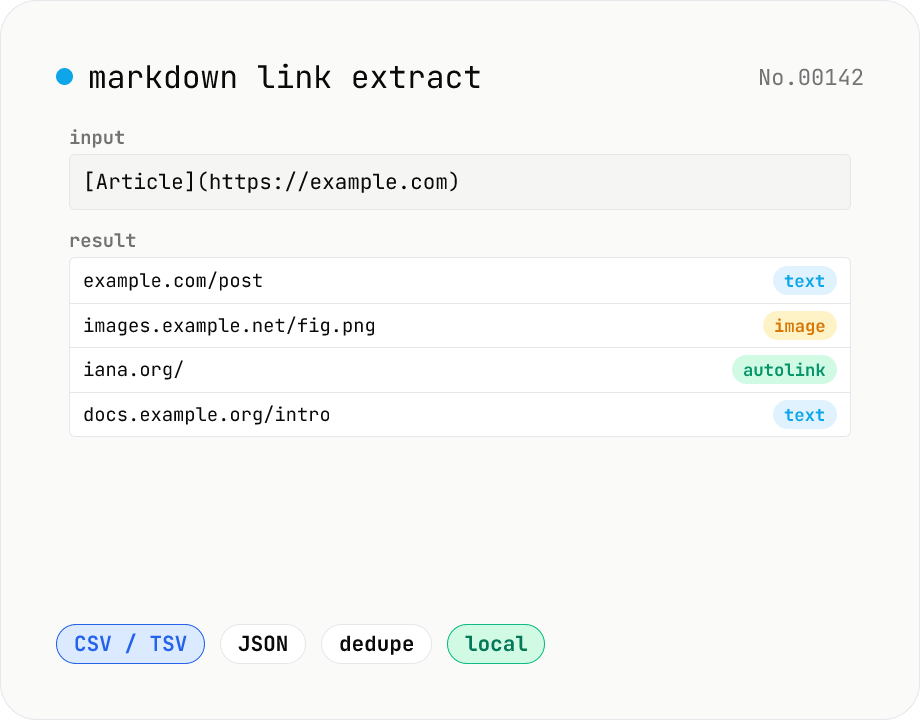
Markdown link extractor — pull URLs from Markdown / HTML / text
Extract every URL or Markdown / HTML link from a chunk of Markdown, HTML, or plain text. Detects `[label](url)`, ``, `<a href>`, `<img src>`, and bare URLs, then classifies each result (text / image / autolink). Includes deduping, type filters, host grouping, and CSV / TSV / JSON export. Great for auditing links in an article, listing image sources, mapping internal-link structure for SEO, or harvesting references for a social post. Everything runs in your browser.