
HTML sanitizer — strip XSS vectors with DOMPurify
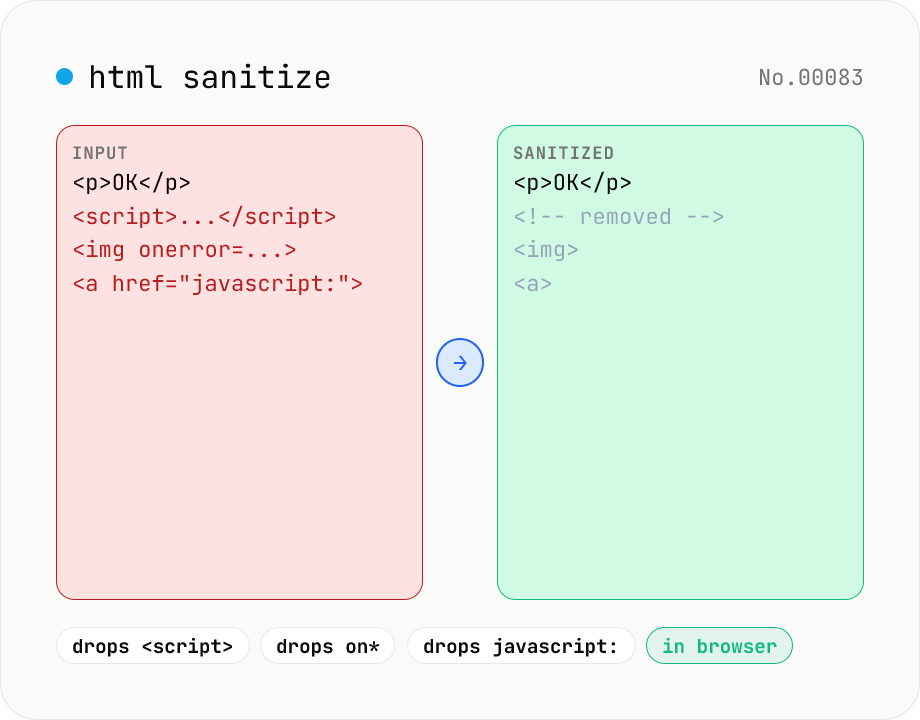
Strip XSS vectors (script tags, on* handlers, javascript:/data: URLs, iframes, etc.) from untrusted HTML using DOMPurify. Three profiles — Strict / Standard / Permissive — control which tags and attributes survive. Useful before passing user-generated HTML to a CMS / forum, locking down Markdown→HTML output, or cleaning legacy HTML during a blog migration. Runs entirely in your browser — HTML never leaves your device.
How to use
Paste the untrusted HTML, pick a profile (Strict / Standard / Permissive) and click Sanitize. Strict keeps only inline text formatting; Standard adds links, images, headings and tables; Permissive additionally keeps id / class / style and span / div. All profiles strip XSS vectors unconditionally: script tags, on* handlers, javascript: URLs, dangerous data: URLs, iframe / form / input / object / embed, etc. The result is shown as raw HTML plus a sandboxed iframe preview (scripts are blocked). Use this before storing user HTML in a CMS or forum, or to clean Markdown→HTML output.
FAQ
- Which library powers the sanitizer?
- DOMPurify (Cure53), run directly in your browser. The version is listed on /libraries.
- What's the difference between Strict / Standard / Permissive?
- Strict keeps inline formatting only (strong / em / b / i / u / s / p / br / blockquote / code / pre). Standard adds a, img, h1–h6, ul, ol, li and tables. Permissive also keeps id / class / style and div / span. Every profile strips script, on*, javascript:, iframe, etc.
- Is the output safe for innerHTML?
- Yes — only the allow-listed tags / attributes survive, so plain innerHTML assignment will not lead to XSS. With the Permissive profile (style attributes kept) consider a Content-Security-Policy to mitigate CSS-based data exfiltration.
- Can I use it on Markdown→HTML output?
- Yes. Pipe the output of markdown-html-convert into this tool and pick the profile your destination (CMS, forum) expects. Standard is a good default for moderated user content.
- Is the preview iframe truly safe?
- The preview iframe carries `sandbox=""` (no permissions granted), so scripts cannot run and embedded links cannot navigate. It is intended purely as a visual check.
- Is my input uploaded?
- No. DOMPurify runs entirely in your browser, so the HTML never leaves the device.
Related tools
HTML entity encode / decode — &, <, > safely
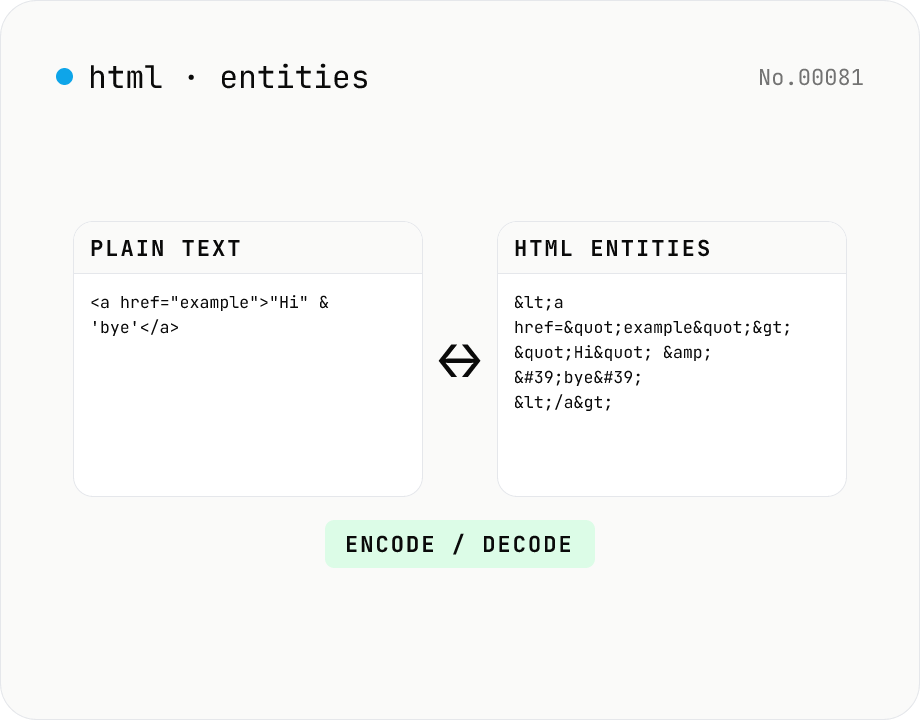
Encode HTML special characters (< > & " ') into entities like &lt; and decode &amp; back into &. Toggle the direction in one click and optionally encode all non-ASCII characters as numeric references. Useful when pasting code samples into blogs, double-checking XSS escaping, or preparing HTML email bodies.
Markdown ⇄ HTML converter — round-trip
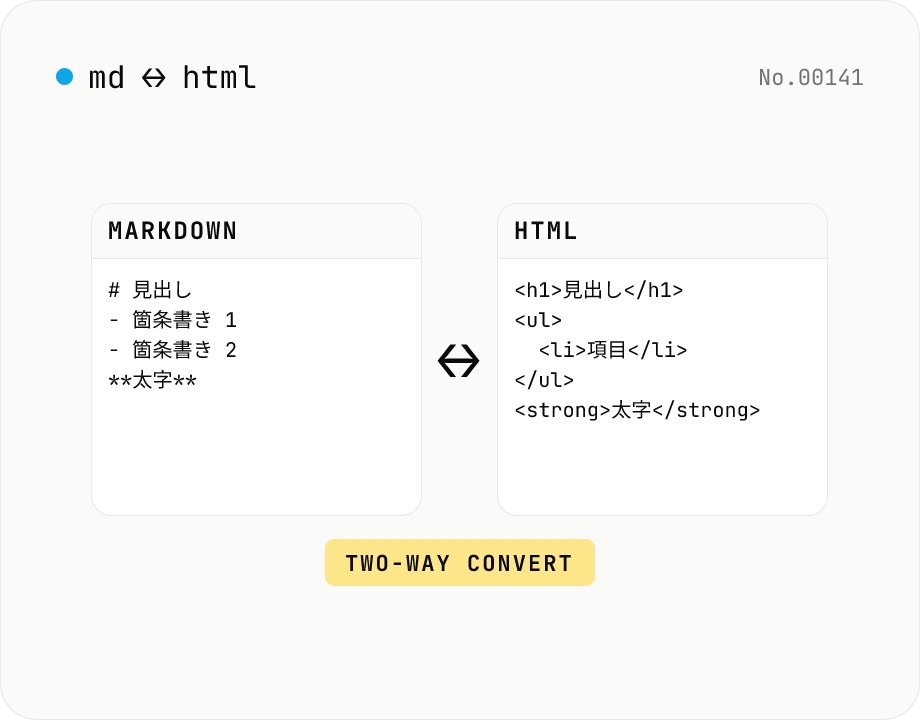
Convert Markdown to HTML and HTML to Markdown in both directions. Ideal for migrating between platforms (a blog into WordPress, an HTML page into a README, etc.). Runs entirely in your browser using marked and turndown — your drafts never leave the page.
Markdown preview — live rendering of GFM
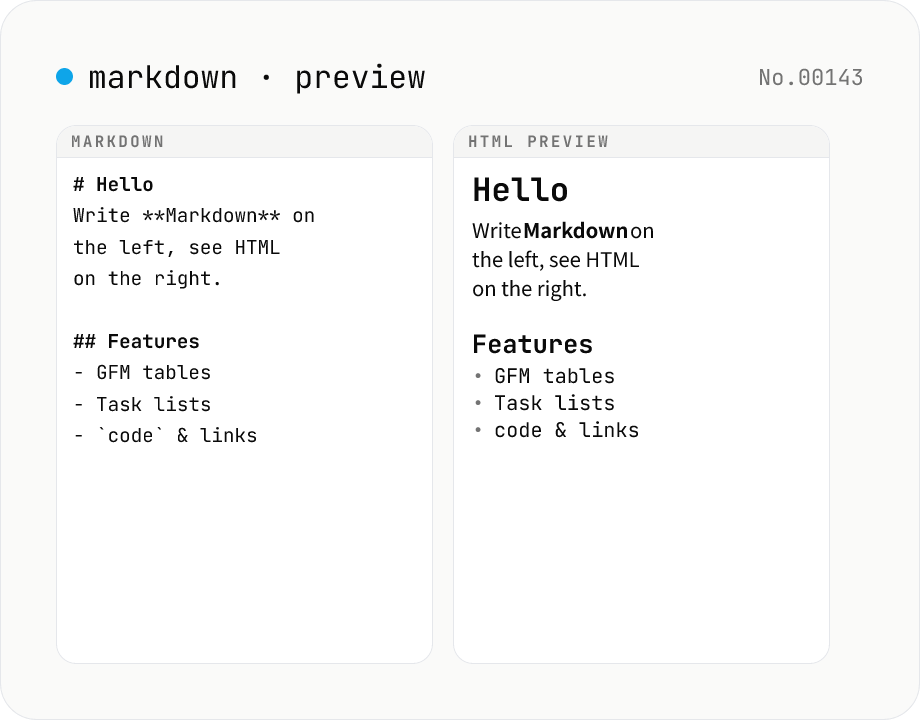
Type Markdown on the left and see the rendered HTML on the right in real time. Supports GFM (tables, task lists, autolinks) and single-newline → <br>. Copy or download the rendered HTML. Everything runs locally in your browser.
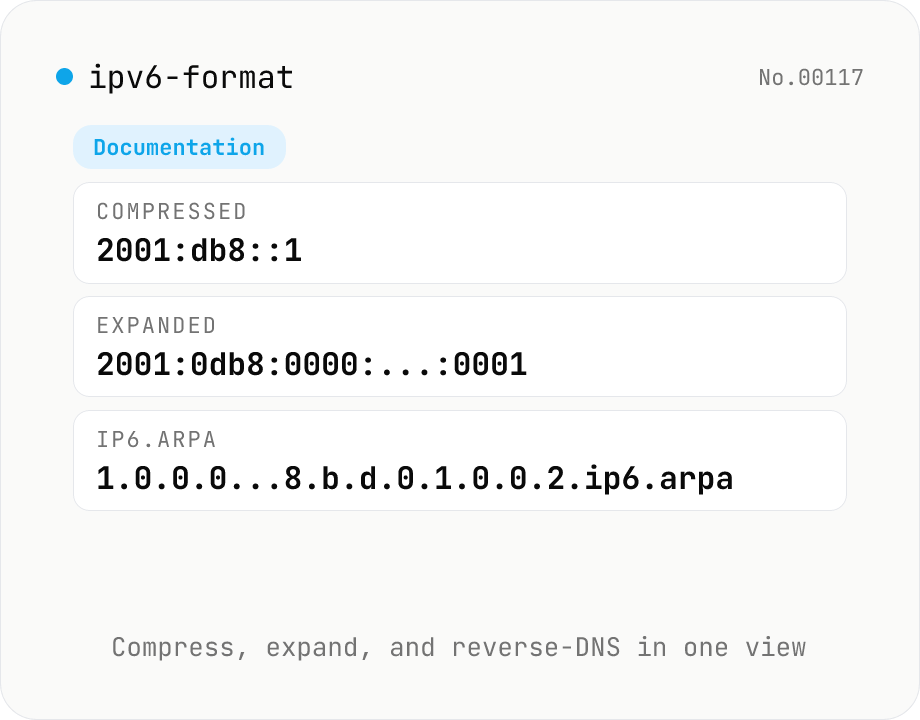
IPv6 formatter — compress / expand / reverse DNS / classify
Parse an IPv6 address (::1, 2001:db8::1, fe80::1%eth0, [::1]:8080, etc.) and view the RFC 5952 compressed form, the fully expanded 8-group form, the ip6.arpa reverse DNS name, hex-concatenated, and binary representations side by side. Auto-classifies loopback, link-local (fe80::/10), unique-local (fc00::/7), multicast (ff00::/8), global unicast (2000::/3), IPv4-mapped (::ffff:0:0/96), documentation (2001:db8::/32) and more. IPv4-mapped addresses are extracted to dotted-quad. Supports zone IDs and bracketed forms. Everything is processed in your browser.