
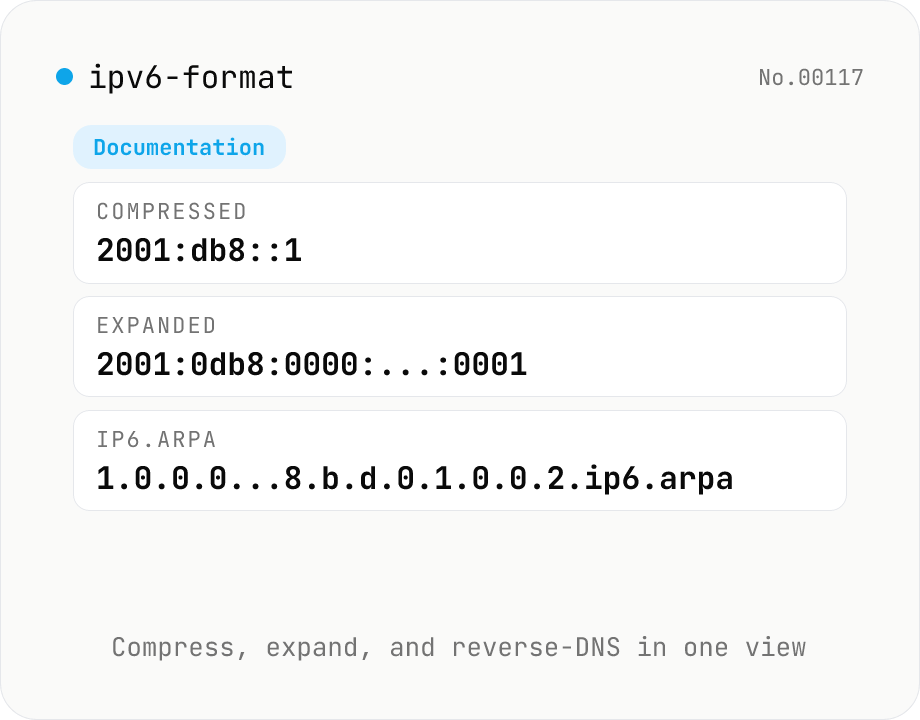
IPv6 formatter — compress / expand / reverse DNS / classify
Parse an IPv6 address (::1, 2001:db8::1, fe80::1%eth0, [::1]:8080, etc.) and view the RFC 5952 compressed form, the fully expanded 8-group form, the ip6.arpa reverse DNS name, hex-concatenated, and binary representations side by side. Auto-classifies loopback, link-local (fe80::/10), unique-local (fc00::/7), multicast (ff00::/8), global unicast (2000::/3), IPv4-mapped (::ffff:0:0/96), documentation (2001:db8::/32) and more. IPv4-mapped addresses are extracted to dotted-quad. Supports zone IDs and bracketed forms. Everything is processed in your browser.
How to use
Type a single IPv6 address and see its RFC 5952 compressed form, the fully expanded 8-group form, the ip6.arpa reverse DNS name, hex-concatenated and binary representations side by side. The category (loopback / link-local / multicast / IPv4-mapped / global unicast etc.) is detected and shown as a badge. Each row has a one-click copy button, so you can pick the form you need for config files, DNS PTR records, or log normalization. Zone IDs (%eth0) and bracketed [::1]:8080 are accepted.
FAQ
- What is '::' (the double colon)?
- It elides one or more consecutive groups of zeros. It can appear at most once per address. The expanded form fills all 8 groups like 0000:0000:..., and the compressed form replaces the longest run of zero groups with '::' (RFC 5952).
- What's the difference between IPv4-mapped and IPv4-compatible?
- IPv4-mapped (::ffff:0:0/96) is the still-current form used to represent an IPv4-only host inside an IPv6 socket. IPv4-compatible (::/96) is a deprecated early-transition format. This tool labels them separately with a badge.
- How is reverse DNS (ip6.arpa) used?
- DNS PTR records use this name to resolve an address back to a host name. Each nibble of the address appears in reverse, then '.ip6.arpa' is appended. For 2001:db8::1 the PTR name is '1.0.0.0.0.0.0.0.0.0.0.0.0.0.0.0.0.0.0.0.0.0.0.0.8.b.d.0.1.0.0.2.ip6.arpa'.
- How are zone IDs (%eth0) and [::1]:8080 handled?
- Zone IDs (RFC 4007 / 6874) are link-local interface selectors used with fe80::/10 addresses. The parser accepts them and reports the zone in a separate row. Bracketed [addr]:port is the URL convention — the address portion is parsed and the port is ignored.
- What about IPv4 CIDR calculations?
- This tool focuses on a single IPv6 address. For IPv4 subnet math (network/broadcast/host count) use the ip-cidr-calc tool.
Related tools
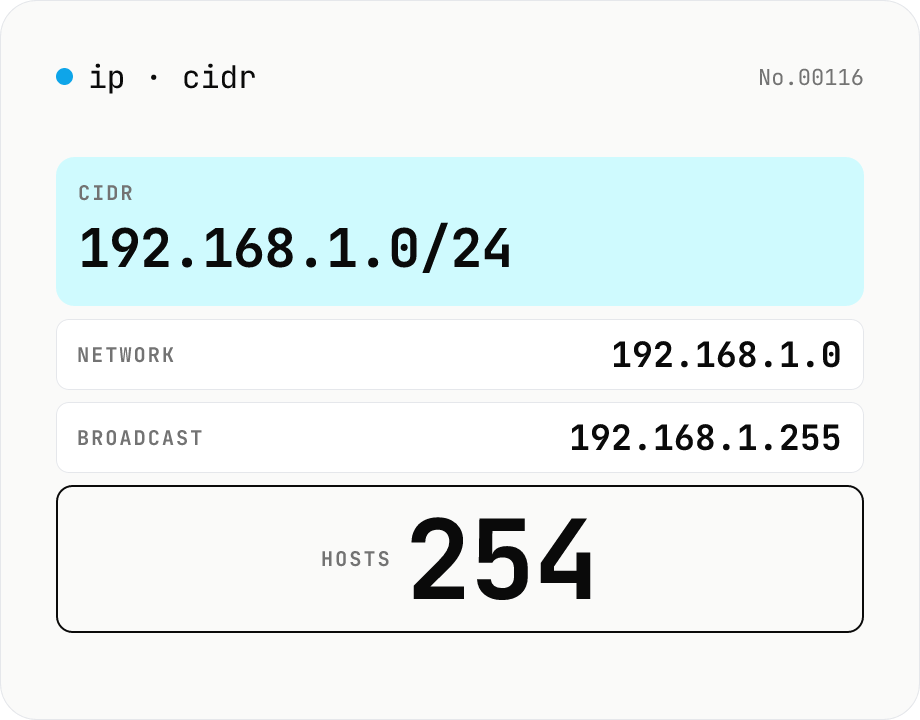
IP / CIDR calculator — network & host count
Crunch an IPv4 CIDR like `192.168.1.10/24` into network address, broadcast, subnet mask, wildcard mask, first/last host, and total host count. Flags private, loopback, and reserved ranges. Everything runs in your browser — perfect for vetting internal network plans without sending them anywhere.
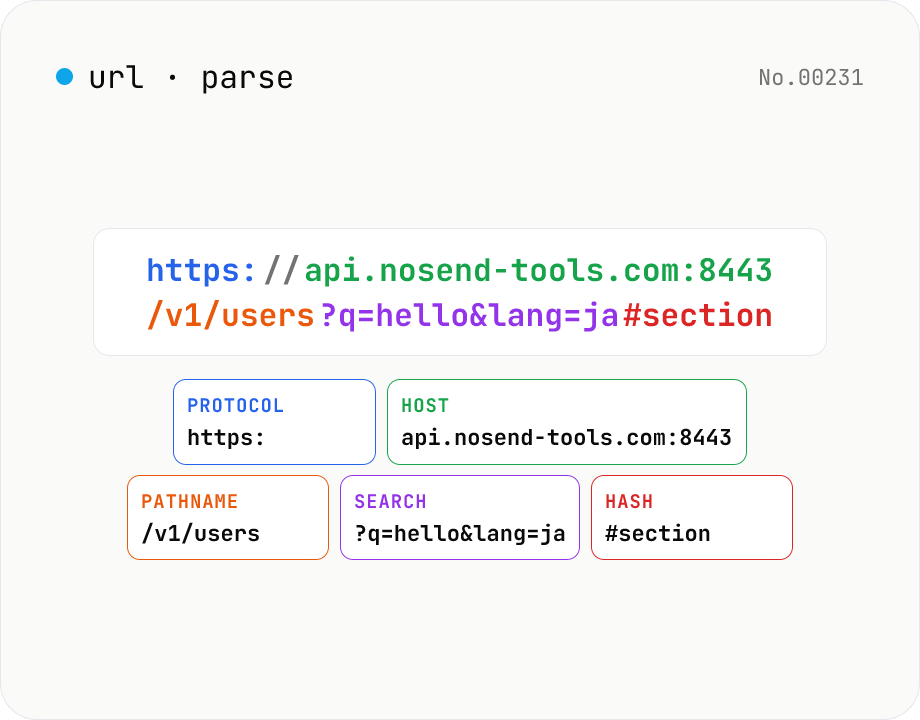
URL parse — host, path, query, fragment
Break a URL into protocol, host, port, path, query, hash, etc. with the browser's URL API. Query parameters are auto-expanded into a table (percent-decoded). Copy individual parts or download the whole breakdown as JSON. Runs entirely in your browser — your URL stays local.
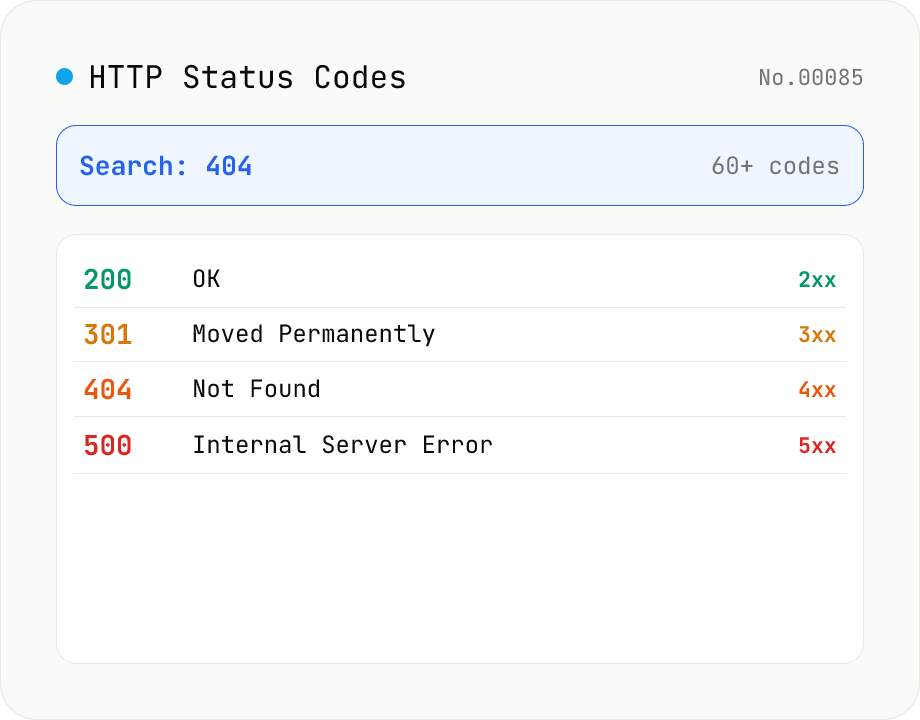
HTTP Status Code Lookup
Search HTTP status codes from 100 to 511 by code number, English reason phrase, or description. Filter by class (1xx informational / 2xx success / 3xx redirect / 4xx client error / 5xx server error). Instantly look up what 404 or 502 means. Pure static data — runs entirely in your browser.
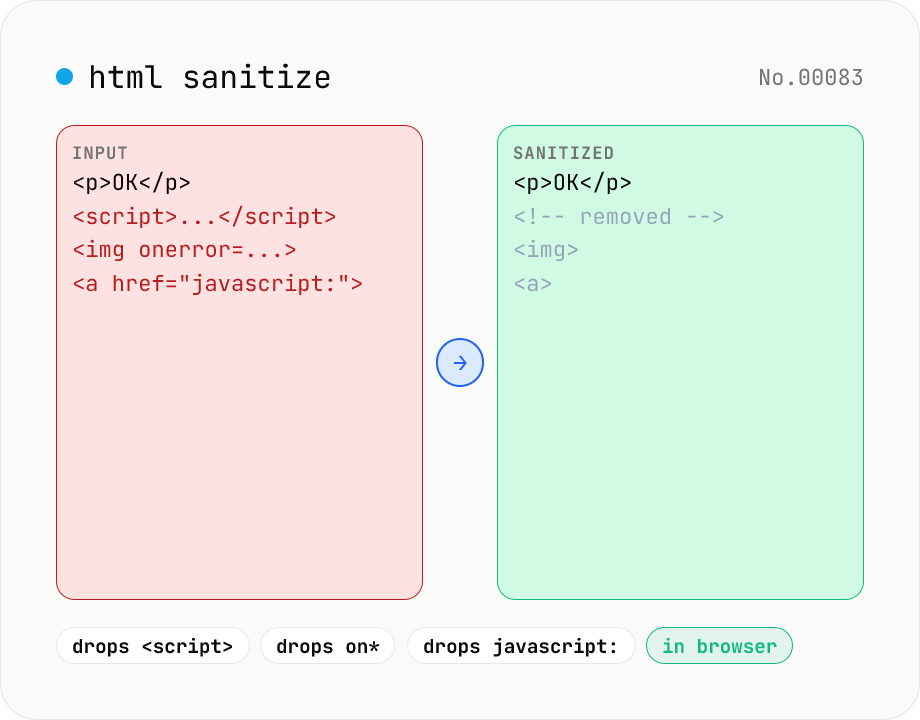
HTML sanitizer — strip XSS vectors with DOMPurify
Strip XSS vectors (script tags, on* handlers, javascript:/data: URLs, iframes, etc.) from untrusted HTML using DOMPurify. Three profiles — Strict / Standard / Permissive — control which tags and attributes survive. Useful before passing user-generated HTML to a CMS / forum, locking down Markdown→HTML output, or cleaning legacy HTML during a blog migration. Runs entirely in your browser — HTML never leaves your device.