
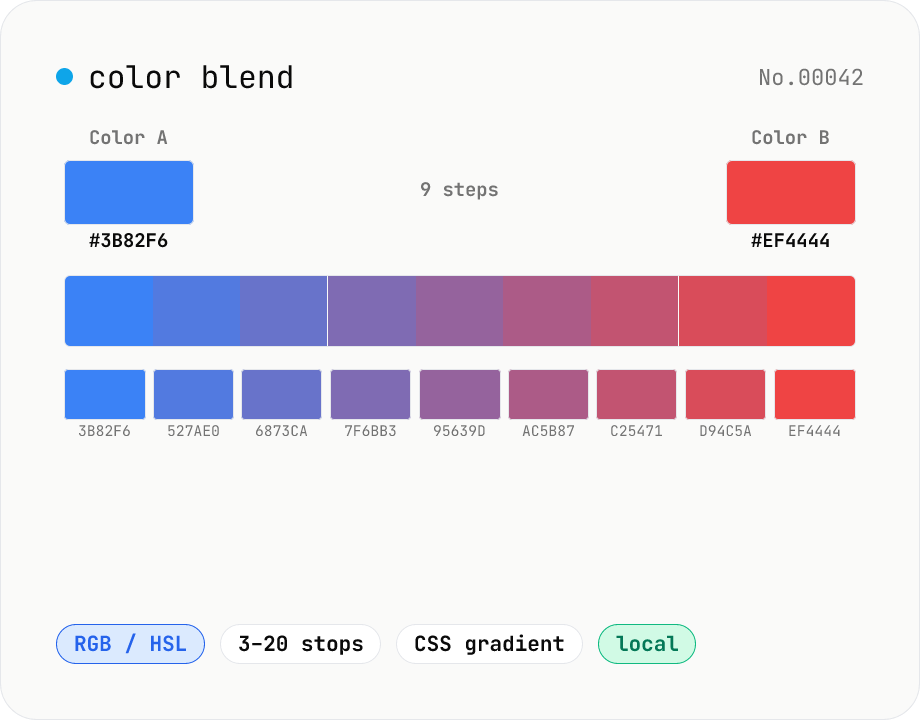
Color blend — interpolate two colors into an N-step palette
Interpolate between two colors (HEX or CSS names) to build an N-step palette. Two modes: RGB (straight RGB lerp) and HSL (hue traversal via shortest path). Great for Tailwind-style 11-shade scales, design-token shade generation, intermediate samples for `linear-gradient`, or stepped color ramps for accessibility. Click any swatch to copy its HEX; the full CSS `linear-gradient` string is also one click away. Everything runs in your browser.
How to use
Enter HEX values into Color A and Color B (`#3b82f6` / `3b82f6` / `#3bf`). Pick an interpolation mode. RGB is a straight blend; HSL rotates the hue along the shortest path. Use HSL when you want to keep a hue family while sweeping lightness. Pick a step count (3–20). For Tailwind's 11-shade scale, choose 11. The bar previews the result; click a swatch's HEX to copy it, or use Copy CSS gradient to get a `linear-gradient(...)` string.
FAQ
- RGB or HSL?
- For design tokens, HSL usually wins because it preserves hue family — handy for crafting a `red-50` to `red-950` ramp. For perceptual blends or paint-like mixing, RGB tends to feel more direct.
- Why does HSL go the 'wrong way' around the hue wheel?
- We always take the shortest hue path (350° → 10° goes 20° via 360°). For the long route, insert an intermediate color, or switch to RGB mode.
- Can I interpolate in OKLCH or Lab?
- Not yet — RGB / HSL only. OKLCH would require a dependency. Browsers support `linear-gradient(in oklch, ...)` natively, so let the browser do it when needed.
- What if I swap A and B?
- The palette reverses. If you prefer the gradient to read right-to-left, swap A and B.
- Is anything uploaded?
- No. All blending runs in JavaScript inside your browser.
Related tools
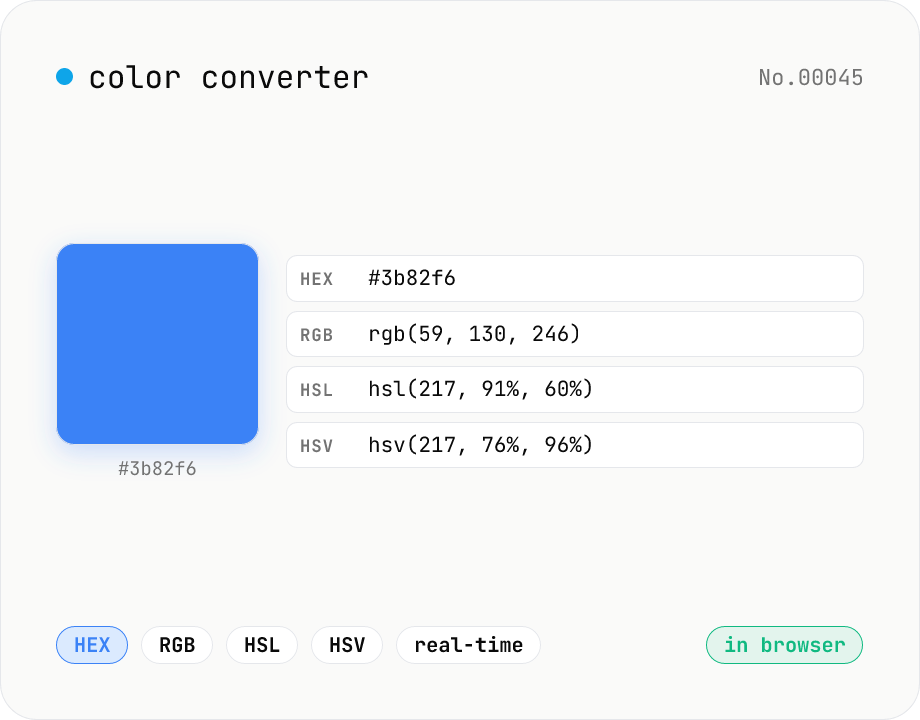
Color converter — HEX / RGB / HSL / HSV
Convert colors between HEX, RGB, HSL, and HSV in real time with a built-in color picker. Edit any field and the other three update instantly. Runs entirely in your browser — your color values never leave the page.
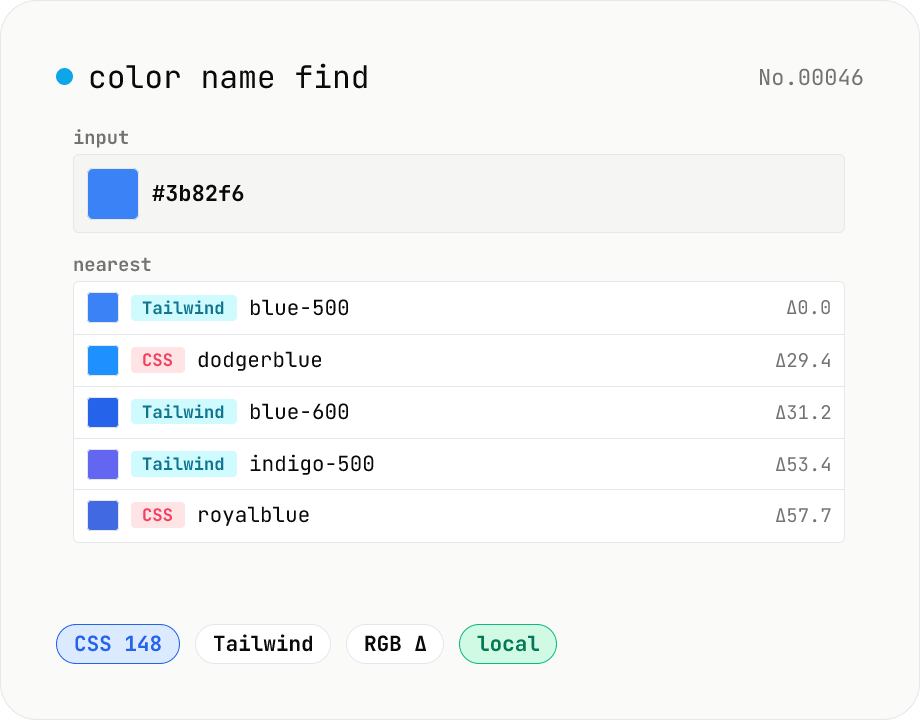
Color name find — match HEX / RGB to a CSS or Tailwind name
Type a HEX value (`#3b82f6`) or a CSS color name (`tomato`) to find the closest matches across CSS named colors (148) and the Tailwind palette (22 hues × 11 shades). Results are sorted by RGB distance with a swatch, name, HEX, and distance score. Perfect for naming design tokens, communicating colors verbally, or finding the nearest Tailwind class. Everything runs in your browser.
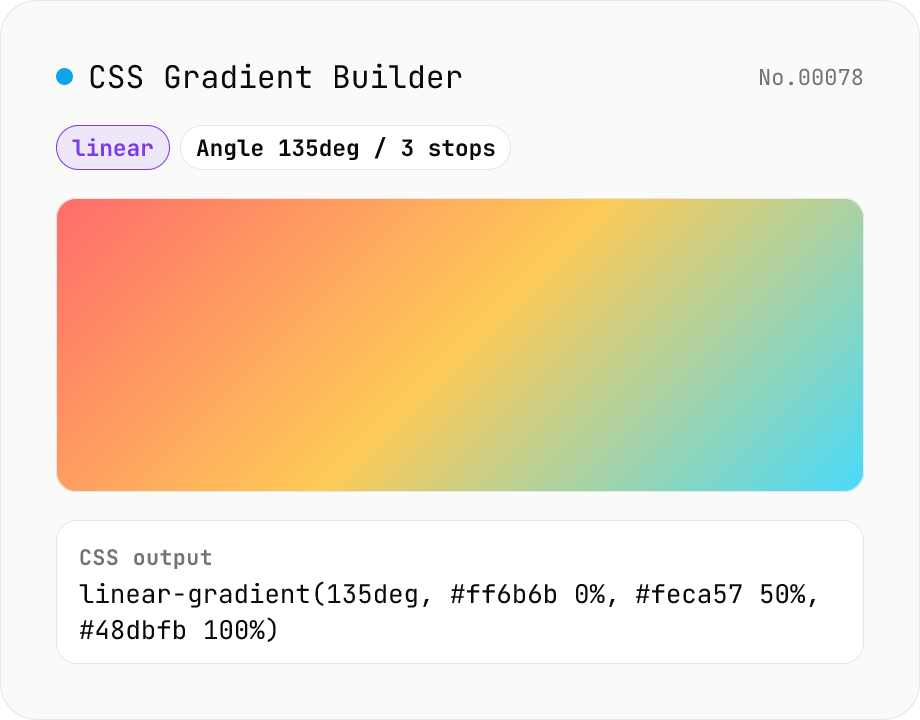
CSS Gradient Builder (linear / radial / conic)
Build CSS linear-gradient / radial-gradient / conic-gradient in the browser with a Mode-first picker. Add or remove color stops with live preview, tweak angle (linear / conic), shape and extent (radial), and center position (radial / conic). Copy as a full `background: …` declaration or just the value — both work straight into Tailwind arbitrary values like `bg-[linear-gradient(...)]`. Everything renders client-side; nothing is uploaded.
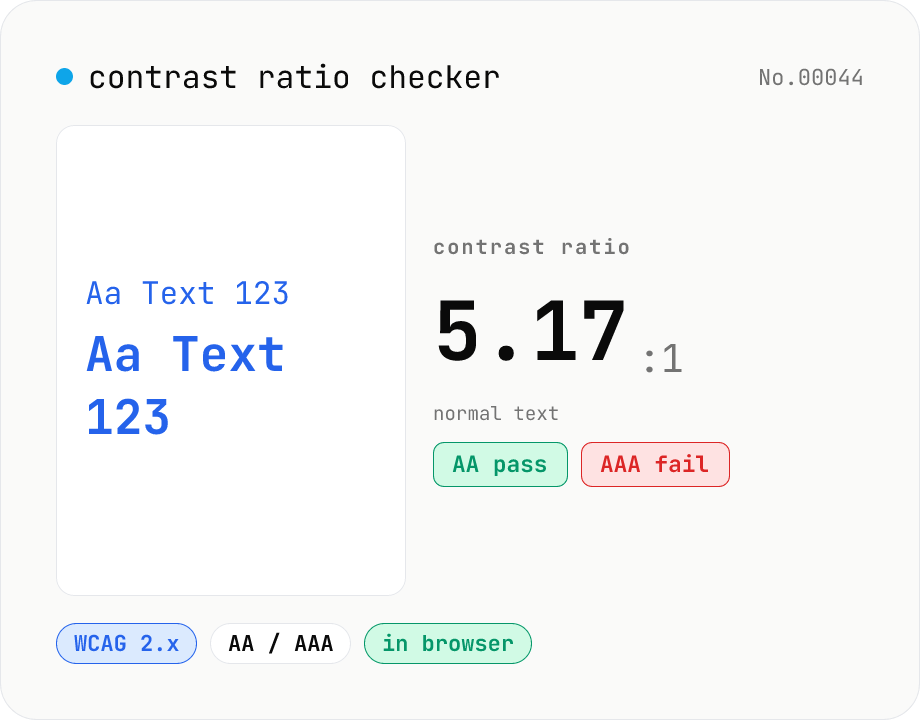
Contrast ratio checker — WCAG AA / AAA
Pick a foreground (text) and background color to compute the WCAG 2.x contrast ratio and instantly see whether it passes AA / AAA for normal text, large text, and UI components. Accepts HEX and rgb(), with a color picker and live preview. Everything runs in your browser — your colors never leave the page.