
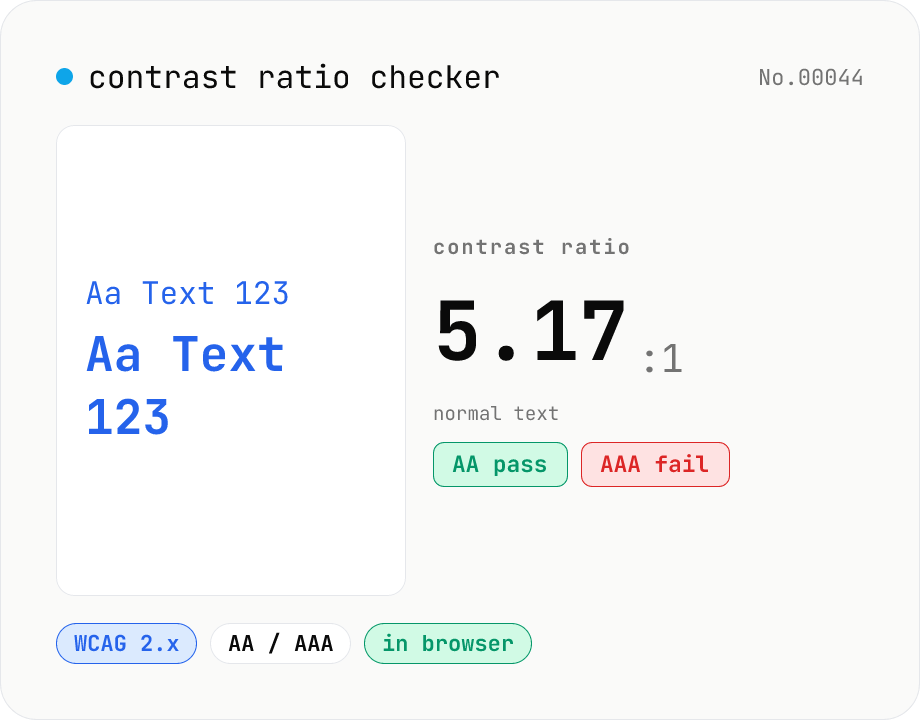
Contrast ratio checker — WCAG AA / AAA
Pick a foreground (text) and background color to compute the WCAG 2.x contrast ratio and instantly see whether it passes AA / AAA for normal text, large text, and UI components. Accepts HEX and rgb(), with a color picker and live preview. Everything runs in your browser — your colors never leave the page.
How to use
Choose a foreground (text) and background color with the color picker, or type them directly as HEX (#RRGGBB / #RGB) or rgb(). The contrast ratio recalculates on every change, and badges show whether each combination passes WCAG 2.x AA / AAA for normal text, large text, and UI components — green for pass, red for fail. A live preview rendering the foreground color on the background updates at the same time so you can judge real legibility. Use “Swap foreground / background” to exchange the two colors, and “Sample” to load an easy-to-miss low-contrast pairing. Contrast ratio is a legibility metric ranging from 1:1 (identical colors) to 21:1 (black on white).
FAQ
- Are my colors sent to a server?
- No. The contrast calculation and pass/fail evaluation all run locally in your browser — no network traffic is involved.
- What are the AA and AAA thresholds?
- Under WCAG 2.x, normal text requires 4.5:1 for AA and 7:1 for AAA; large text (18pt / 24px or larger, or 14pt / 18.66px bold or larger) requires 3:1 for AA and 4.5:1 for AAA. UI components and graphical objects (icons, borders, etc.) require 3:1 under WCAG 1.4.11. This tool compares the ratio rounded to two decimals against the threshold (the same approach WebAIM uses).
- How is the contrast ratio calculated?
- Following the WCAG definition: each sRGB channel is linearized, the relative luminance L is computed, and the ratio is (lighter L + 0.05) / (darker L + 0.05). Linearization uses c/12.92 when c ≤ 0.03928, otherwise ((c+0.055)/1.055)^2.4.
- Is alpha (transparency) supported?
- Only opaque colors are supported for now. A semi-transparent foreground would need to be composited over its actual backdrop, making the result backdrop-dependent. If you enter rgba(), the alpha is ignored and only the RGB is used.
- Is WCAG 2.x contrast the same as APCA (WCAG 3)?
- No. This tool computes the relative-luminance ratio defined by the current WCAG 2.x. APCA, under consideration for WCAG 3, is a perceptual-lightness metric with different formulas and thresholds. For AA / AAA conformance, use the WCAG 2.x values shown here.
Related tools
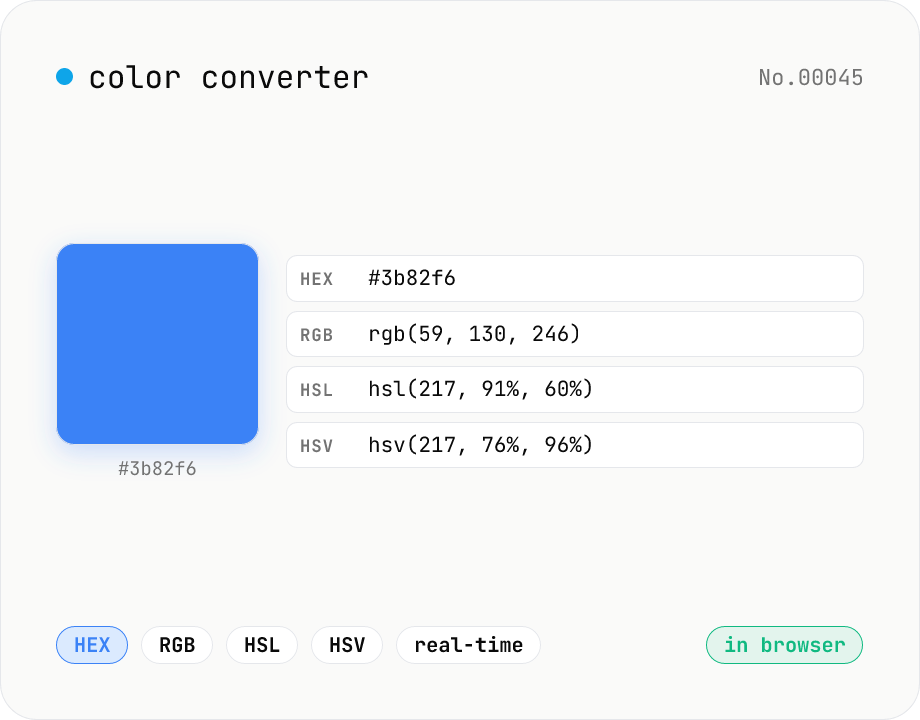
Color converter — HEX / RGB / HSL / HSV
Convert colors between HEX, RGB, HSL, and HSV in real time with a built-in color picker. Edit any field and the other three update instantly. Runs entirely in your browser — your color values never leave the page.
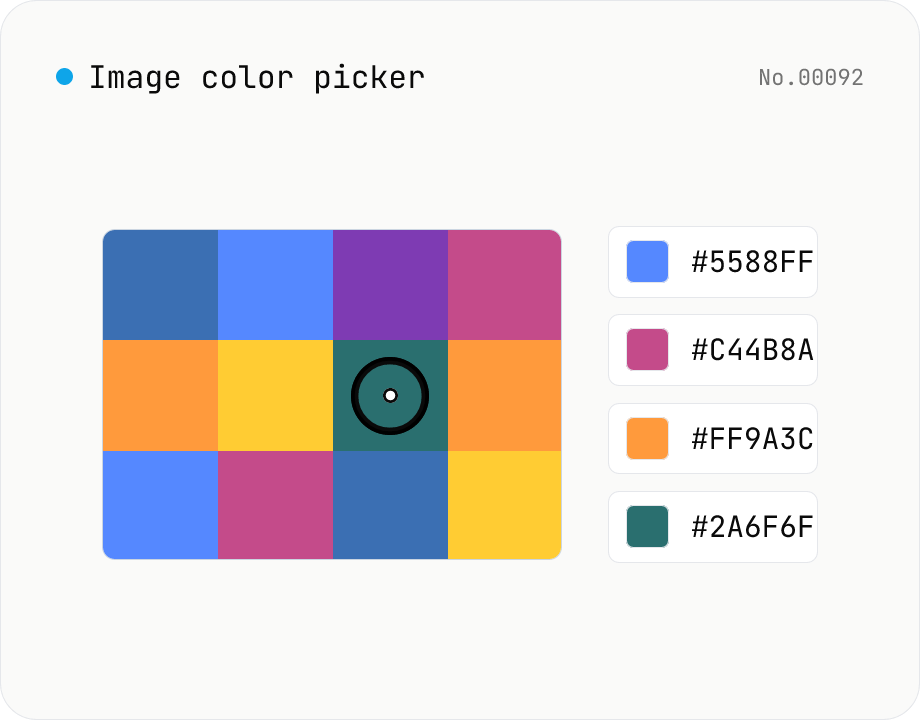
Image color picker — read pixel HEX / RGB / HSL values
Upload a JPEG / PNG / WebP and click any pixel to read its color as HEX / RGB / HSL. Hover to inspect the value with a magnifier loupe, then click to add it to a history list. Copy any format with a single click. Your image never leaves the browser — everything runs locally.
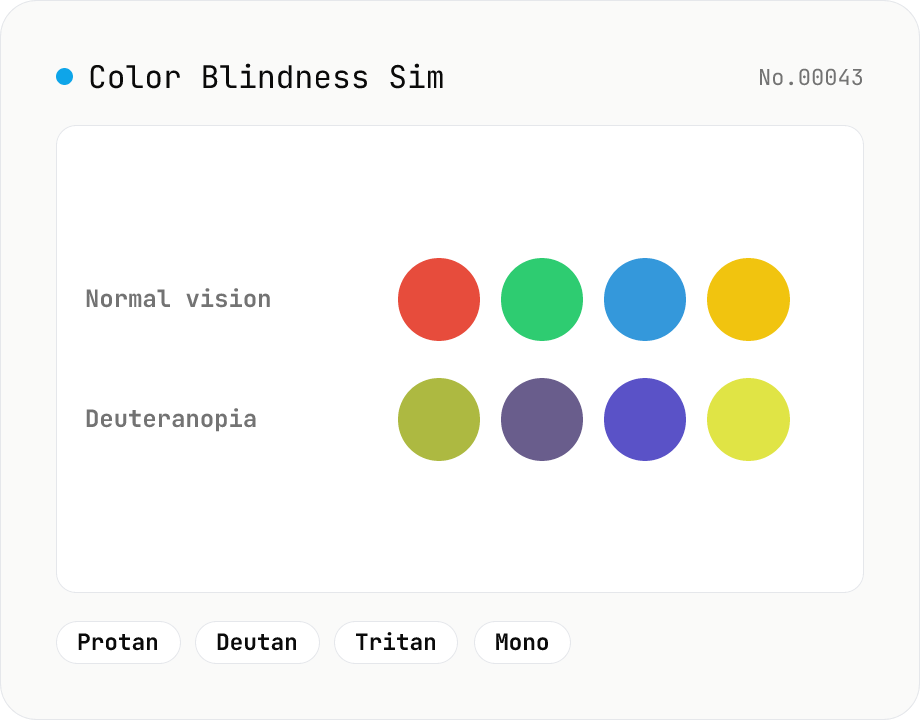
Color Blindness Simulator
Simulate how an image looks under protanopia (red-blind), deuteranopia (green-blind), tritanopia (blue-blind), or achromatopsia. Check whether your design or chart is color-accessible. Runs in the browser with Canvas and transform matrices — your image is never uploaded.
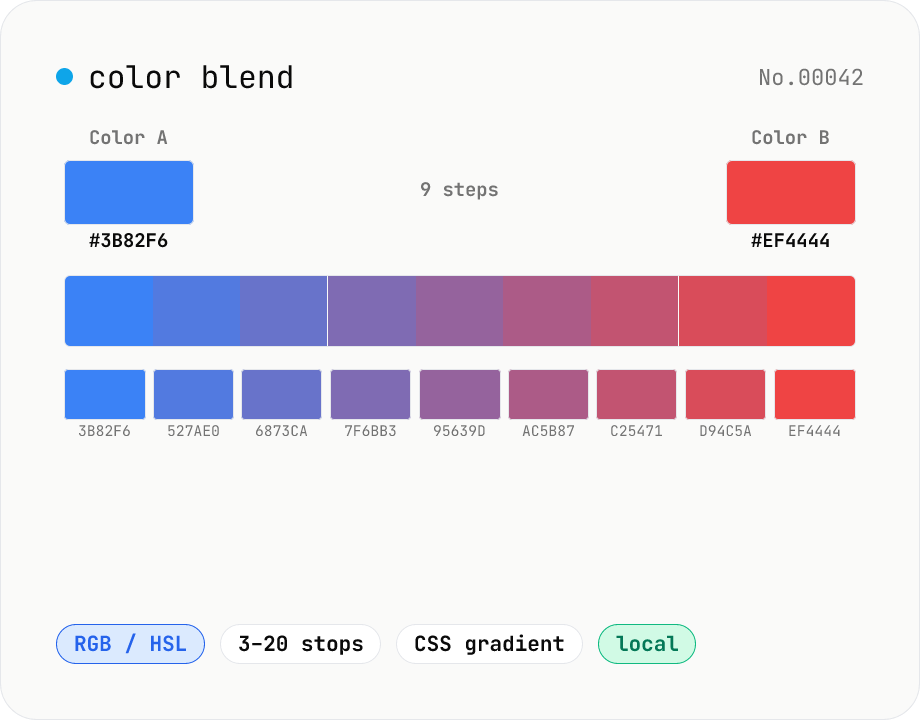
Color blend — interpolate two colors into an N-step palette
Interpolate between two colors (HEX or CSS names) to build an N-step palette. Two modes: RGB (straight RGB lerp) and HSL (hue traversal via shortest path). Great for Tailwind-style 11-shade scales, design-token shade generation, intermediate samples for `linear-gradient`, or stepped color ramps for accessibility. Click any swatch to copy its HEX; the full CSS `linear-gradient` string is also one click away. Everything runs in your browser.