
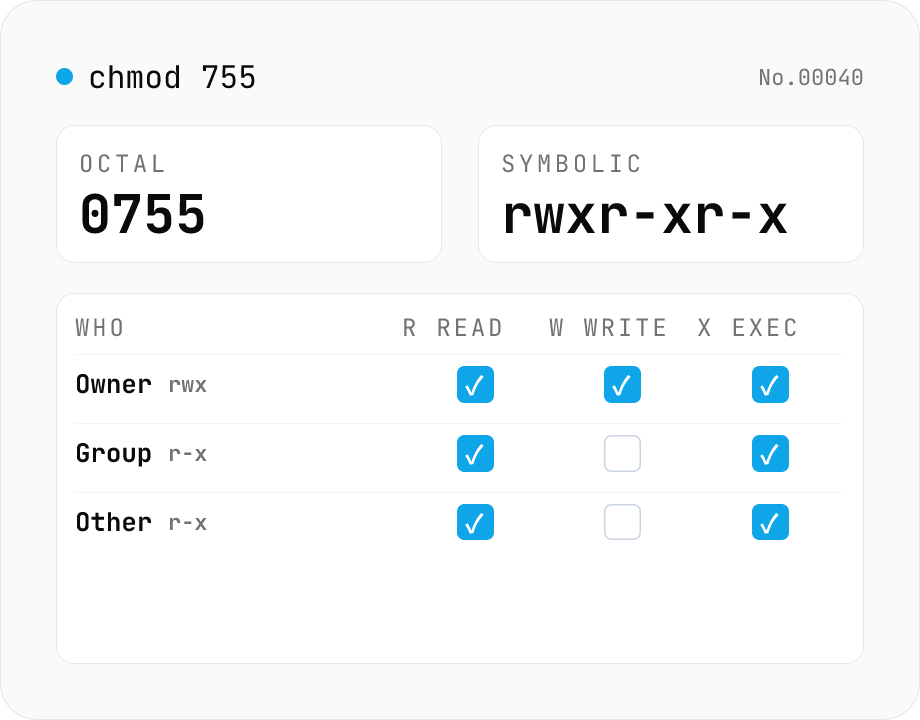
chmod permission calculator — 755 ↔ rwxr-xr-x ↔ checkboxes
Convert Linux / macOS file permissions between octal (755 / 0755 / 4755) and symbolic form (rwxr-xr-x / rwsr-xr-t), or edit them directly with the owner / group / other checkboxes. Supports the setuid / setgid / sticky bits and accepts ls -l output with a leading file-type char (-, d, l, ...). Includes common presets such as 644 (regular file), 755 (directory or executable), 600 (SSH key), and 1777 (shared directory like /tmp). Runs entirely in your browser.
How to use
1. Edit the octal, symbolic, or checkbox view — all three stay in sync, so changing one updates the others instantly. 2. Toggle setuid / setgid / sticky in the "Special bits" section, or include them in a 4-digit octal value (e.g. 4755 / 2755 / 1777). 3. Use a preset button (644 / 755 / 600 / 1777, …) to apply a common pattern in one click. 4. Copy the "chmod command" output and paste it straight into your terminal (e.g. chmod 755 path/to/file).
FAQ
- Is my input uploaded?
- No. Everything is calculated inside your browser and never leaves your machine.
- Can I paste ls -l output that starts with '-' or 'd'?
- Yes. A leading file-type character (-rwxr-xr-x, drwxr-xr-x, etc.) is automatically stripped before parsing.
- Is it valid to set setuid / setgid without the execute bit?
- Yes — it just means the bit is set but the file isn't executable. The symbolic view shows a capital S in that slot (e.g. 4644 → rwSr--r--). The same applies to a standalone sticky bit (1666 → rw-rw-rwT, capital T).
- Should I use 3 or 4 octal digits?
- Either works. A 3-digit value (e.g. 755) implies a 0 for the special bits, while a 4-digit value (e.g. 4755) makes them explicit. The output always shows 4 digits so the special bits are never hidden.
- How do I set 777 or 666 'everyone can write'?
- The 777 preset gives you that with one click, but it is risky on a shared machine. For shared directories prefer 1777 (with the sticky bit) so only the file owner can remove files.
Related tools
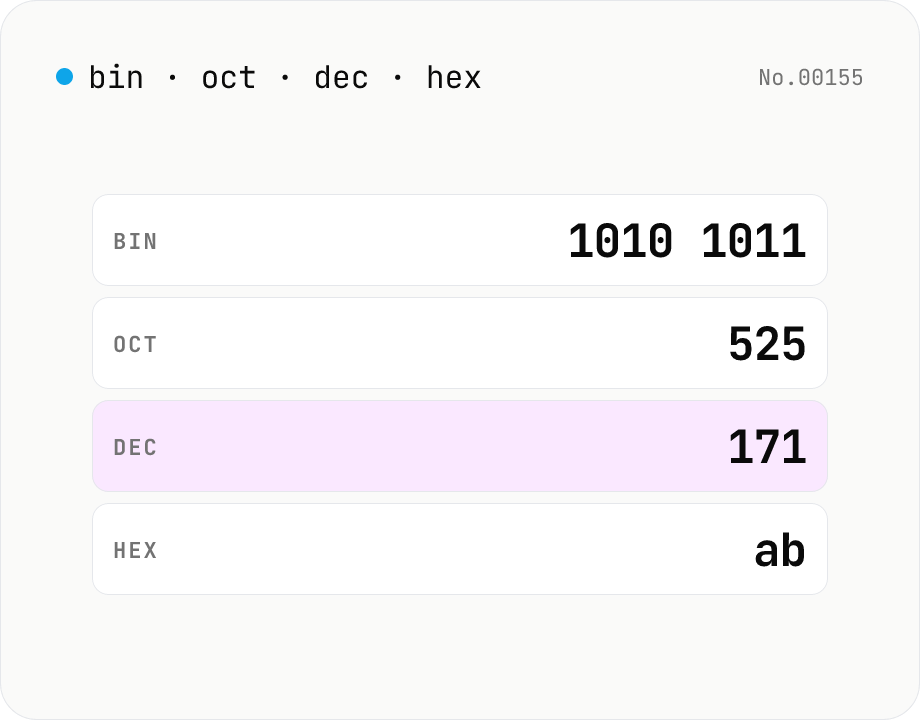
Number base — bin / oct / dec / hex
Convert between binary, octal, decimal, and hexadecimal in one step. Toggle the input base (Mode) and the other three are computed instantly. Optional 0b / 0o / 0x prefixes and 4-digit grouping. Powered by BigInt for full precision, all inside your browser.
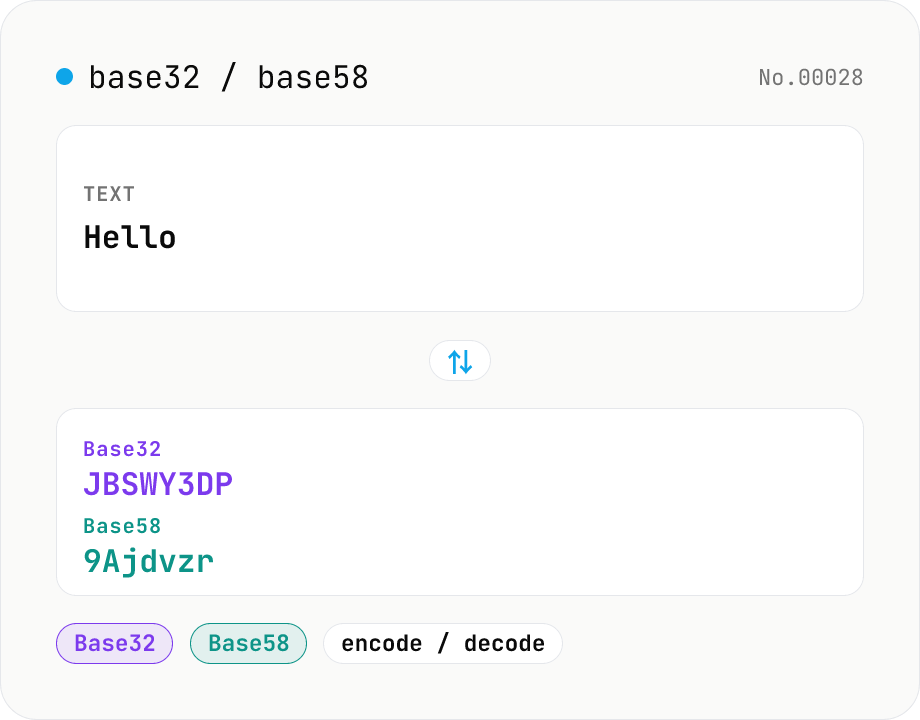
Base32 / Base58 encode & decode
Convert text to and from Base32 (RFC 4648 / TOTP 2FA secrets) and Base58 (Bitcoin addresses). Switch the variant (Base32 / Base58) and direction (encode / decode). UTF-8 byte based, so Japanese and emoji round-trip. Runs entirely in your browser.
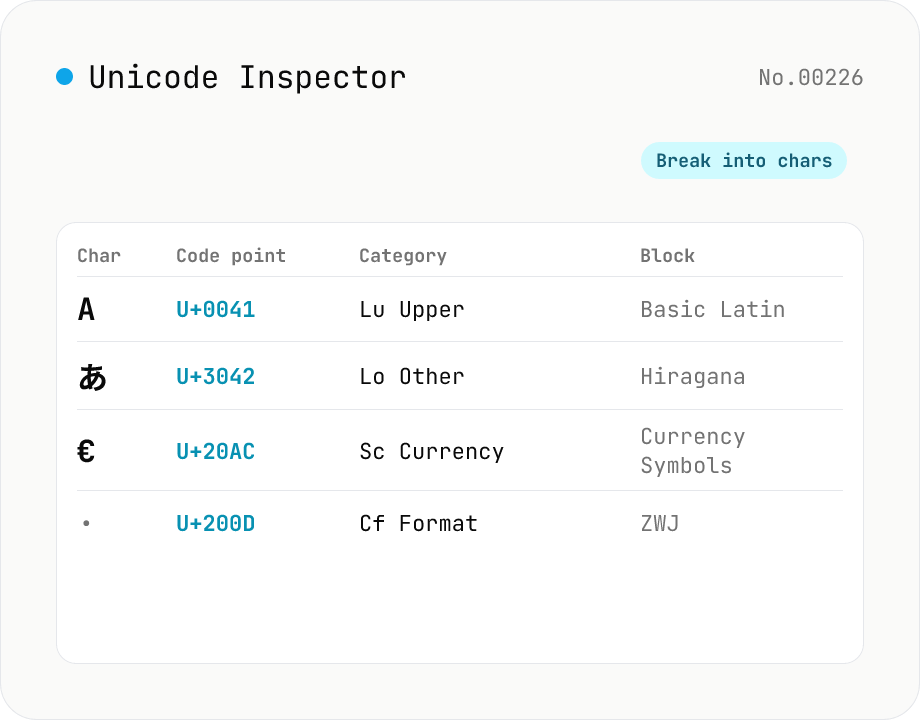
Unicode Character Inspector
Break text into individual characters and show each one's code point (U+XXXX), decimal value, general category (letter / number / symbol, etc.), script (Latin / Han / Hiragana, etc.), Unicode block, UTF-8 / UTF-16 byte sequences, and HTML numeric entity. Surrogate-pair emoji, combining marks, zero-width joiners (ZWJ), control and invisible characters are detected and badged — handy for debugging mojibake and 'invisible character' bugs. Everything runs in your browser — your input is never uploaded.
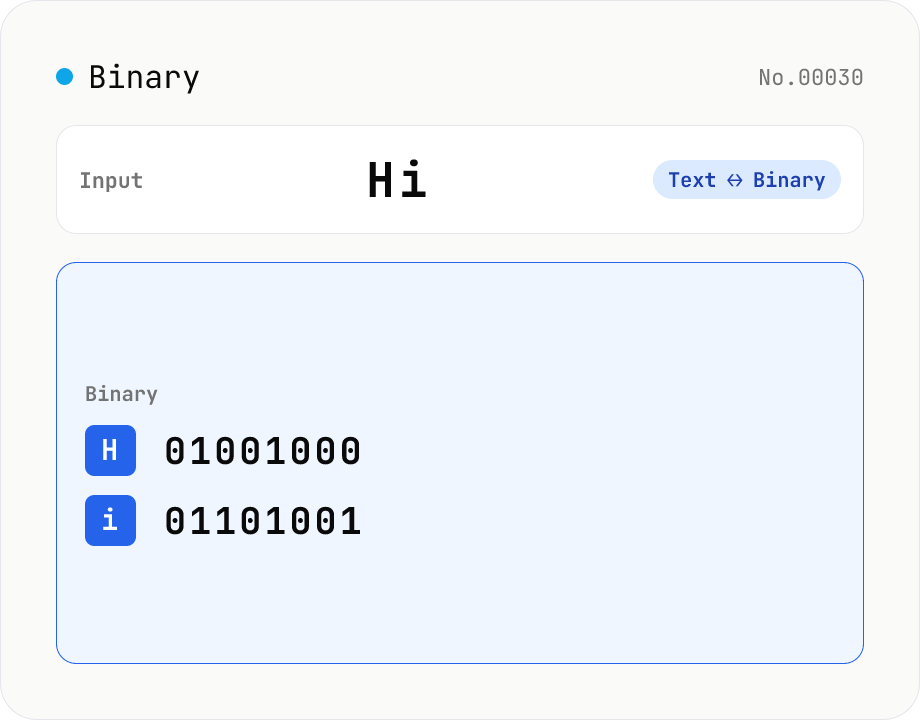
Text ⇄ Binary Converter
Convert between text and binary. Pick a mode (text → binary or binary → text). Text is encoded to UTF-8 bytes and each byte is shown as a zero-padded 8-bit binary number (emoji and non-Latin text convert correctly as multiple bytes). Toggle space separators via an option; on decode, spaces and newlines are ignored and the input is regrouped into 8-bit bytes. Everything runs in your browser — your input is never uploaded.