
Unicode Character Inspector
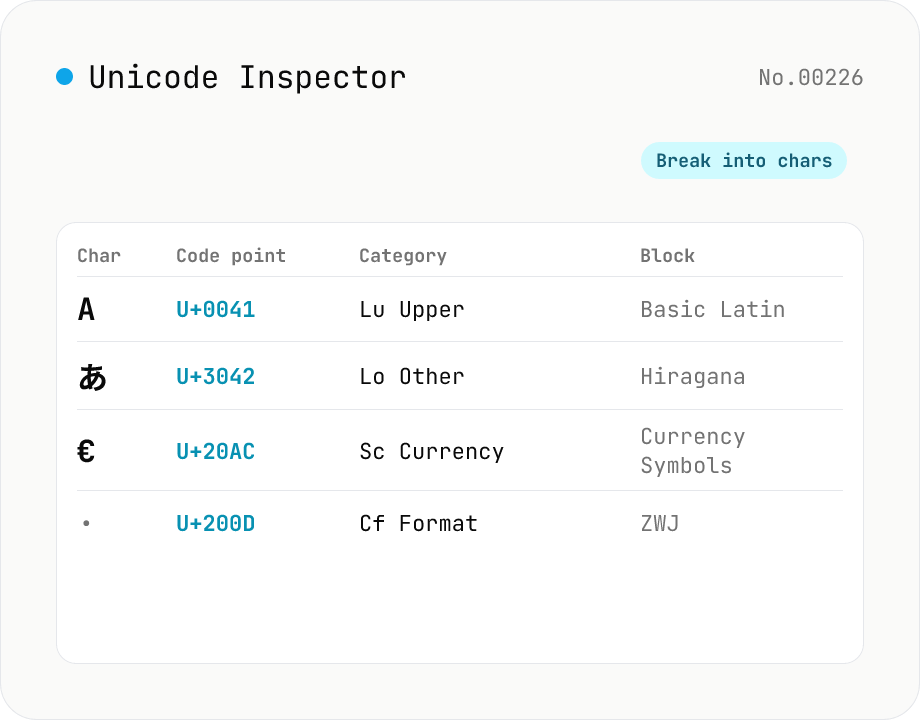
Break text into individual characters and show each one's code point (U+XXXX), decimal value, general category (letter / number / symbol, etc.), script (Latin / Han / Hiragana, etc.), Unicode block, UTF-8 / UTF-16 byte sequences, and HTML numeric entity. Surrogate-pair emoji, combining marks, zero-width joiners (ZWJ), control and invisible characters are detected and badged — handy for debugging mojibake and 'invisible character' bugs. Everything runs in your browser — your input is never uploaded.
How to use
Paste text into the input and press Inspect to build a per-character (per-code-point) table. Each row shows the code point (U+XXXX), decimal value, general category (letter / number / symbol, etc.), script (Latin / Han / Hiragana, etc.), the Unicode block it belongs to, UTF-8 and UTF-16 byte sequences, and the HTML numeric entity. Surrogate-pair emoji count as one code point, while combining marks, zero-width joiners (ZWJ), and control characters are shown with a badge — so you can quickly spot mojibake or stray invisible characters. Results can be copied as TSV for pasting into a spreadsheet. Everything runs in your browser.
FAQ
- Is my input uploaded?
- No. All analysis happens in browser JavaScript (regex Unicode properties + TextEncoder); your input never leaves your device.
- Does it show the official character name (e.g. LATIN SMALL LETTER A)?
- No. The official Unicode name database (UnicodeData.txt) covers ~150,000 characters and is several MB, which would be heavy to load in the browser. Instead it shows the lighter and usually-sufficient Unicode block name (e.g. Basic Latin / CJK Unified Ideographs / Emoticons).
- Why does one emoji split into several rows?
- A family emoji like 👨👩👧 is an emoji sequence: several emoji joined by zero-width joiners (ZWJ, U+200D). Since this tool splits by code point, each component and ZWJ becomes its own row — letting you see exactly why an emoji renders the way it does.
- What does the 'invisible' badge mean?
- It marks characters that don't render visibly: control (Cc), format (Cf, e.g. zero-width space or ZWJ), and various spaces/separators (Z*). Useful for finding pesky invisible characters that sneak in via copy-paste (e.g. U+200B zero-width space, U+00A0 no-break space).
- How are category and script determined?
- Via JavaScript regex Unicode property escapes (\p{Lu}, \p{Script=Han}, etc.), which use the Unicode data built into the engine — so detection is accurate with no extra data files.
Related tools
Mojibake Fix
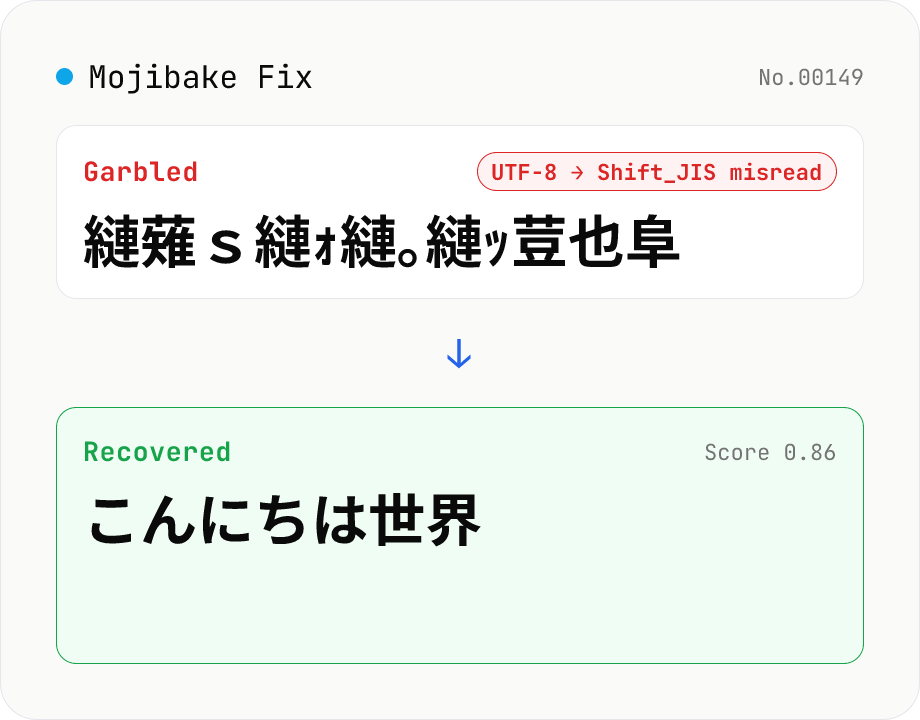
Paste garbled Japanese text and recover the original. Tries every (source → misread) encoding pair (Shift_JIS / EUC-JP / UTF-8 / Latin-1), ranks candidates by Japanese-likeness score. Runs entirely in your browser.
Text ⇄ Binary Converter
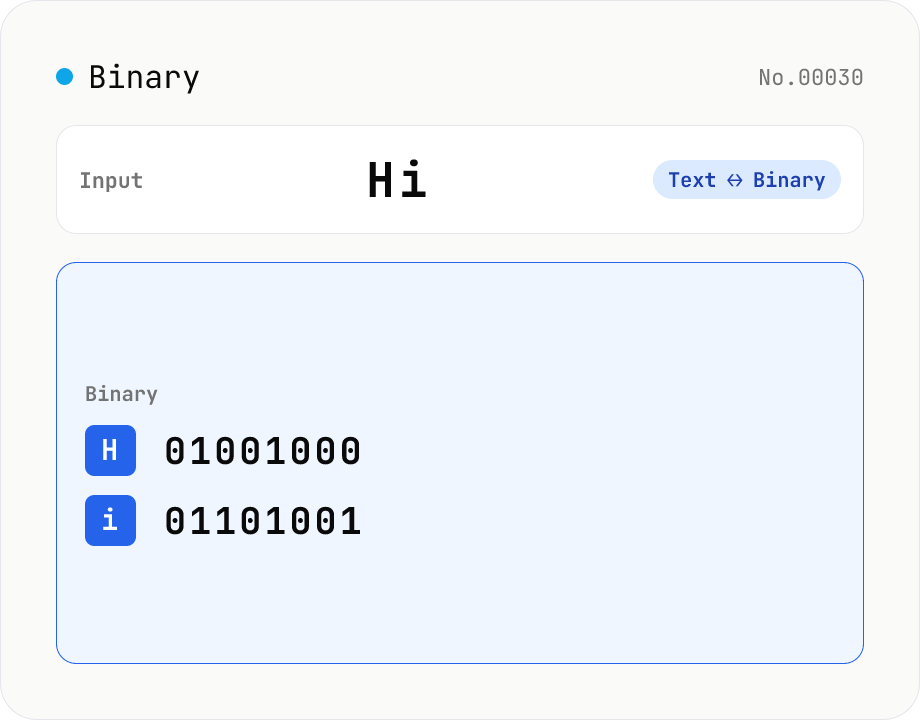
Convert between text and binary. Pick a mode (text → binary or binary → text). Text is encoded to UTF-8 bytes and each byte is shown as a zero-padded 8-bit binary number (emoji and non-Latin text convert correctly as multiple bytes). Toggle space separators via an option; on decode, spaces and newlines are ignored and the input is regrouped into 8-bit bytes. Everything runs in your browser — your input is never uploaded.
Fullwidth ⇄ Halfwidth converter — alphanumerics, kana, symbols
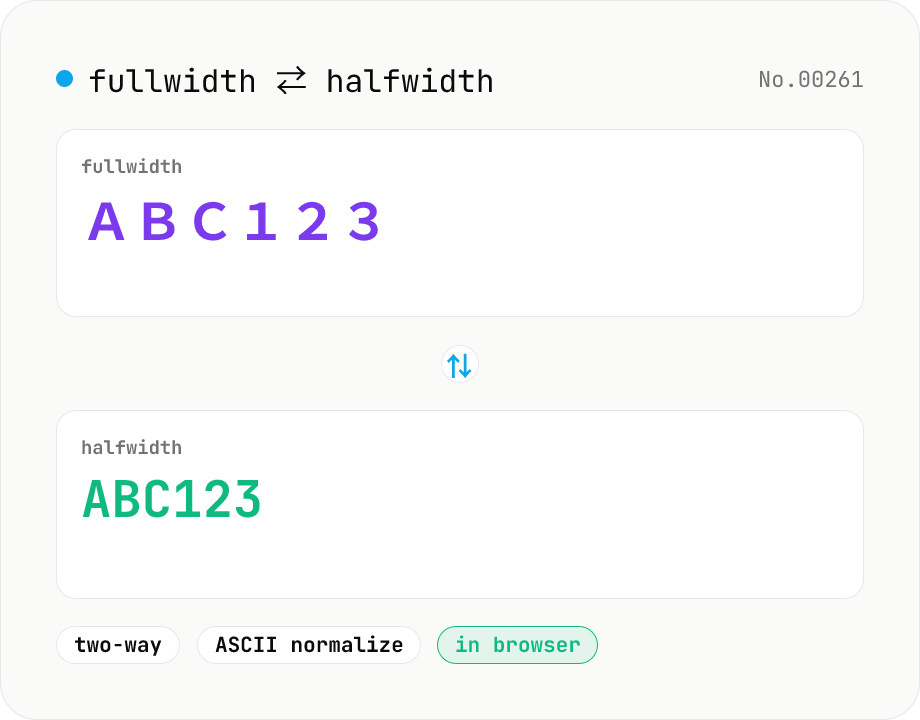
Convert between fullwidth ASCII (letters, digits, symbols) and halfwidth ASCII with a single mode toggle. Covers U+FF01–U+FF5E ⇄ U+0021–U+007E, plus the ideographic space U+3000 ⇄ ASCII space U+0020. Hiragana, katakana, and kanji are kept untouched. Runs entirely in your browser.
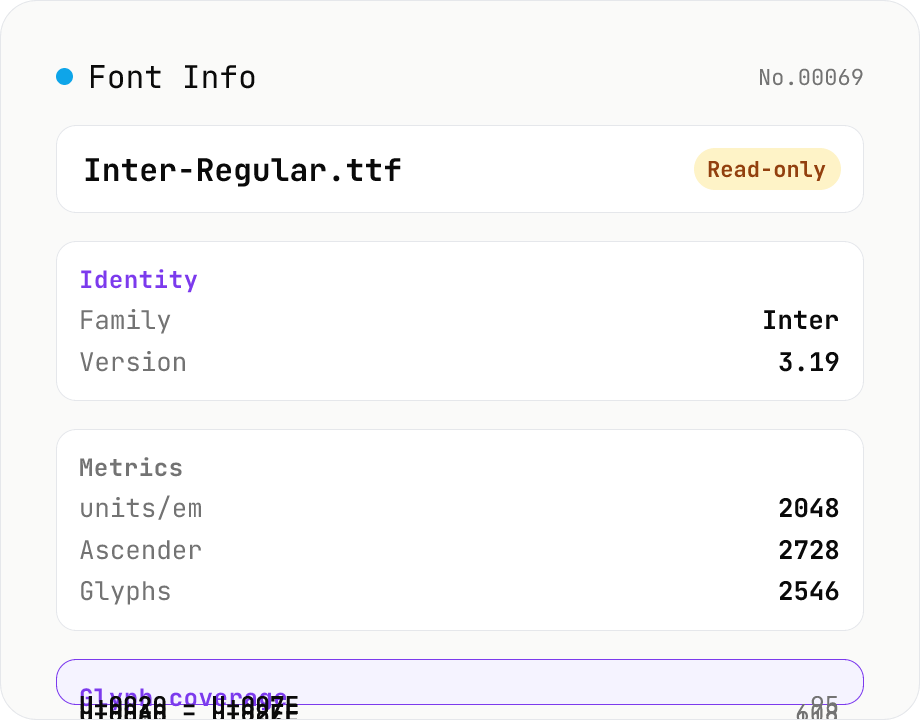
Font Info Viewer
Drop TTF / OTF / WOFF / WOFF2 font files to inspect name, family, version, copyright, license, designer, glyph count, and the Unicode ranges they cover. Read-only, runs entirely in your browser via opentype.js (MIT).