
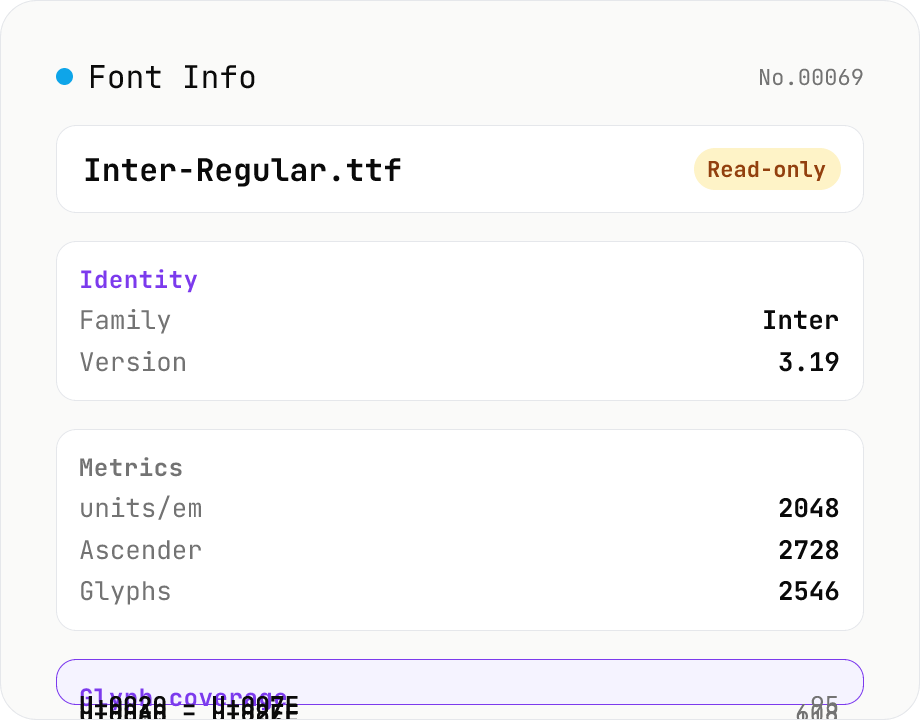
Font Info Viewer
Drop TTF / OTF / WOFF / WOFF2 font files to inspect name, family, version, copyright, license, designer, glyph count, and the Unicode ranges they cover. Read-only, runs entirely in your browser via opentype.js (MIT).
How to use
Drop your font files (TTF / OTF / WOFF / WOFF2) and the tool loads opentype.js (MIT) in your browser to parse each one. You'll see the name table (full name, family, subfamily, PostScript name, version, copyright, manufacturer, designer, license, description, trademark), font metrics (units/em, ascender, descender, cap height, x-height, weight class, width class, italic angle, monospaced flag), counts (glyphs, mapped codepoints), and the actual Unicode ranges the font covers. Read-only — nothing is uploaded, and no file is written back.
FAQ
- Is my font uploaded?
- No. opentype.js (MIT) runs as JavaScript entirely in your browser. Fonts never leave your device, so it's safe to inspect commercial or licensed fonts.
- Which formats are supported?
- TrueType (.ttf) / OpenType (.otf) / WOFF (.woff) / WOFF2 (.woff2). Font collections (.ttc / .otc) display only the first font. EOT and SVG fonts are not supported.
- What does "Unicode coverage" mean?
- It extracts every codepoint that has a glyph defined in the cmap table and groups them into contiguous ranges. You can see at a glance whether the font covers Basic Latin (U+0020 – U+007E), Hiragana (U+3040 – U+309F), CJK Unified, and so on.
- Can I trust the license info?
- We show the License Description (name ID 13) and License URL (ID 14) verbatim from the font's name table. These are author-supplied fields and not authoritative. **Always confirm commercial usage with the original vendor / foundry** — this tool only displays the embedded metadata, it does not adjudicate licenses.
- Does this modify or convert the font?
- No. This tool is read-only. It will not change the font's contents or convert it to a different format.
Related tools
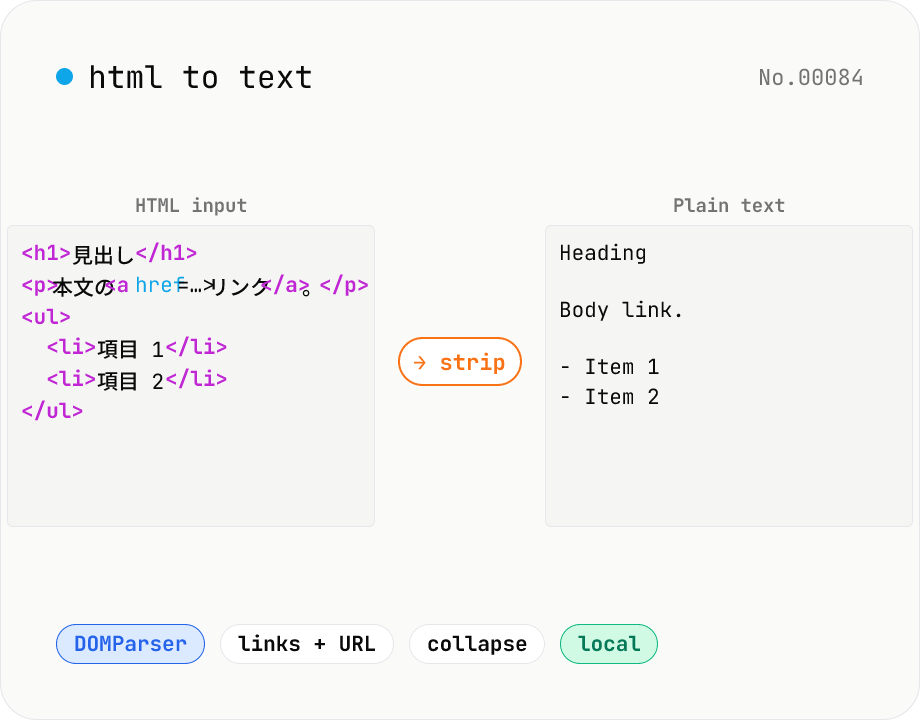
HTML to text — strip tags and keep only the visible text
Strip a chunk of HTML to its plain visible text. Removes script / style / noscript / comments; converts <p>, <h*>, <li>, <br>, etc. to line breaks; optionally pairs link text with its href. Toggles for collapsing whitespace, decoding HTML entities, and keeping list markers. Useful for cleaning scraped pages, NLP preprocessing, plain-text emails, or pasting articles into note apps. Everything runs in your browser.
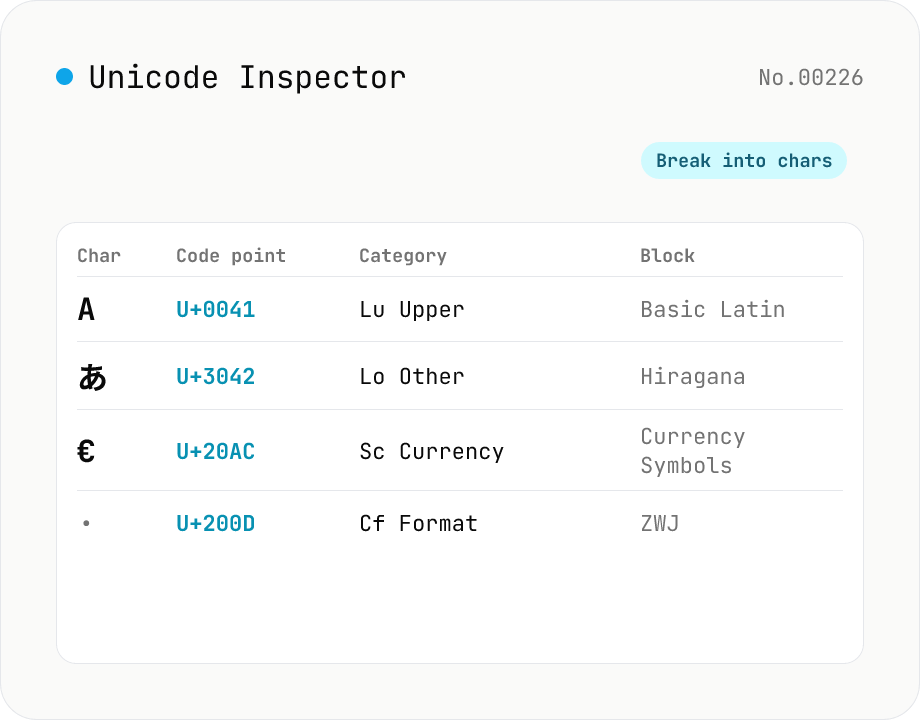
Unicode Character Inspector
Break text into individual characters and show each one's code point (U+XXXX), decimal value, general category (letter / number / symbol, etc.), script (Latin / Han / Hiragana, etc.), Unicode block, UTF-8 / UTF-16 byte sequences, and HTML numeric entity. Surrogate-pair emoji, combining marks, zero-width joiners (ZWJ), control and invisible characters are detected and badged — handy for debugging mojibake and 'invisible character' bugs. Everything runs in your browser — your input is never uploaded.
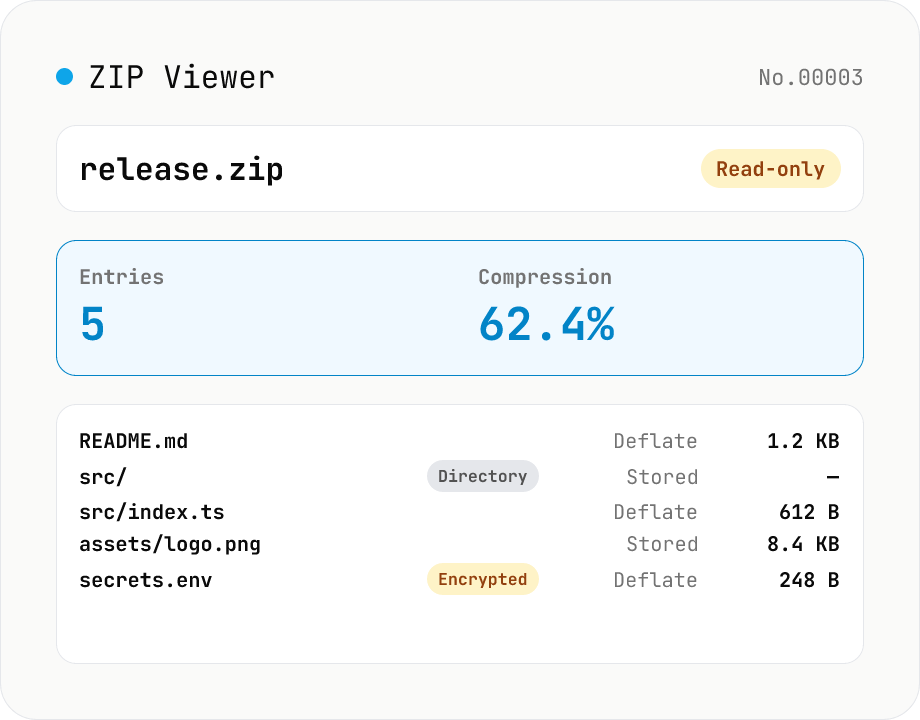
ZIP Archive Viewer
Drop a ZIP file to inspect its contents without extracting. See total entry count, archive size, compression ratio, archive comment, plus per-entry path, original / compressed size, compression method (Stored / Deflate / Deflate64 / BZIP2 / LZMA / Zstandard), last modified time, CRC32, encryption flag, and directory marker. Runs via a hand-rolled Central Directory parser — entry data is never decompressed and nothing is uploaded.
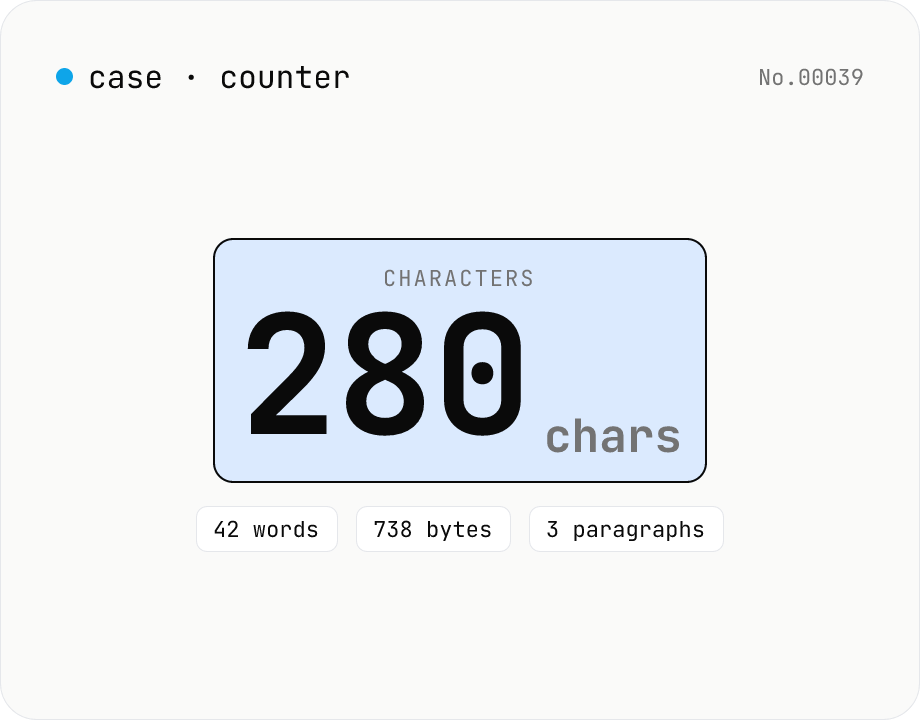
Character counter — chars / bytes / lines / words
Count characters, words, lines, paragraphs, and UTF-8 byte size in real time. Toggle whether whitespace and newlines are included. Progress bars show your text against common limits (tweets, 400-character genkō, etc.) — everything stays in your browser.