
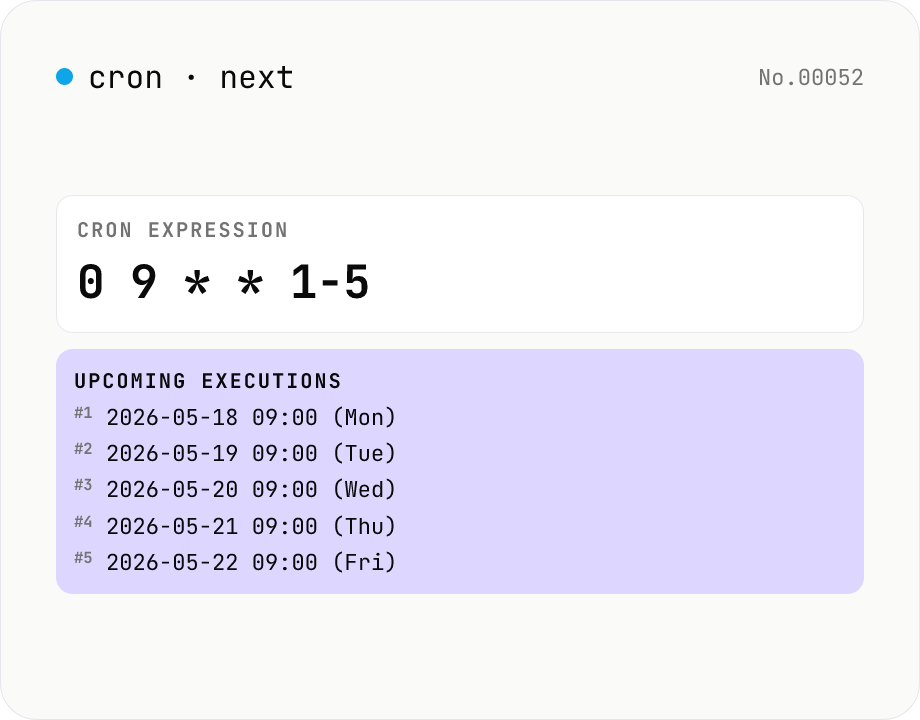
Cron next run time — 5-field crontab
List the next 10–100 firing times for a cron expression like `0 9 * * 1-5`. Validate your crontab / GitHub Actions / Kubernetes CronJob / Vercel Cron Jobs schedules before deploying. Powered by cron-parser running entirely in your browser.
How to use
Paste a cron expression (`minute hour day month weekday`) and the tool lists the upcoming firing times in order. Pick the count (10 / 30 / 50 / 100), then copy the list or download it as a .txt file. Works with the 5-field schedules used by crontab, GitHub Actions, Kubernetes CronJobs, and Vercel Cron Jobs. Times are computed in your browser's local timezone, with the weekday shown next to each entry.
FAQ
- Is the expression uploaded?
- No. cron-parser is a pure JavaScript library running inside your browser, so even internal schedules stay private.
- Which cron flavors are supported?
- The standard 5-field crontab format (minute hour day-of-month month day-of-week) plus the usual special characters (`*` `,` `-` `/` `L` `W` `#` `?`). Quartz-style 6/7-field schedules (with seconds or year) are not supported.
- What timezone?
- Your browser's local timezone. If your scheduler runs in UTC, shift the displayed times by your local offset. We also show the weekday next to each timestamp.
- How far into the future can it look?
- Up to 100 entries. Sparse schedules like `0 0 1 1 *` (only on Jan 1st each year) will show 100 firing times spanning a century.
Related tools
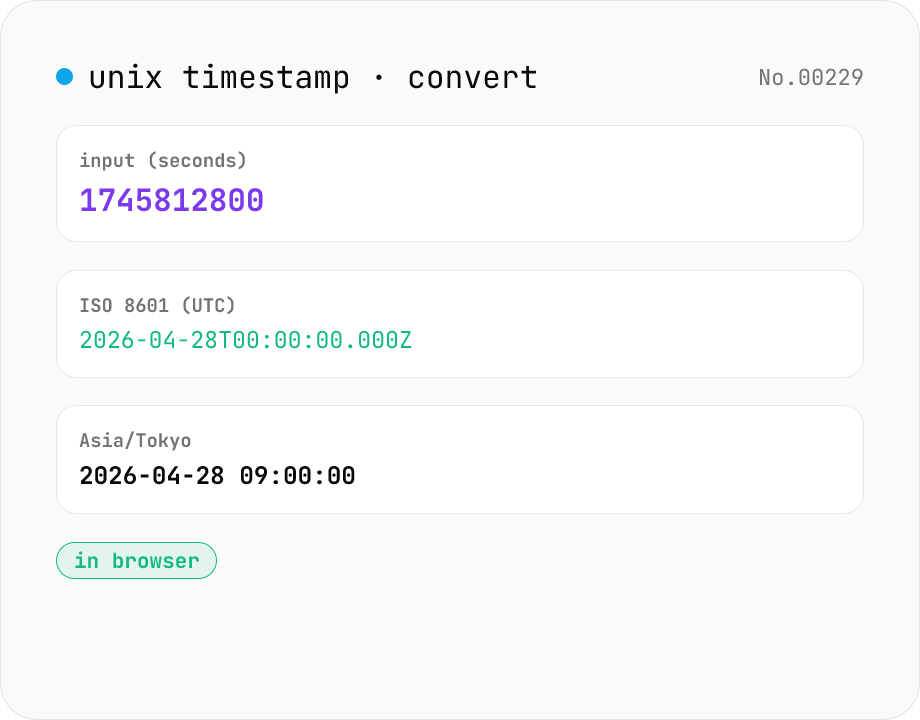
Unix timestamp ⇄ datetime — with timezone
Convert UNIX timestamps (seconds or milliseconds) to ISO 8601 and any IANA timezone (defaults: UTC, Asia/Tokyo, America/New_York — add/remove freely). Runs entirely in your browser.
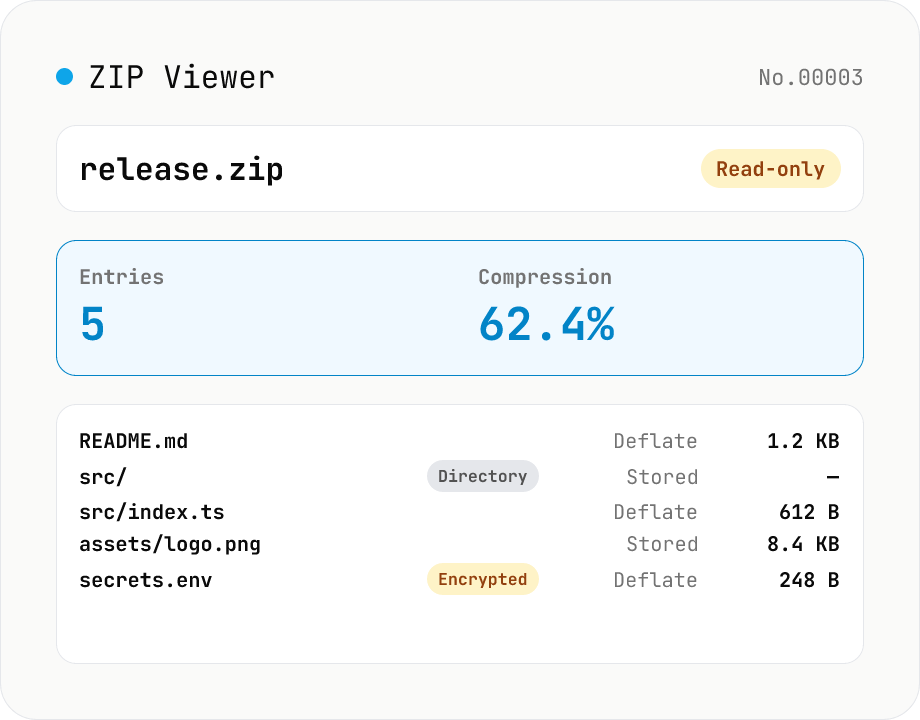
ZIP Archive Viewer
Drop a ZIP file to inspect its contents without extracting. See total entry count, archive size, compression ratio, archive comment, plus per-entry path, original / compressed size, compression method (Stored / Deflate / Deflate64 / BZIP2 / LZMA / Zstandard), last modified time, CRC32, encryption flag, and directory marker. Runs via a hand-rolled Central Directory parser — entry data is never decompressed and nothing is uploaded.
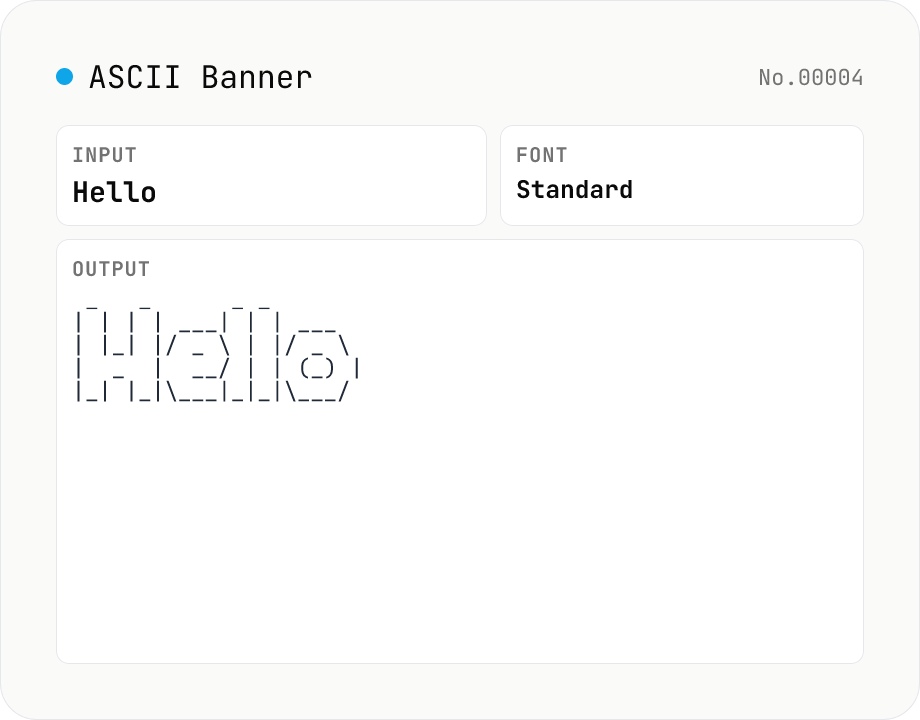
ASCII Art Text — figlet-style banners in multiple fonts
Convert plain text into figlet-style ASCII art banners (e.g. Hello → █▀▀█ ▀▀█ █░░ █░░ █▀▀█). Runs figlet (MIT) entirely in your browser with 10+ popular fonts (Standard / Big / Slant / Block / Ghost / Banner3-D …). Newlines and multi-line input are supported. The result is rendered in a monospaced view; copy it to clipboard or download as a .txt file. Common uses: section headers in source code, separator lines in CI logs, README titles, terminal MOTDs.
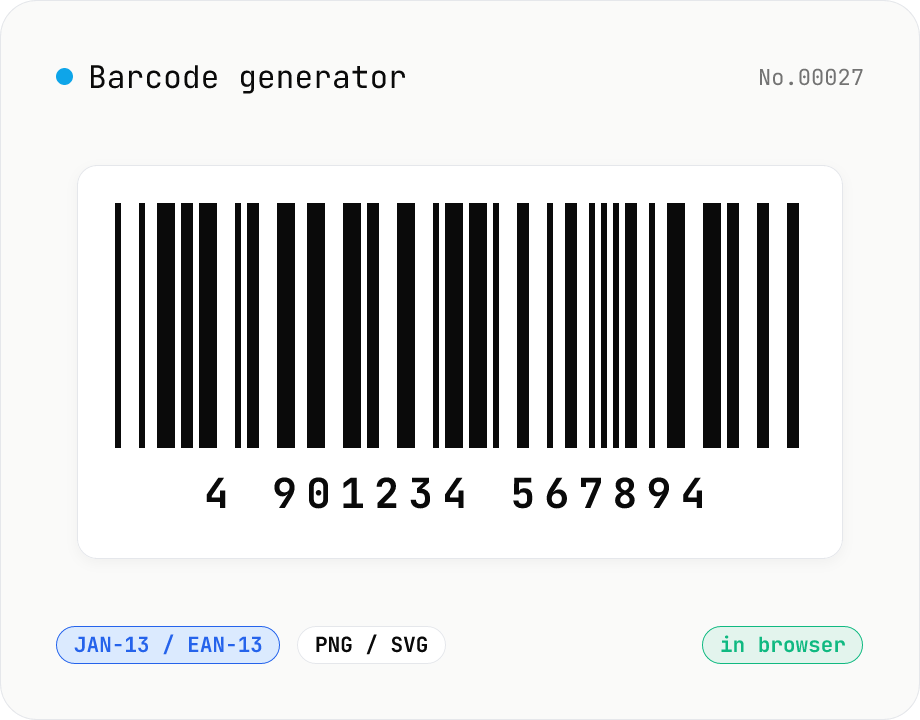
Barcode generator — JAN / EAN / UPC / CODE128 / CODE39
Turn numbers or text into 1D barcodes (JAN-13 / EAN-13, JAN-8 / EAN-8, UPC-A, CODE128, CODE39, ITF, Codabar/NW-7, MSI) and export them as PNG or SVG. Fine-tune bar width, height, colors, margin, and whether the human-readable value is printed below. Check digits are validated automatically. Everything is generated inside your browser — the value you enter never leaves your device.