
Image tools
31 tools
Tools for working with images: conversion, resize, compression, EXIF stripping, background removal.
Tags:
Sort:
Per page:
All tools
31 / 31
Convert AVIF photos to JPG / PNG / WebP — compatible everywhere
Decode .avif images with the browser-native AVIF decoder and re-encode them as JPEG / PNG / WebP. AVIF is great for the web but older Safari versions, email clients, Slack and Office still can't preview it — convert before sending. Batch conversion with single-click ZIP download is supported. Files never leave your device — everything runs in the browser.
imageconversion
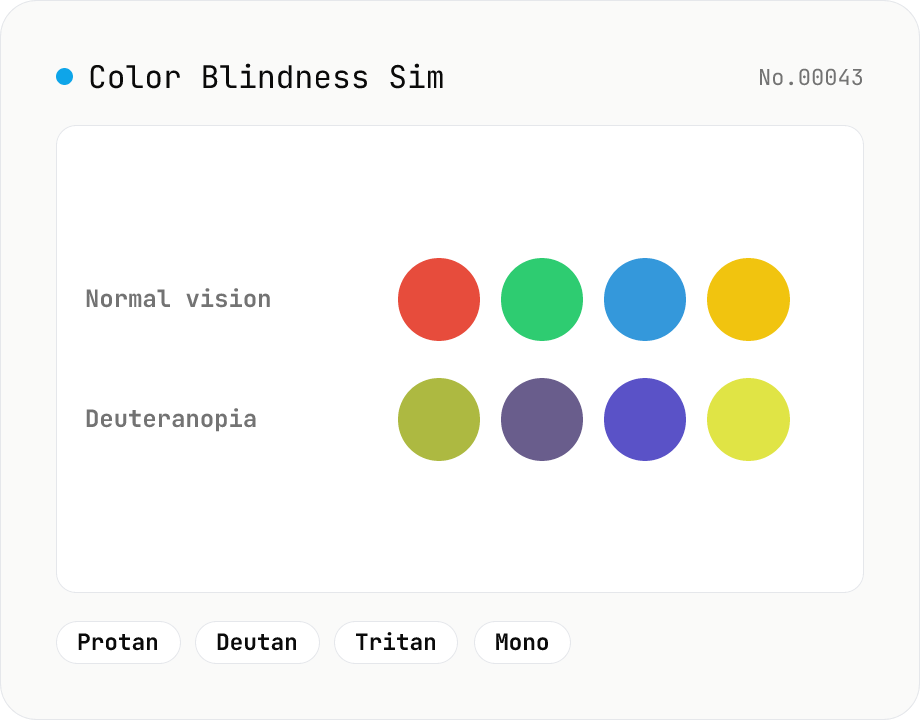
Color Blindness Simulator
Simulate how an image looks under protanopia (red-blind), deuteranopia (green-blind), tritanopia (blue-blind), or achromatopsia. Check whether your design or chart is color-accessible. Runs in the browser with Canvas and transform matrices — your image is never uploaded.
imagecolor
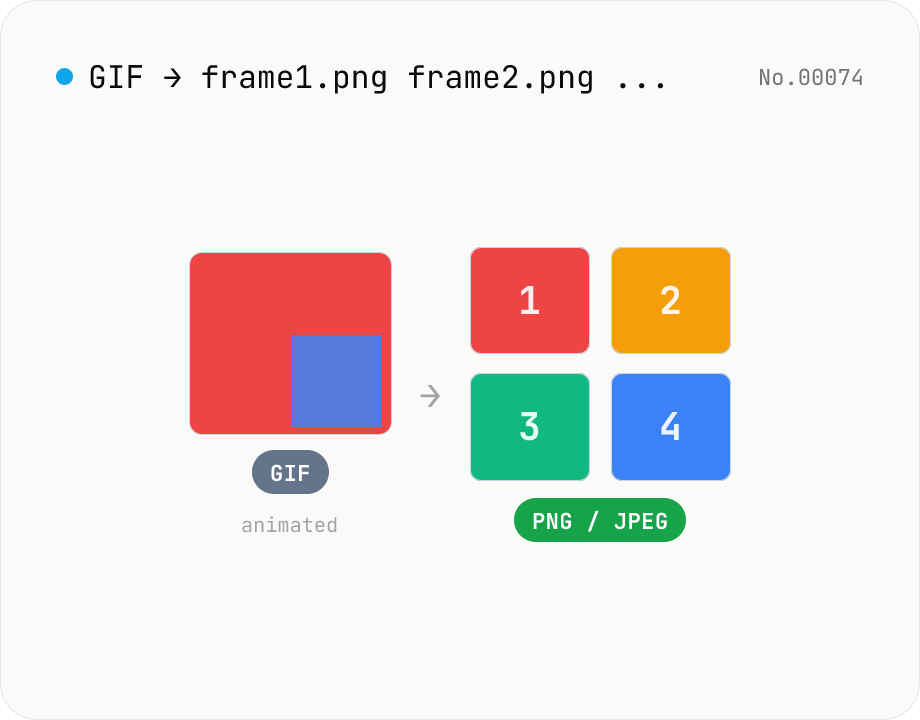
Extract frames from animated GIF / APNG to PNG / JPEG
Split an animated GIF or APNG into individual frames as PNG or JPEG images. Uses the browser-native ImageDecoder API — no extra library required. Handy when you need a thumbnail of a specific frame or when feeding still-image tools (image-resize, image-crop) that only see frame 1. Output PNG (lossless) or JPEG (with quality control), and grab everything as a ZIP. Files never leave your device — everything runs in the browser.
imageextract
Convert HEIC / HEIF photos to JPG / PNG / WebP batch
Decode iPhone HEIC / HEIF photos inside the browser via libheif-js (WASM) and re-encode them as JPEG or PNG. Supports batch conversion and a single ZIP download. Nothing leaves your device.
imageconversion
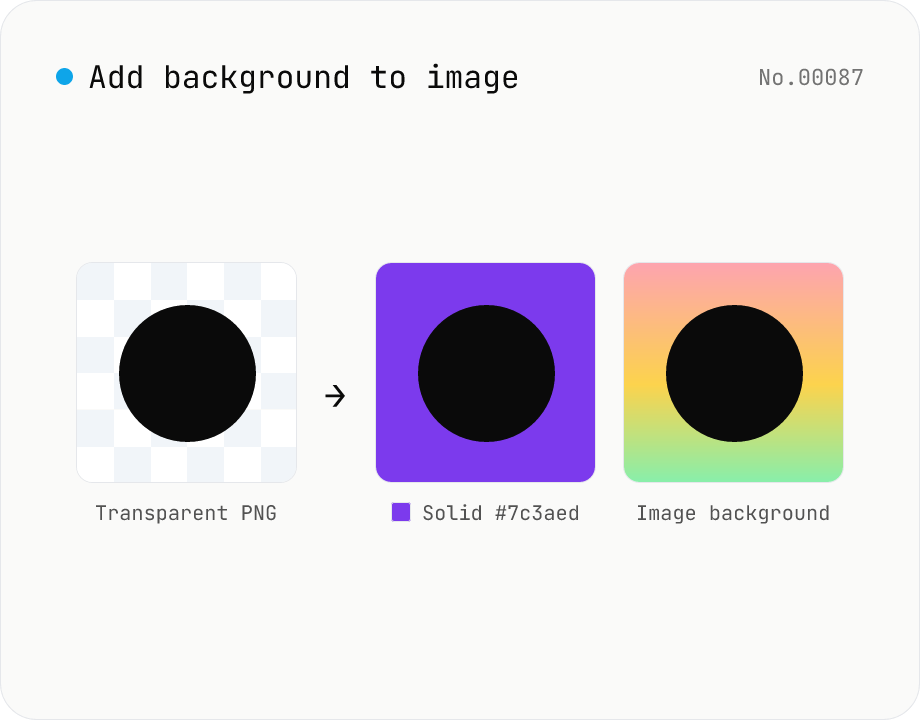
Add image background — solid color or another photo overlay
Composite a solid color (hex code) or another image as the background for transparent PNGs and photos. Runs on the local Canvas — nothing leaves your browser. Either fill the original transparent areas or add padding on all sides and let the background wrap around. Batch-process and download as a ZIP. Output keeps the source format (PNG / JPEG / WebP).
image
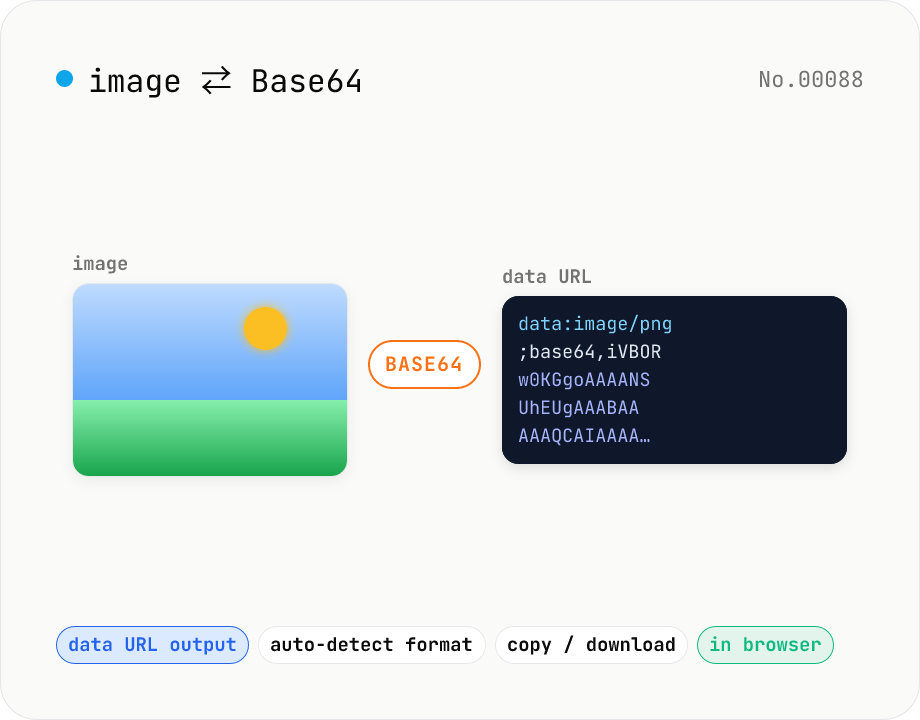
Image ⇄ Base64 — encode to data URL or decode back
Encode an image file into a Base64 string (data URL) or decode a Base64 / data URL back into an image. Handy for embedding in CSS / HTML, stringifying for API payloads, or inspecting a Base64 you received. Toggle the data URL prefix, and decoding auto-detects the image format for preview and download. Your image never leaves the browser — everything runs locally.
imageencodedecodeconversion
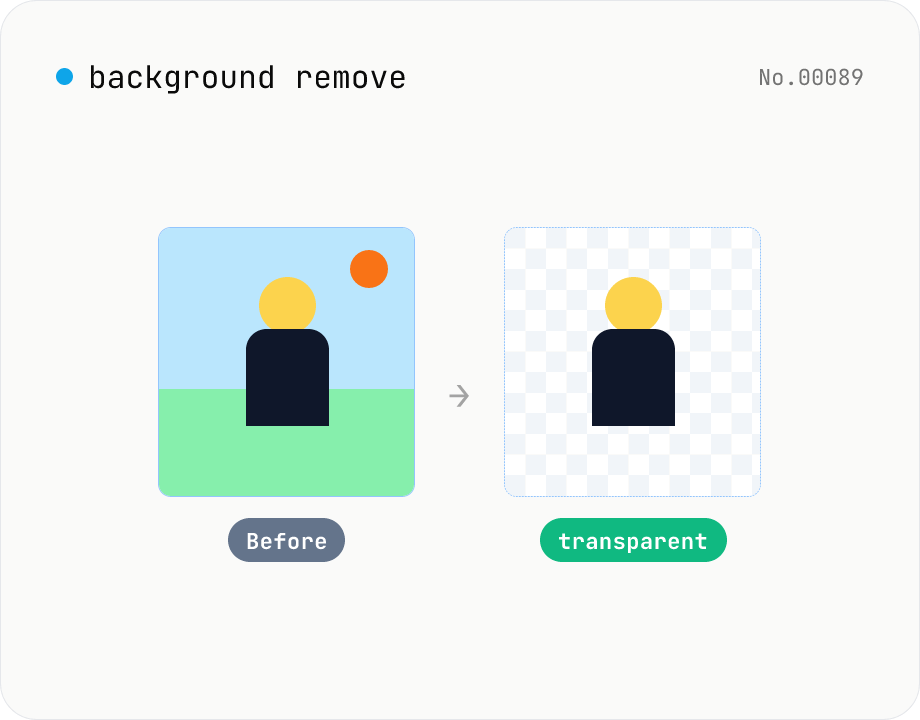
Background remover — AI cutout for people & objects
Run the BRIA RMBG-1.4 segmentation model in your browser via transformers.js + ONNX Runtime Web to cut the subject out and export a transparent PNG. The model downloads once and works offline afterwards. Supports batch processing with a ZIP download. Images never leave your device.
imageAI
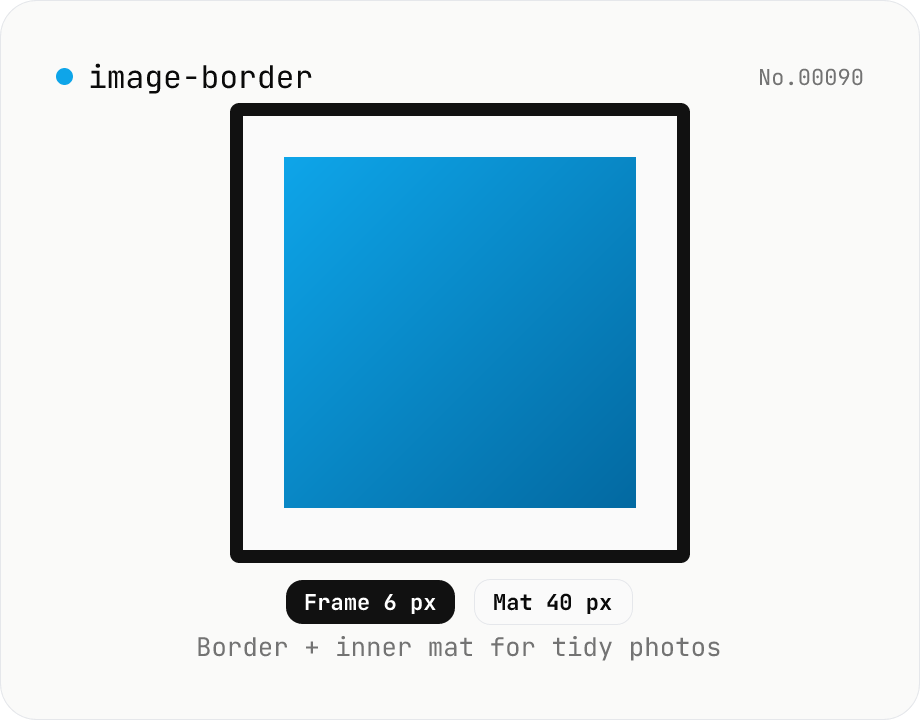
Image border — add a frame with custom width, color, and inner margin
Add a clean border (and optional inner mat) around an image. Pick the border width (0–200 px) and color (HEX), and an inner margin (mat) that sits between the border and the image. Great for SNS posts, portfolios, and presentation assets. Outputs PNG (transparent), JPEG, or WebP with a quality slider. Everything is composited with Canvas in your browser — no upload.
imagewatermark
Image collage — grid / horizontal / vertical layout
Combine multiple images into one — as a grid, a horizontal strip, or a vertical strip. Composited via Canvas entirely in the browser. Tune columns, gap, padding, background color and output format (PNG / JPEG / WebP). Reorder with up/down buttons.
imagemerge
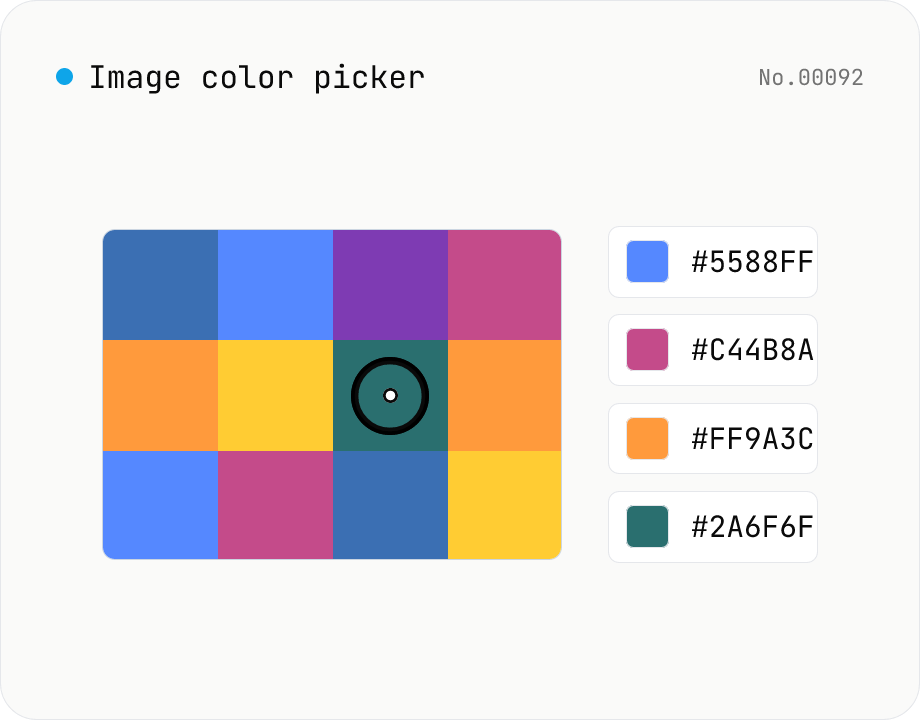
Image color picker — read pixel HEX / RGB / HSL values
Upload a JPEG / PNG / WebP and click any pixel to read its color as HEX / RGB / HSL. Hover to inspect the value with a magnifier loupe, then click to add it to a history list. Copy any format with a single click. Your image never leaves the browser — everything runs locally.
imagecolor
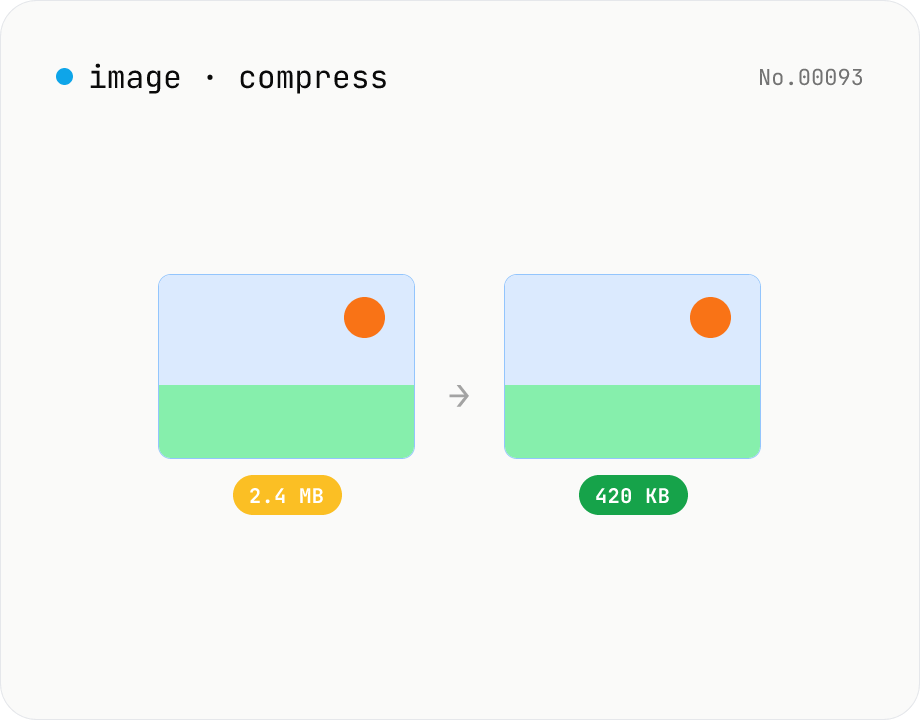
Image compress — shrink JPG / PNG / WebP without resize
Shrink image file sizes without changing dimensions. JPEG / WebP are re-encoded via a quality slider; PNG is losslessly optimised with oxipng (WASM). Batch process multiple files and download individually or as a ZIP. Runs entirely in your browser.
imagecompress
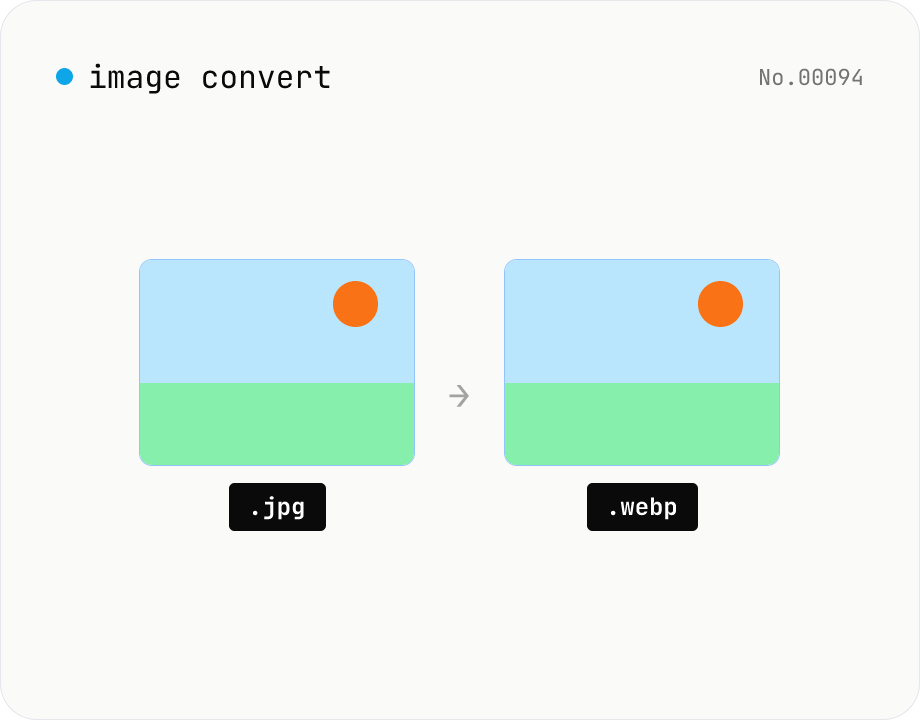
Image format convert — JPG / PNG / WebP interchange
Convert images between JPEG / PNG / WebP using the browser canvas — no network. A quality slider is available for JPEG and WebP. Supports batch processing and a single ZIP download.
imageconversion
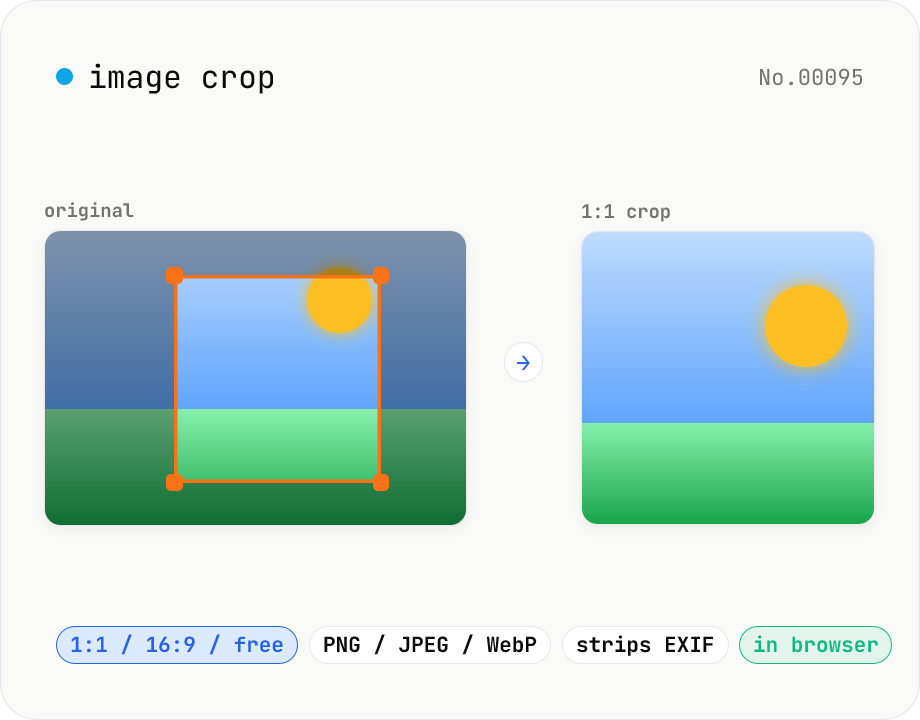
Image crop — drag to trim with free ratio or pixel size
Crop JPEG / PNG / WebP images by dragging directly on the preview. Pick an aspect ratio (free / 1:1 / 16:9 / 4:3 / 3:4 / 9:16) and an output format (PNG / JPEG / WebP) with quality control for the lossy formats. Your image never leaves the browser — every step runs locally.
imagecrop
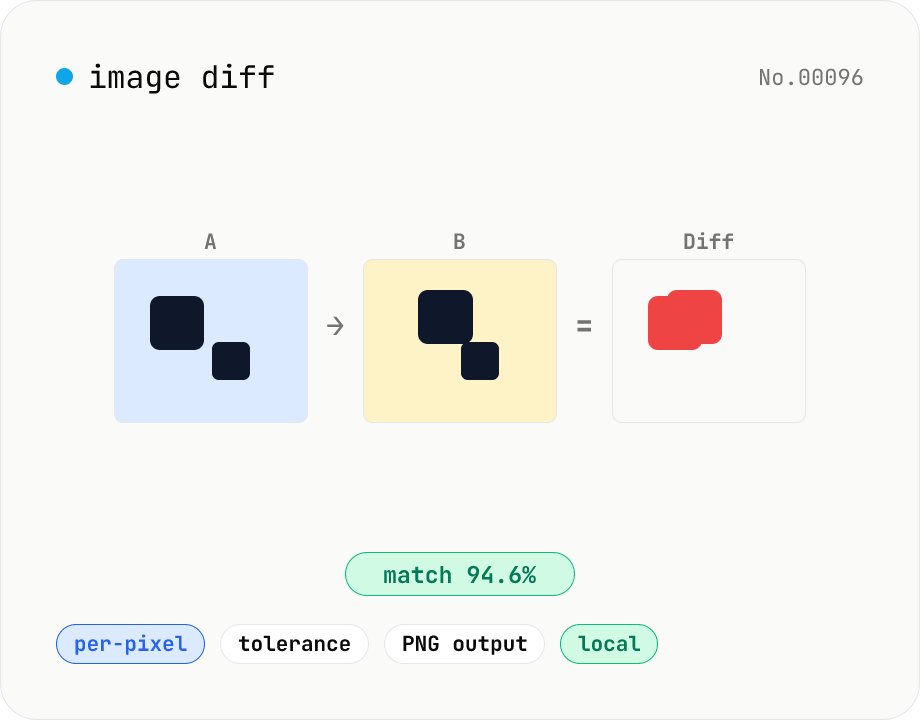
Image difference — highlight pixel diffs between two images
Compare two images (JPEG / PNG / WebP / GIF) pixel-by-pixel on a canvas and produce a diff image that highlights only the changed pixels in your chosen color. Great for design QA, plagiarism checks, regression testing, or screenshot diffing. Tunable threshold lets you ignore near-identical pixels and shows the match percentage. Two display modes (diff only / overlay on top of the original). Everything runs in the browser — your images are never uploaded.
imagediff
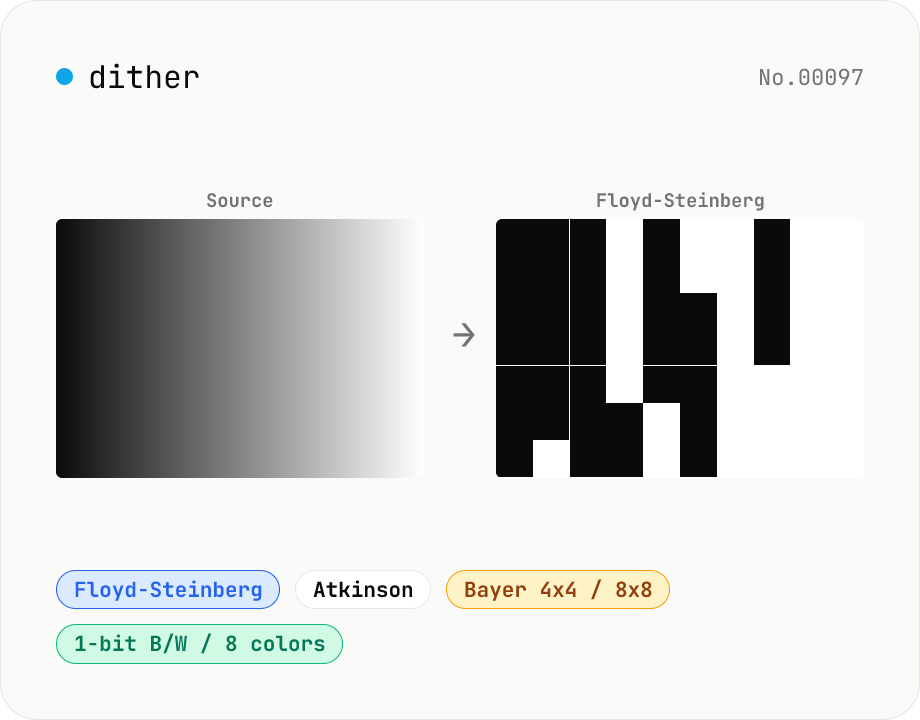
Image dither — Floyd-Steinberg / Atkinson / Bayer
Apply error-diffusion or ordered dithering to JPEG / PNG / WebP images. Algorithms include Floyd-Steinberg (classic photo dither), Atkinson (the Mac look), Bayer 4x4 / 8x8 (ordered dots), and plain threshold (no dither). Output palettes: 1-bit B/W, 2-bit grayscale (4 levels), 4-bit grayscale (16 levels), or 3-bit RGB (8 colors). Great for retro pixel-art looks, E-ink (Kindle / reMarkable) previews, Game Boy / Mac Classic vibes, or print halftone studies. Runs entirely in your browser via Canvas.
imagecolor
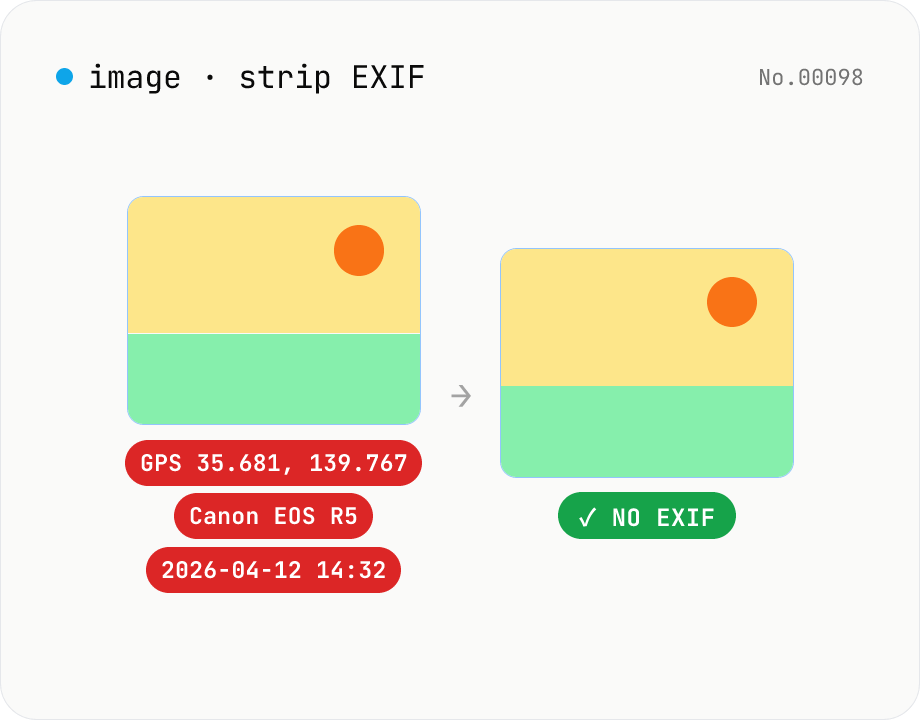
Image EXIF strip — wipe GPS / capture date metadata
Remove EXIF, XMP and other metadata from JPEG / PNG / WebP files. For JPEG, only the metadata bytes are stripped — image quality is preserved exactly. Inspect embedded GPS or capture date before sharing. Runs entirely in your browser.
imageEXIF
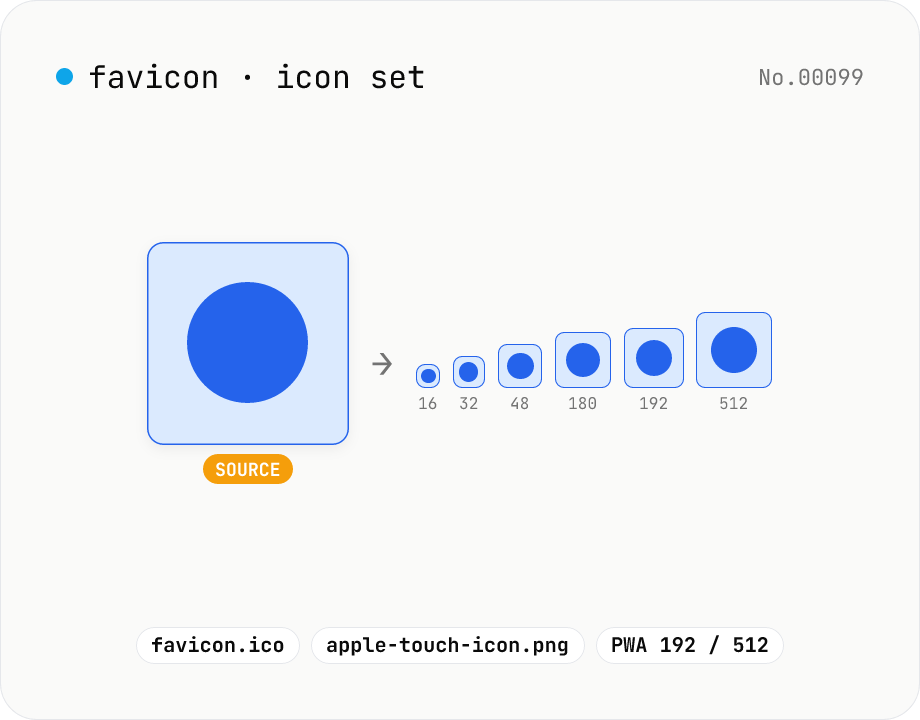
Favicon generator — full 16/32/48/180/192/512 PNG set
Generate a full favicon / PWA / Apple Touch / Android Chrome icon set (16–512px PNGs) plus a multi-size favicon.ico from a single source image, then download them as a ZIP. Canvas handles the resize and the ICO binary is built locally — your image never leaves your browser.
imagegenerateresize
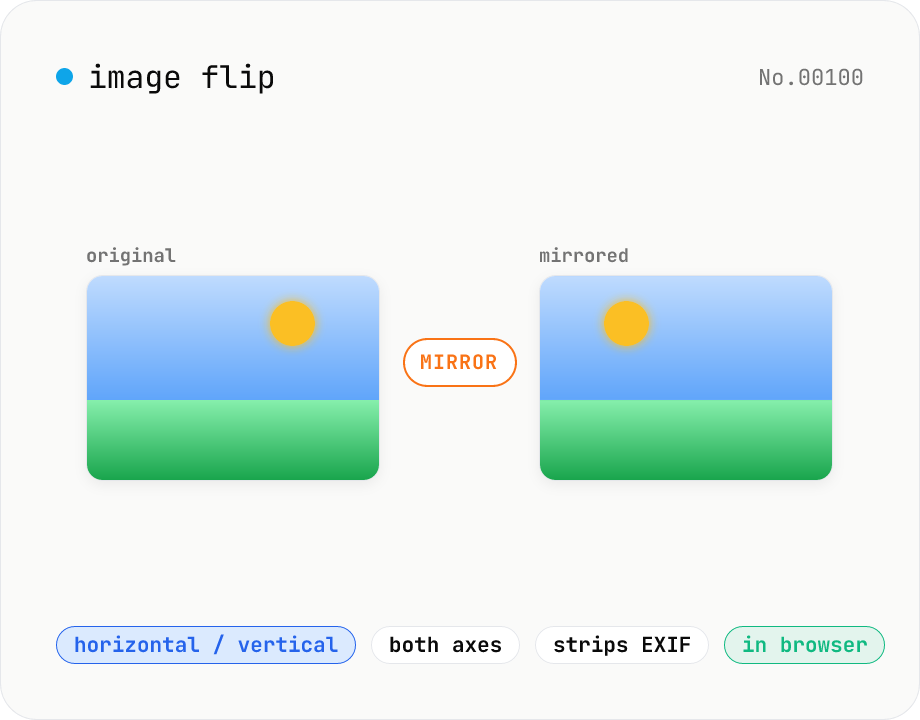
Image flip — mirror horizontally / vertically / both
Mirror JPEG / PNG / WebP images horizontally (left ↔ right), vertically (top ↔ bottom), or both (180° point symmetry). Great for correcting selfies and reflections in mirrors or water. Pick an output format (PNG / JPEG / WebP) with quality control for the lossy formats. Your image never leaves the browser — every step runs locally.
imageflip
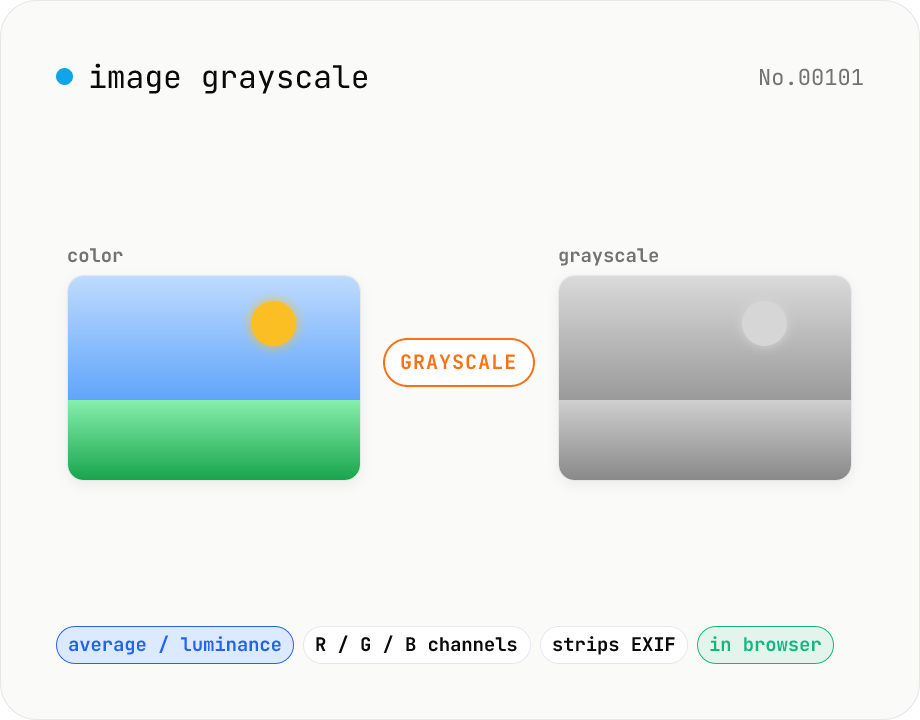
Image grayscale — 5 methods (average / BT.601 / R / G / B)
Convert JPEG / PNG / WebP images to grayscale inside your browser. Pick from five methods: average, luminance (BT.601), or any single channel (red / green / blue). Choose the output format (PNG / JPEG / WebP) and tweak the quality for the lossy formats. Your image is processed via canvas locally — nothing is uploaded.
imagecolor
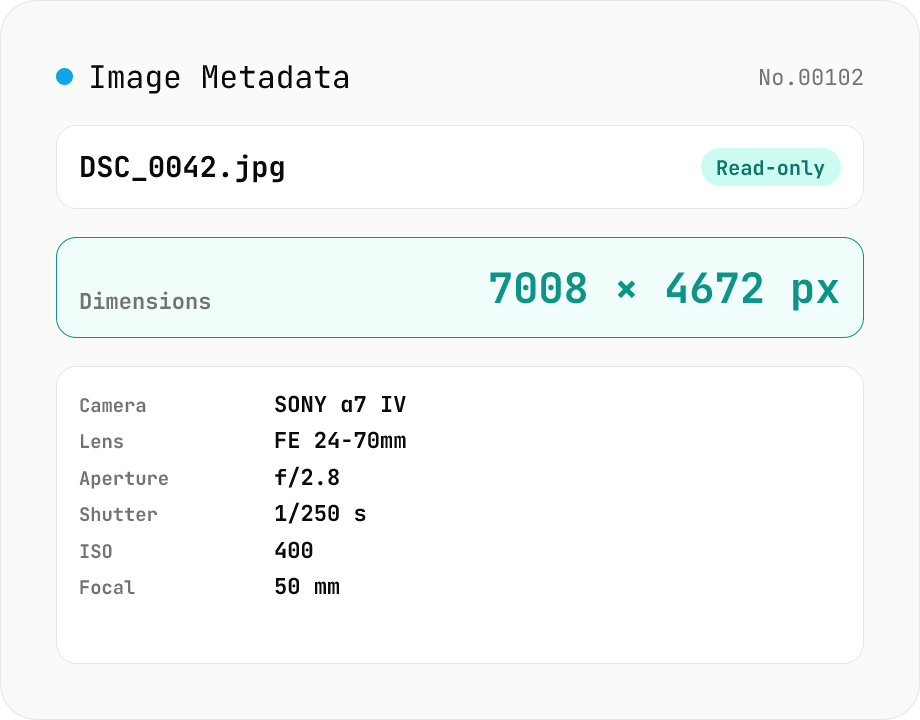
Image Metadata Viewer
Drop an image (JPEG / PNG / WebP / GIF / TIFF / HEIC / AVIF) to see its dimensions, file size, MIME type, aspect ratio, bit depth, color type, and DPI, plus extracted EXIF (capture time, camera make / model, lens, aperture, shutter speed, ISO, focal length, exposure compensation, orientation), GPS coordinates, ICC color profile, IPTC, and XMP. PNG headers (IHDR / pHYs) and JPEG markers (SOF / JFIF) are read by a small built-in parser; EXIF is parsed with exifr (MIT). Read-only — nothing is modified and the image never leaves your browser.
imageEXIFextract
About this category
Convert, edit, and analyze images entirely inside your browser. Tools cover PNG / JPG / WebP / AVIF / HEIC / SVG / GIF conversion, resizing, compression, cropping, rotation, flipping, favicon generation, color-palette extraction, background removal, EXIF stripping, and collages.
Handy when you want to tweak a photo, a diagram for an internal deck, or an image about to be posted to social media — all without uploading the file to anyone's cloud.
What you can do
- Convert iPhone HEIC images to JPG / PNG / WebP
- Resize and compress images for blog posts or social media
- Strip EXIF (including location) before posting
- Square-crop and convert for icons and favicons
- Extract a color palette from a logo or photo
- Background removal that runs the AI model in your browser
- Color-vision-deficiency simulation for accessibility checks
- Convert an image to SVG or ASCII art
Category FAQ
- Can unusual formats like HEIC really be converted in the browser?
- Yes. The WebAssembly build of libheif decodes HEIC directly. Drop an iPhone photo into the browser and convert it to JPG or PNG — the image data is never sent out.
- How thorough is EXIF (location, etc.) stripping?
- image-exif-strip removes known metadata, including EXIF, IPTC, and XMP. A good fit when you want to scrub location and shoot-time data before posting.
- Is background removal done on a server with AI?
- No. The RMBG model is loaded into the browser and inference runs on your device. The first run downloads the model, but your image is never sent out.
- Can large images be processed?
- Images several thousand pixels per side are fine, but they consume memory. Close other tabs when you do heavy work.