
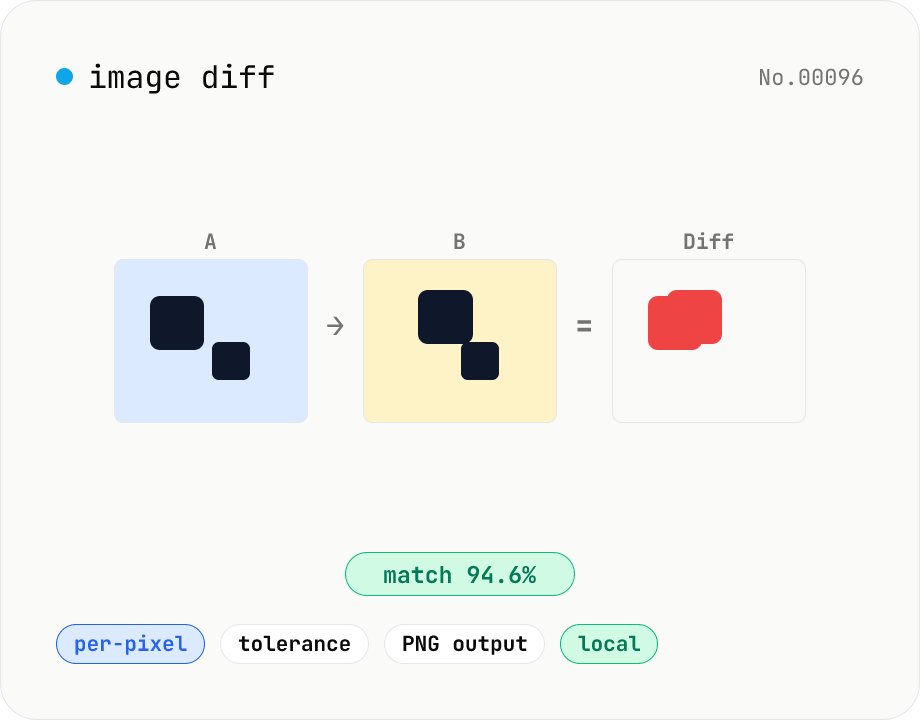
Image difference — highlight pixel diffs between two images
Compare two images (JPEG / PNG / WebP / GIF) pixel-by-pixel on a canvas and produce a diff image that highlights only the changed pixels in your chosen color. Great for design QA, plagiarism checks, regression testing, or screenshot diffing. Tunable threshold lets you ignore near-identical pixels and shows the match percentage. Two display modes (diff only / overlay on top of the original). Everything runs in the browser — your images are never uploaded.
How to use
Drop or pick the two images into the A and B slots. Their dimensions must match exactly. Pick a display mode (diff only / overlay on image A) and adjust the tolerance and highlight color. The diff image is recomputed automatically. Match percentage and changed pixel count appear in the summary. Click Download to save the result as PNG.
FAQ
- What if A and B have different sizes?
- The diff is skipped and an inline banner tells you. Use the image resize tool to align dimensions and try again.
- How should I pick the tolerance?
- 0 means exact match only. For JPEG-compressed images, start around 5–15 to suppress compression noise. For screenshot diffs, 1–3 is usually enough.
- Diff-only vs. overlay?
- Diff-only produces a PNG with a transparent background and only the highlight pixels — handy as a mask. Overlay dims image A under the diff so you can see the context of each change.
- Can I compare animated GIFs or videos?
- Only the first frame of a GIF is compared. For videos, export a still first (the video-frame-extract tool works well) and feed it in.
- Is anything uploaded?
- No. Everything runs in your browser using Canvas + getImageData.
Related tools
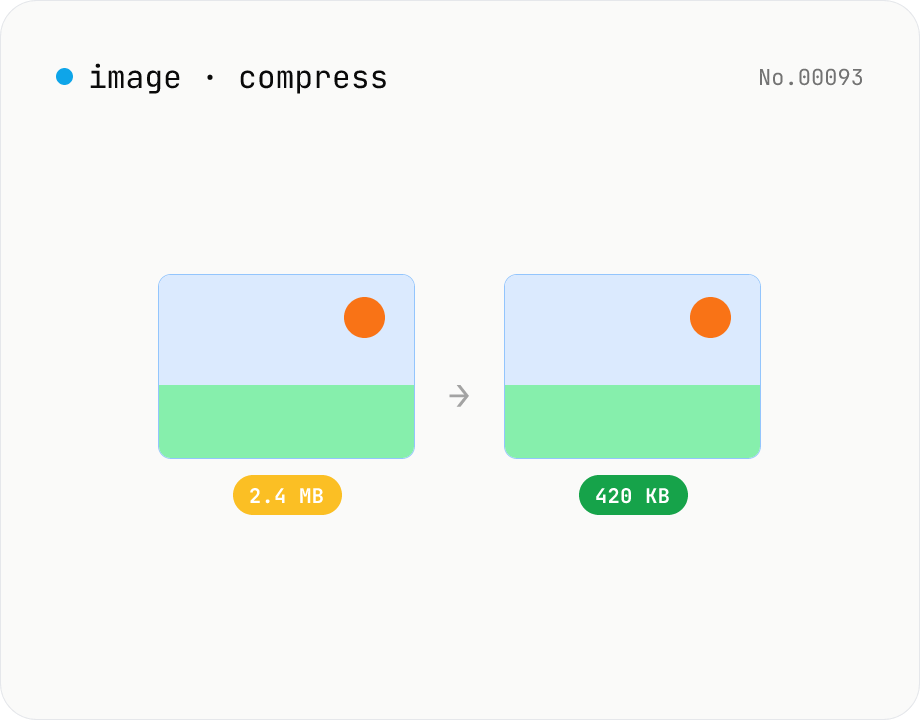
Image compress — shrink JPG / PNG / WebP without resize
Shrink image file sizes without changing dimensions. JPEG / WebP are re-encoded via a quality slider; PNG is losslessly optimised with oxipng (WASM). Batch process multiple files and download individually or as a ZIP. Runs entirely in your browser.
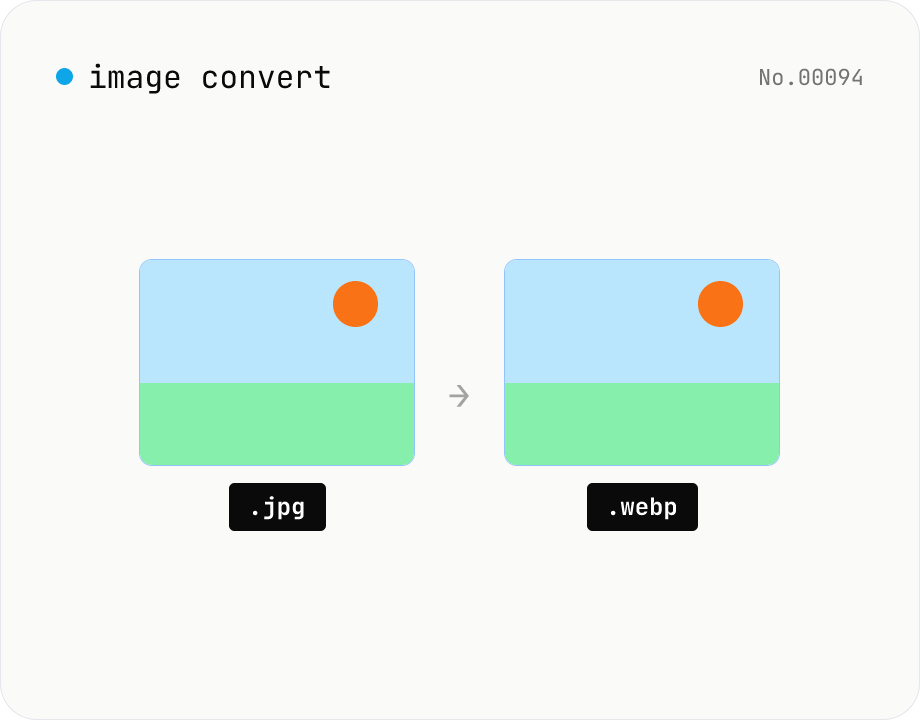
Image format convert — JPG / PNG / WebP interchange
Convert images between JPEG / PNG / WebP using the browser canvas — no network. A quality slider is available for JPEG and WebP. Supports batch processing and a single ZIP download.
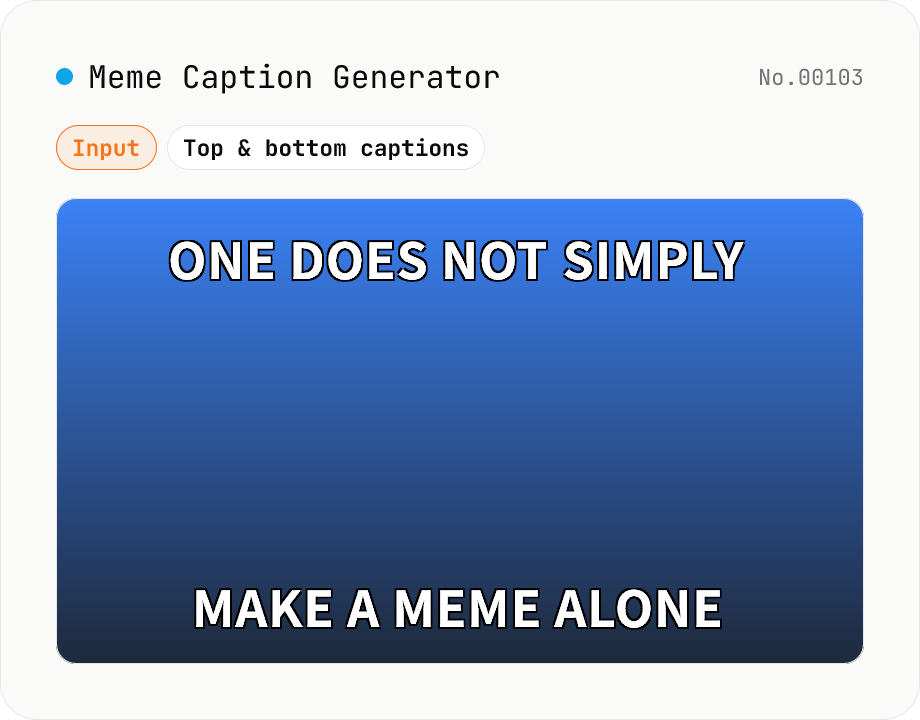
Meme Caption Generator (Impact-style)
Drop your image and add classic Impact-style top and bottom captions in white with a black outline — the legendary internet meme look. Adjust font size, fill colour, outline colour and outline width, force uppercase, and let long captions wrap automatically (per-word for English, per-character for Japanese). Export as PNG, JPEG or WebP. Pure Canvas implementation with a font fallback chain (Impact → Anton → Oswald → Arial Black). Your image stays in your browser — never uploaded.
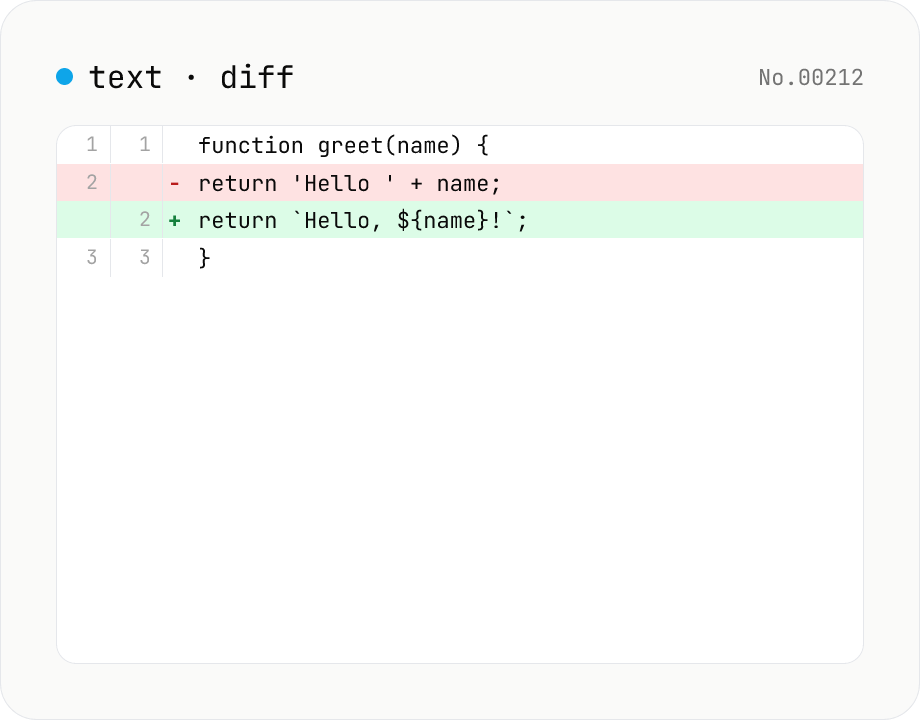
Text diff — line and word-level compare
Compare two texts line by line. Supports inline and side-by-side views, word-level highlighting, and ignoring surrounding whitespace. Runs entirely in your browser.