
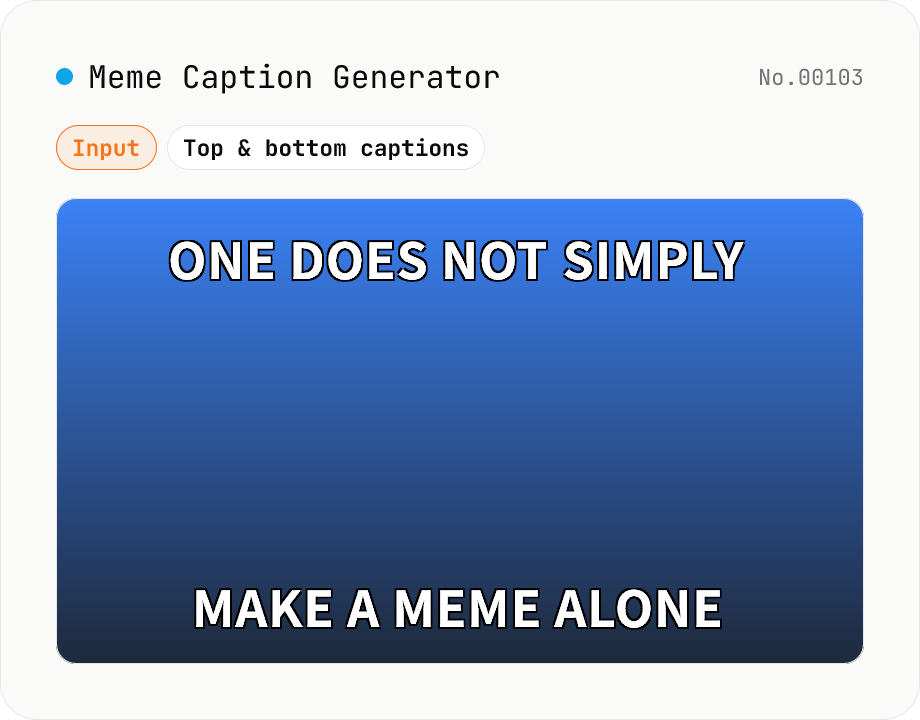
Meme Caption Generator (Impact-style)
Drop your image and add classic Impact-style top and bottom captions in white with a black outline — the legendary internet meme look. Adjust font size, fill colour, outline colour and outline width, force uppercase, and let long captions wrap automatically (per-word for English, per-character for Japanese). Export as PNG, JPEG or WebP. Pure Canvas implementation with a font fallback chain (Impact → Anton → Oswald → Arial Black). Your image stays in your browser — never uploaded.
How to use
1) Drop an image or click to select one (JPEG / PNG / WebP / AVIF etc). 2) Type your top and bottom captions — the canvas updates live. Tweak font size, colour, outline and uppercase under Style. 3) Pick a format (PNG / JPEG / WebP) and hit Download. JPEG and WebP also expose a quality slider.
FAQ
- What if my computer doesn't have Impact?
- The font stack falls back to Anton → Oswald → Arial Black → a generic bold sans, in that order. Default Windows and macOS include Impact, so most users get the canonical look automatically. On Linux a similar heavy sans is substituted and the meme character is preserved.
- Can I use Japanese captions?
- Yes. Noto Sans JP is bundled by the page and used as a fallback for Japanese glyphs (hiragana, katakana, kanji, emoji). Long Japanese captions wrap per character, English wraps per word.
- Which output format should I pick?
- PNG: lossless + transparency (the safe choice for Discord / Slack uploads). JPEG: smaller for photo-based memes but no transparency. WebP: a middle ground for sites that accept it directly.
- My outline looks thin.
- Use the Outline width slider. Default is 6 % of the font size; 5–10 % is the sweet spot for that classic meme look. Smaller fonts need a relatively wider outline to stay readable.
- What if my caption is too wide?
- The renderer automatically wraps to a new line when a token doesn't fit. If a single character is still too wide (huge font on a small image) reduce the font-size slider. Canvas measureText is used so wrapping is exact for whatever font is actually rendered.
- Is my image uploaded?
- No. The image you drop, the captions you type, and the composited result all stay inside your browser; nothing is sent over the network.
Related tools
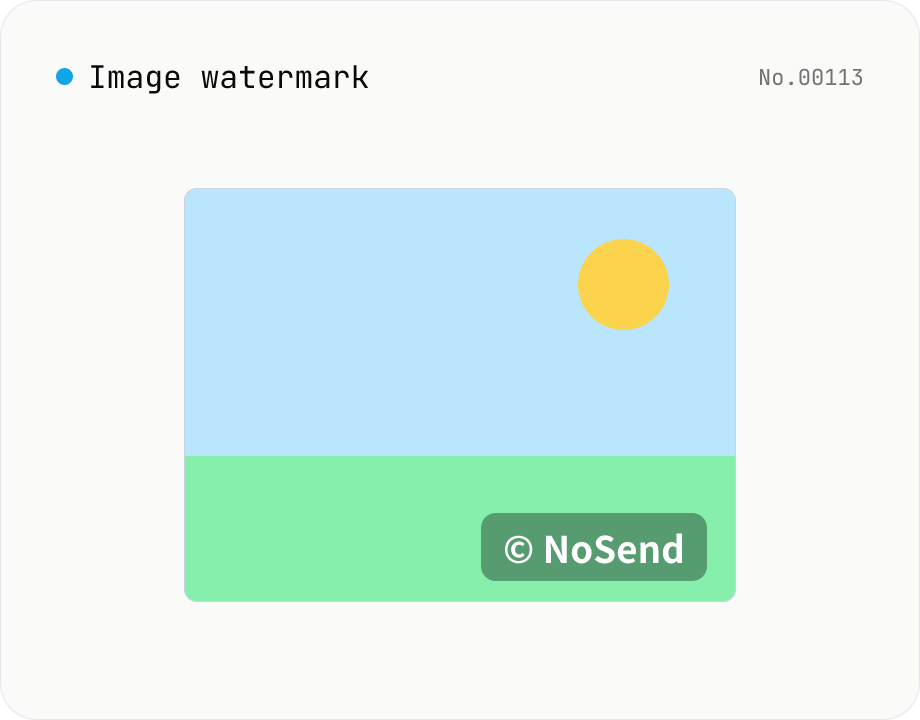
Image watermark — overlay text or image at 9-grid position
Overlay a text or image watermark onto your photos. Composited via Canvas entirely in the browser. Choose position (9-grid), size, opacity and margin. Batch-process and download as a single ZIP. Output keeps the original format (PNG / JPEG / WebP).
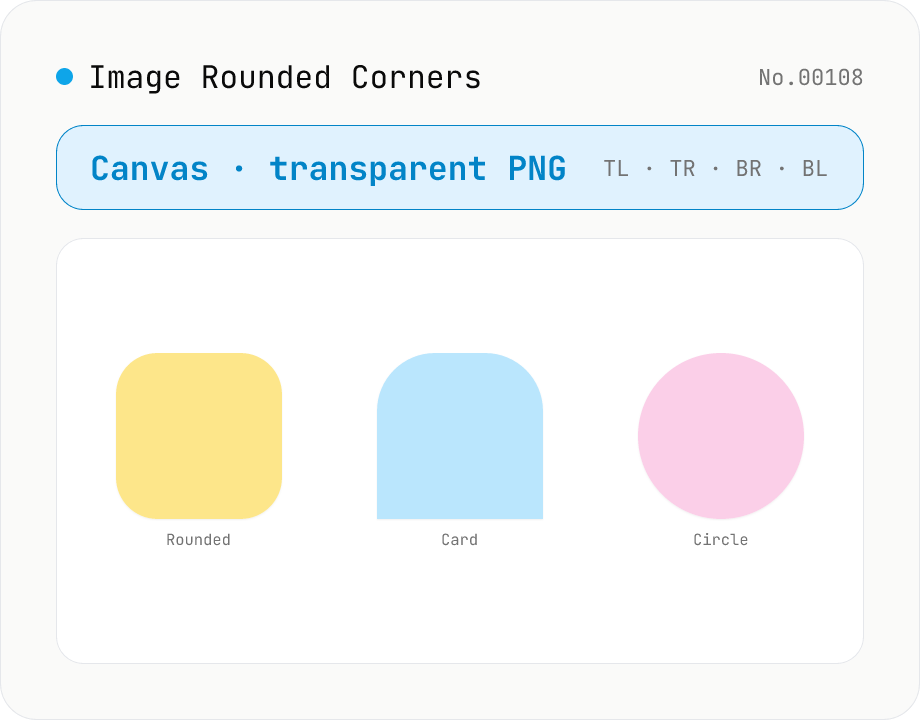
Image Rounded Corners
Round the corners of an image and export as transparent PNG / JPEG / WebP. Radius is set in pixels (up to half of the shorter side), and each corner (TL / TR / BR / BL) can be toggled independently to make half-circles, capsule shapes, or one-side rounded cards. Background defaults to transparent (PNG/WebP) or can be filled with any color (required for JPEG). Useful for SNS profile pictures, app icons, card thumbnails, and shadcn-style UI assets. Runs entirely in the browser — nothing uploaded.
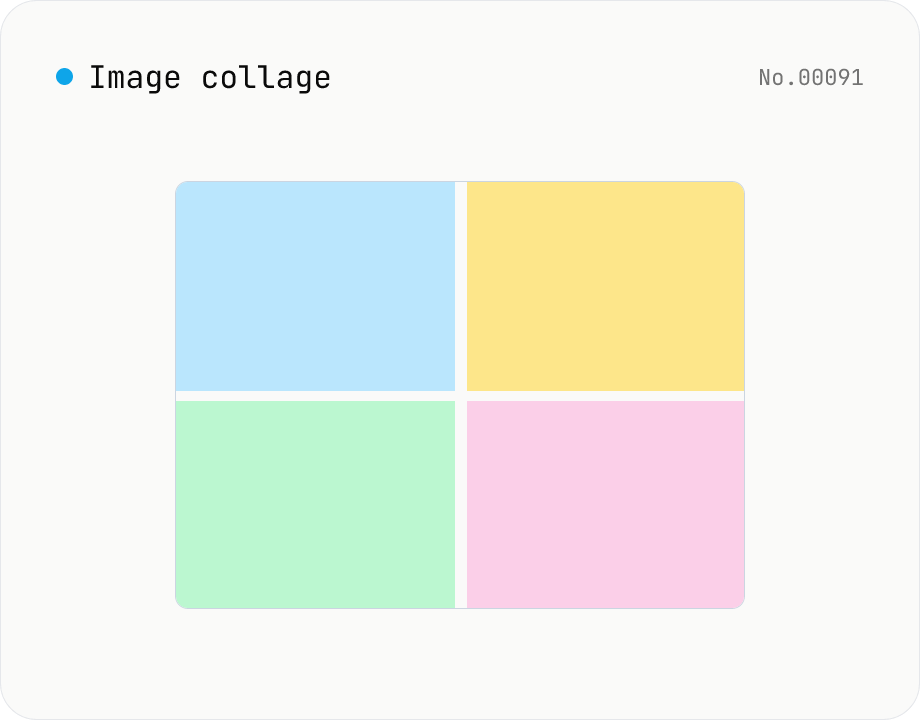
Image collage — grid / horizontal / vertical layout
Combine multiple images into one — as a grid, a horizontal strip, or a vertical strip. Composited via Canvas entirely in the browser. Tune columns, gap, padding, background color and output format (PNG / JPEG / WebP). Reorder with up/down buttons.
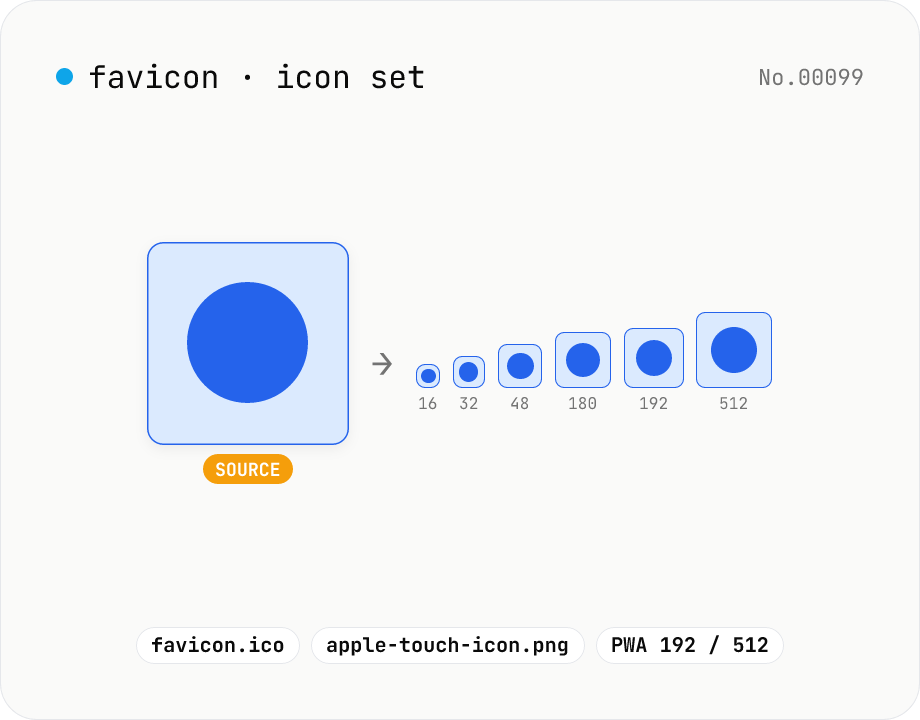
Favicon generator — full 16/32/48/180/192/512 PNG set
Generate a full favicon / PWA / Apple Touch / Android Chrome icon set (16–512px PNGs) plus a multi-size favicon.ico from a single source image, then download them as a ZIP. Canvas handles the resize and the ICO binary is built locally — your image never leaves your browser.