
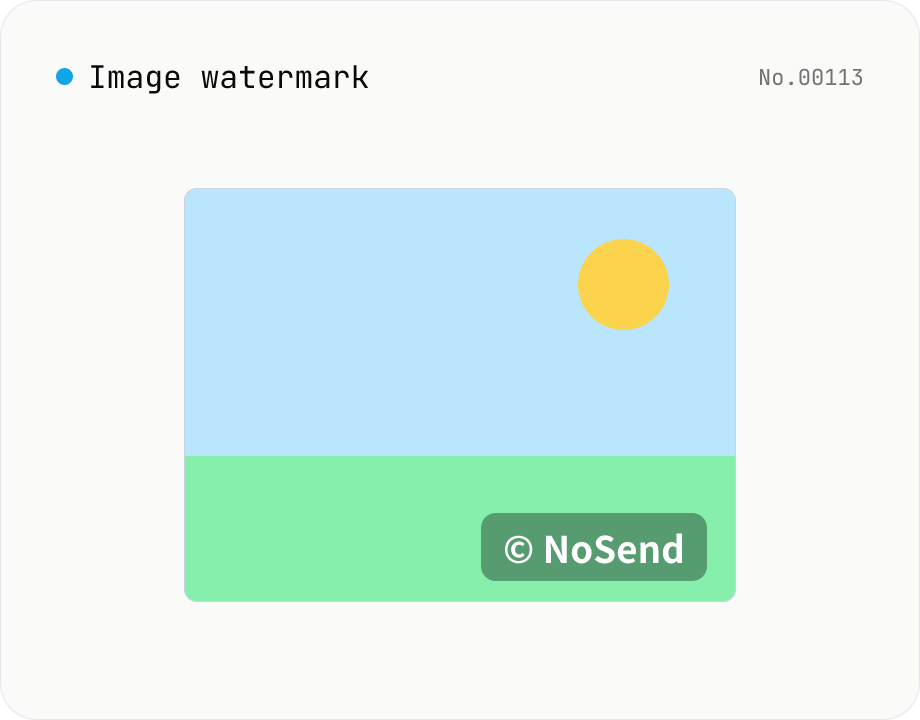
Image watermark — overlay text or image at 9-grid position
Overlay a text or image watermark onto your photos. Composited via Canvas entirely in the browser. Choose position (9-grid), size, opacity and margin. Batch-process and download as a single ZIP. Output keeps the original format (PNG / JPEG / WebP).
How to use
Drop images (batch supported). In Text mode set the watermark string, color and size; in Image mode pick a watermark image (transparent PNG logo etc.). The Placement section controls position (9-grid), opacity and margin. Click Apply to composite via Canvas. Download per file or as a single ZIP. Output keeps the source format (PNG / JPEG / WebP).
FAQ
- Are images uploaded?
- No. Composition runs on the local Canvas; nothing leaves your browser. The watermark image is also kept locally.
- Which input formats are supported?
- JPEG / PNG / WebP. The output keeps the original format and extension.
- Can I use a transparent PNG logo?
- Yes. Transparency is preserved. Only JPEG output flattens transparency to white (JPEG has no alpha).
- Can I set the size in pixels?
- Size and margin are percentages of the image width, so they stay balanced across different resolutions. Absolute pixels are not supported.
- Can I rotate the watermark?
- Not yet — only horizontal placement. Rotation is on the consideration list.
Related tools
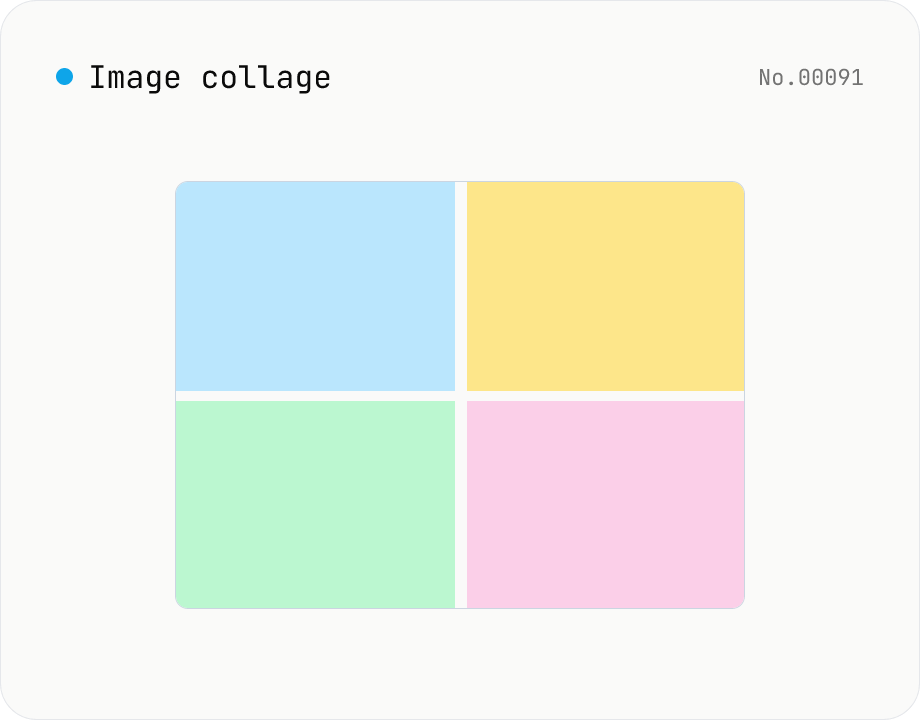
Image collage — grid / horizontal / vertical layout
Combine multiple images into one — as a grid, a horizontal strip, or a vertical strip. Composited via Canvas entirely in the browser. Tune columns, gap, padding, background color and output format (PNG / JPEG / WebP). Reorder with up/down buttons.
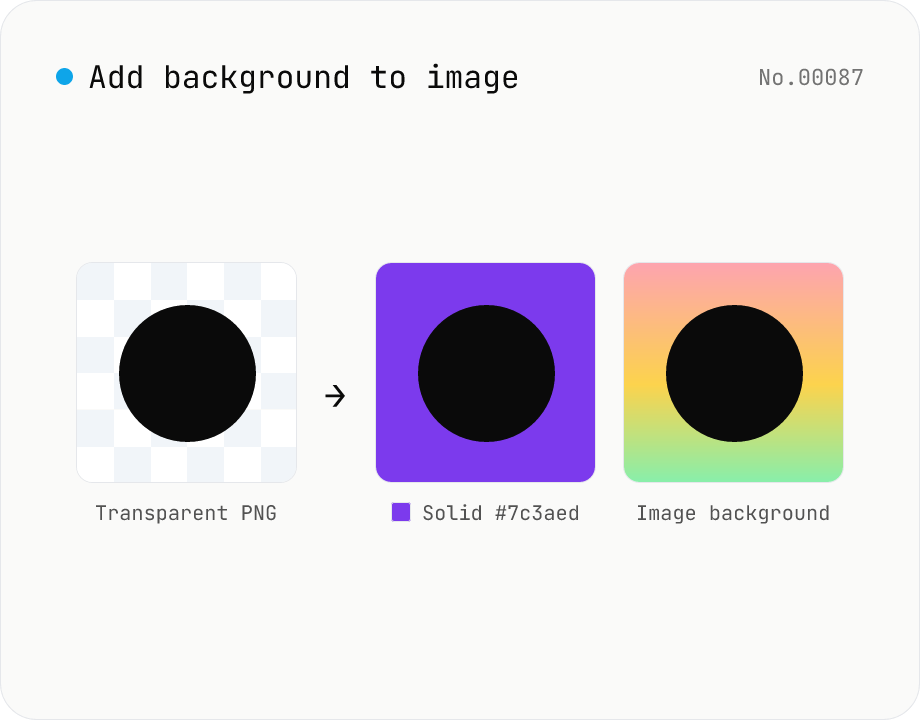
Add image background — solid color or another photo overlay
Composite a solid color (hex code) or another image as the background for transparent PNGs and photos. Runs on the local Canvas — nothing leaves your browser. Either fill the original transparent areas or add padding on all sides and let the background wrap around. Batch-process and download as a ZIP. Output keeps the source format (PNG / JPEG / WebP).
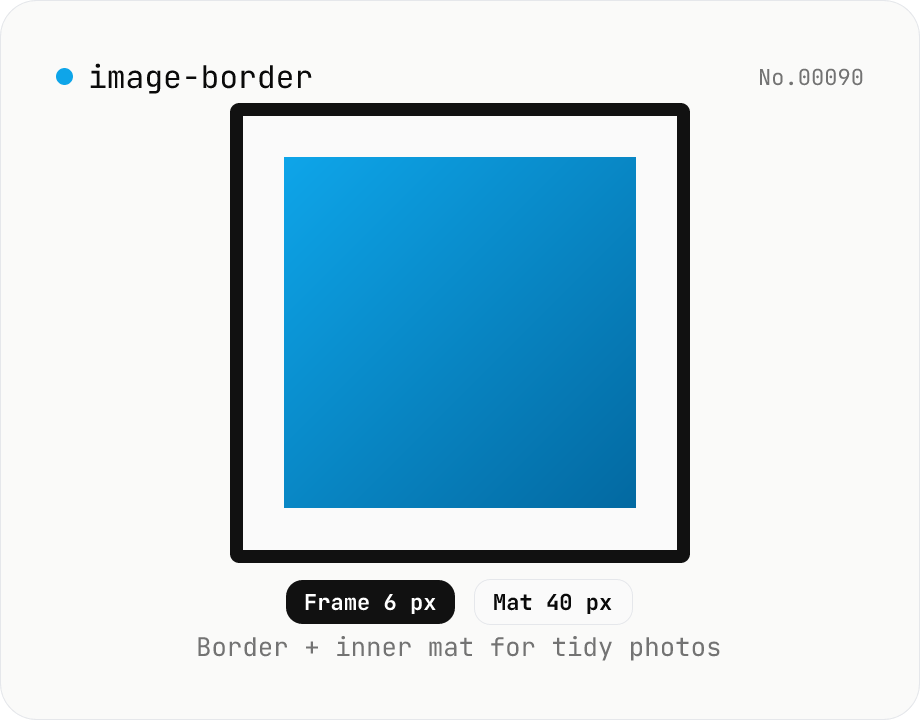
Image border — add a frame with custom width, color, and inner margin
Add a clean border (and optional inner mat) around an image. Pick the border width (0–200 px) and color (HEX), and an inner margin (mat) that sits between the border and the image. Great for SNS posts, portfolios, and presentation assets. Outputs PNG (transparent), JPEG, or WebP with a quality slider. Everything is composited with Canvas in your browser — no upload.
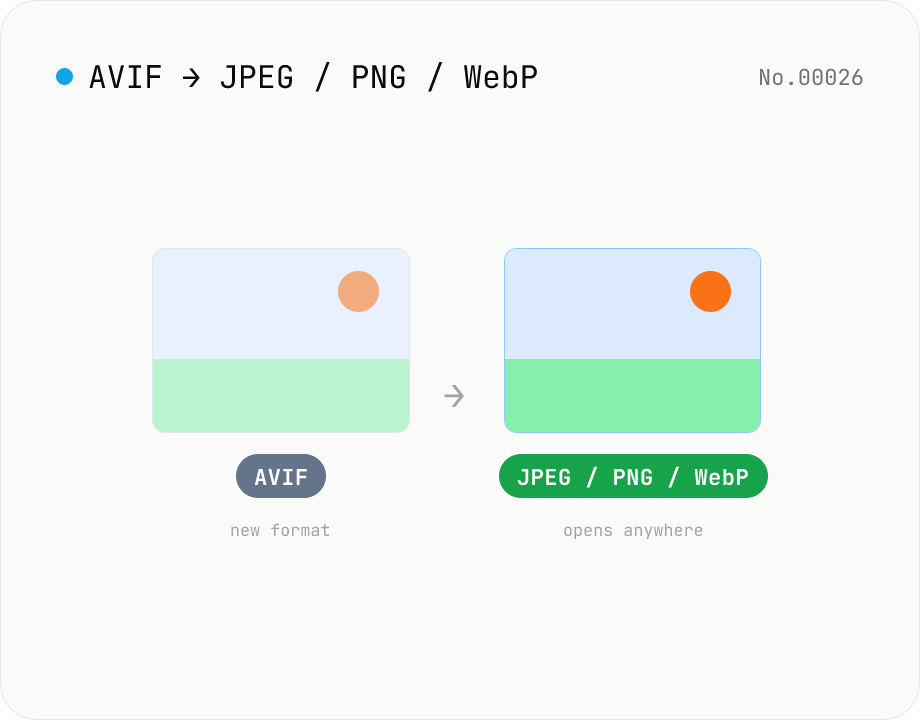
Convert AVIF photos to JPG / PNG / WebP — compatible everywhere
Decode .avif images with the browser-native AVIF decoder and re-encode them as JPEG / PNG / WebP. AVIF is great for the web but older Safari versions, email clients, Slack and Office still can't preview it — convert before sending. Batch conversion with single-click ZIP download is supported. Files never leave your device — everything runs in the browser.