
Convert AVIF photos to JPG / PNG / WebP — compatible everywhere
Decode .avif images with the browser-native AVIF decoder and re-encode them as JPEG / PNG / WebP. AVIF is great for the web but older Safari versions, email clients, Slack and Office still can't preview it — convert before sending. Batch conversion with single-click ZIP download is supported. Files never leave your device — everything runs in the browser.
How to use
Drop or pick .avif files downloaded from the web (batch supported). Pick the output format (JPEG / PNG / WebP) and quality, then click Convert — the browser-native AVIF decoder unpacks the image, and Canvas re-encodes it. Download individually or as a ZIP.
FAQ
- Are images uploaded?
- No. The browser's built-in image decoder unpacks the AVIF and Canvas re-encodes it locally, so the image never leaves your device.
- JPEG, PNG or WebP?
- JPEG is the safest pick for photos / screenshots (small file, opens everywhere). PNG is lossless and supports transparency. WebP gives a good size/quality balance and is widely supported.
- Why convert AVIF at all?
- AVIF gives great compression for the web but older Safari (<16), most email clients, Office, Slack previews and many image viewers still can't open it. Converting to JPG / PNG keeps the file usable everywhere.
- Browser says AVIF is not supported
- Chrome 85+, Safari 16+ and Firefox 113+ decode AVIF natively. Older browsers cannot — please upgrade.
Related tools
Convert HEIC / HEIF photos to JPG / PNG / WebP batch
Decode iPhone HEIC / HEIF photos inside the browser via libheif-js (WASM) and re-encode them as JPEG or PNG. Supports batch conversion and a single ZIP download. Nothing leaves your device.
Image format convert — JPG / PNG / WebP interchange
Convert images between JPEG / PNG / WebP using the browser canvas — no network. A quality slider is available for JPEG and WebP. Supports batch processing and a single ZIP download.
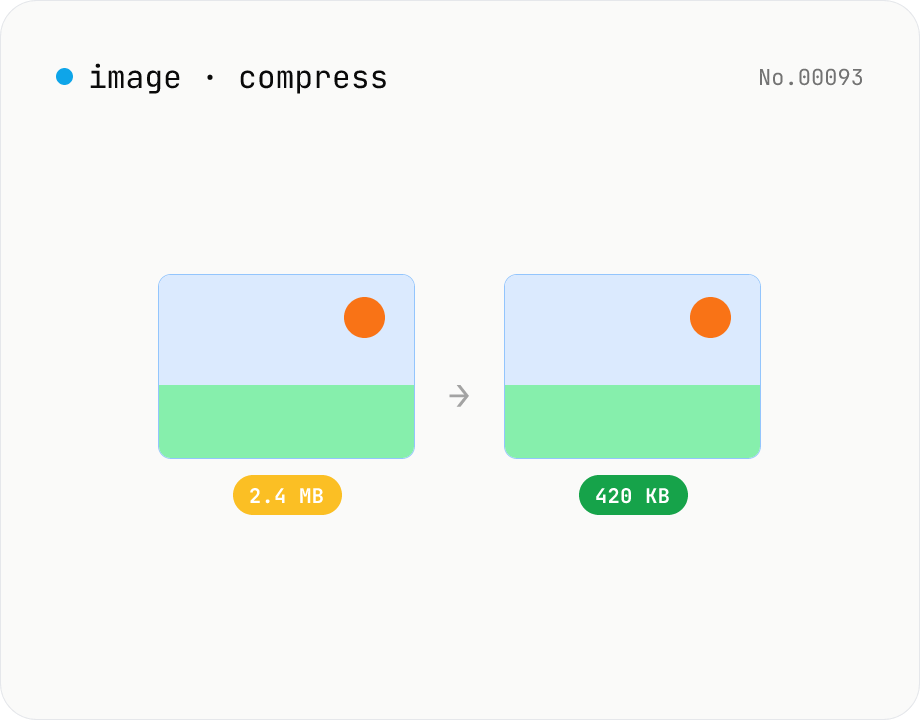
Image compress — shrink JPG / PNG / WebP without resize
Shrink image file sizes without changing dimensions. JPEG / WebP are re-encoded via a quality slider; PNG is losslessly optimised with oxipng (WASM). Batch process multiple files and download individually or as a ZIP. Runs entirely in your browser.
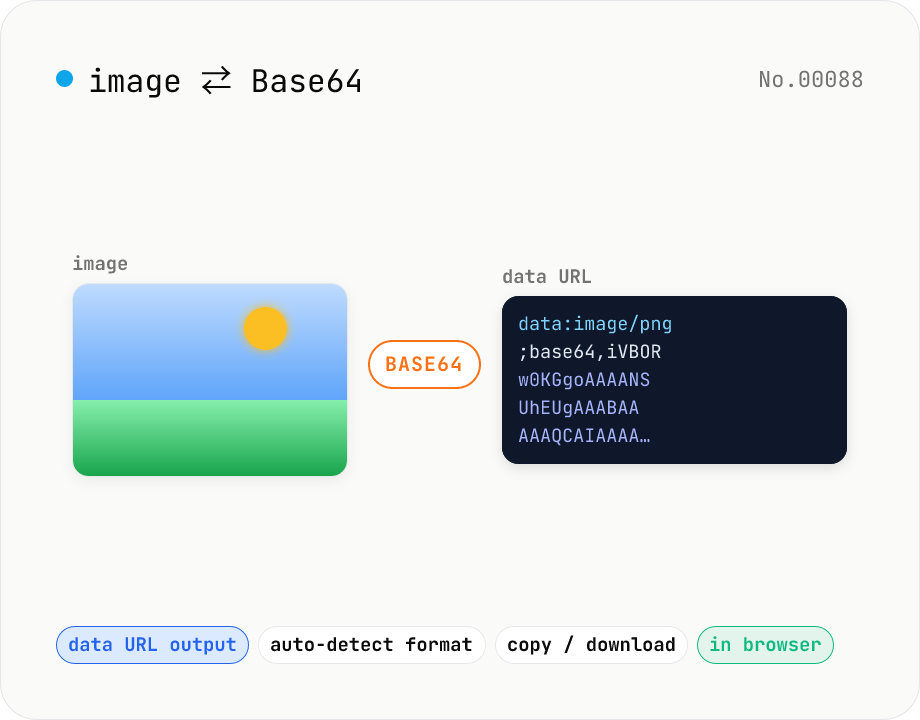
Image ⇄ Base64 — encode to data URL or decode back
Encode an image file into a Base64 string (data URL) or decode a Base64 / data URL back into an image. Handy for embedding in CSS / HTML, stringifying for API payloads, or inspecting a Base64 you received. Toggle the data URL prefix, and decoding auto-detects the image format for preview and download. Your image never leaves the browser — everything runs locally.