
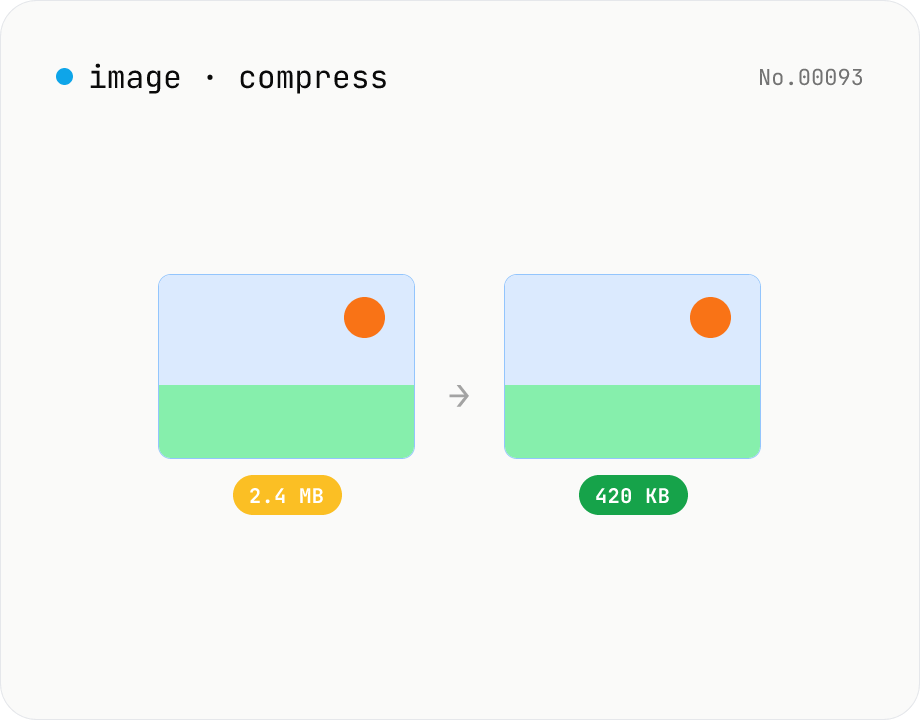
Image compress — shrink JPG / PNG / WebP without resize
Shrink image file sizes without changing dimensions. JPEG / WebP are re-encoded via a quality slider; PNG is losslessly optimised with oxipng (WASM). Batch process multiple files and download individually or as a ZIP. Runs entirely in your browser.
How to use
Drop JPEG / PNG / WebP images. For JPEG / WebP pick a quality (0–100); for PNG pick an oxipng optimisation level (0–6). Click Compress — each file is processed and the size reduction is shown. Enable Keep original if larger so the original is downloaded when compression doesn't help.
FAQ
- Are images uploaded?
- No. JPEG / WebP go through the browser canvas, PNG through oxipng (WebAssembly), all locally.
- Is PNG compression lossless?
- Yes. oxipng recompresses zlib streams and removes redundant chunks losslessly — pixel values are preserved exactly.
- What quality should I use for JPEG / WebP?
- 75–85 is the usual sweet spot for photos. Screenshots can sit at 85–95; web sharing tolerates 60–75.
- Does it change dimensions?
- No, only file size. Use the image resize tool if you want to shrink dimensions.
Related tools
Image format convert — JPG / PNG / WebP interchange
Convert images between JPEG / PNG / WebP using the browser canvas — no network. A quality slider is available for JPEG and WebP. Supports batch processing and a single ZIP download.
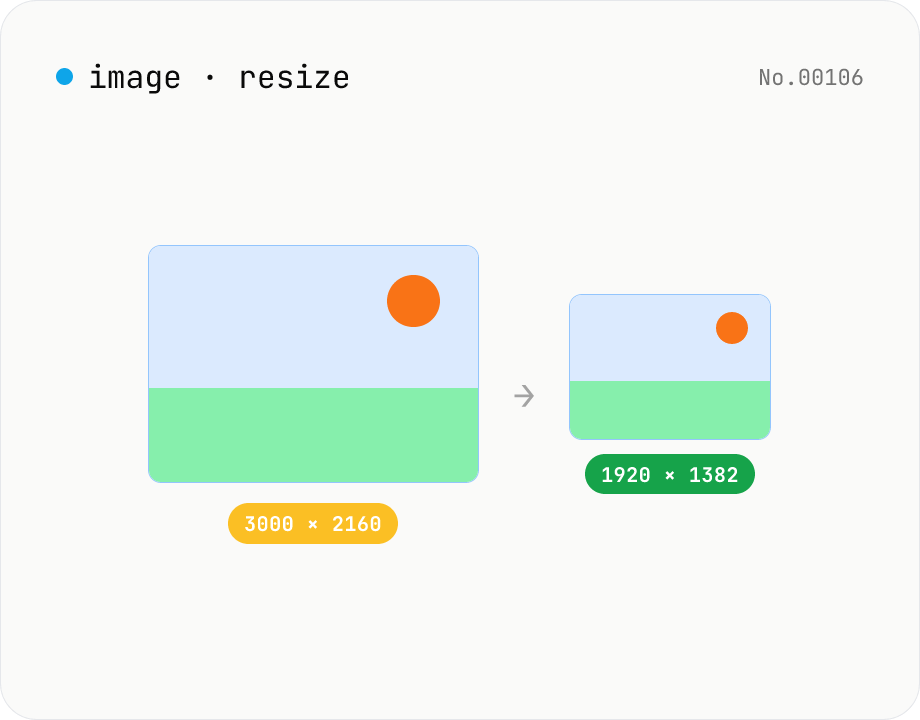
Image resize — by px or %, keep or lock aspect ratio
Resize JPEG / PNG / WebP images by specifying the longer side in pixels — aspect ratio is preserved. Batch process multiple files and download individually or as a ZIP. Runs entirely in your browser.
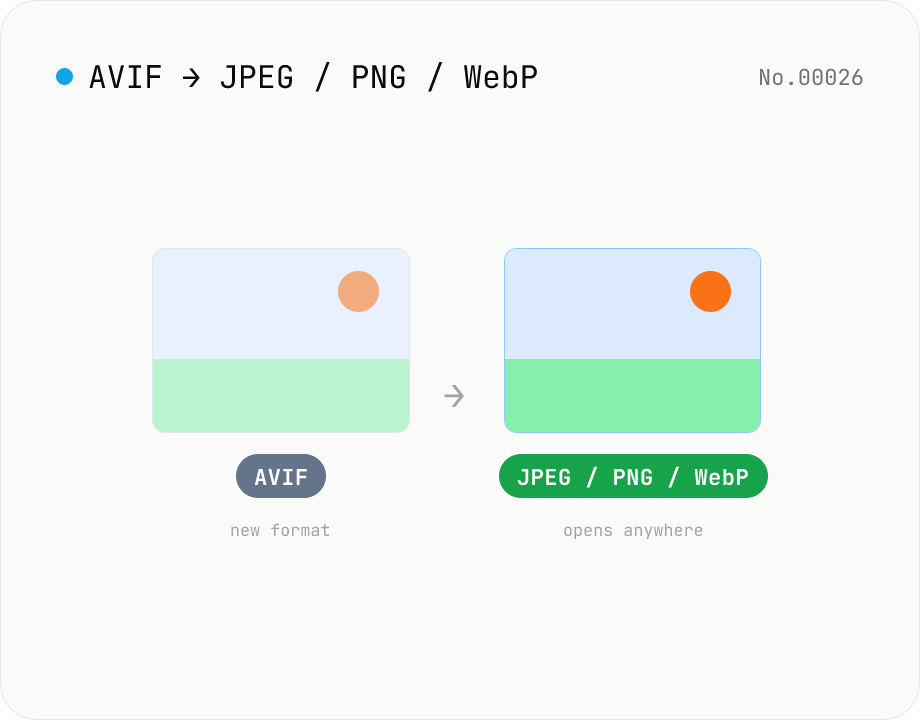
Convert AVIF photos to JPG / PNG / WebP — compatible everywhere
Decode .avif images with the browser-native AVIF decoder and re-encode them as JPEG / PNG / WebP. AVIF is great for the web but older Safari versions, email clients, Slack and Office still can't preview it — convert before sending. Batch conversion with single-click ZIP download is supported. Files never leave your device — everything runs in the browser.
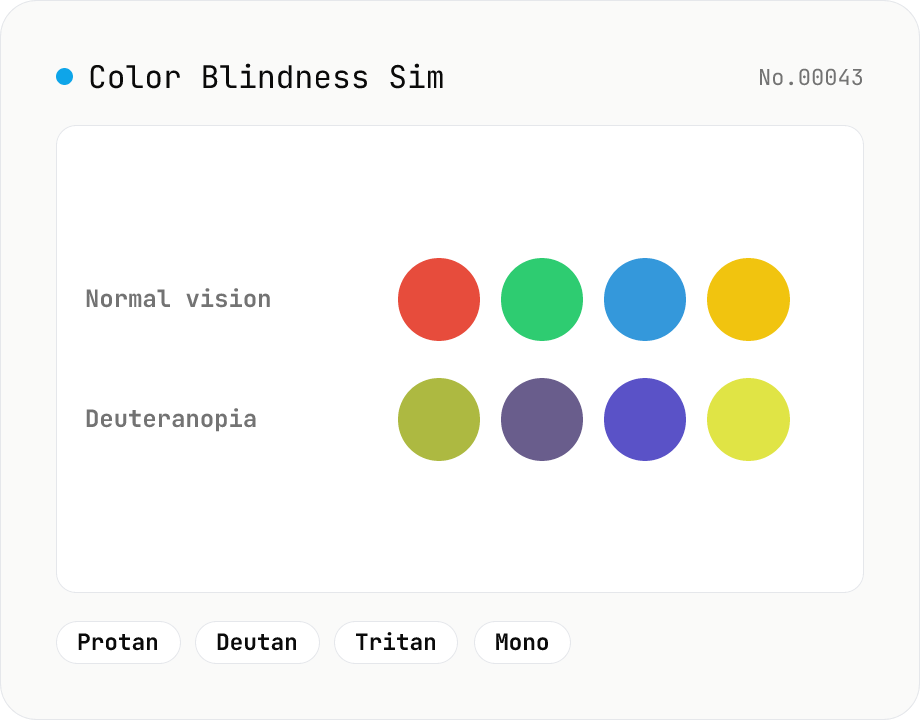
Color Blindness Simulator
Simulate how an image looks under protanopia (red-blind), deuteranopia (green-blind), tritanopia (blue-blind), or achromatopsia. Check whether your design or chart is color-accessible. Runs in the browser with Canvas and transform matrices — your image is never uploaded.