
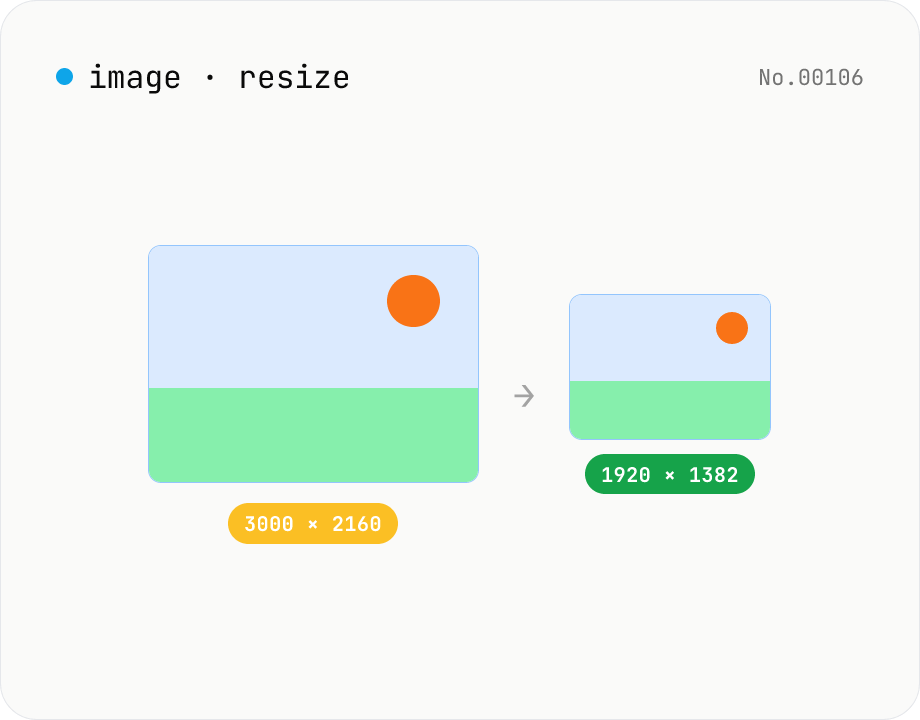
Image resize — by px or %, keep or lock aspect ratio
Resize JPEG / PNG / WebP images by specifying the longer side in pixels — aspect ratio is preserved. Batch process multiple files and download individually or as a ZIP. Runs entirely in your browser.
How to use
Drop or pick JPEG / PNG / WebP images (multiple supported). Pick a target longer-side size (preset or custom) and a quality (for JPEG / WebP), then click Resize — each image is scaled down while preserving aspect ratio. If the target is larger than the original, that file is skipped. Download individually or as a ZIP.
FAQ
- Are images uploaded?
- No. Resizing and re-encoding run on the browser canvas; images never leave your device.
- Can I upscale?
- No — targets larger than the original are skipped (upscaling can't add real detail).
- Why is the quality slider disabled for PNG?
- PNG is lossless and has no quality knob. The slider only applies to JPEG / WebP.
- Is aspect ratio preserved?
- Yes. You specify the longer side; the other side is computed from the aspect ratio, so the image isn't distorted.
Related tools
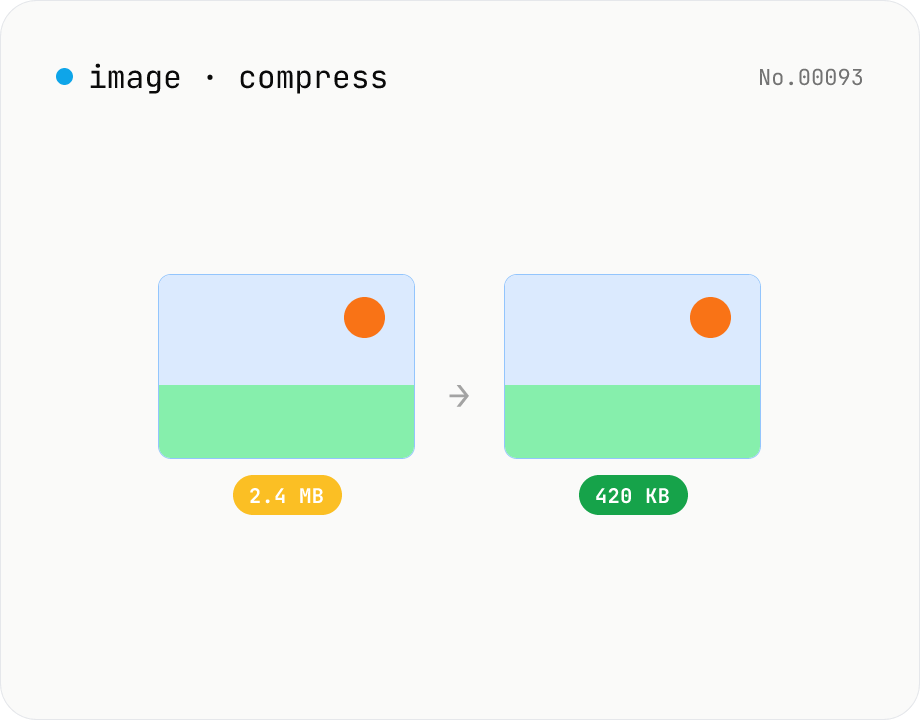
Image compress — shrink JPG / PNG / WebP without resize
Shrink image file sizes without changing dimensions. JPEG / WebP are re-encoded via a quality slider; PNG is losslessly optimised with oxipng (WASM). Batch process multiple files and download individually or as a ZIP. Runs entirely in your browser.
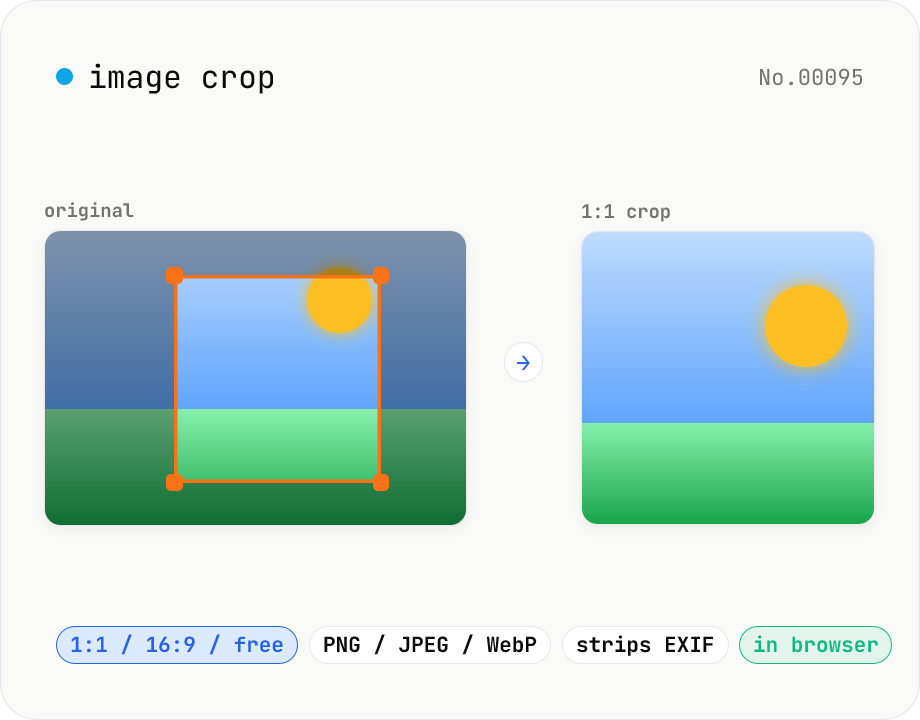
Image crop — drag to trim with free ratio or pixel size
Crop JPEG / PNG / WebP images by dragging directly on the preview. Pick an aspect ratio (free / 1:1 / 16:9 / 4:3 / 3:4 / 9:16) and an output format (PNG / JPEG / WebP) with quality control for the lossy formats. Your image never leaves the browser — every step runs locally.
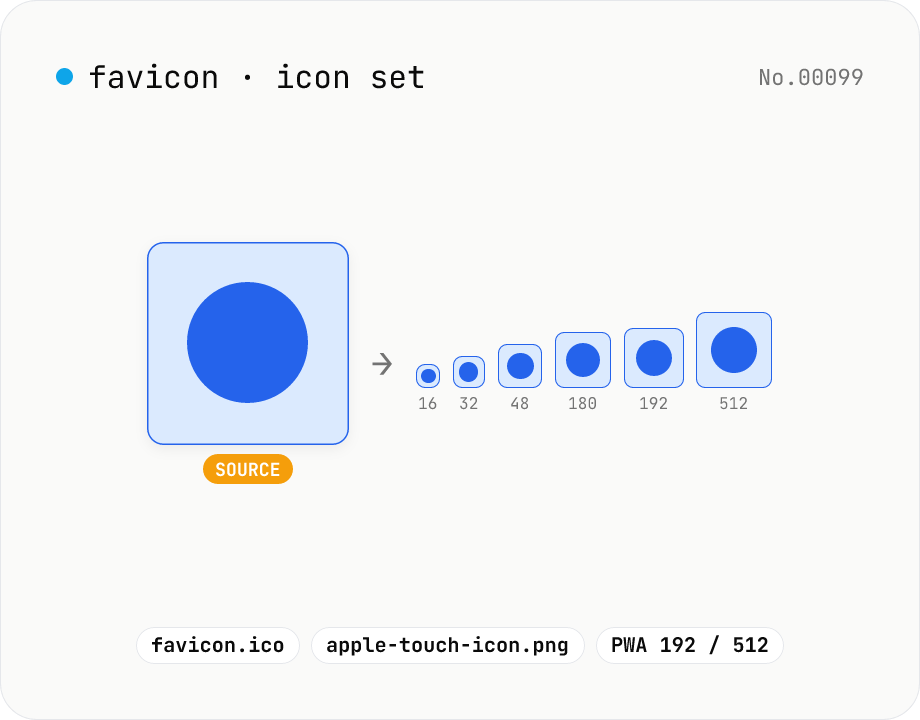
Favicon generator — full 16/32/48/180/192/512 PNG set
Generate a full favicon / PWA / Apple Touch / Android Chrome icon set (16–512px PNGs) plus a multi-size favicon.ico from a single source image, then download them as a ZIP. Canvas handles the resize and the ICO binary is built locally — your image never leaves your browser.
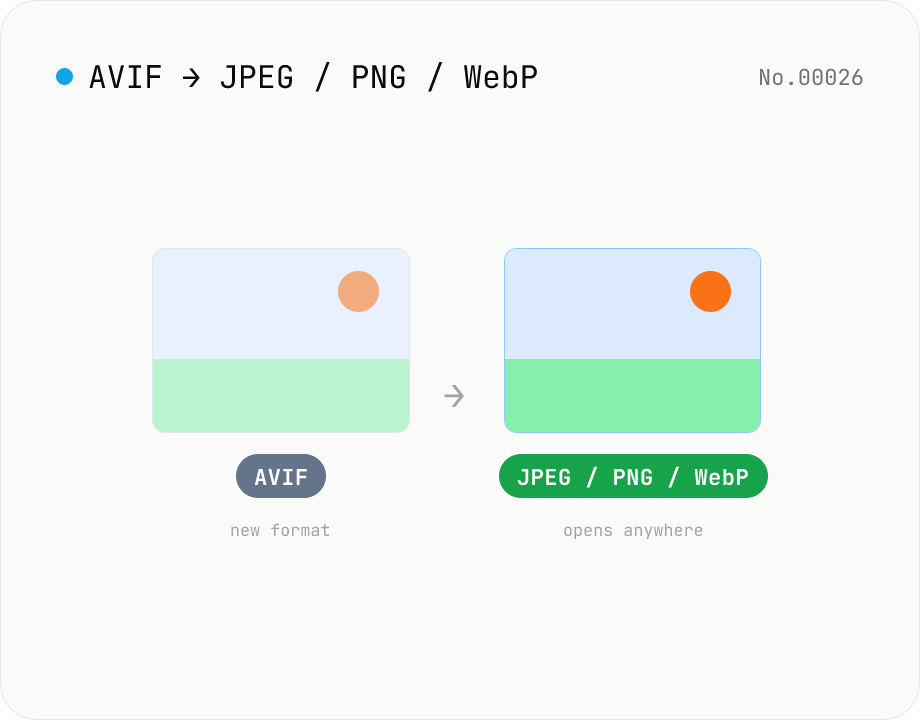
Convert AVIF photos to JPG / PNG / WebP — compatible everywhere
Decode .avif images with the browser-native AVIF decoder and re-encode them as JPEG / PNG / WebP. AVIF is great for the web but older Safari versions, email clients, Slack and Office still can't preview it — convert before sending. Batch conversion with single-click ZIP download is supported. Files never leave your device — everything runs in the browser.