
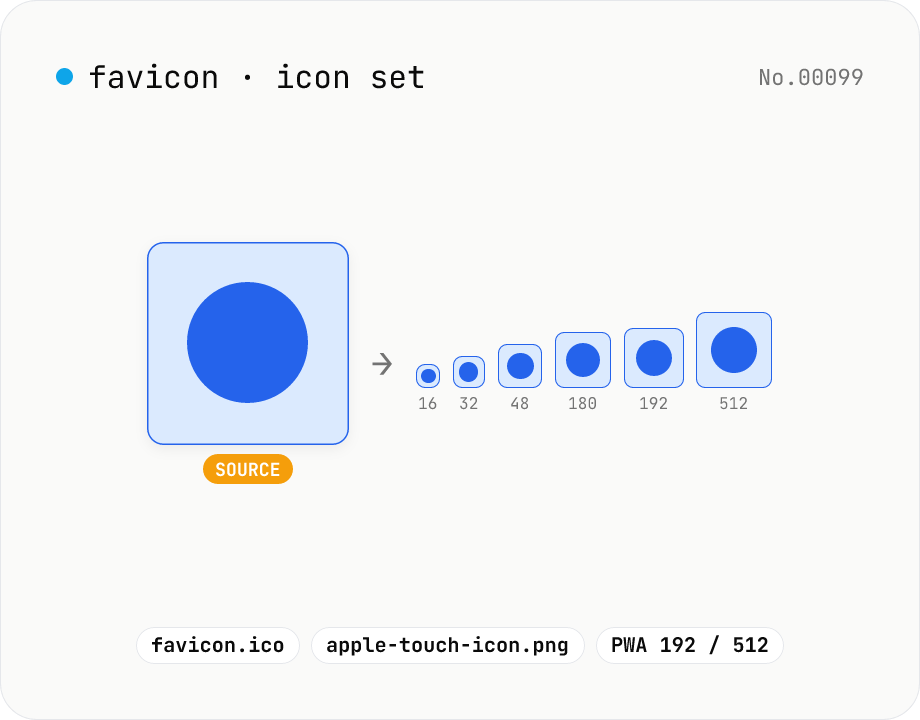
Favicon generator — full 16/32/48/180/192/512 PNG set
Generate a full favicon / PWA / Apple Touch / Android Chrome icon set (16–512px PNGs) plus a multi-size favicon.ico from a single source image, then download them as a ZIP. Canvas handles the resize and the ICO binary is built locally — your image never leaves your browser.
How to use
Drop or choose a square, high-resolution source image (512×512 or larger recommended). Tick the sizes you want and click Generate. Each PNG and the multi-size favicon.ico appear in the preview list — bulk-download with the ZIP button or save individual files from each card. Canvas does the resizing and the ICO binary is assembled locally, so nothing is uploaded.
FAQ
- Is the source image uploaded?
- No. The image is decoded with the Image API into a canvas, then resized and packed into PNGs / ICO entirely in browser JavaScript. No network requests are made.
- What's inside favicon.ico?
- Three PNGs (16×16, 32×32, 48×48) wrapped in the Windows ICO container so a single file covers tab and bookmark icons. Reference it from HTML with `<link rel="icon" href="/favicon.ico">`.
- What are the 180 / 192 / 512 sizes for?
- 180 is the Apple Touch Icon for iOS home screens. 192 and 512 are the standard PWA / Android Chrome sizes that go into a Web App Manifest. 512 also doubles as splash-screen artwork on large displays.
- Can I use an SVG as the source?
- Yes — any SVG your browser can render natively works. If you also want the SVG itself as a favicon, add `<link rel="icon" type="image/svg+xml" href="/icon.svg">` separately (this tool outputs PNG and ICO only).
- What if the source isn't square?
- It gets squeezed to the target size and the aspect ratio is lost. Pre-crop with the image-crop tool first to keep things looking right.
- Do I need a BMP-based ICO for old IE?
- Modern browsers all read PNG-embedded ICOs. Unless you target Windows XP / IE6 era clients (pre-2010), the PNG-based ICO this tool produces is plenty.
Related tools
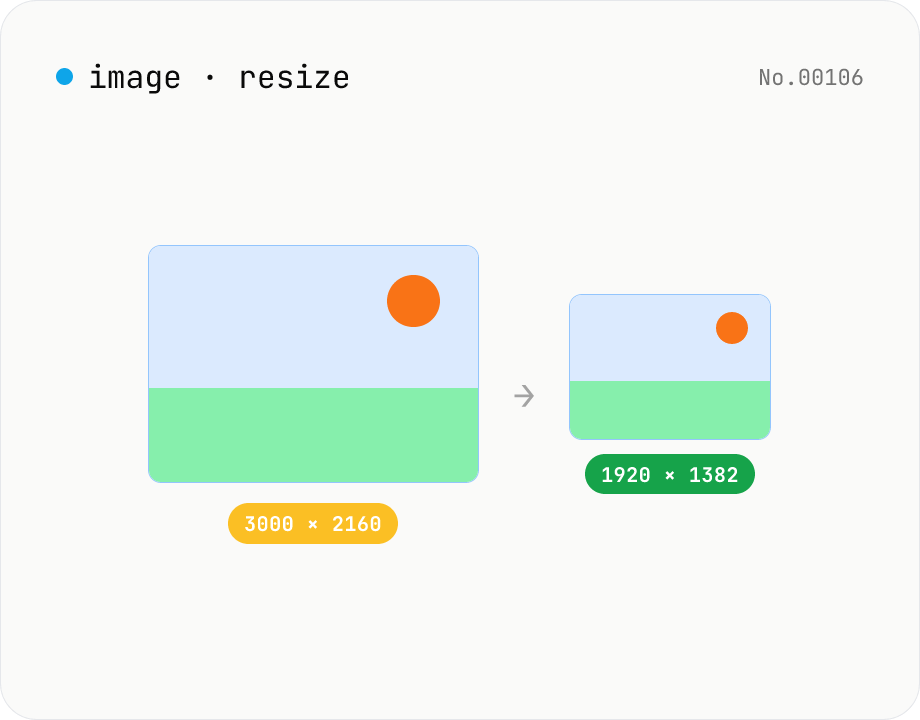
Image resize — by px or %, keep or lock aspect ratio
Resize JPEG / PNG / WebP images by specifying the longer side in pixels — aspect ratio is preserved. Batch process multiple files and download individually or as a ZIP. Runs entirely in your browser.
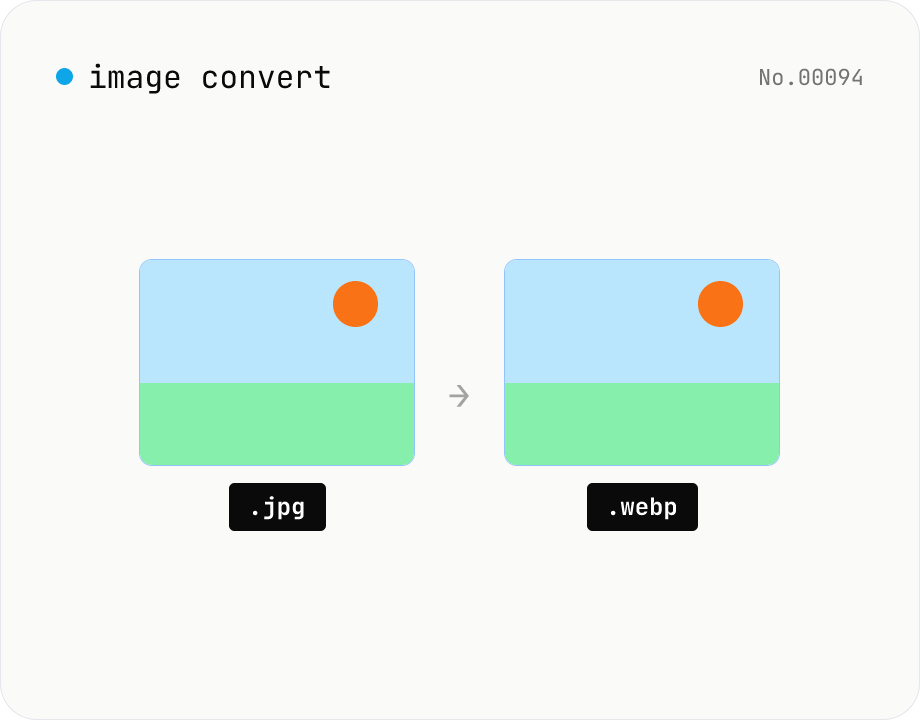
Image format convert — JPG / PNG / WebP interchange
Convert images between JPEG / PNG / WebP using the browser canvas — no network. A quality slider is available for JPEG and WebP. Supports batch processing and a single ZIP download.
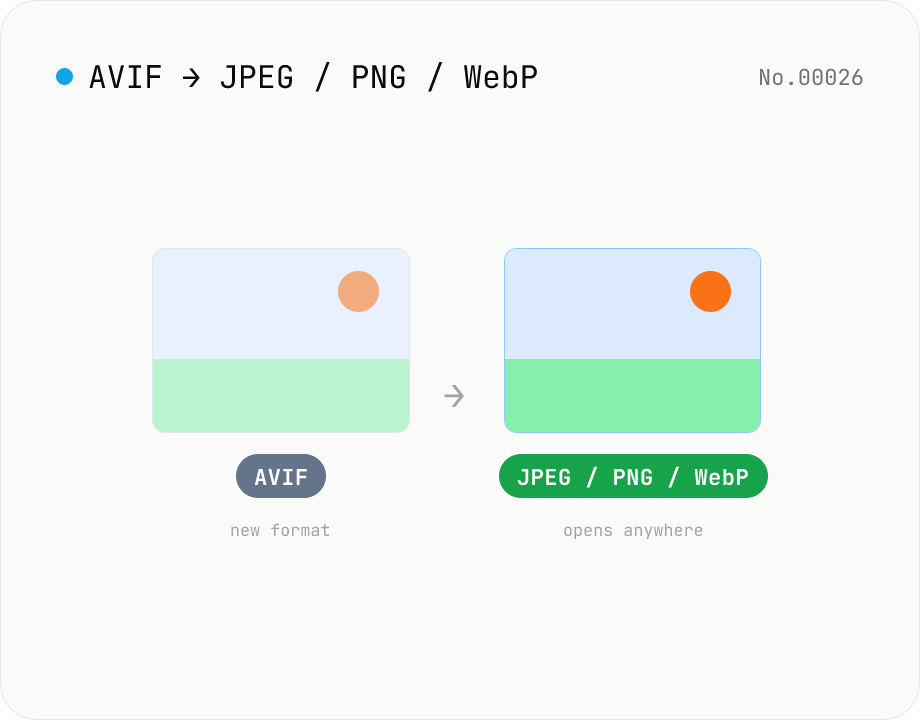
Convert AVIF photos to JPG / PNG / WebP — compatible everywhere
Decode .avif images with the browser-native AVIF decoder and re-encode them as JPEG / PNG / WebP. AVIF is great for the web but older Safari versions, email clients, Slack and Office still can't preview it — convert before sending. Batch conversion with single-click ZIP download is supported. Files never leave your device — everything runs in the browser.
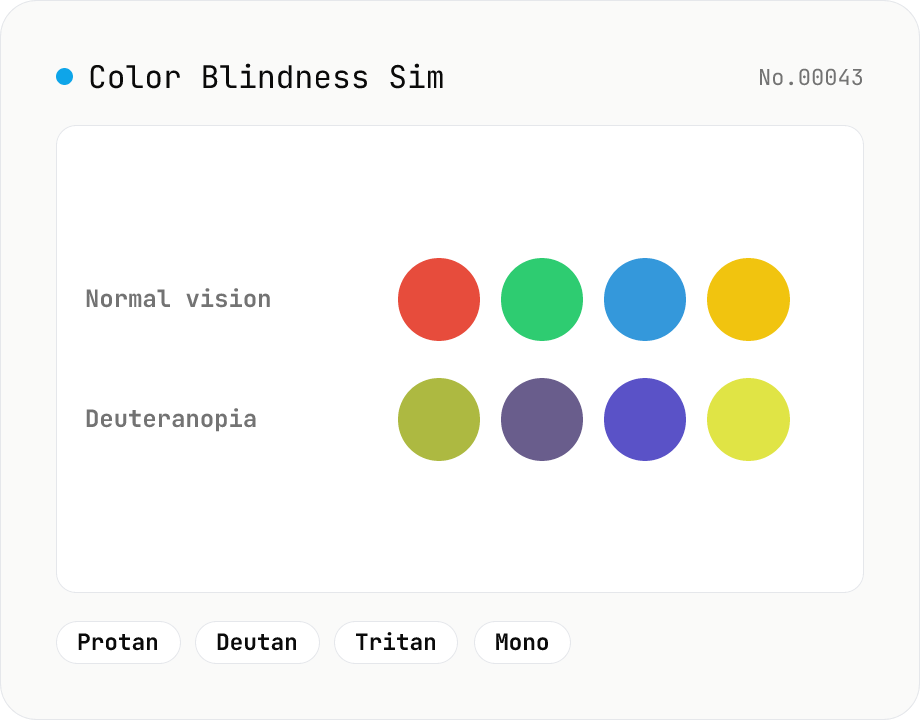
Color Blindness Simulator
Simulate how an image looks under protanopia (red-blind), deuteranopia (green-blind), tritanopia (blue-blind), or achromatopsia. Check whether your design or chart is color-accessible. Runs in the browser with Canvas and transform matrices — your image is never uploaded.