
Image format convert — JPG / PNG / WebP interchange
Convert images between JPEG / PNG / WebP using the browser canvas — no network. A quality slider is available for JPEG and WebP. Supports batch processing and a single ZIP download.
How to use
Drop images (JPEG / PNG / WebP) and pick a target format. For JPEG / WebP, set a quality (0–100). Click Convert — the browser canvas re-encodes the file. Download individually or as a ZIP. No network requests are made.
FAQ
- Are images uploaded?
- No. Conversion is done by the browser canvas locally.
- What happens to transparency in PNG → JPEG?
- JPEG has no alpha, so transparent areas are filled with white. Pick PNG or WebP to keep transparency.
- Does JPEG → PNG get bigger?
- Almost always. JPEG is lossy and compact, PNG is lossless; preserving JPEG content losslessly in PNG makes it larger.
- What quality for WebP?
- 75–85 is a good size / quality sweet spot for photos.
Related tools
Image compress — shrink JPG / PNG / WebP without resize
Shrink image file sizes without changing dimensions. JPEG / WebP are re-encoded via a quality slider; PNG is losslessly optimised with oxipng (WASM). Batch process multiple files and download individually or as a ZIP. Runs entirely in your browser.
Convert HEIC / HEIF photos to JPG / PNG / WebP batch
Decode iPhone HEIC / HEIF photos inside the browser via libheif-js (WASM) and re-encode them as JPEG or PNG. Supports batch conversion and a single ZIP download. Nothing leaves your device.
Convert AVIF photos to JPG / PNG / WebP — compatible everywhere
Decode .avif images with the browser-native AVIF decoder and re-encode them as JPEG / PNG / WebP. AVIF is great for the web but older Safari versions, email clients, Slack and Office still can't preview it — convert before sending. Batch conversion with single-click ZIP download is supported. Files never leave your device — everything runs in the browser.
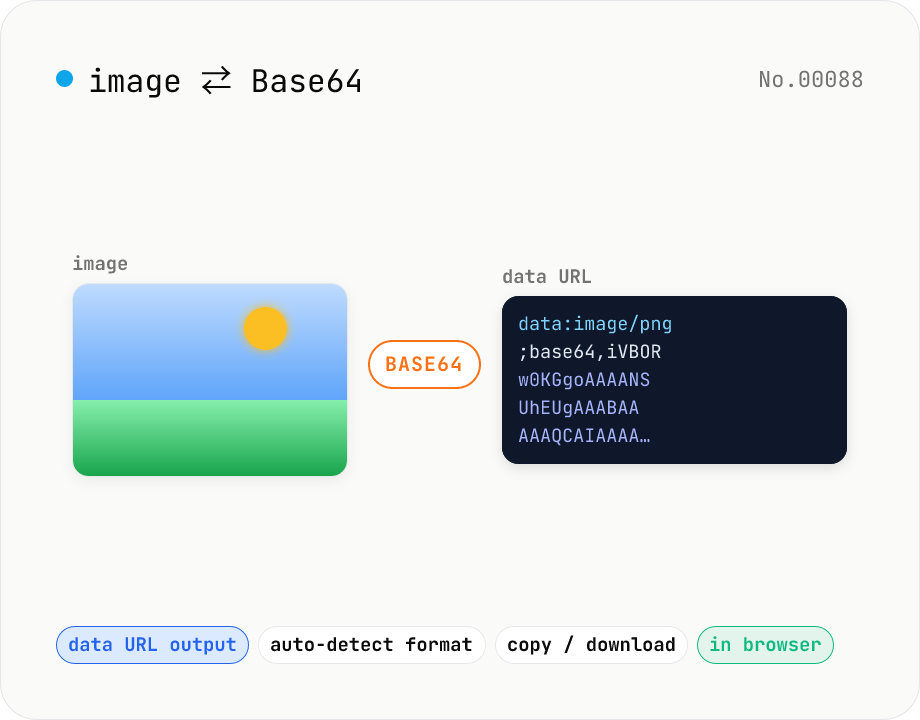
Image ⇄ Base64 — encode to data URL or decode back
Encode an image file into a Base64 string (data URL) or decode a Base64 / data URL back into an image. Handy for embedding in CSS / HTML, stringifying for API payloads, or inspecting a Base64 you received. Toggle the data URL prefix, and decoding auto-detects the image format for preview and download. Your image never leaves the browser — everything runs locally.