
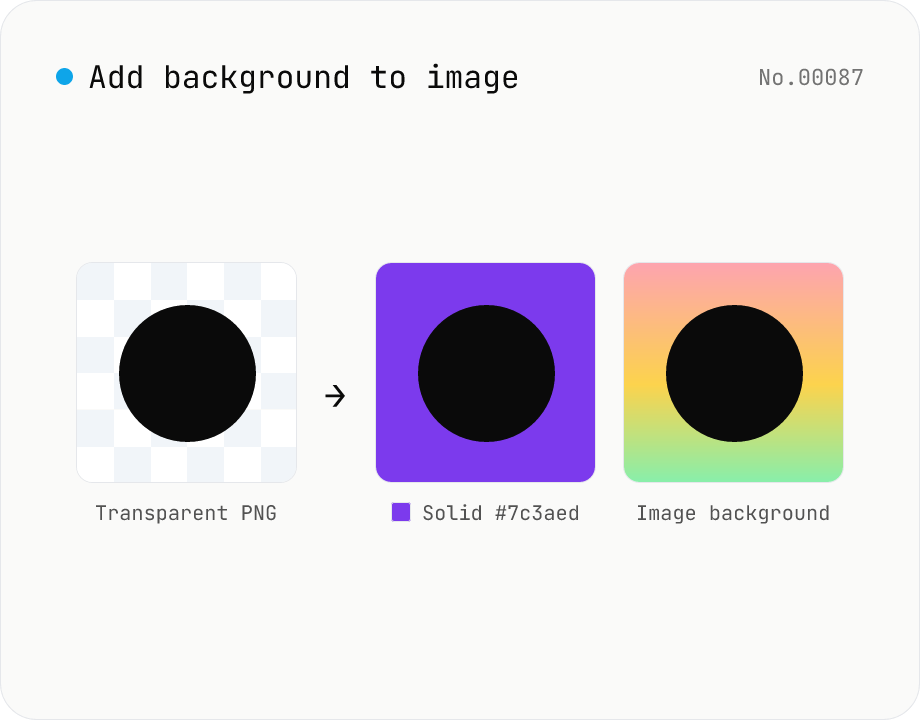
Add image background — solid color or another photo overlay
Composite a solid color (hex code) or another image as the background for transparent PNGs and photos. Runs on the local Canvas — nothing leaves your browser. Either fill the original transparent areas or add padding on all sides and let the background wrap around. Batch-process and download as a ZIP. Output keeps the source format (PNG / JPEG / WebP).
How to use
Drop images (batch supported). In Solid color mode set a hex code (#rrggbb); in Image mode pick a background image and choose cover / contain. Padding 0 keeps the original size and only paints transparent areas; > 0 adds padding on all sides and lets the background wrap around. Click Apply background to composite on Canvas. Download per file or as a single ZIP. Output keeps the source format (PNG / JPEG / WebP).
FAQ
- Are images uploaded?
- No. Composition runs on the local Canvas; nothing leaves your browser. The background image is also kept locally.
- Which input formats are supported?
- JPEG / PNG / WebP. The output keeps the original format and extension. Use PNG or WebP if you need to preserve transparency (JPEG has no alpha).
- Can I add a background to a JPEG photo too?
- Yes. JPEGs have no transparency, so set Padding > 0 to add a margin on all sides — that margin becomes the background. With transparent PNGs, even Padding 0 fills the transparent areas.
- What color formats are supported?
- Only 6-digit hex codes #rrggbb (e.g. #ffffff, #1e3a8a). 3-digit shortcuts (#fff) and rgba() are not supported.
- How do I avoid the background image being stretched or cropped?
- Choose contain in Fit to preserve the aspect ratio and fit inside the frame (may leave gaps). cover crops the background to fully fill the frame.
- Can I target a specific 1:1 or 16:9 canvas?
- Not yet — only percentage padding relative to the source width is supported. Aspect-ratio targets are on the consideration list.
Related tools
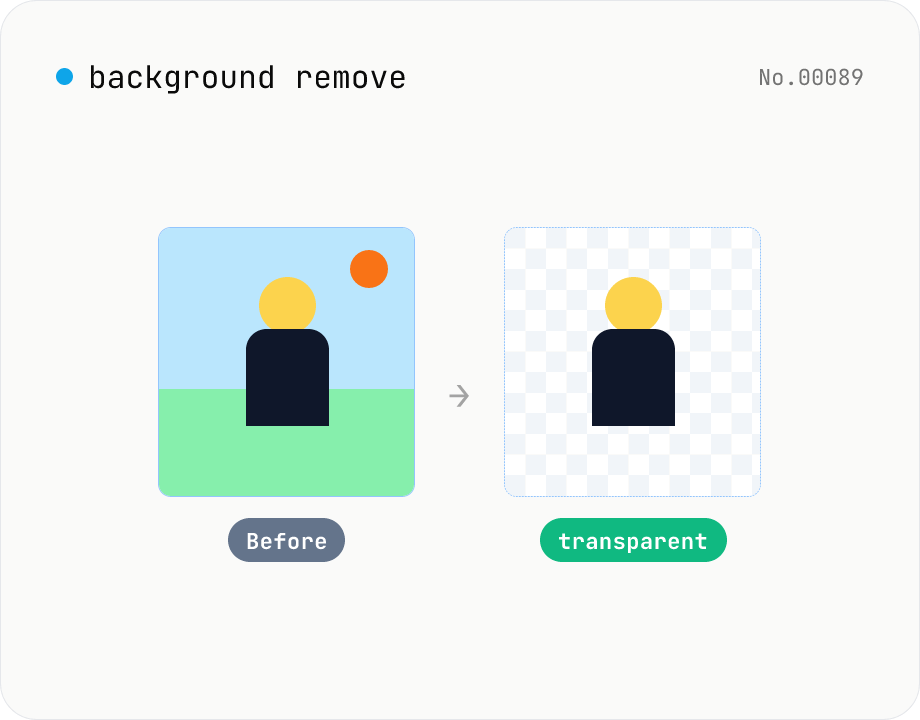
Background remover — AI cutout for people & objects
Run the BRIA RMBG-1.4 segmentation model in your browser via transformers.js + ONNX Runtime Web to cut the subject out and export a transparent PNG. The model downloads once and works offline afterwards. Supports batch processing with a ZIP download. Images never leave your device.
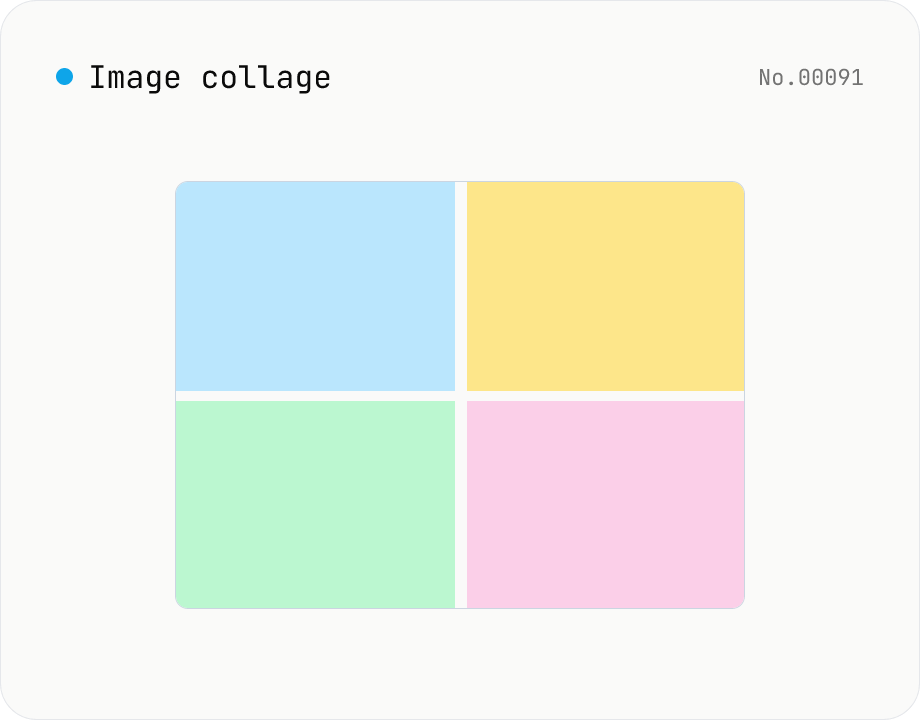
Image collage — grid / horizontal / vertical layout
Combine multiple images into one — as a grid, a horizontal strip, or a vertical strip. Composited via Canvas entirely in the browser. Tune columns, gap, padding, background color and output format (PNG / JPEG / WebP). Reorder with up/down buttons.
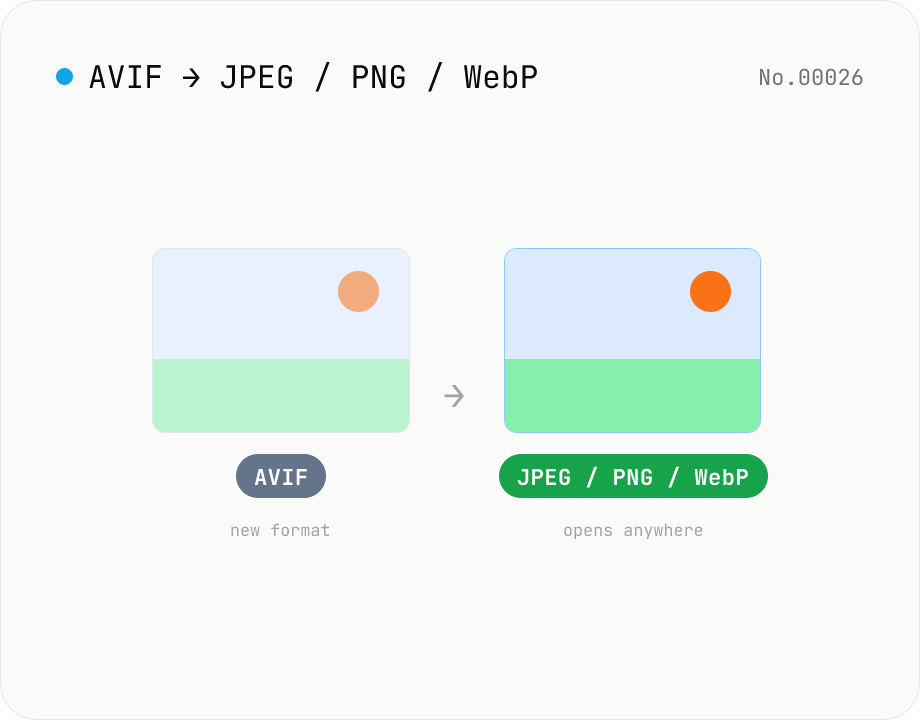
Convert AVIF photos to JPG / PNG / WebP — compatible everywhere
Decode .avif images with the browser-native AVIF decoder and re-encode them as JPEG / PNG / WebP. AVIF is great for the web but older Safari versions, email clients, Slack and Office still can't preview it — convert before sending. Batch conversion with single-click ZIP download is supported. Files never leave your device — everything runs in the browser.
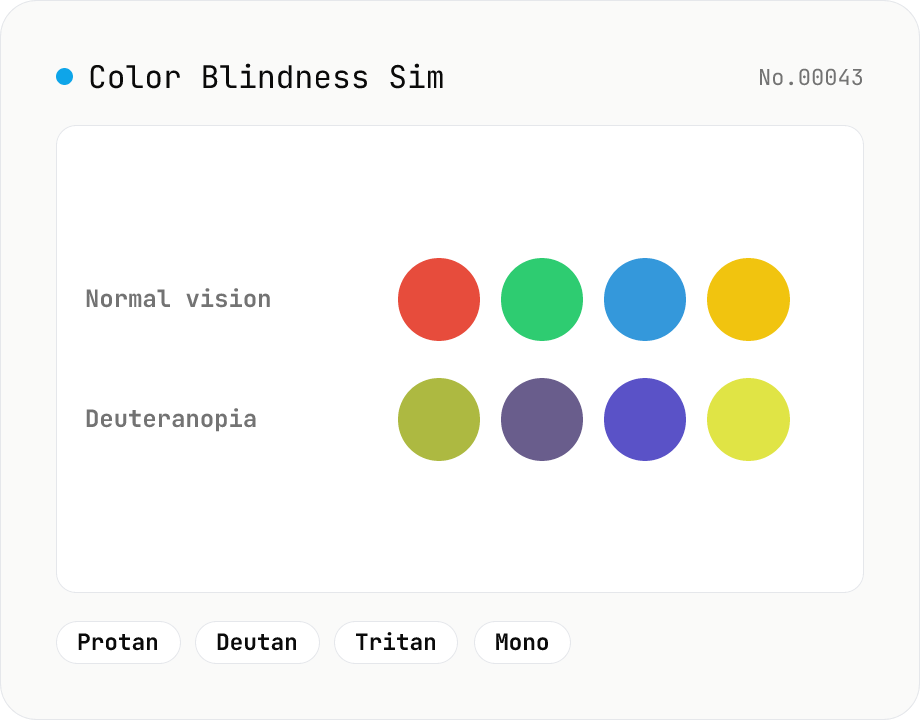
Color Blindness Simulator
Simulate how an image looks under protanopia (red-blind), deuteranopia (green-blind), tritanopia (blue-blind), or achromatopsia. Check whether your design or chart is color-accessible. Runs in the browser with Canvas and transform matrices — your image is never uploaded.