
Image Rounded Corners
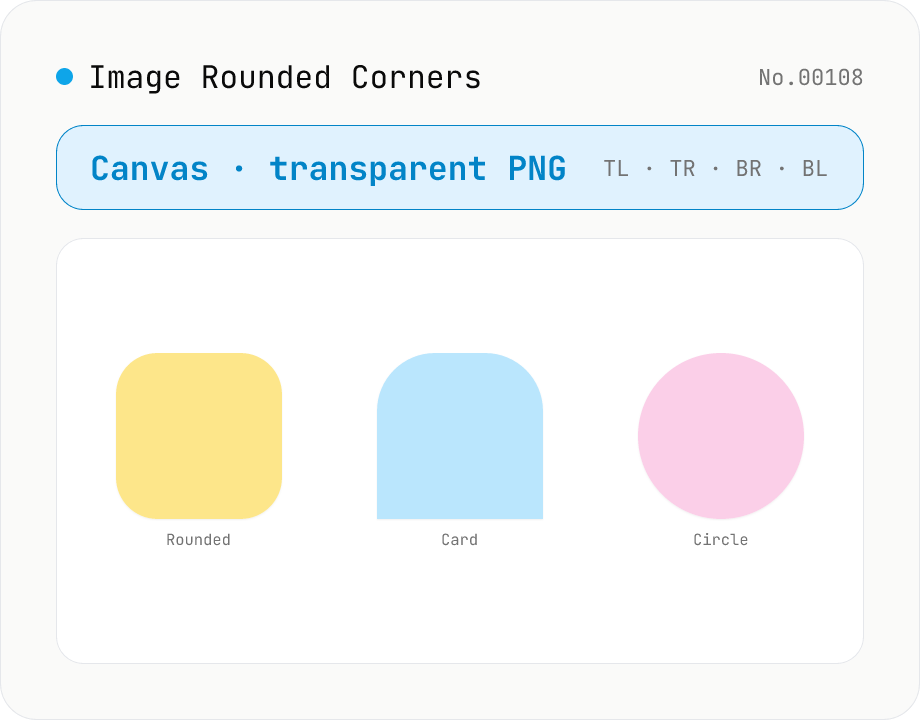
Round the corners of an image and export as transparent PNG / JPEG / WebP. Radius is set in pixels (up to half of the shorter side), and each corner (TL / TR / BR / BL) can be toggled independently to make half-circles, capsule shapes, or one-side rounded cards. Background defaults to transparent (PNG/WebP) or can be filled with any color (required for JPEG). Useful for SNS profile pictures, app icons, card thumbnails, and shadcn-style UI assets. Runs entirely in the browser — nothing uploaded.
How to use
Drop an image and adjust the "Corner radius (px)" slider — it is automatically capped at half the shorter side. Use the corner checkboxes to round only some of the corners (top-only for card headers, left two for tabs, all four for circular avatars). Background can be transparent (PNG / WebP) or a solid color; JPEG always needs a background color because it has no alpha channel. Output format is PNG / JPEG / WebP; JPEG and WebP show a quality slider. Copy or download the result. Everything runs in the browser via the Canvas API.
FAQ
- Can I make a circular profile image?
- Yes. With a square image (say 512×512), set the radius to half the side (256) and toggle all four corners on. For rectangles you get a capsule shape based on the shorter side, not an ellipse.
- How is the maximum radius decided?
- Clamped at min(width, height) / 2. A 1200×800 image caps at 400 px. The slider and the displayed cap update automatically to match the loaded image.
- Why are the corners black when I export to JPEG?
- JPEG has no alpha channel, so the clipped corners must be filled with something. If the background is left transparent we fall back to white, but if you need the rounded image to sit on a specific page color, switch to "Solid color" and pick that color (e.g. #ffffff for white pages).
- Does it handle animated GIF or HEIC?
- Convert HEIC to PNG / JPG with the heic-convert tool first. Animated GIFs only process the first frame here; to round every frame use gif-frame-extract → round each one → re-assemble elsewhere.
- Are EXIF / ICC profiles kept?
- No. Canvas re-encoding drops EXIF (capture info) and ICC profiles. If preserving EXIF matters, use a tool that does not re-encode the bitmap (this tool is aimed at thumbnail / avatar export, where metadata loss is acceptable).
Related tools
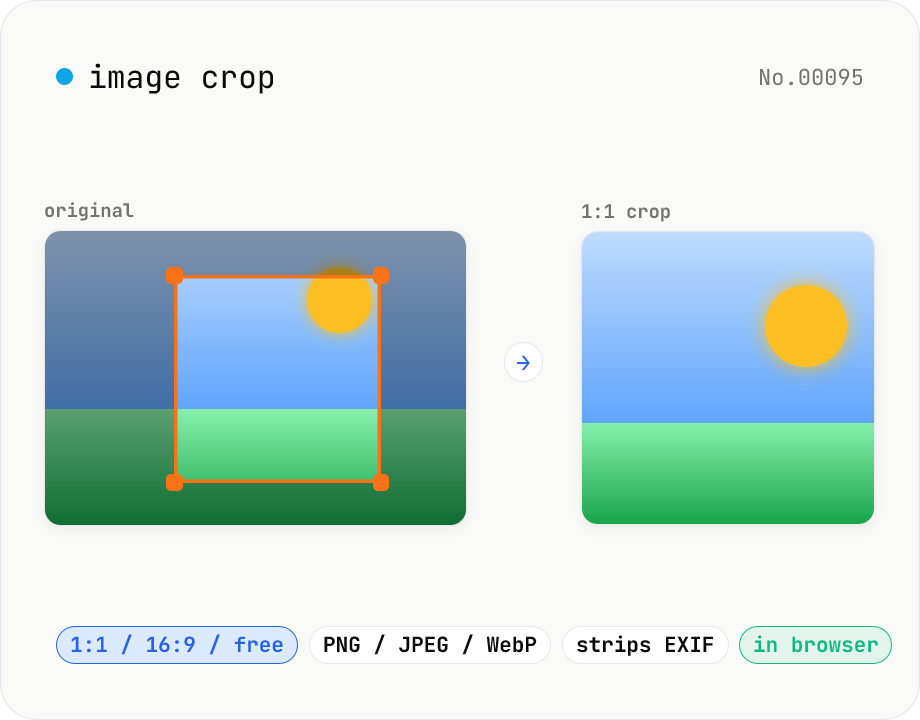
Image crop — drag to trim with free ratio or pixel size
Crop JPEG / PNG / WebP images by dragging directly on the preview. Pick an aspect ratio (free / 1:1 / 16:9 / 4:3 / 3:4 / 9:16) and an output format (PNG / JPEG / WebP) with quality control for the lossy formats. Your image never leaves the browser — every step runs locally.
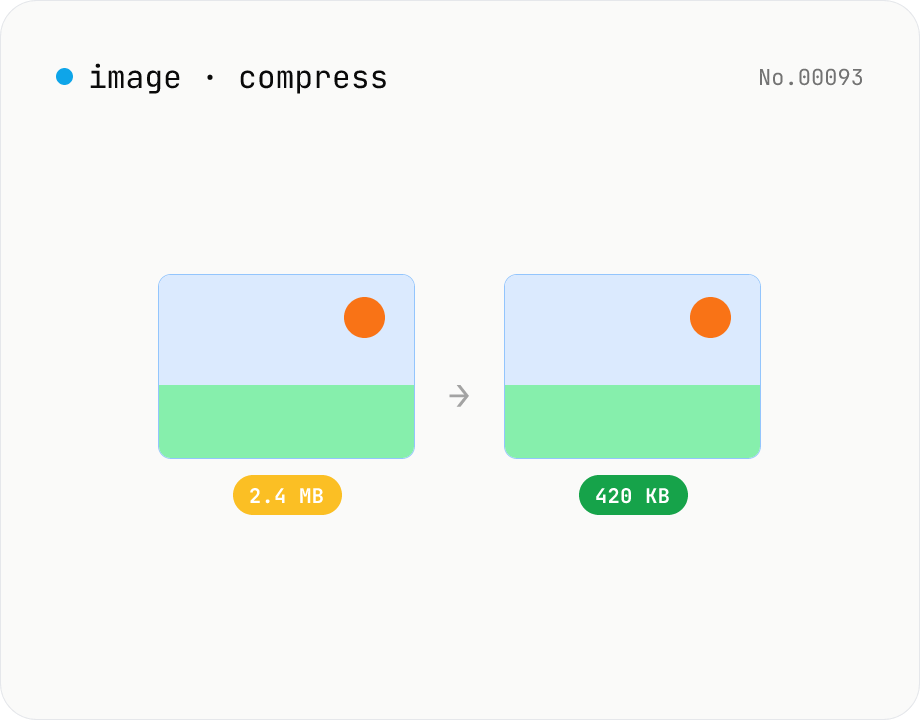
Image compress — shrink JPG / PNG / WebP without resize
Shrink image file sizes without changing dimensions. JPEG / WebP are re-encoded via a quality slider; PNG is losslessly optimised with oxipng (WASM). Batch process multiple files and download individually or as a ZIP. Runs entirely in your browser.
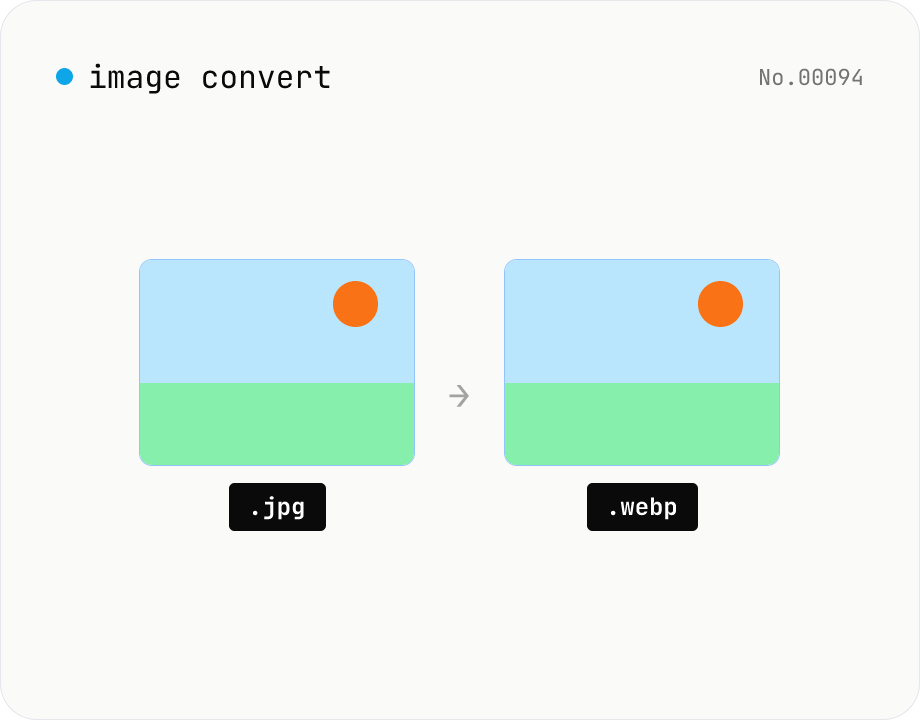
Image format convert — JPG / PNG / WebP interchange
Convert images between JPEG / PNG / WebP using the browser canvas — no network. A quality slider is available for JPEG and WebP. Supports batch processing and a single ZIP download.
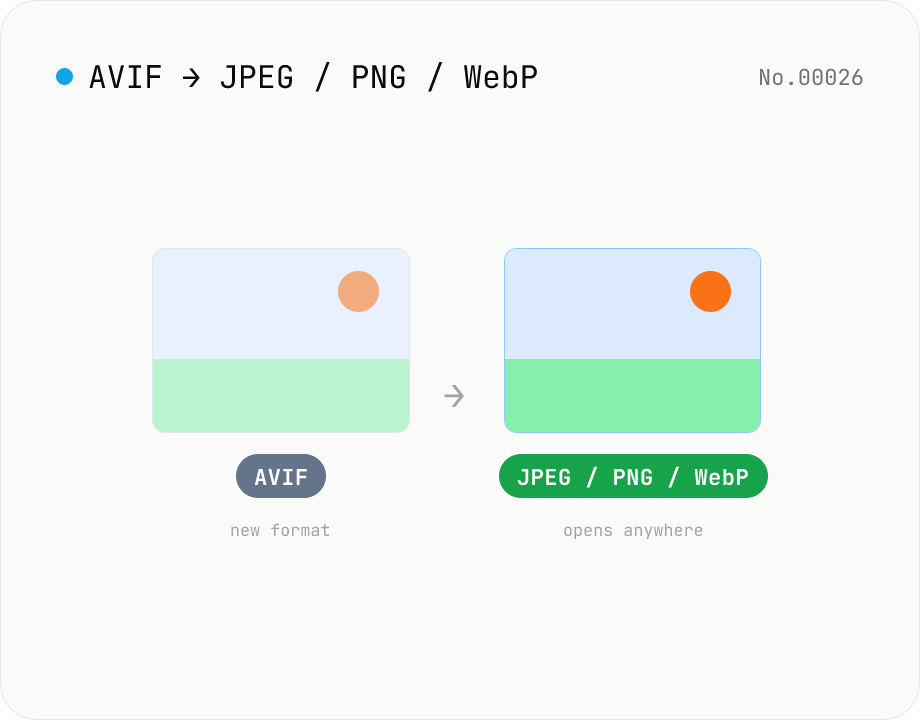
Convert AVIF photos to JPG / PNG / WebP — compatible everywhere
Decode .avif images with the browser-native AVIF decoder and re-encode them as JPEG / PNG / WebP. AVIF is great for the web but older Safari versions, email clients, Slack and Office still can't preview it — convert before sending. Batch conversion with single-click ZIP download is supported. Files never leave your device — everything runs in the browser.