
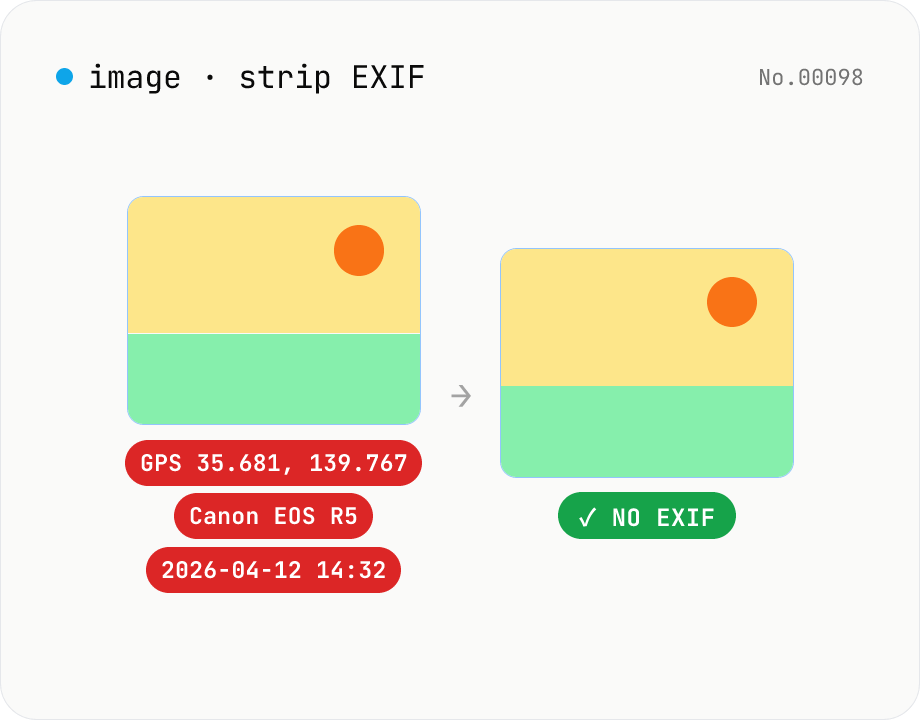
Image EXIF strip — wipe GPS / capture date metadata
Remove EXIF, XMP and other metadata from JPEG / PNG / WebP files. For JPEG, only the metadata bytes are stripped — image quality is preserved exactly. Inspect embedded GPS or capture date before sharing. Runs entirely in your browser.
How to use
Drop or pick JPEG / PNG / WebP files (multiple supported). After parsing, the embedded metadata (capture date, GPS, camera, lens, etc.) is listed so you can review it before sharing. Click Strip EXIF — JPEGs have only the metadata bytes removed (no re-encoding), while PNG / WebP are re-encoded without the tags. Download individually or as a ZIP.
FAQ
- Are images uploaded?
- No, both inspection and stripping run entirely in your browser.
- Will JPEG quality drop?
- No. For JPEG only the metadata bytes are removed, so the image data is bit-identical to the original. PNG / WebP are re-encoded but PNG is lossless.
- What metadata is removed?
- EXIF (capture date / camera / lens / GPS, etc.), XMP, IPTC, parts of the ICC profile and embedded thumbnails.
- Why does it say no metadata?
- Either the file has already been stripped, or it never had any tags embedded in the first place.
Related tools
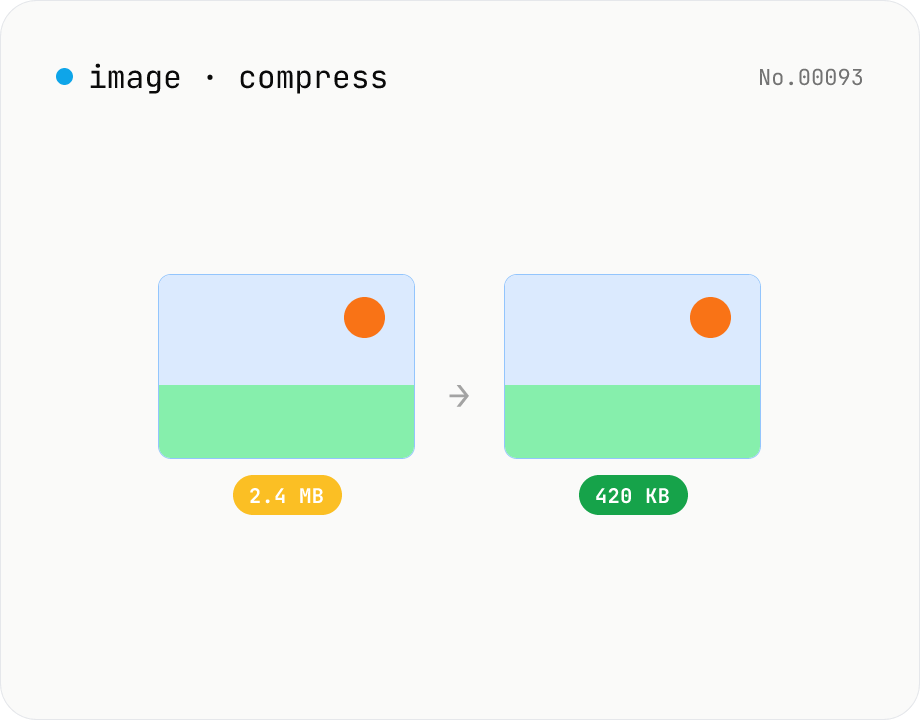
Image compress — shrink JPG / PNG / WebP without resize
Shrink image file sizes without changing dimensions. JPEG / WebP are re-encoded via a quality slider; PNG is losslessly optimised with oxipng (WASM). Batch process multiple files and download individually or as a ZIP. Runs entirely in your browser.
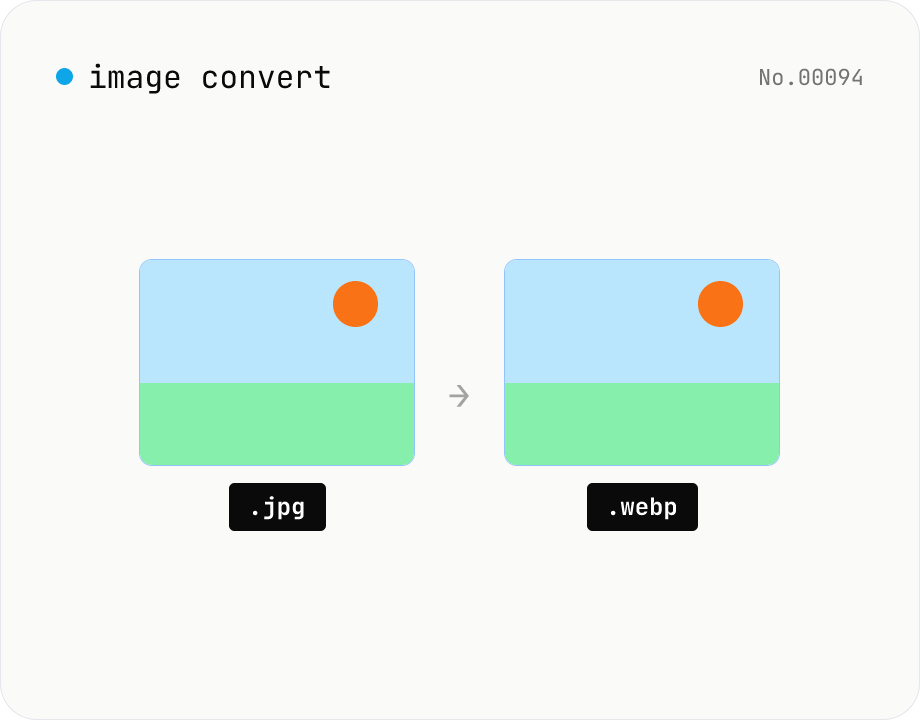
Image format convert — JPG / PNG / WebP interchange
Convert images between JPEG / PNG / WebP using the browser canvas — no network. A quality slider is available for JPEG and WebP. Supports batch processing and a single ZIP download.
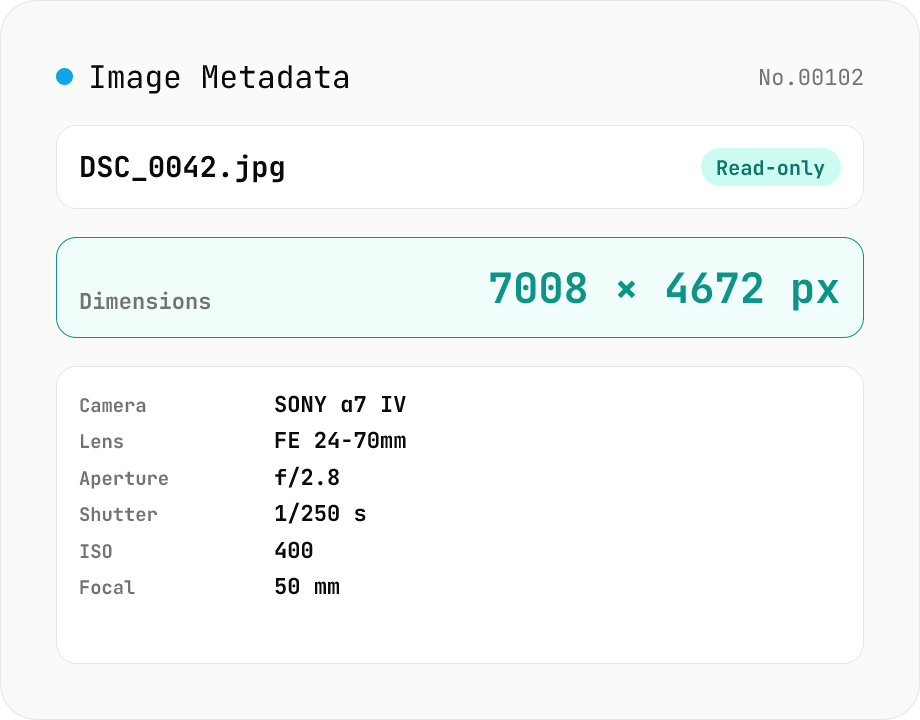
Image Metadata Viewer
Drop an image (JPEG / PNG / WebP / GIF / TIFF / HEIC / AVIF) to see its dimensions, file size, MIME type, aspect ratio, bit depth, color type, and DPI, plus extracted EXIF (capture time, camera make / model, lens, aperture, shutter speed, ISO, focal length, exposure compensation, orientation), GPS coordinates, ICC color profile, IPTC, and XMP. PNG headers (IHDR / pHYs) and JPEG markers (SOF / JFIF) are read by a small built-in parser; EXIF is parsed with exifr (MIT). Read-only — nothing is modified and the image never leaves your browser.
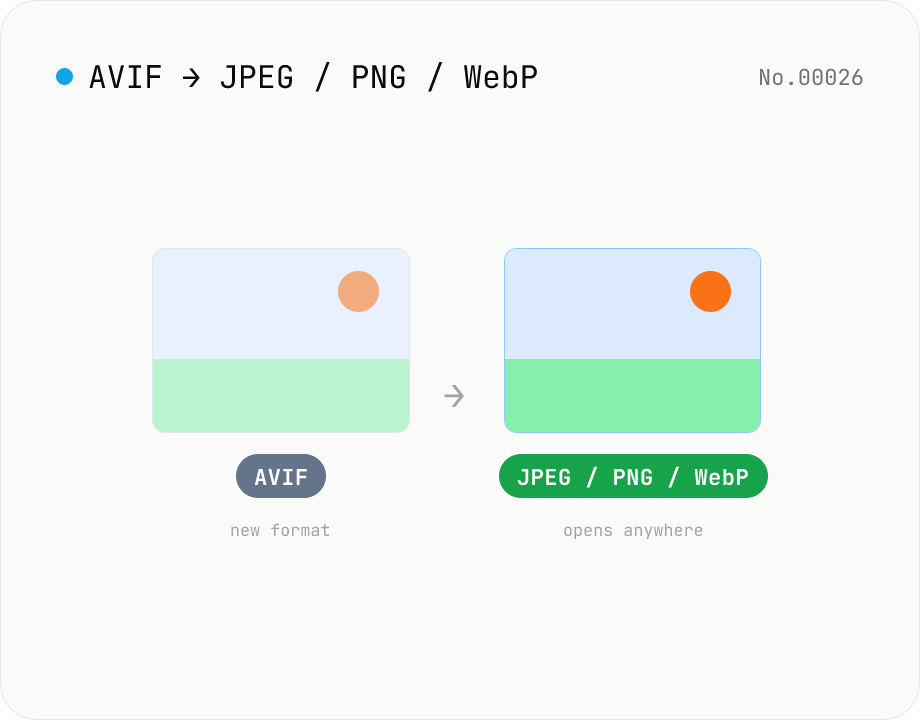
Convert AVIF photos to JPG / PNG / WebP — compatible everywhere
Decode .avif images with the browser-native AVIF decoder and re-encode them as JPEG / PNG / WebP. AVIF is great for the web but older Safari versions, email clients, Slack and Office still can't preview it — convert before sending. Batch conversion with single-click ZIP download is supported. Files never leave your device — everything runs in the browser.