
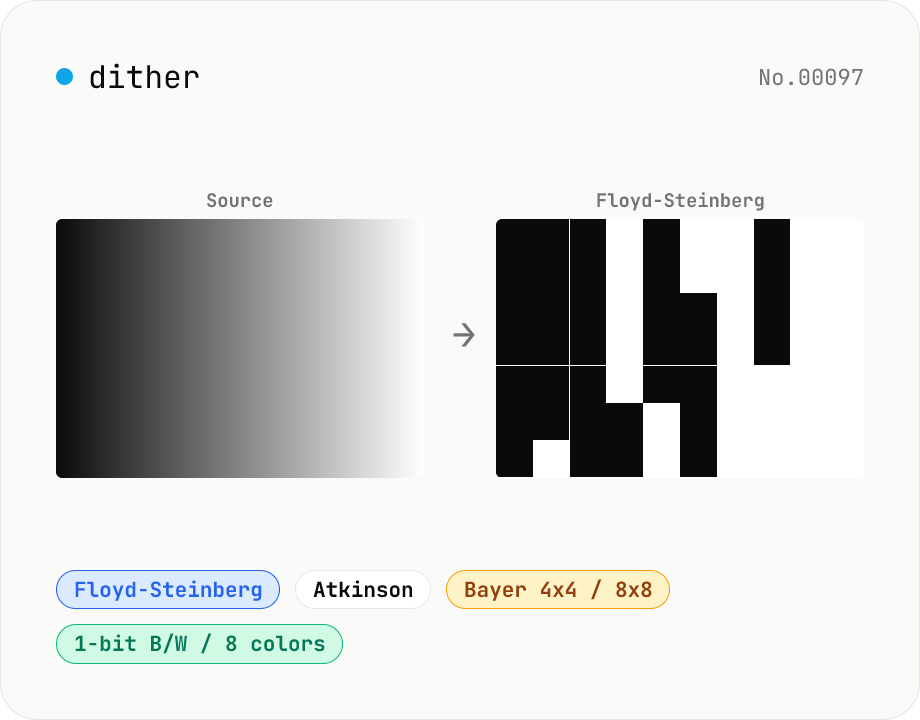
Image dither — Floyd-Steinberg / Atkinson / Bayer
Apply error-diffusion or ordered dithering to JPEG / PNG / WebP images. Algorithms include Floyd-Steinberg (classic photo dither), Atkinson (the Mac look), Bayer 4x4 / 8x8 (ordered dots), and plain threshold (no dither). Output palettes: 1-bit B/W, 2-bit grayscale (4 levels), 4-bit grayscale (16 levels), or 3-bit RGB (8 colors). Great for retro pixel-art looks, E-ink (Kindle / reMarkable) previews, Game Boy / Mac Classic vibes, or print halftone studies. Runs entirely in your browser via Canvas.
How to use
Drop or pick one image (JPEG / PNG / WebP) to dither. Pick an algorithm (Floyd-Steinberg / Atkinson / Bayer 4x4 / Bayer 8x8 / threshold). Error-diffusion (FS / Atkinson) is best for photos; Bayer gives Game Boy / 8-bit-game-style ordered dots; threshold is plain palette quantization. Pick the output palette (1-bit B/W, 2-bit grayscale, 4-bit grayscale, or 3-bit RGB). Click Apply — processing runs on Canvas and the result appears below. Save as PNG or copy to your clipboard.
FAQ
- Which algorithm should I pick?
- For photos, start with Floyd-Steinberg. For a vintage Mac vibe try Atkinson. For ordered pixel-art / retro-game looks pick Bayer 4x4 or 8x8. For simple logos or icons, Threshold (no dither) gives clean flat color quantization.
- Does the output keep the original size?
- Yes — no resize. A 100×100 px input gives a 100×100 px output. For a stronger retro feel, shrink the image first with image-resize (e.g. to 1/4).
- Why is PNG the only output format?
- Dithered images carry hard-edge transitions between 2–16 colors. Lossy formats (JPEG) introduce compression noise that destroys the dither pattern. PNG (lossless) keeps the result clean.
- What about animated GIFs?
- Only the first frame is dithered. To dither an animation, run gif-frame-extract first, dither each frame, then recombine externally.
- Is anything uploaded?
- No. Canvas getImageData / putImageData runs entirely in your browser.
Related tools
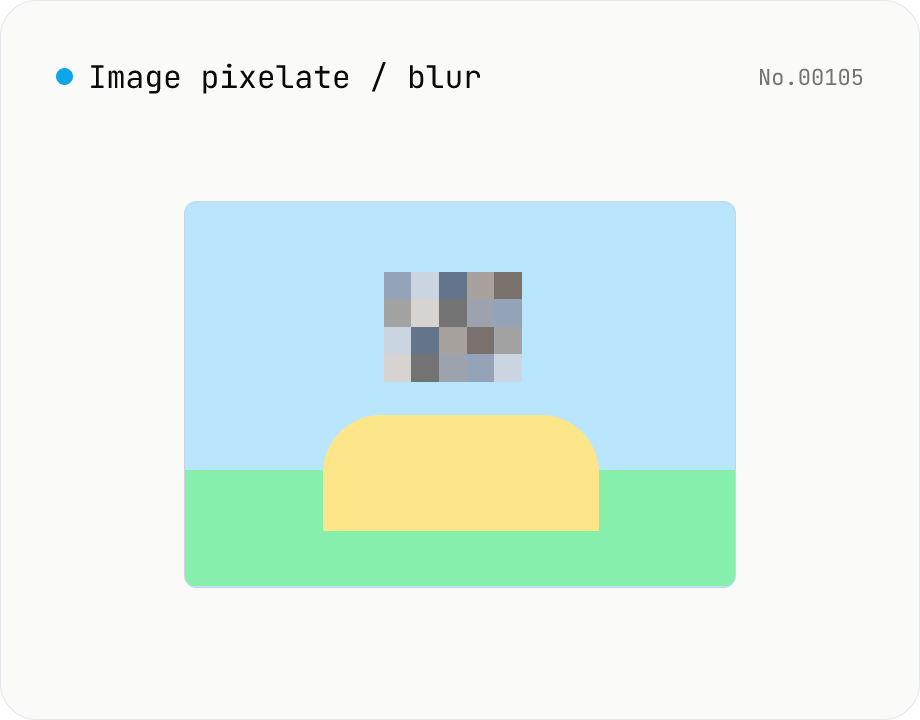
Image pixelate / blur — hide whole image or set region
Hide sensitive areas by pixelating (mosaic) or blurring an image. Apply to the whole image or to a rectangular region you set by X / Y / width / height percentages. Everything runs on Canvas in your browser. Batch processing with a single ZIP download is supported.
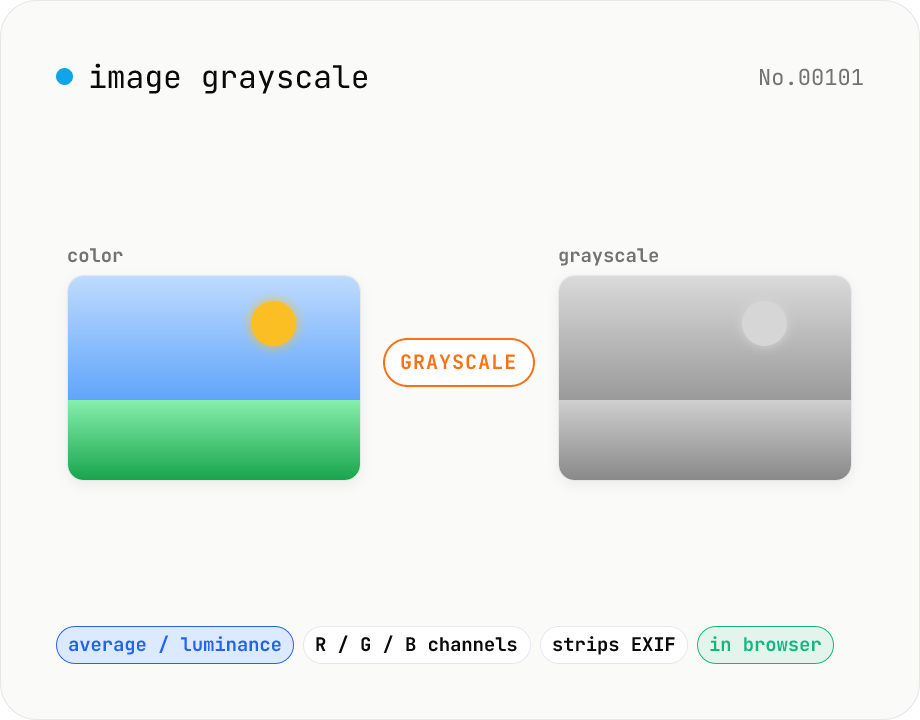
Image grayscale — 5 methods (average / BT.601 / R / G / B)
Convert JPEG / PNG / WebP images to grayscale inside your browser. Pick from five methods: average, luminance (BT.601), or any single channel (red / green / blue). Choose the output format (PNG / JPEG / WebP) and tweak the quality for the lossy formats. Your image is processed via canvas locally — nothing is uploaded.
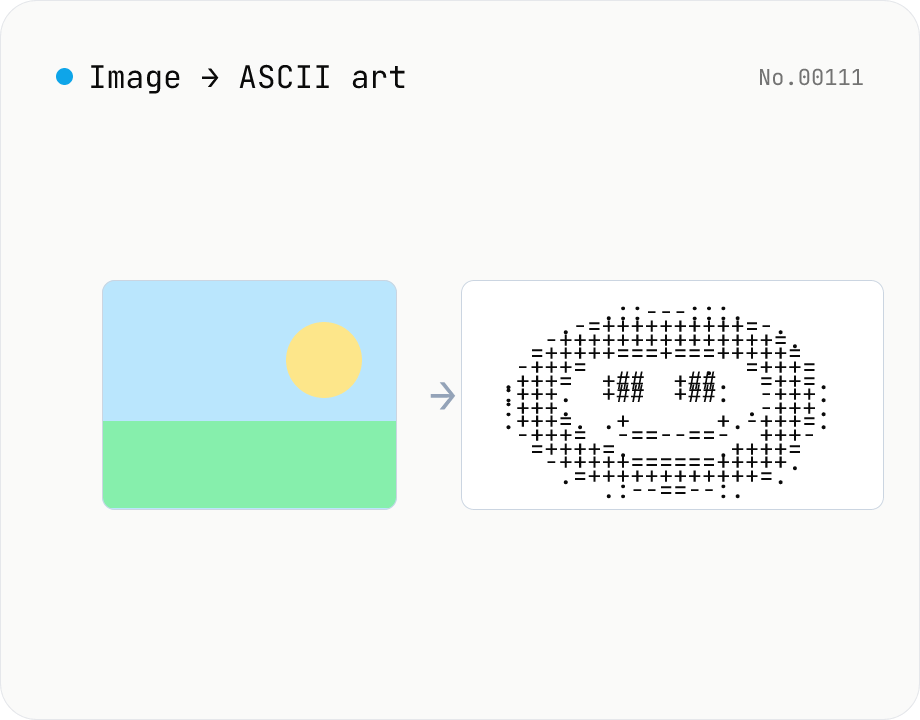
Image to ASCII art — render photos as text characters
Convert JPEG / PNG / WebP images into ASCII art entirely in the browser. Map each pixel's luminance to a character ramp, tweak the output width, choose a charset (detailed / standard / simple / blocks), or invert the mapping — all with a live preview. Copy the result or download it as a .txt file. Your image never leaves the browser.
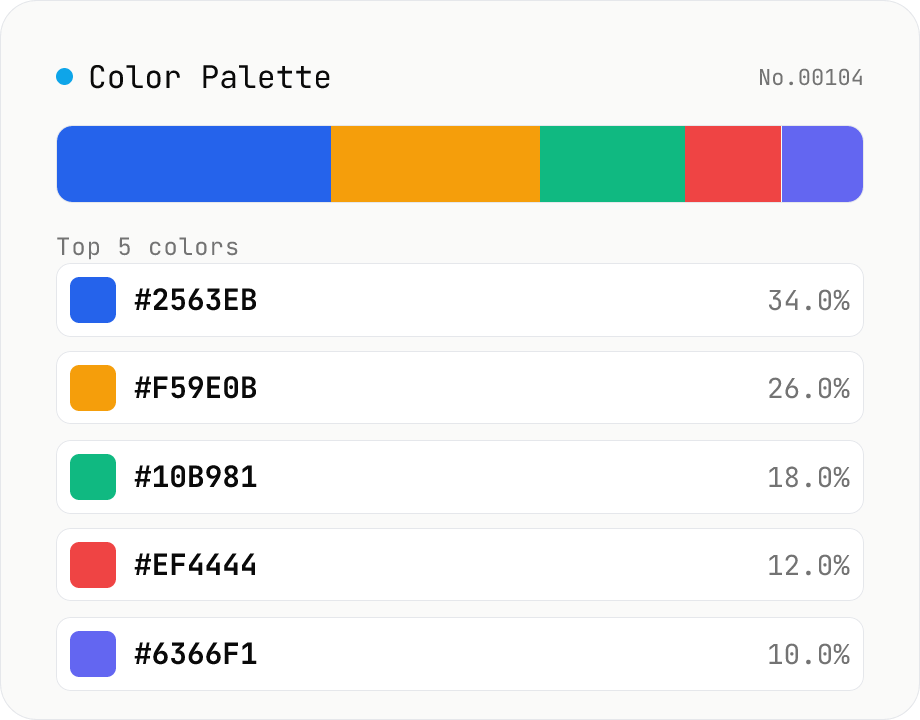
Image Color Palette Extractor
Drop an image to extract its dominant colors via median-cut quantization, with each color's HEX / RGB value and share. Choose how many colors (4–16) and see the balance in a proportional bar. Click a color to copy its HEX, or copy the whole palette as a HEX list, CSS variables, or JSON. Images are analyzed entirely in your browser and never uploaded.