
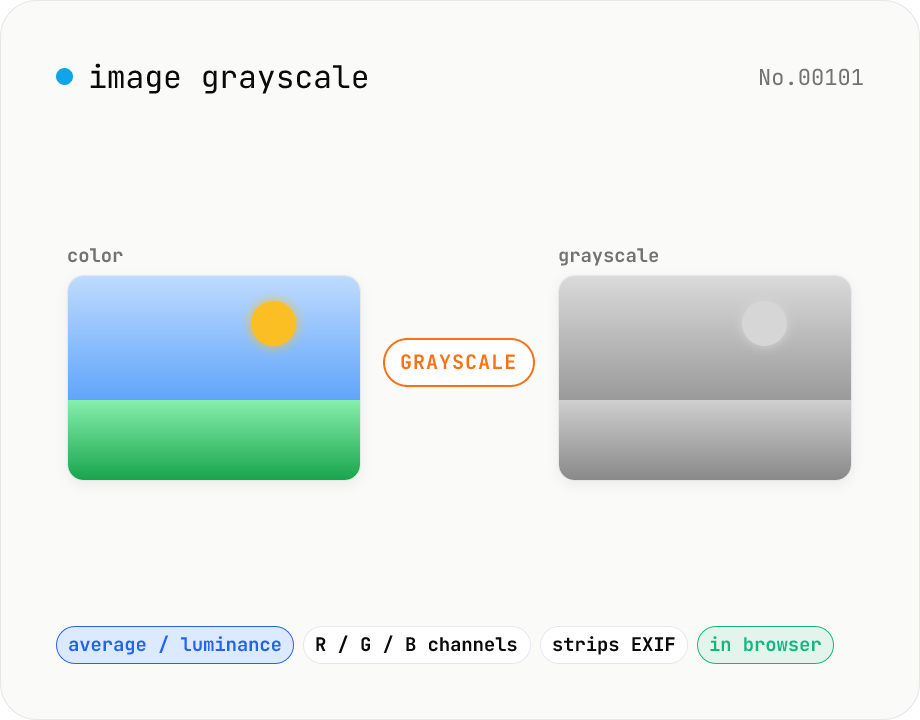
Image grayscale — 5 methods (average / BT.601 / R / G / B)
Convert JPEG / PNG / WebP images to grayscale inside your browser. Pick from five methods: average, luminance (BT.601), or any single channel (red / green / blue). Choose the output format (PNG / JPEG / WebP) and tweak the quality for the lossy formats. Your image is processed via canvas locally — nothing is uploaded.
How to use
Pick a method (average, luminance, or any single channel), then drop or choose an image. Choose the output format (PNG / JPEG / WebP) and quality for the lossy ones, then click Convert to download the grayscale image. Canvas processing strips EXIF / GPS metadata automatically. Nothing is uploaded — every step runs locally.
FAQ
- Is my image uploaded to a server?
- No. The file is decoded with the Image API into a canvas, getImageData reads each pixel's RGB, the chosen formula computes a gray value, and putImageData writes it back. No network requests are made.
- What's the difference between 'average' and 'luminance'?
- Average is the plain arithmetic mean (R+G+B)/3. Luminance uses BT.601 weighting (0.299R + 0.587G + 0.114B) which reflects how human eyes perceive brightness — most sensitive to green, least to blue. For photographs, luminance produces a more natural grayscale. For flat design assets or icons, average is fine.
- When would I want a single channel (red / green / blue)?
- For classic film looks and selective contrast. The blue channel brightens skies and clouds while darkening skin blemishes — great for dramatic black-and-white. The red channel darkens reddened skin and gives a warmer feel. The green channel preserves the most detail in plants and landscapes, which is why it's also used as a quick luminance proxy.
- Is the alpha channel preserved?
- Yes. Only RGB channels are rewritten; alpha is left untouched. Pick PNG or WebP as the output format to keep transparency (JPEG is opaque, so transparent pixels get filled with white).
- Are EXIF / GPS metadata preserved?
- No. Canvas processing strips EXIF, GPS, orientation, and other metadata. This doubles as a metadata-strip tool before posting publicly.
- Which image formats are supported?
- Any format your browser can natively decode — JPEG, PNG, and WebP in practice. For HEIC photos from iPhone, convert them with the HEIC → JPEG tool first.
Related tools
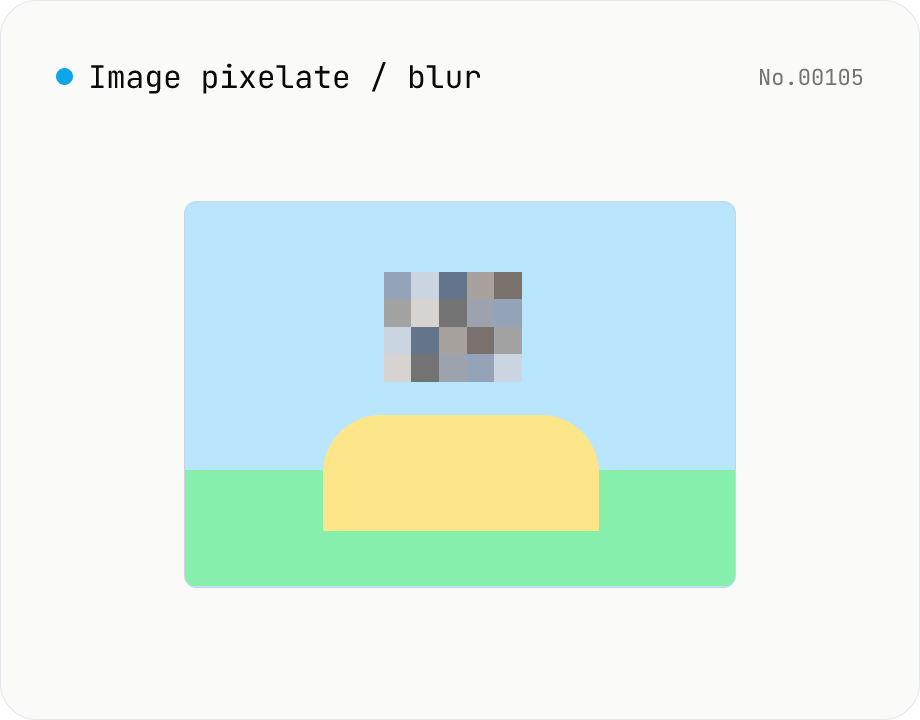
Image pixelate / blur — hide whole image or set region
Hide sensitive areas by pixelating (mosaic) or blurring an image. Apply to the whole image or to a rectangular region you set by X / Y / width / height percentages. Everything runs on Canvas in your browser. Batch processing with a single ZIP download is supported.
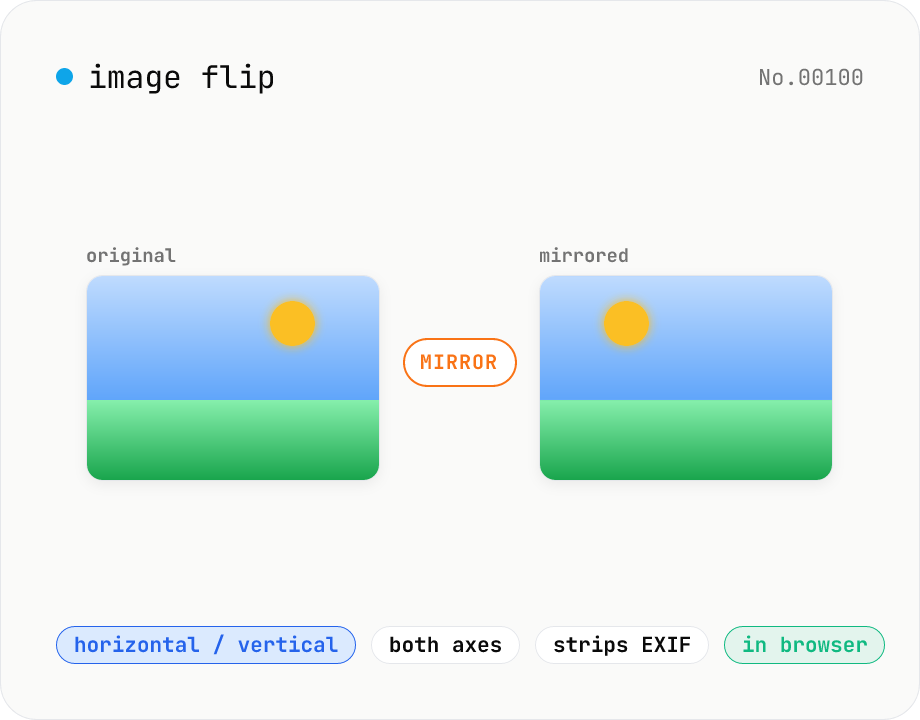
Image flip — mirror horizontally / vertically / both
Mirror JPEG / PNG / WebP images horizontally (left ↔ right), vertically (top ↔ bottom), or both (180° point symmetry). Great for correcting selfies and reflections in mirrors or water. Pick an output format (PNG / JPEG / WebP) with quality control for the lossy formats. Your image never leaves the browser — every step runs locally.
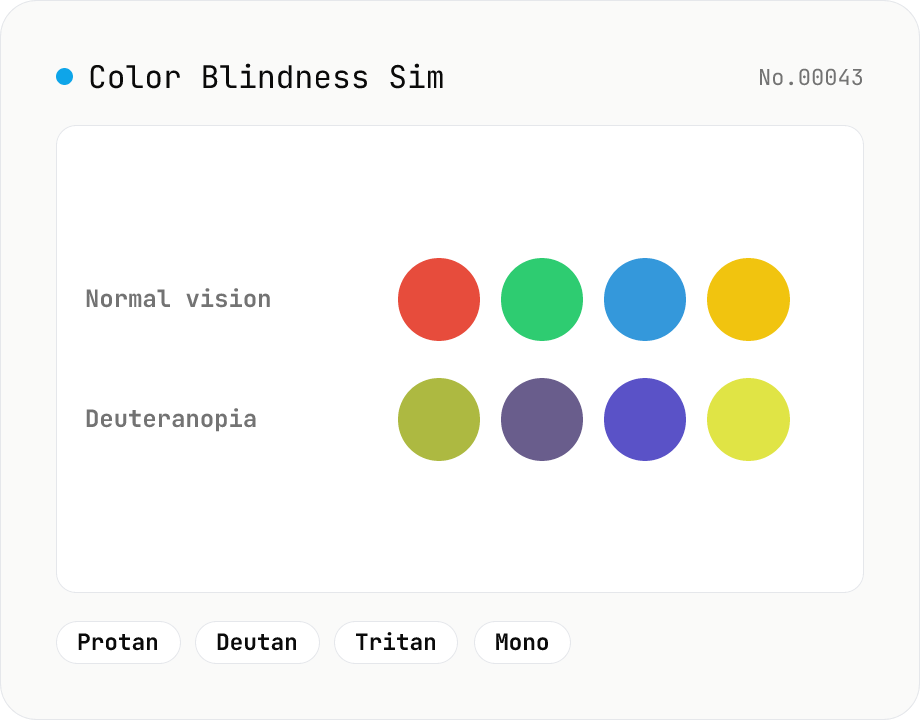
Color Blindness Simulator
Simulate how an image looks under protanopia (red-blind), deuteranopia (green-blind), tritanopia (blue-blind), or achromatopsia. Check whether your design or chart is color-accessible. Runs in the browser with Canvas and transform matrices — your image is never uploaded.
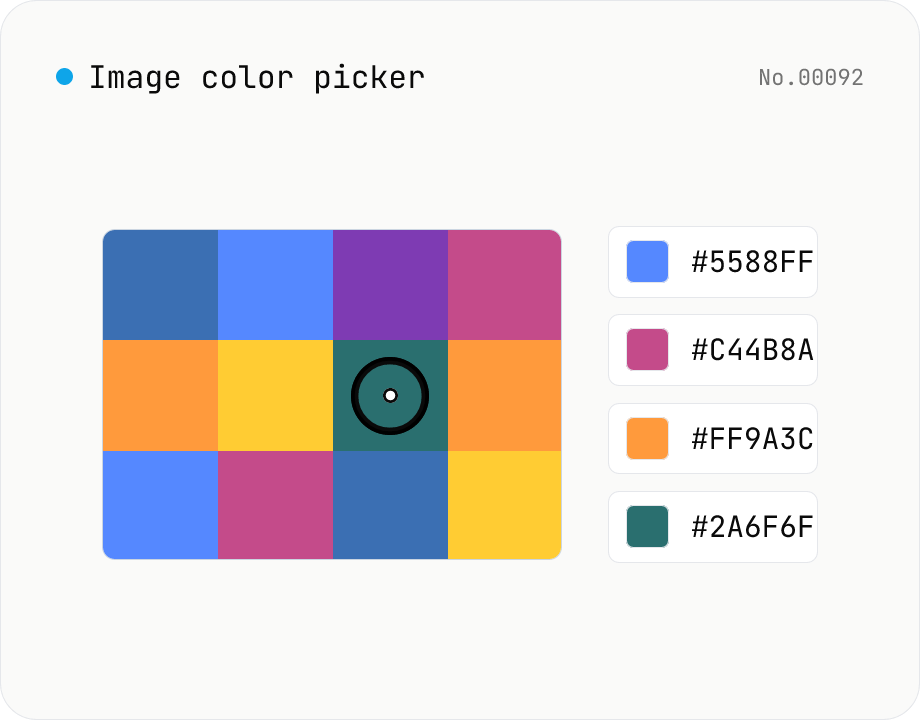
Image color picker — read pixel HEX / RGB / HSL values
Upload a JPEG / PNG / WebP and click any pixel to read its color as HEX / RGB / HSL. Hover to inspect the value with a magnifier loupe, then click to add it to a history list. Copy any format with a single click. Your image never leaves the browser — everything runs locally.