
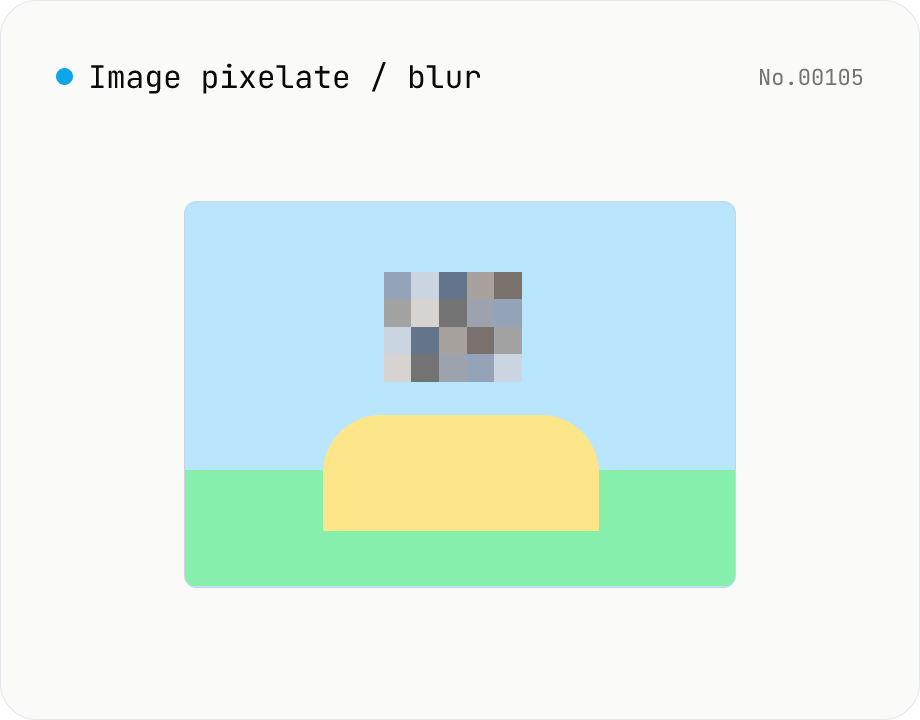
Image pixelate / blur — hide whole image or set region
Hide sensitive areas by pixelating (mosaic) or blurring an image. Apply to the whole image or to a rectangular region you set by X / Y / width / height percentages. Everything runs on Canvas in your browser. Batch processing with a single ZIP download is supported.
How to use
Drop images (batch supported). Pick Mosaic (cell size as % of image width) or Blur (radius in px). Choose Whole image or A region — for a region, enter X / Y / Width / Height (all percentages of the image). Click Apply to composite via Canvas, then download per file or as a single ZIP. Output keeps the source format (PNG / JPEG / WebP).
FAQ
- Are images uploaded?
- No. All processing runs on Canvas in your browser.
- What's the difference between Mosaic and Blur?
- Mosaic repaints fixed-size cells with their average color (pixelation), leaving blocky edges. Blur applies a Gaussian filter so edges smear, fully hiding text and faces.
- Can the blurred area be recovered?
- Strong blurs are effectively irreversible. Weak blurs (small radius) can sometimes be partially recovered by machine-learning approaches — aim for at least 20px on sensitive areas.
- Can I set the region in pixels?
- Only percentages are supported, so the same ratio applies cleanly across different image sizes. Pixel-absolute regions are under consideration.
- Can faces be detected automatically?
- Face detection is not part of this tool. Pick the region manually.
Related tools
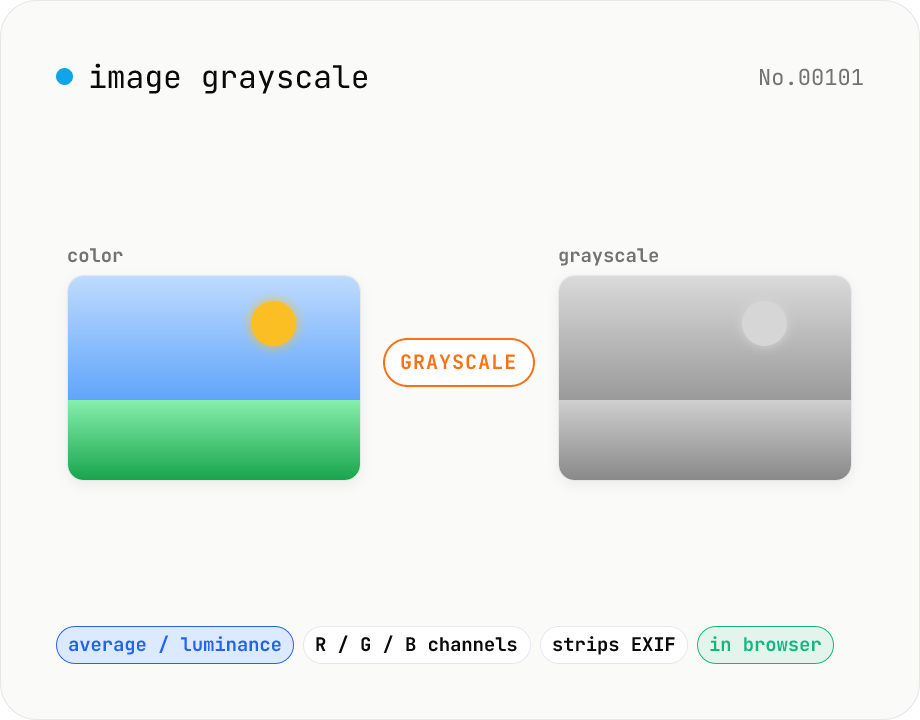
Image grayscale — 5 methods (average / BT.601 / R / G / B)
Convert JPEG / PNG / WebP images to grayscale inside your browser. Pick from five methods: average, luminance (BT.601), or any single channel (red / green / blue). Choose the output format (PNG / JPEG / WebP) and tweak the quality for the lossy formats. Your image is processed via canvas locally — nothing is uploaded.
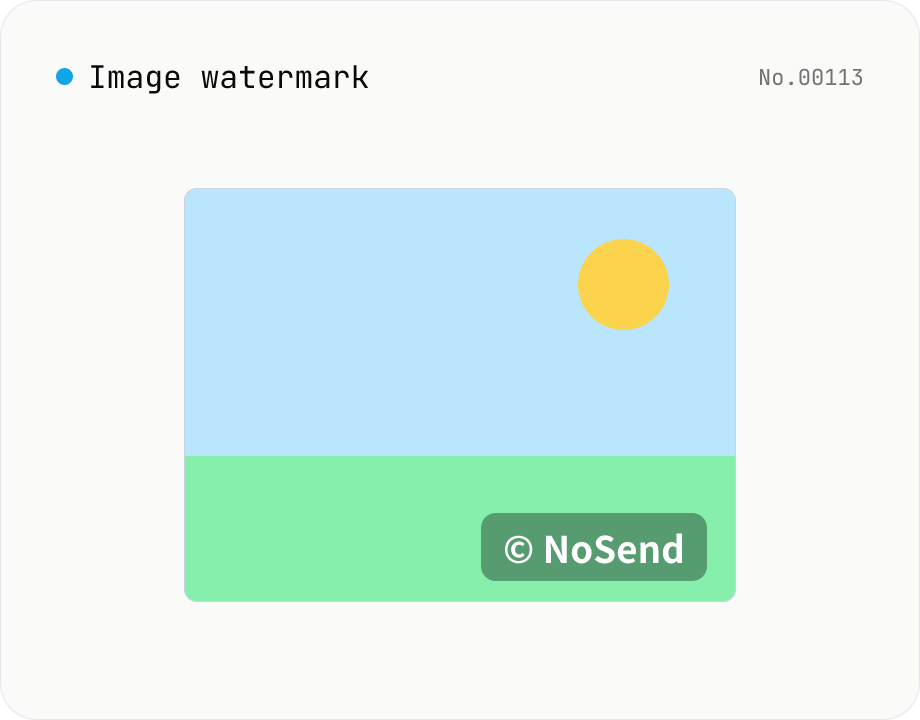
Image watermark — overlay text or image at 9-grid position
Overlay a text or image watermark onto your photos. Composited via Canvas entirely in the browser. Choose position (9-grid), size, opacity and margin. Batch-process and download as a single ZIP. Output keeps the original format (PNG / JPEG / WebP).
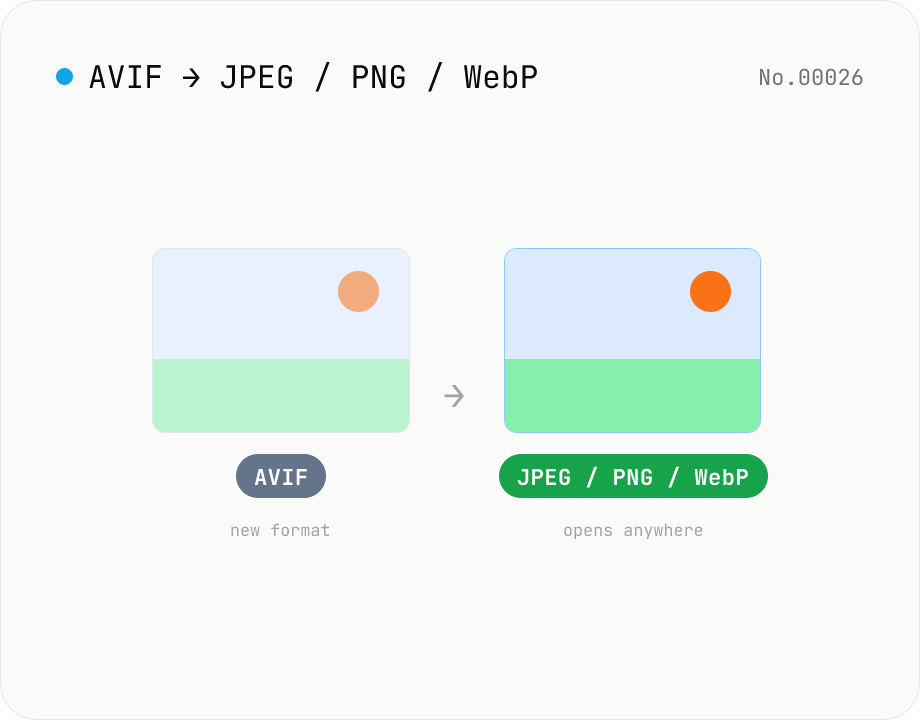
Convert AVIF photos to JPG / PNG / WebP — compatible everywhere
Decode .avif images with the browser-native AVIF decoder and re-encode them as JPEG / PNG / WebP. AVIF is great for the web but older Safari versions, email clients, Slack and Office still can't preview it — convert before sending. Batch conversion with single-click ZIP download is supported. Files never leave your device — everything runs in the browser.
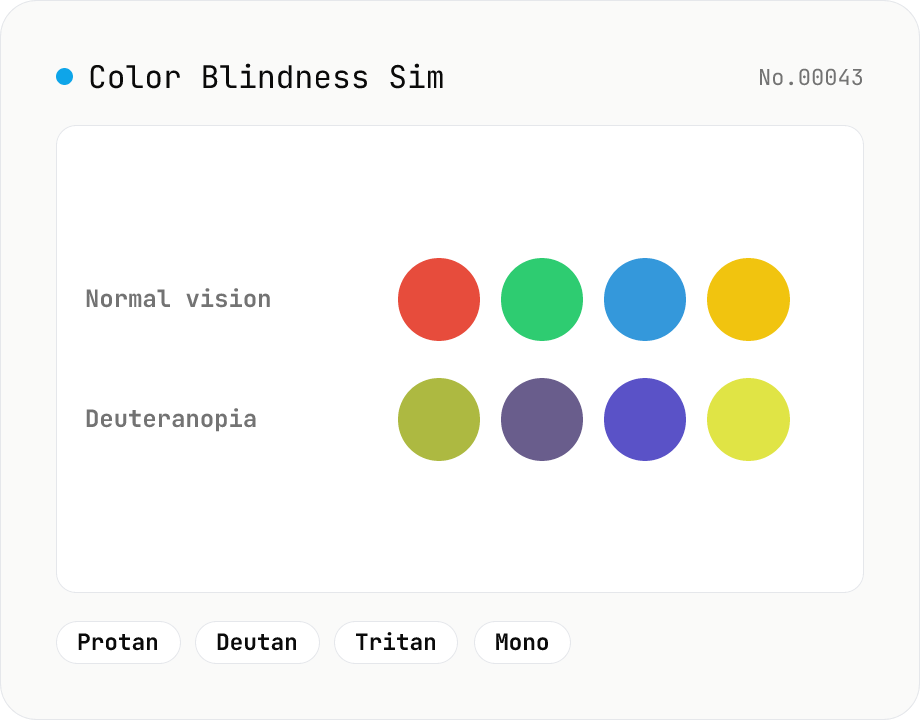
Color Blindness Simulator
Simulate how an image looks under protanopia (red-blind), deuteranopia (green-blind), tritanopia (blue-blind), or achromatopsia. Check whether your design or chart is color-accessible. Runs in the browser with Canvas and transform matrices — your image is never uploaded.