
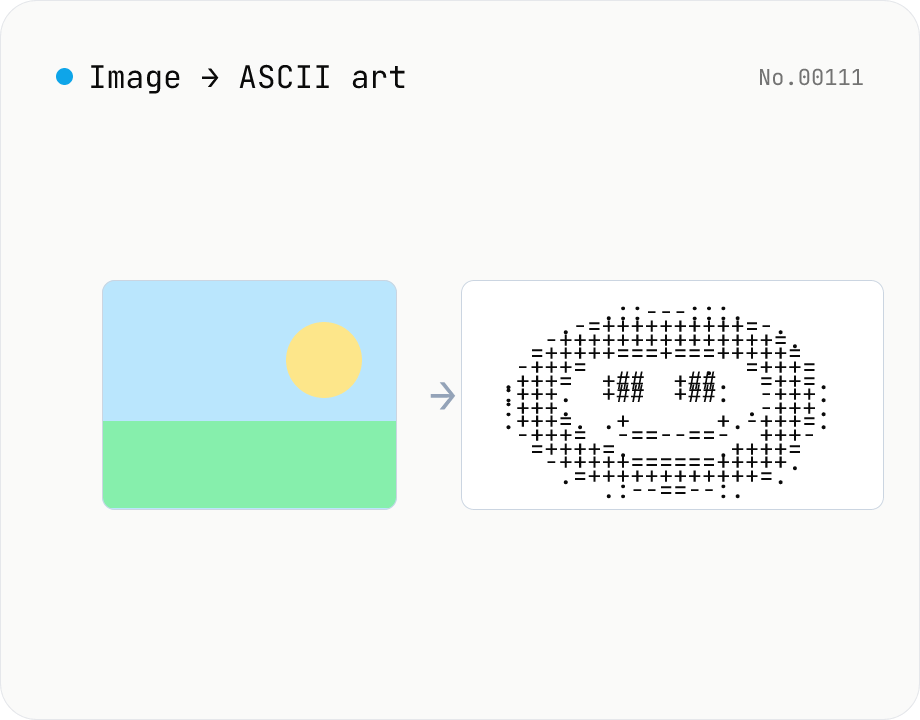
Image to ASCII art — render photos as text characters
Convert JPEG / PNG / WebP images into ASCII art entirely in the browser. Map each pixel's luminance to a character ramp, tweak the output width, choose a charset (detailed / standard / simple / blocks), or invert the mapping — all with a live preview. Copy the result or download it as a .txt file. Your image never leaves the browser.
How to use
Drop or pick an image to upload it — ASCII art is generated automatically. Adjust 'Width (cols)' to control characters per line, switch the 'Character set' to change the ramp, or toggle 'Invert mapping' to swap how brightness maps to characters. Each control re-renders the preview live. Copy the result to your clipboard or download it as a .txt file. The image never leaves your browser; pixels are read with HTMLCanvasElement.getImageData locally.
FAQ
- Is my image uploaded to a server?
- No. Files are read locally with FileReader, decoded into a canvas, and inspected with getImageData. No network requests are made.
- How do I pick the right character set?
- 'Detailed' (70 chars) gives the smoothest tonal range. 'Standard' (10 chars) is compact and reliable. 'Simple' (5 chars) is robust against rendering quirks. 'Blocks' uses Unicode block elements (▓▒░) for a pixel-art look in a monospace font.
- When should I invert the mapping?
- The default assumes black text on a white background (darker pixels get heavier characters). Flip the mapping when rendering on a dark background (in a terminal, for example) so brighter pixels show as solid characters.
- What happens if I crank the width up?
- Output gets wider with more characters per line, but the conversion stays fast (a few tens of ms even for 4K source images). Most editors / terminals wrap at 80–200 columns, so pick a width that suits your destination.
- Which image formats are supported?
- Any format your browser can natively decode — JPEG, PNG, and WebP. For HEIC photos from iPhone, convert them with the HEIC → JPEG tool first.
- Is the aspect ratio preserved?
- Yes. The conversion accounts for monospace characters being roughly twice as tall as they are wide, so the output keeps the source image's aspect ratio when rendered in a monospace font.
Related tools
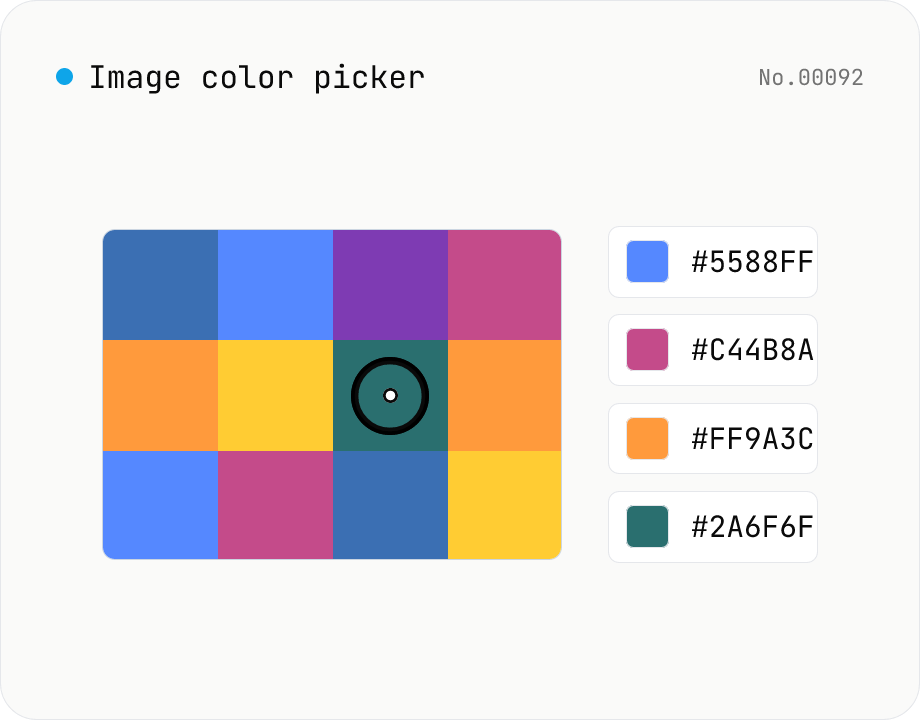
Image color picker — read pixel HEX / RGB / HSL values
Upload a JPEG / PNG / WebP and click any pixel to read its color as HEX / RGB / HSL. Hover to inspect the value with a magnifier loupe, then click to add it to a history list. Copy any format with a single click. Your image never leaves the browser — everything runs locally.
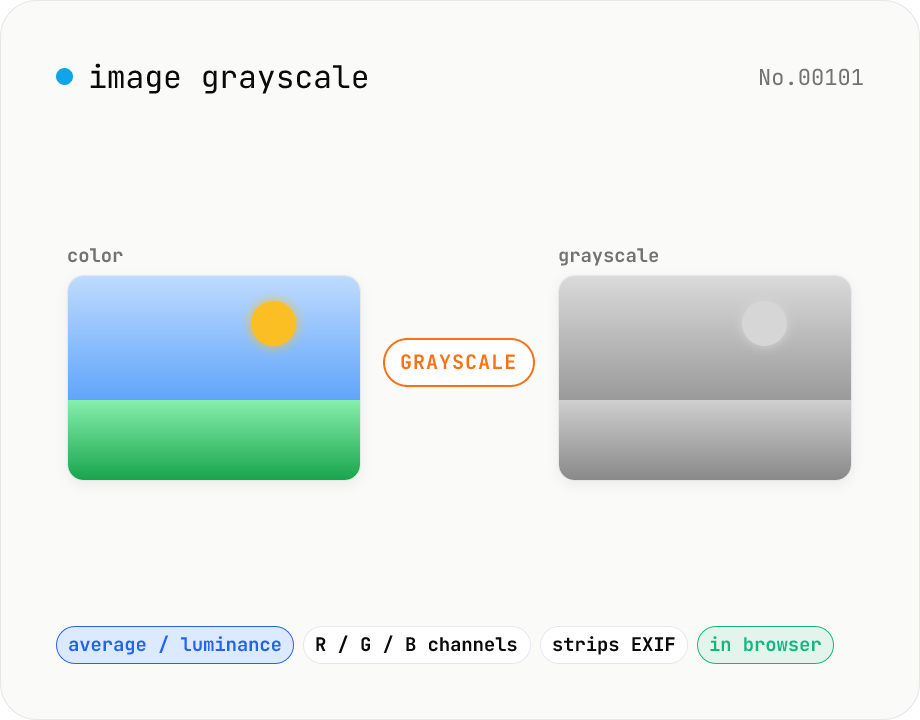
Image grayscale — 5 methods (average / BT.601 / R / G / B)
Convert JPEG / PNG / WebP images to grayscale inside your browser. Pick from five methods: average, luminance (BT.601), or any single channel (red / green / blue). Choose the output format (PNG / JPEG / WebP) and tweak the quality for the lossy formats. Your image is processed via canvas locally — nothing is uploaded.
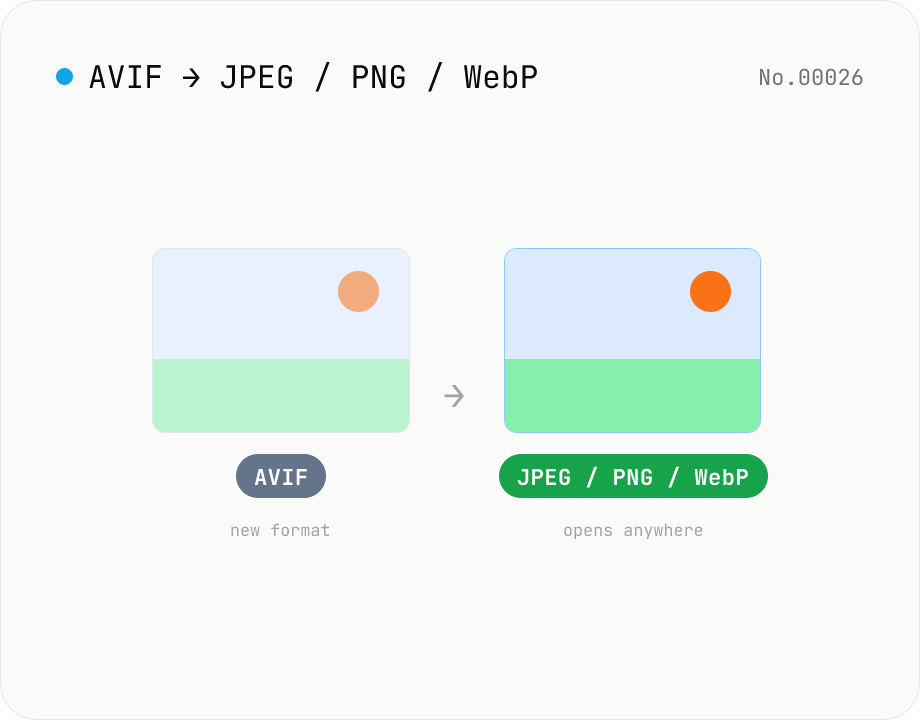
Convert AVIF photos to JPG / PNG / WebP — compatible everywhere
Decode .avif images with the browser-native AVIF decoder and re-encode them as JPEG / PNG / WebP. AVIF is great for the web but older Safari versions, email clients, Slack and Office still can't preview it — convert before sending. Batch conversion with single-click ZIP download is supported. Files never leave your device — everything runs in the browser.
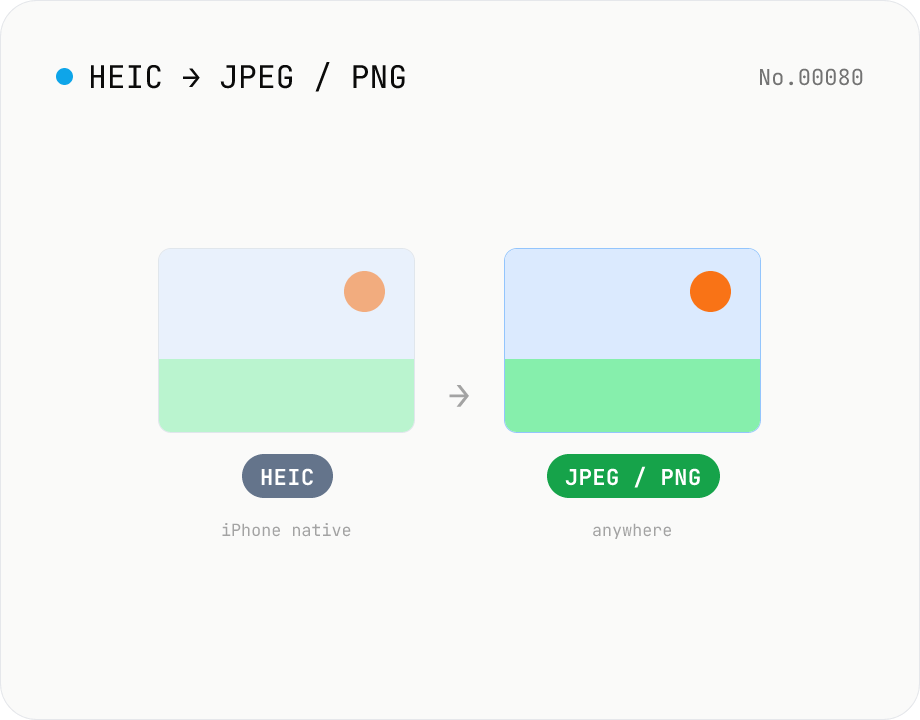
Convert HEIC / HEIF photos to JPG / PNG / WebP batch
Decode iPhone HEIC / HEIF photos inside the browser via libheif-js (WASM) and re-encode them as JPEG or PNG. Supports batch conversion and a single ZIP download. Nothing leaves your device.