
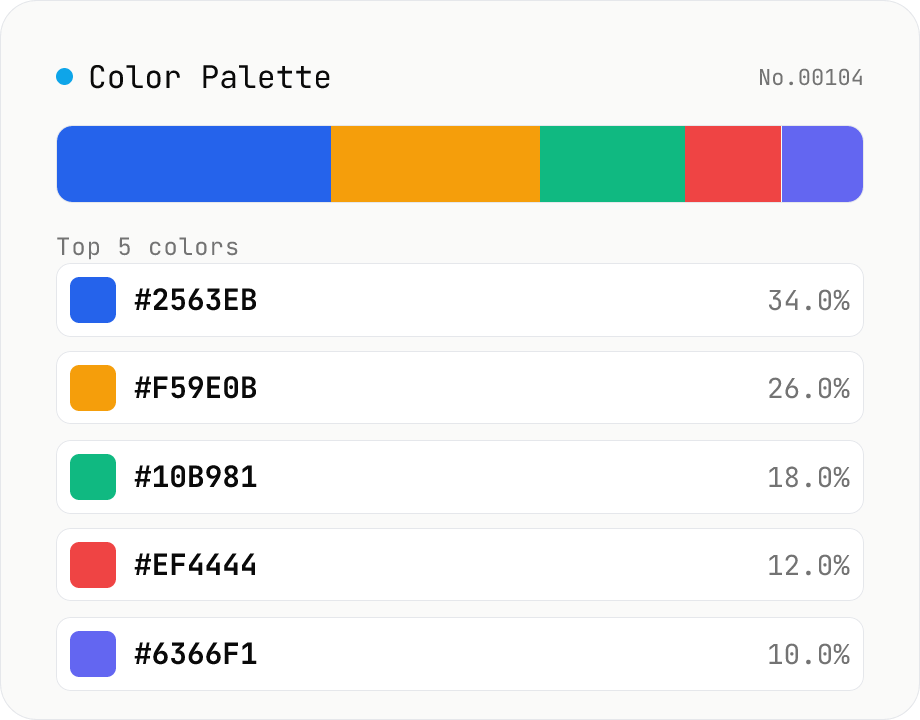
Image Color Palette Extractor
Drop an image to extract its dominant colors via median-cut quantization, with each color's HEX / RGB value and share. Choose how many colors (4–16) and see the balance in a proportional bar. Click a color to copy its HEX, or copy the whole palette as a HEX list, CSS variables, or JSON. Images are analyzed entirely in your browser and never uploaded.
How to use
Drag an image onto the drop area or load it with "Choose file" and the dominant colors are extracted automatically via median-cut quantization. Change "Colors" to pick how many colors (4–16) to extract; results are ordered by share, highest first. Click any color's HEX to copy that color, or use "Copy palette" to copy the whole palette as a HEX list, CSS variables, or JSON. The proportional bar shows the balance of the palette at a glance. All analysis runs entirely in your browser and nothing is uploaded.
FAQ
- Is my image uploaded to a server?
- No. Loading, downscaling, and color extraction all run in your browser with JavaScript, and the image is never uploaded anywhere.
- How are the colors chosen?
- It uses median cut, a classic color-quantization algorithm. All pixels start in one box; the box is repeatedly split at the median of its widest channel (R / G / B) until there are as many boxes as the requested color count, and each box's average color becomes a representative. The share is the fraction of pixels in that box.
- Why don't the shares add up to exactly 100%?
- Each share is rounded to one decimal place for display, so rounding can make the total 99.9% or 100.1%. Internally all pixels are treated as 100%. Transparent pixels (low alpha) are excluded from the count.
- Why do I sometimes get fewer colors than requested?
- Boxes whose representative color rounds to the same HEX are merged into one and their shares summed. For near-solid images this can produce fewer colors than the count you selected.
- Do photos and illustrations give different results?
- Photos have many in-between tones from gradients and shading, so several similar neighboring colors may be extracted. Flat illustrations and logos tend to surface their original distinct colors directly. Adjust the color count to suit your needs.
Related tools
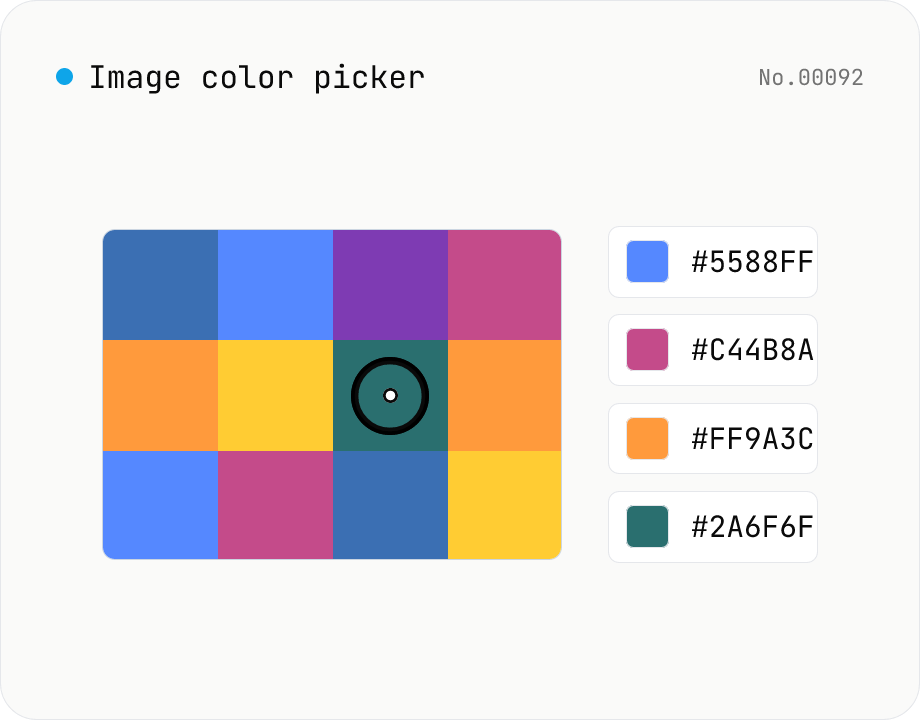
Image color picker — read pixel HEX / RGB / HSL values
Upload a JPEG / PNG / WebP and click any pixel to read its color as HEX / RGB / HSL. Hover to inspect the value with a magnifier loupe, then click to add it to a history list. Copy any format with a single click. Your image never leaves the browser — everything runs locally.
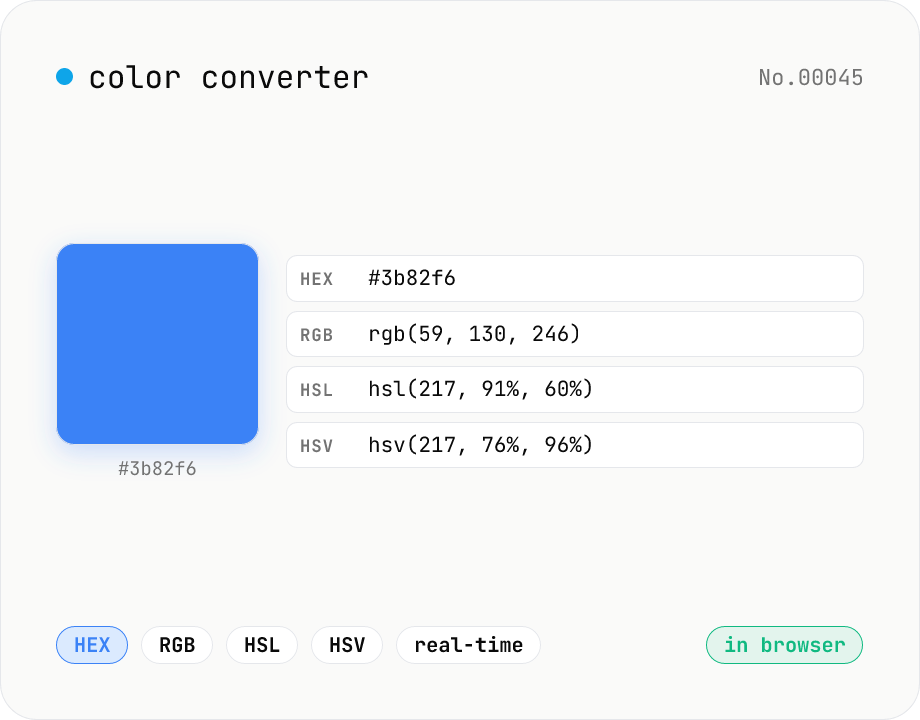
Color converter — HEX / RGB / HSL / HSV
Convert colors between HEX, RGB, HSL, and HSV in real time with a built-in color picker. Edit any field and the other three update instantly. Runs entirely in your browser — your color values never leave the page.
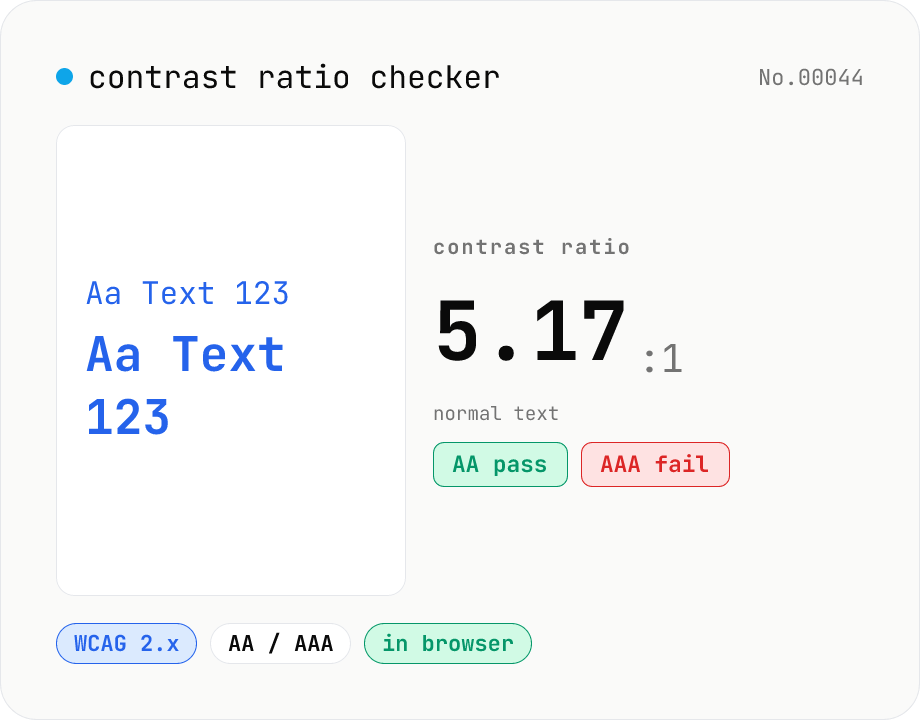
Contrast ratio checker — WCAG AA / AAA
Pick a foreground (text) and background color to compute the WCAG 2.x contrast ratio and instantly see whether it passes AA / AAA for normal text, large text, and UI components. Accepts HEX and rgb(), with a color picker and live preview. Everything runs in your browser — your colors never leave the page.
Color Blindness Simulator
Simulate how an image looks under protanopia (red-blind), deuteranopia (green-blind), tritanopia (blue-blind), or achromatopsia. Check whether your design or chart is color-accessible. Runs in the browser with Canvas and transform matrices — your image is never uploaded.