
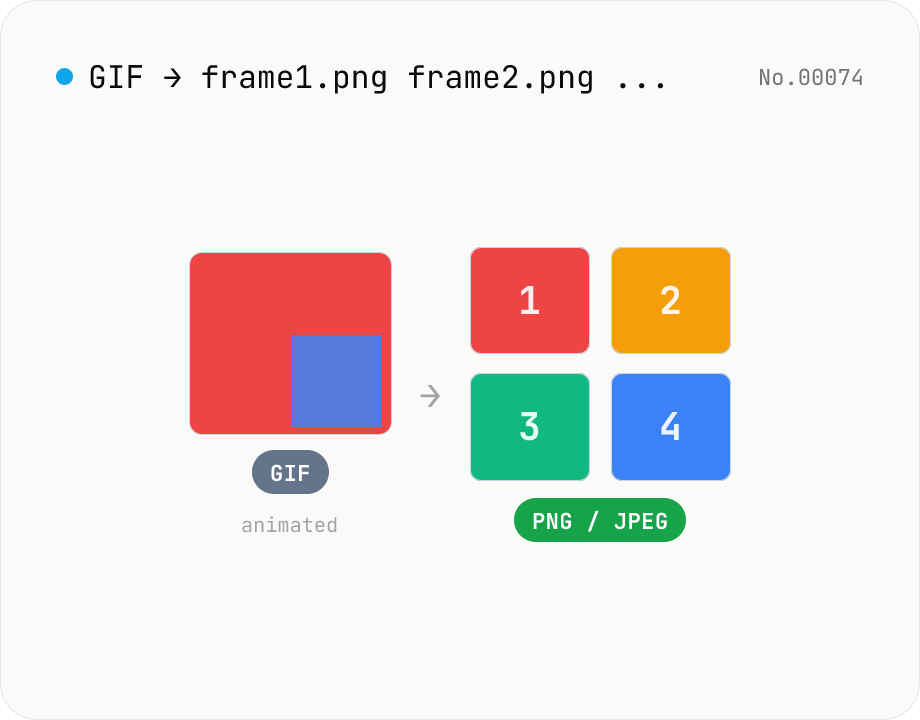
Extract frames from animated GIF / APNG to PNG / JPEG
Split an animated GIF or APNG into individual frames as PNG or JPEG images. Uses the browser-native ImageDecoder API — no extra library required. Handy when you need a thumbnail of a specific frame or when feeding still-image tools (image-resize, image-crop) that only see frame 1. Output PNG (lossless) or JPEG (with quality control), and grab everything as a ZIP. Files never leave your device — everything runs in the browser.
How to use
Drag animated GIF or APNG files onto the dropzone, or pick them with Choose files (multi-select OK). Set the output format (PNG / JPEG) and JPEG quality, then click Extract frames — each frame is rendered as a standalone image. Save thumbnails individually, or grab a per-file ZIP, or download everything as one ZIP.
FAQ
- Is my GIF uploaded?
- No. Decoding uses the browser-native ImageDecoder API, so the GIF and resulting frame images never leave your device.
- Which formats are supported?
- Animated GIF and APNG (Animated PNG). WebP / AVIF / MP4 are out of scope — for videos use video-thumbnail / video-to-gif instead.
- PNG or JPEG output?
- Pick PNG if your GIF / APNG uses transparency (lossless, alpha preserved). Pick JPEG when file size matters most — transparent pixels are flattened to black.
- Does it work for very long animations?
- Yes — frames decode sequentially. Hundreds or thousands of frames will be slow and use significant memory, though.
Related tools
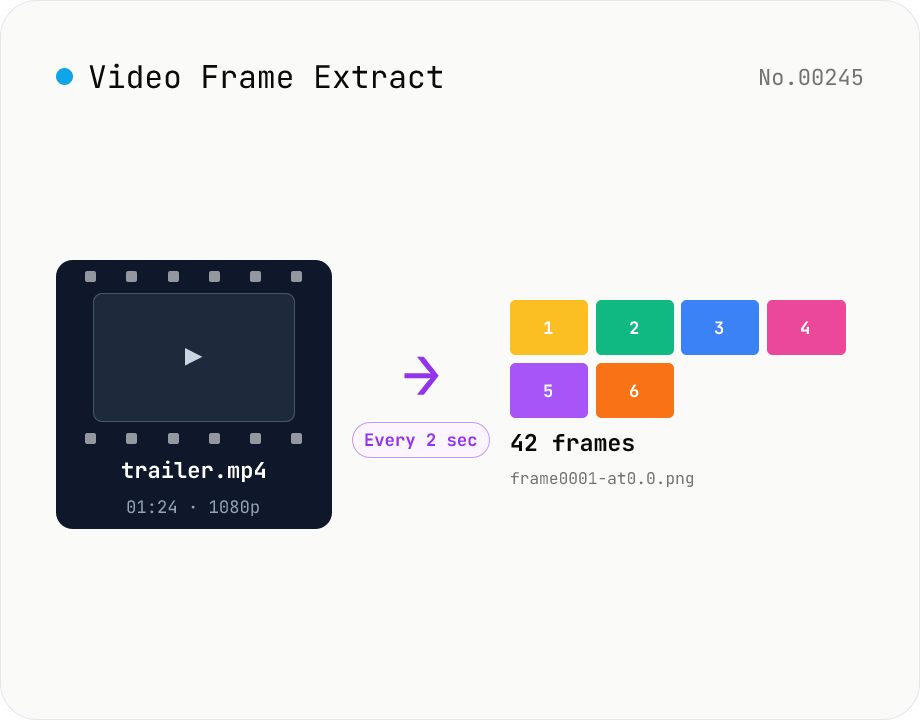
Video Frame Extract — interval or evenly-spaced PNG sequence export
Extract multiple frames from a video as a PNG sequence — either every N seconds or N evenly-spaced frames. The multi-frame sibling of video-thumbnail (which grabs a single frame). Useful for storyboards, video analysis, and asset capture. ffmpeg.wasm runs inside your browser and supports MP4 / MOV / WebM / MKV / AVI and more. Two modes: 'interval' (every N seconds) and 'count' (M evenly-spaced frames). Per-video ZIPs and a combined ZIP are both available. Files are named `<source>-frame<NNNN>-at<seconds>.png`. Nothing is uploaded.
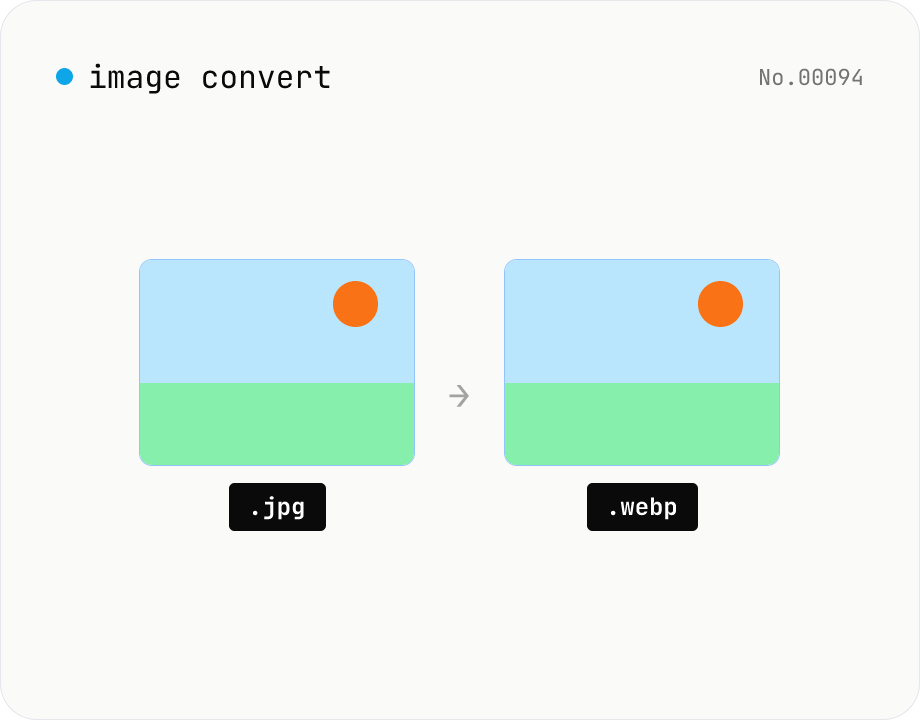
Image format convert — JPG / PNG / WebP interchange
Convert images between JPEG / PNG / WebP using the browser canvas — no network. A quality slider is available for JPEG and WebP. Supports batch processing and a single ZIP download.
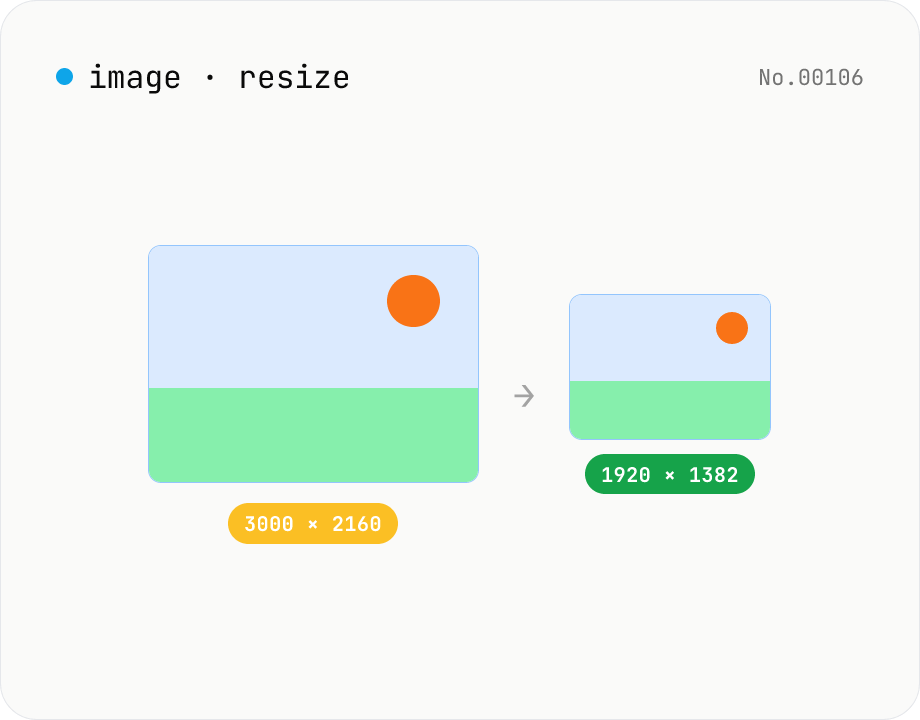
Image resize — by px or %, keep or lock aspect ratio
Resize JPEG / PNG / WebP images by specifying the longer side in pixels — aspect ratio is preserved. Batch process multiple files and download individually or as a ZIP. Runs entirely in your browser.
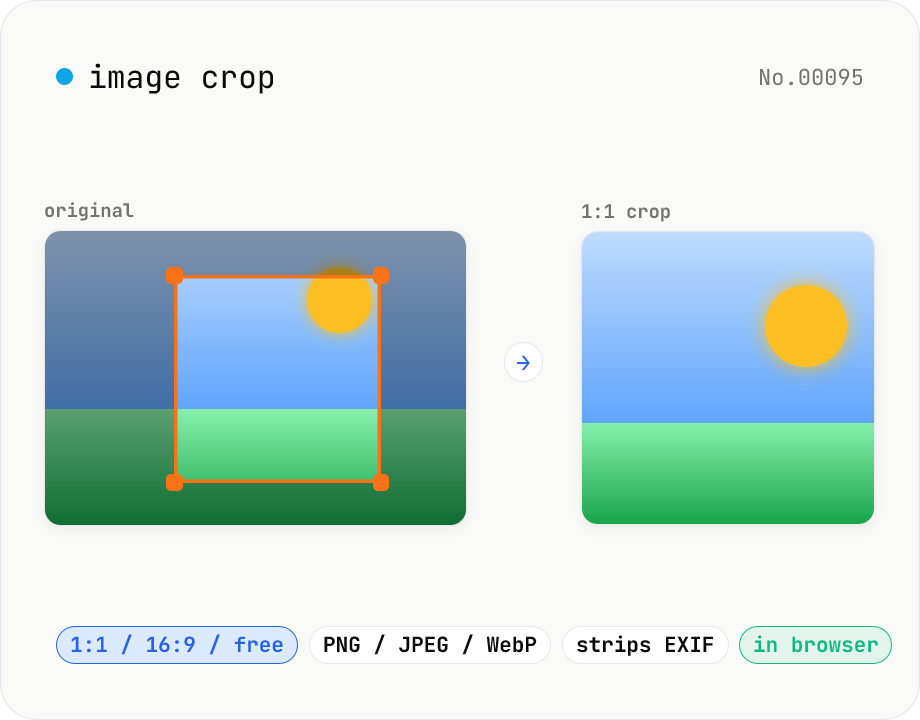
Image crop — drag to trim with free ratio or pixel size
Crop JPEG / PNG / WebP images by dragging directly on the preview. Pick an aspect ratio (free / 1:1 / 16:9 / 4:3 / 3:4 / 9:16) and an output format (PNG / JPEG / WebP) with quality control for the lossy formats. Your image never leaves the browser — every step runs locally.