
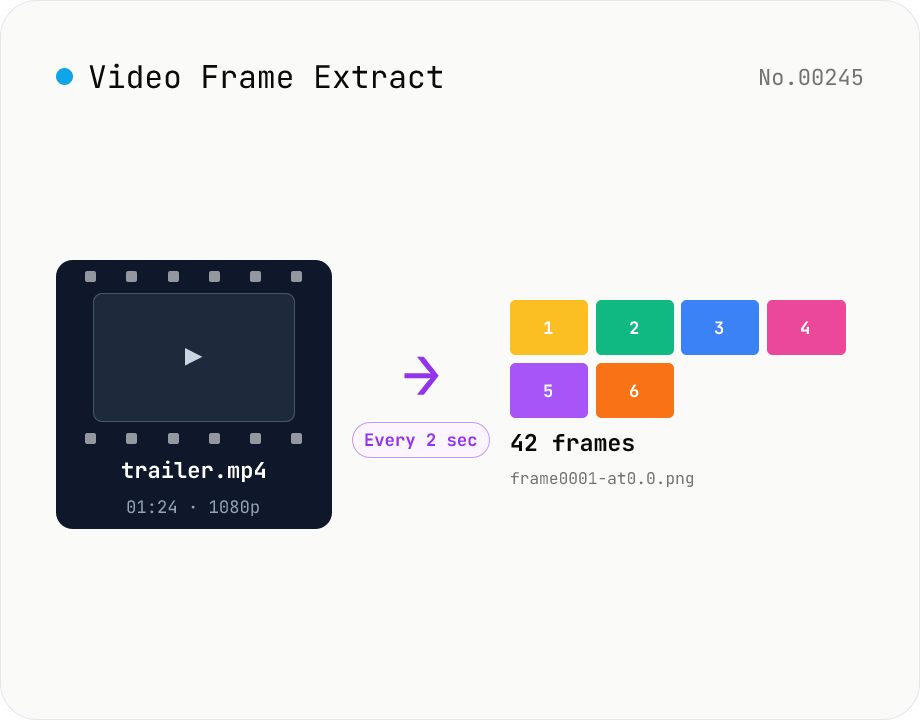
Video Frame Extract — interval or evenly-spaced PNG sequence export
Extract multiple frames from a video as a PNG sequence — either every N seconds or N evenly-spaced frames. The multi-frame sibling of video-thumbnail (which grabs a single frame). Useful for storyboards, video analysis, and asset capture. ffmpeg.wasm runs inside your browser and supports MP4 / MOV / WebM / MKV / AVI and more. Two modes: 'interval' (every N seconds) and 'count' (M evenly-spaced frames). Per-video ZIPs and a combined ZIP are both available. Files are named `<source>-frame<NNNN>-at<seconds>.png`. Nothing is uploaded.
How to use
1) Pick a mode: 'Every N seconds' or 'N evenly-spaced frames'. The numeric input below changes per mode. 2) Drop one or more video files (mp4 / mov / webm / mkv / avi …). Duration is auto-detected. 3) Press 'Extract frames' — ffmpeg.wasm initialises (first-time download ≈ 30 MB) and processes each video in turn. 4) Frame thumbnails appear per video. Download per-video ZIPs or a combined ZIP of every video.
FAQ
- What's the difference between 'every N seconds' and 'N frames'?
- 'Every N seconds' extracts a frame every N seconds from the start. A 10-minute video at 5-second intervals = 120 frames. Good for long videos where you want lots of frames. 'N frames' splits the duration into N equal parts and grabs one frame from each midpoint. A 10-minute video × 12 frames ≈ one frame per 50 seconds. Good for storyboard / preview overviews of an entire clip.
- How is this different from video-thumbnail?
- video-thumbnail extracts a single frame from one specific timestamp. This tool extracts multiple frames at regular intervals or evenly-spaced positions. Pick video-thumbnail when you need one frame, this tool when you need several.
- How are output filenames structured?
- `<source>-frame<NNNN>-at<seconds>.png`. NNNN is a 4-digit zero-padded index (0001, 0002, …) and seconds has one decimal. Example: `holiday-trip-frame0042-at12.5.png`. The source extension is stripped and special characters are replaced with `_`.
- What's the max frame count per video?
- 500. Settings that would exceed this (e.g., a 10-hour video at 1-second intervals = 36000 frames) produce an error. Widen the interval, lower the count, or split the video with video-cut first.
- PNG only?
- Yes, PNG only — to keep frames lossless. If you need JPEG / WebP, run the PNGs through image-convert afterwards.
- Which video formats are supported?
- Anything ffmpeg.wasm can read: MP4 / MOV / M4V / WebM / MKV / AVI / FLV / WMV / 3GP / TS etc., with codecs including H.264 / H.265 / VP8 / VP9 / AV1 / MPEG-2 / MPEG-4. If a file fails, convert it to MP4 (H.264) with video-convert first.
- Is anything uploaded?
- No. ffmpeg.wasm runs inside your browser (WebAssembly); video files and extracted frames stay local. Only the ffmpeg wasm core itself is downloaded on first use.
Related tools
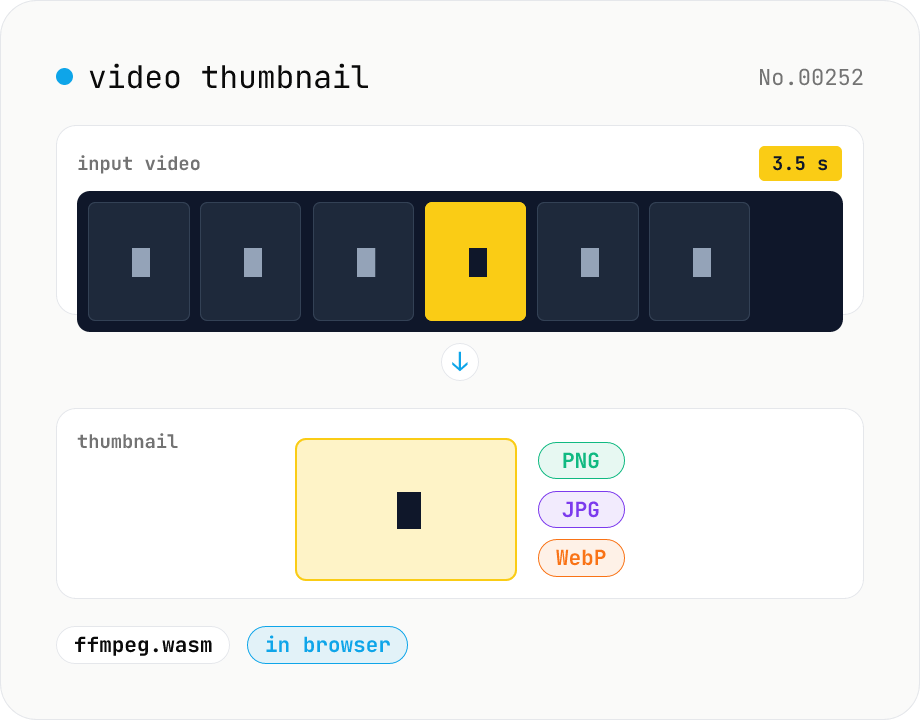
Video thumbnail extractor — grab a frame at any second as PNG / JPG / WebP
Pull a single frame from any second of a video file and save it as PNG, JPG, or WebP. ffmpeg.wasm processes the file inside your browser. Supports MP4 / MOV / WebM / MKV / AVI and more. Batch processing and one-click ZIP download. Videos never leave your device.
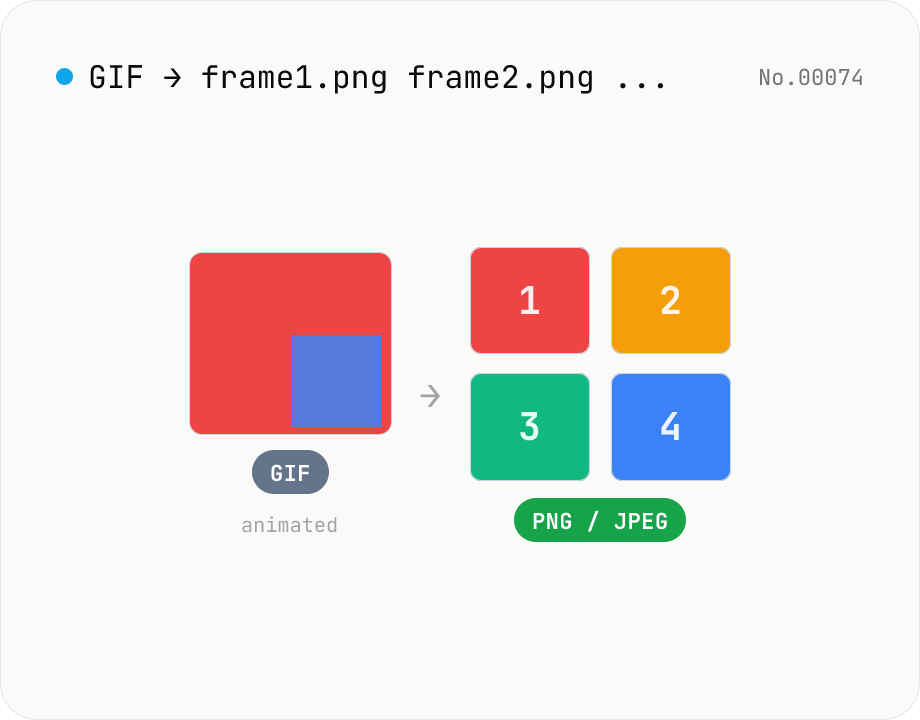
Extract frames from animated GIF / APNG to PNG / JPEG
Split an animated GIF or APNG into individual frames as PNG or JPEG images. Uses the browser-native ImageDecoder API — no extra library required. Handy when you need a thumbnail of a specific frame or when feeding still-image tools (image-resize, image-crop) that only see frame 1. Output PNG (lossless) or JPEG (with quality control), and grab everything as a ZIP. Files never leave your device — everything runs in the browser.
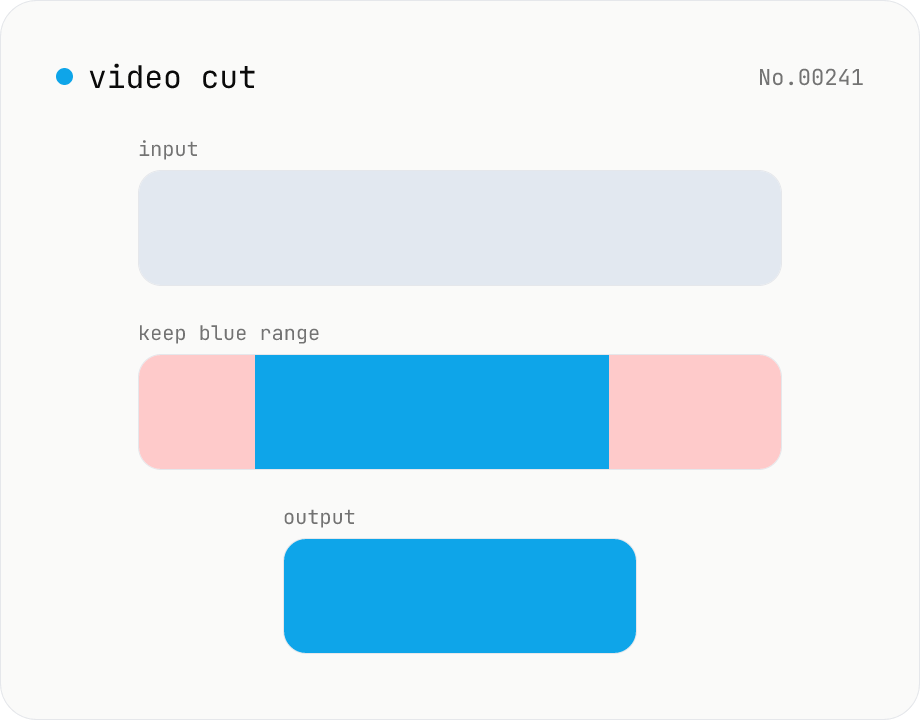
Video cut — trim by range with stream copy, no quality loss
Trim a video to a chosen range with ffmpeg.wasm using stream copy — no re-encoding, no quality loss, original codec and extension preserved. Cut points snap to the nearest keyframe so the start may shift slightly. Supports batch processing and a single ZIP download.
Video to GIF — palettegen with fps / width / trim range
Convert videos to GIFs in your browser. Uses ffmpeg.wasm's two-pass palettegen + paletteuse for better color fidelity and lets you set fps, width and a trim range. Supports batch processing and a single ZIP download.