
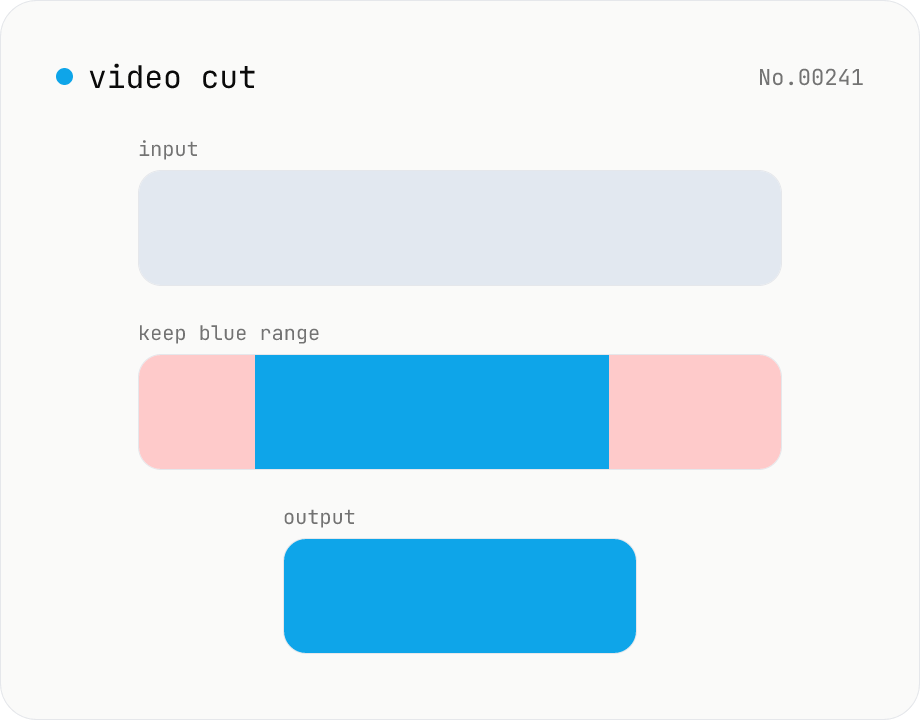
Video cut — trim by range with stream copy, no quality loss
Trim a video to a chosen range with ffmpeg.wasm using stream copy — no re-encoding, no quality loss, original codec and extension preserved. Cut points snap to the nearest keyframe so the start may shift slightly. Supports batch processing and a single ZIP download.
How to use
Drop the videos you want to trim. When parsed, start and end seconds are shown per video — enter the range you want to keep. Click Cut — ffmpeg.wasm uses stream copy to extract that range. No re-encoding, no quality loss. Batch processing and a ZIP download are supported.
FAQ
- Are videos uploaded?
- No. ffmpeg.wasm runs inside your browser; videos never leave your device.
- Why does my start point shift slightly?
- Stream copy can only start at keyframe (I-frame) boundaries, so cuts snap to the nearest keyframe. Frame-accurate cuts require re-encoding.
- Does the extension change?
- No, the original container format and extension are preserved.
- Can I cut and join multiple ranges?
- This tool extracts one range per video. Cut multiple ranges here, then combine them with the video merge tool.
Related tools
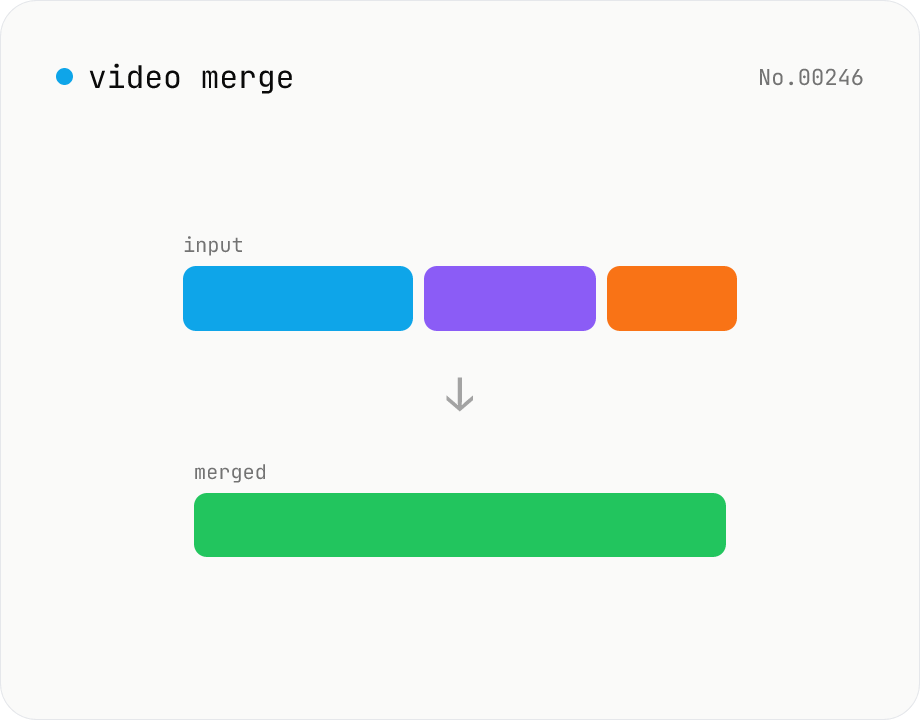
Video merge — concat multiple clips into one (same codec)
Concatenate multiple video files via the ffmpeg.wasm concat demuxer. Reorder by drag. Stream copy keeps the codec untouched, but all inputs must share the same codec / resolution / frame rate (great for stitching segments produced by the video cut tool).
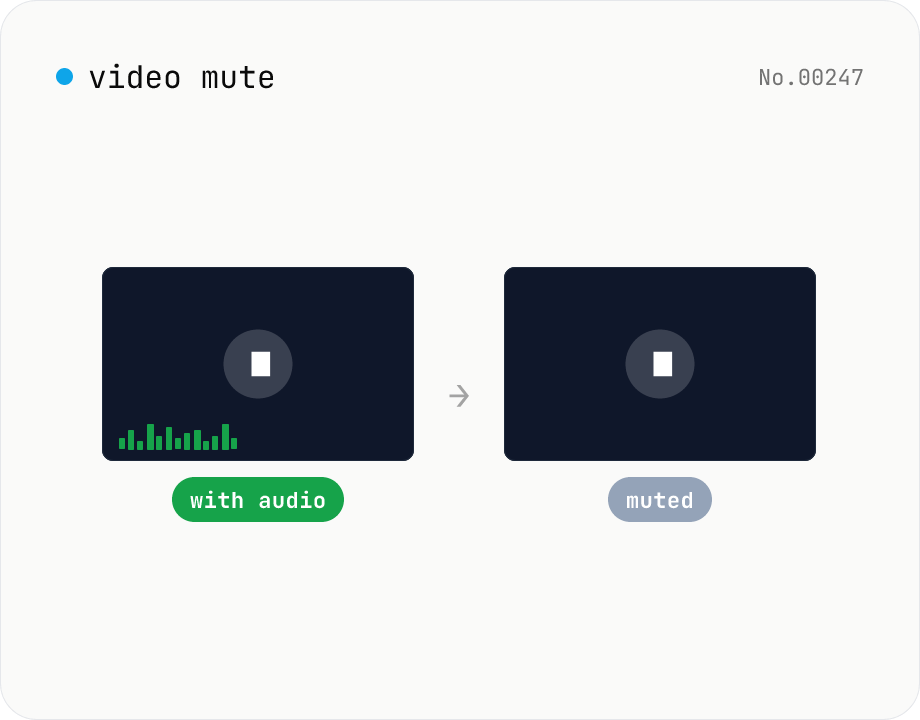
Video mute — drop the audio track, keep video stream
Drop the audio track from a video using ffmpeg.wasm, keeping the original video codec and quality intact (stream copy, no re-encoding). Supports batch processing and a single ZIP download. Videos never leave your device.
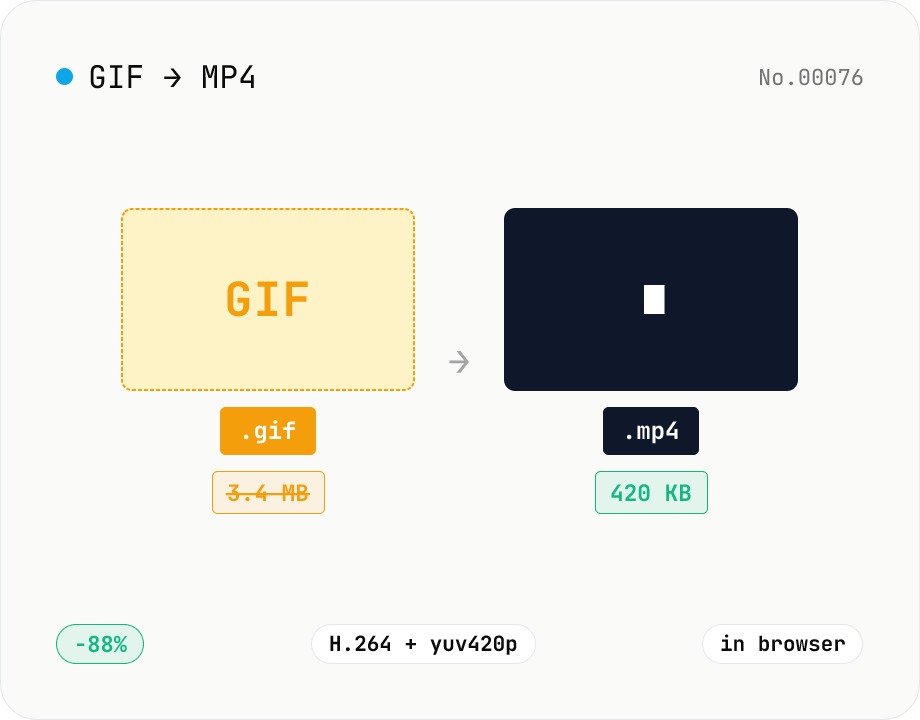
GIF to MP4 converter — H.264 cuts file size to 1/5–1/10
Convert animated GIFs to H.264/AAC MP4 videos. GIFs balloon quickly; MP4 (H.264) typically shrinks the file to 1/5–1/10 the size and plays inline on X (Twitter), Bluesky, Discord and other social platforms. ffmpeg.wasm runs entirely in your browser — GIFs never leave your device. Supports batch processing and a single ZIP download.
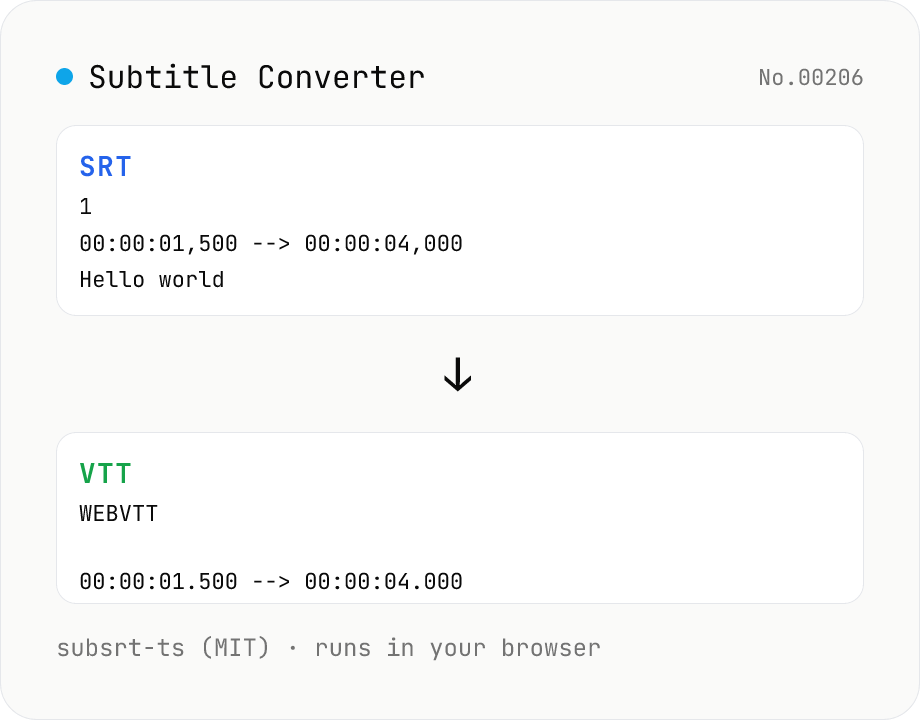
Subtitle Converter
Convert subtitle files between SRT / VTT / ASS / SSA / SBV / SUB / SMI / LRC. Drop files and pick a target format — runs entirely in your browser via subsrt-ts (MIT). No uploads.