
Subtitle Converter
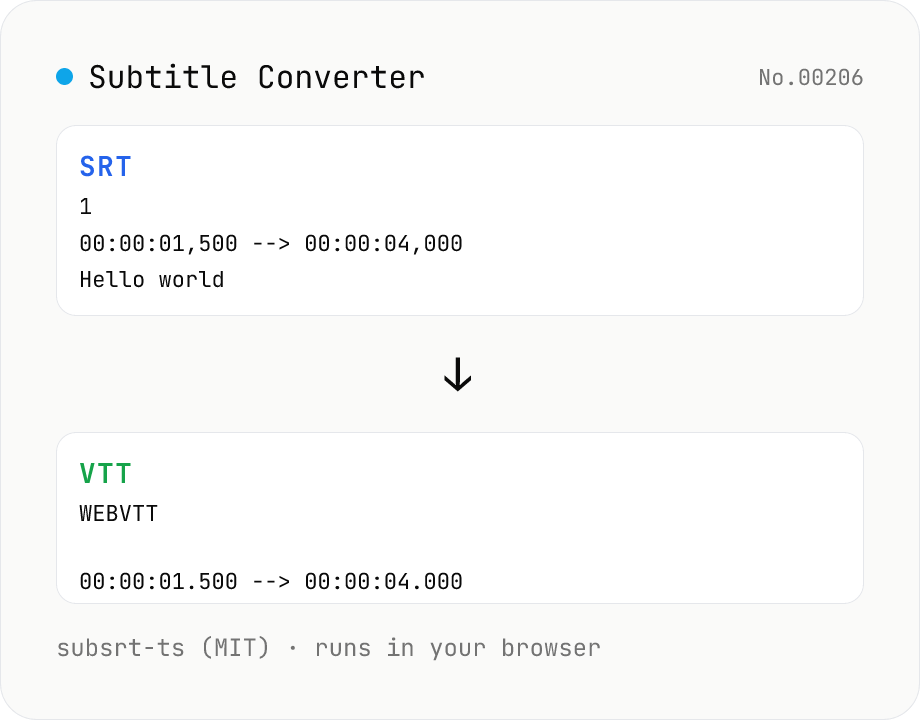
Convert subtitle files between SRT / VTT / ASS / SSA / SBV / SUB / SMI / LRC. Drop files and pick a target format — runs entirely in your browser via subsrt-ts (MIT). No uploads.
How to use
Drop your subtitle files (.srt / .vtt / .ass / .ssa / .sbv / .sub / .smi / .lrc), pick a target format (SRT / VTT / ASS), and subsrt-ts (MIT) loaded in your browser converts each file. The source format is auto-detected from the file contents. Download each result individually or grab everything as a single ZIP. Everything stays in your browser — subtitle contents are never uploaded.
FAQ
- Are subtitle files uploaded?
- No. subsrt-ts (MIT) runs as JavaScript entirely in your browser. Sensitive subtitles (meeting transcripts, unreleased drama captions, etc.) stay on your device.
- Which formats are supported?
- Input: SRT (SubRip) / VTT (WebVTT) / ASS / SSA (SubStation Alpha) / SBV (YouTube) / SUB (MicroDVD) / SMI (SAMI) / LRC (Lyrics). Output: SRT / VTT / ASS. Source format is auto-detected from the file contents.
- What's the difference between SRT and VTT?
- VTT (WebVTT) is the W3C-standard format used by HTML5 <track> elements on the web. SRT (SubRip) is the older, simplest format with the broadest player support. VTT starts with a `WEBVTT` header, uses `.` instead of `,` as a millisecond separator, and supports inline styling (color, position) — SRT does not.
- Why is ASS / SSA a different format?
- ASS (Advanced SubStation Alpha) and SSA are rich formats popular for anime fansubs and karaoke. They carry font, color, position, outline, and karaoke timing — *visual* metadata. Converting to SRT/VTT drops these style details, leaving only the timed text.
- Can I batch convert several files?
- Yes. Each dropped file becomes its own card with its own convert/download buttons. Use "Download all as ZIP" to grab all converted files in a single bundle.
Related tools
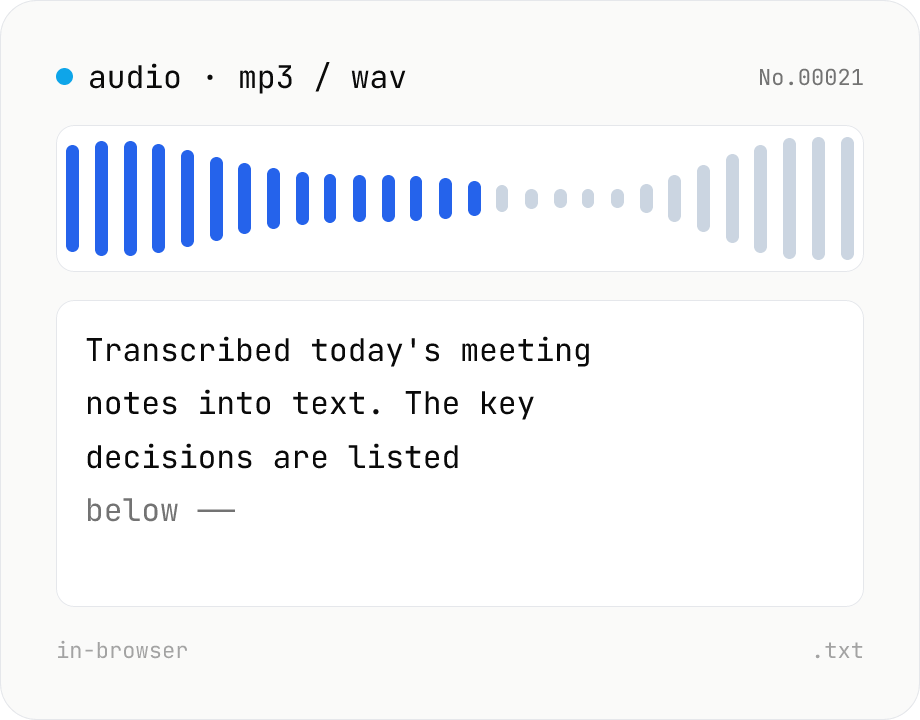
Audio file transcription — Whisper, multilingual
Upload an MP3 / WAV / M4A file and transcribe it with Whisper running inside your browser. Long files are chunked automatically. No audio or model data leaves your device. Performance and supported model size depend on your hardware (CPU / GPU / RAM).
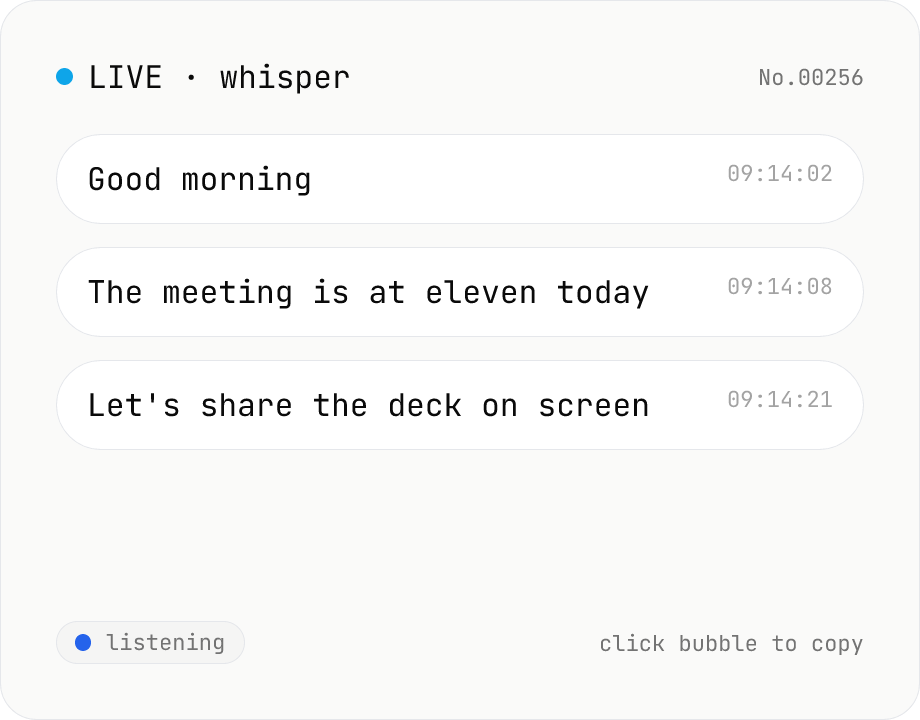
Real-time transcription — live mic with Whisper
Live transcribe your mic with Whisper running inside your browser. Segments split on silence, displayed as chat bubbles, click to copy. No audio or model data leaves your device. Performance and supported model size depend on your hardware (CPU / GPU / RAM).
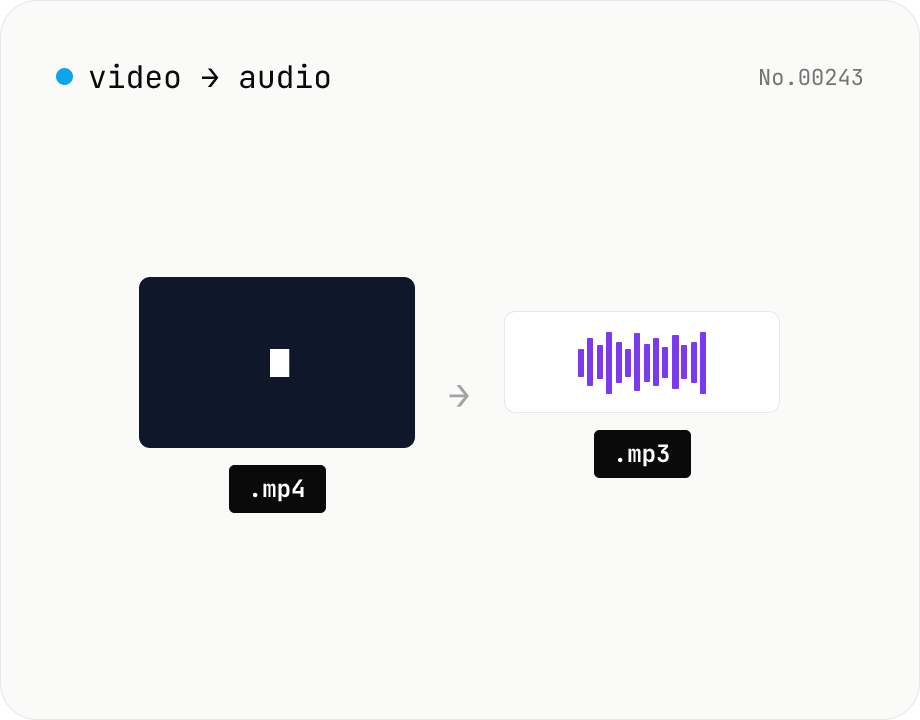
Extract audio from video — MP3 / WAV / M4A / OGG export
Pull just the audio track out of a video and save it as mp3 / wav / m4a / ogg. ffmpeg.wasm drops the video stream and re-encodes the audio in the chosen format. Supports batch processing and a single ZIP download.
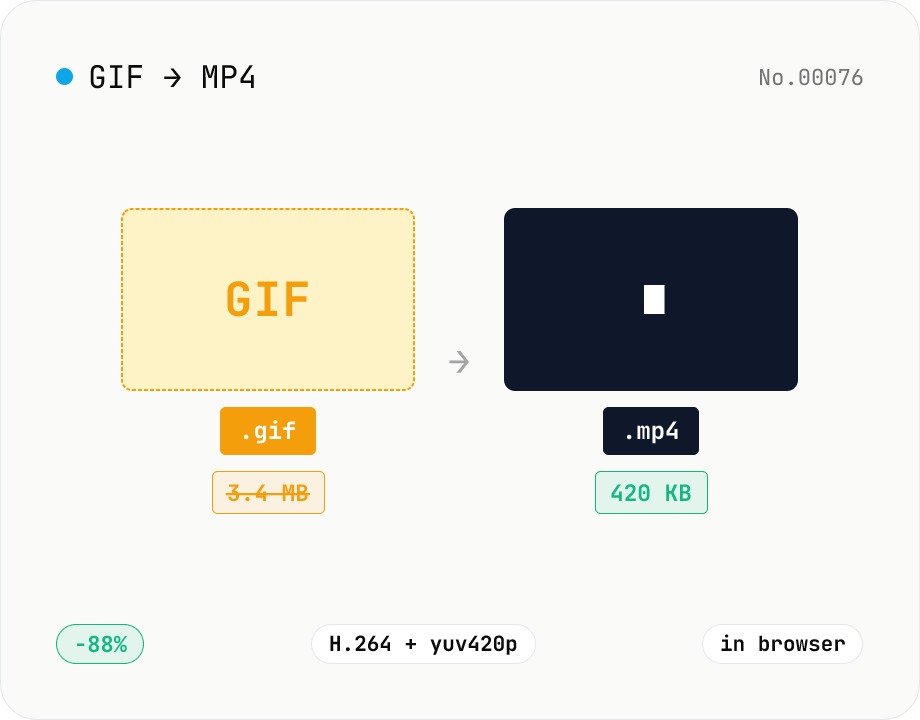
GIF to MP4 converter — H.264 cuts file size to 1/5–1/10
Convert animated GIFs to H.264/AAC MP4 videos. GIFs balloon quickly; MP4 (H.264) typically shrinks the file to 1/5–1/10 the size and plays inline on X (Twitter), Bluesky, Discord and other social platforms. ffmpeg.wasm runs entirely in your browser — GIFs never leave your device. Supports batch processing and a single ZIP download.