
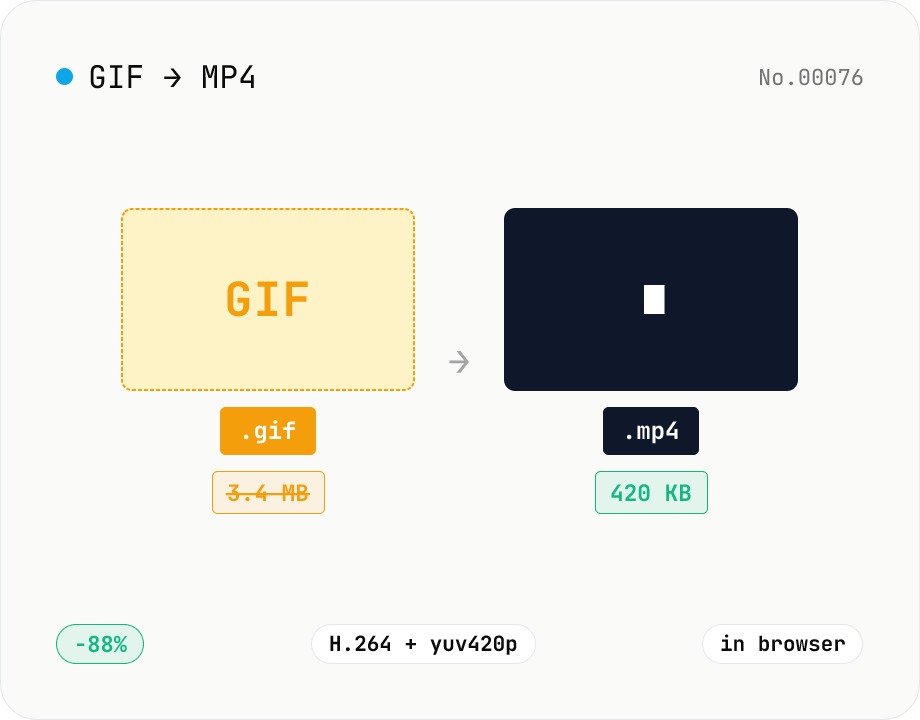
GIF to MP4 converter — H.264 cuts file size to 1/5–1/10
Convert animated GIFs to H.264/AAC MP4 videos. GIFs balloon quickly; MP4 (H.264) typically shrinks the file to 1/5–1/10 the size and plays inline on X (Twitter), Bluesky, Discord and other social platforms. ffmpeg.wasm runs entirely in your browser — GIFs never leave your device. Supports batch processing and a single ZIP download.
How to use
Drop or pick a GIF file and click Convert to MP4. ffmpeg.wasm reads the GIF and writes an H.264 + yuv420p MP4 that plays inline on X (Twitter), Bluesky, Discord and other social platforms. Multiple GIFs can be processed at once — download them individually or all together as a ZIP. Both source GIFs and output MP4s stay in your browser.
FAQ
- Are my GIFs uploaded?
- No. ffmpeg.wasm (the WebAssembly build of ffmpeg) runs entirely inside your browser, so neither the GIF nor the MP4 leaves your device. The first run downloads ~30MB of ffmpeg.wasm itself — that's the tool code, not your file.
- Why convert GIFs to MP4?
- GIF is an old format with poor compression — the same animation as MP4 is typically 5–10× smaller. MP4 (H.264) plays natively on YouTube / X / Bluesky / Discord with reliable autoplay and looping. Convert when you want to post a moving image to social media without exploding the file size.
- Does the MP4 have audio?
- No. GIF doesn't carry audio, so the output MP4 is silent. X and Bluesky loop silent MP4s without any problem.
- Does the MP4 loop automatically?
- MP4 itself doesn't encode a loop flag, but social platforms (X / Bluesky / Discord) and HTML5 video's `loop` attribute will loop it. In a browser, use `<video src="..." autoplay loop muted>` to mimic GIF behavior.
- Are the aspect ratio and colors preserved?
- Aspect ratio is preserved. H.264 requires even pixel dimensions, so an odd-sized GIF is cropped by 1 px. Colors expand from GIF's 256-color palette into MP4's full-color (yuv420p) — slight dithering smoothing may occur.
- Which GIF flavors are supported?
- Standard GIF89a (animated) and GIF87a / GIF89a (still) work. Transparent GIFs are accepted but MP4 (H.264) has no transparency channel, so transparent areas appear black.
Related tools
Video to GIF — palettegen with fps / width / trim range
Convert videos to GIFs in your browser. Uses ffmpeg.wasm's two-pass palettegen + paletteuse for better color fidelity and lets you set fps, width and a trim range. Supports batch processing and a single ZIP download.
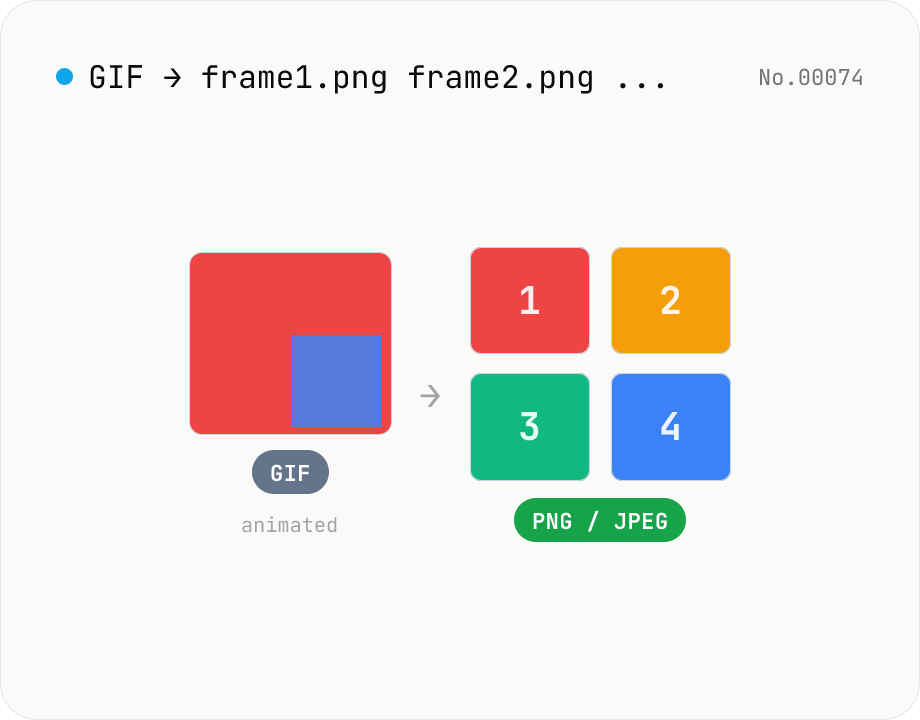
Extract frames from animated GIF / APNG to PNG / JPEG
Split an animated GIF or APNG into individual frames as PNG or JPEG images. Uses the browser-native ImageDecoder API — no extra library required. Handy when you need a thumbnail of a specific frame or when feeding still-image tools (image-resize, image-crop) that only see frame 1. Output PNG (lossless) or JPEG (with quality control), and grab everything as a ZIP. Files never leave your device — everything runs in the browser.
Video format convert — MP4 / MOV / WebM stream copy
Change the video container (e.g. mov → mp4) without re-encoding by using ffmpeg.wasm stream copy. Works for codec-compatible combinations only. Supports batch processing and a single ZIP download.
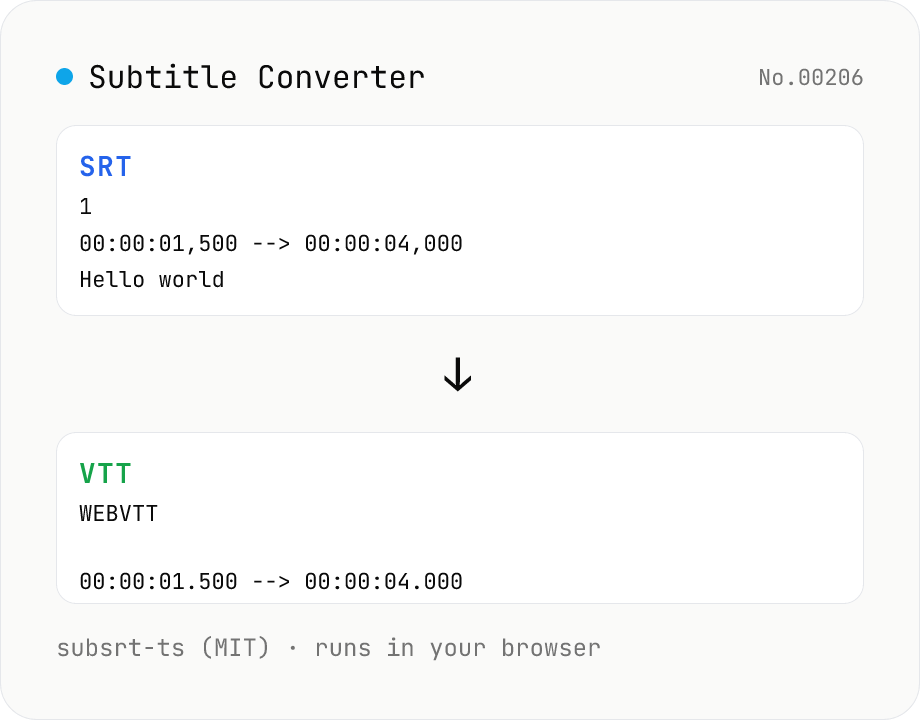
Subtitle Converter
Convert subtitle files between SRT / VTT / ASS / SSA / SBV / SUB / SMI / LRC. Drop files and pick a target format — runs entirely in your browser via subsrt-ts (MIT). No uploads.