
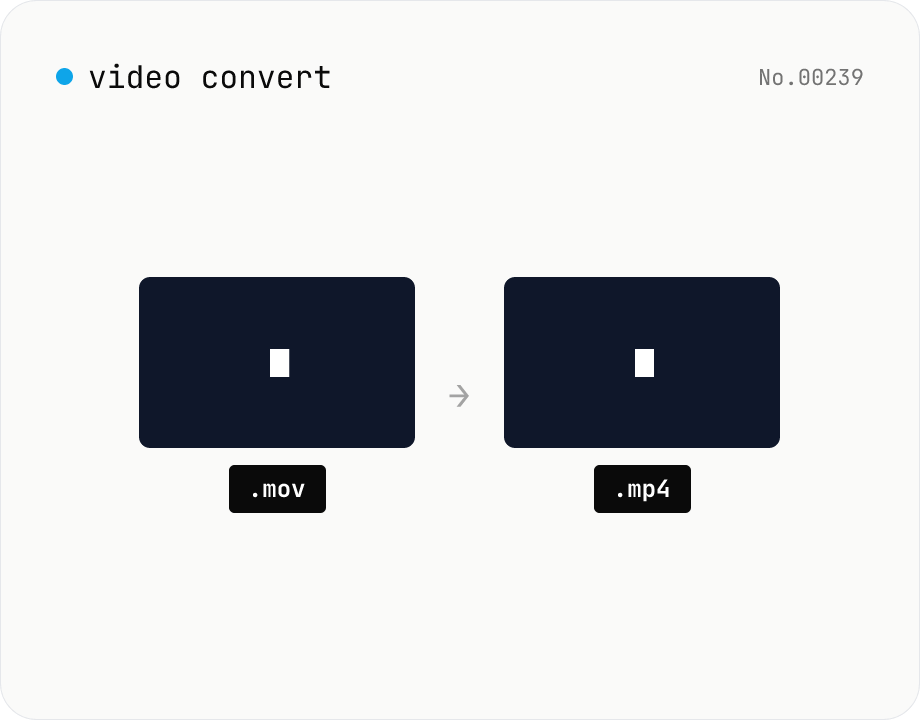
Video format convert — MP4 / MOV / WebM stream copy
Change the video container (e.g. mov → mp4) without re-encoding by using ffmpeg.wasm stream copy. Works for codec-compatible combinations only. Supports batch processing and a single ZIP download.
How to use
Drop videos whose container you want to change (mov / mp4 / mkv, etc.). Pick the target extension and click Convert — ffmpeg.wasm stream-copies the video / audio into the new container, finishing almost instantly. Codec / container combinations that aren't compatible (e.g. VP9 in mp4) will fail. Batch processing and a single ZIP download are supported.
FAQ
- Are videos uploaded?
- No. ffmpeg.wasm runs inside your browser; videos never leave your device.
- Does quality drop?
- No. Stream copy preserves the video / audio bytes exactly.
- Why does it fail sometimes?
- The codec may not be valid for the target container (e.g. VP9 in mp4), or the file's MOOV atom is corrupt. Use a re-encoding tool instead in those cases.
- WebM ↔ MP4?
- WebM (VP8 / VP9 + Opus / Vorbis) and MP4 (H.264 + AAC) usually use incompatible codecs, so stream copy fails. You'll need re-encoding.
Related tools
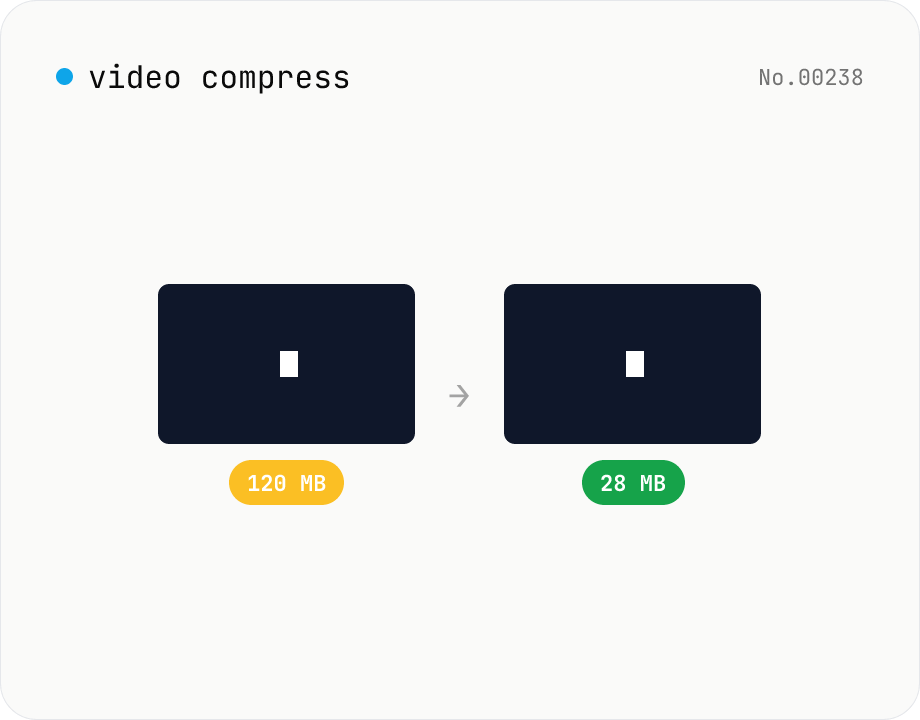
Video compress — shrink size, tune CRF / preset / x264
Re-encode a video with libx264 at the chosen CRF to shrink the file size while keeping the resolution. Pick a preset to trade speed for compression. Output is mp4. Supports batch processing and a single ZIP download.
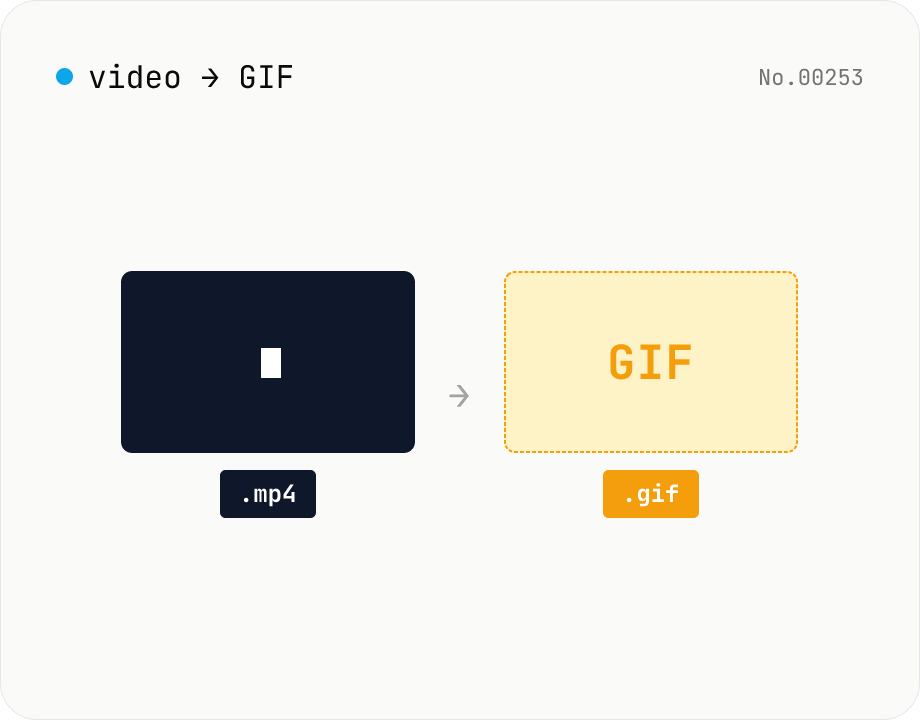
Video to GIF — palettegen with fps / width / trim range
Convert videos to GIFs in your browser. Uses ffmpeg.wasm's two-pass palettegen + paletteuse for better color fidelity and lets you set fps, width and a trim range. Supports batch processing and a single ZIP download.
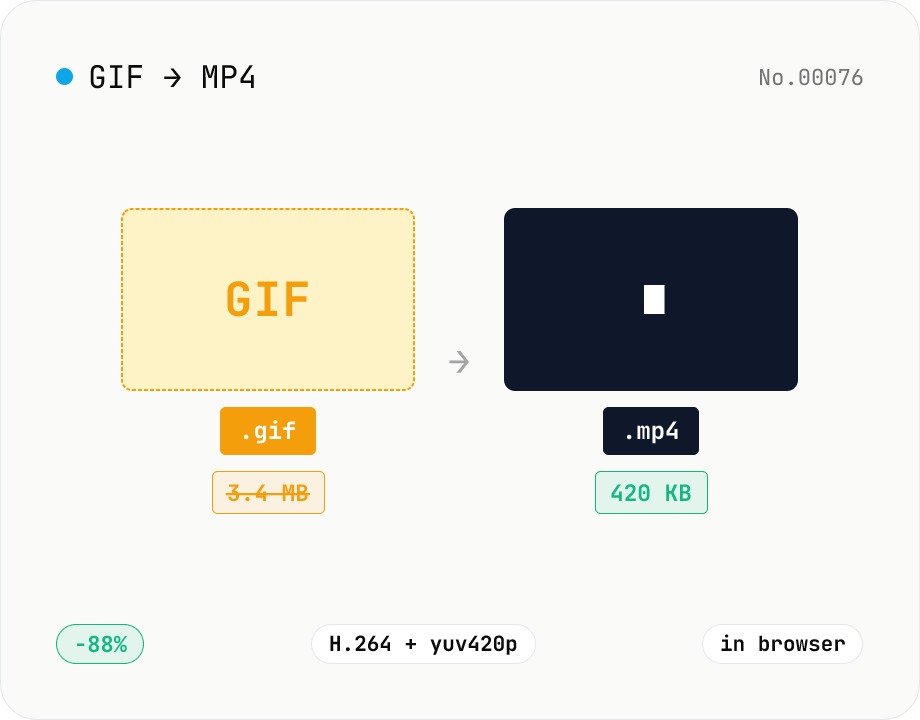
GIF to MP4 converter — H.264 cuts file size to 1/5–1/10
Convert animated GIFs to H.264/AAC MP4 videos. GIFs balloon quickly; MP4 (H.264) typically shrinks the file to 1/5–1/10 the size and plays inline on X (Twitter), Bluesky, Discord and other social platforms. ffmpeg.wasm runs entirely in your browser — GIFs never leave your device. Supports batch processing and a single ZIP download.
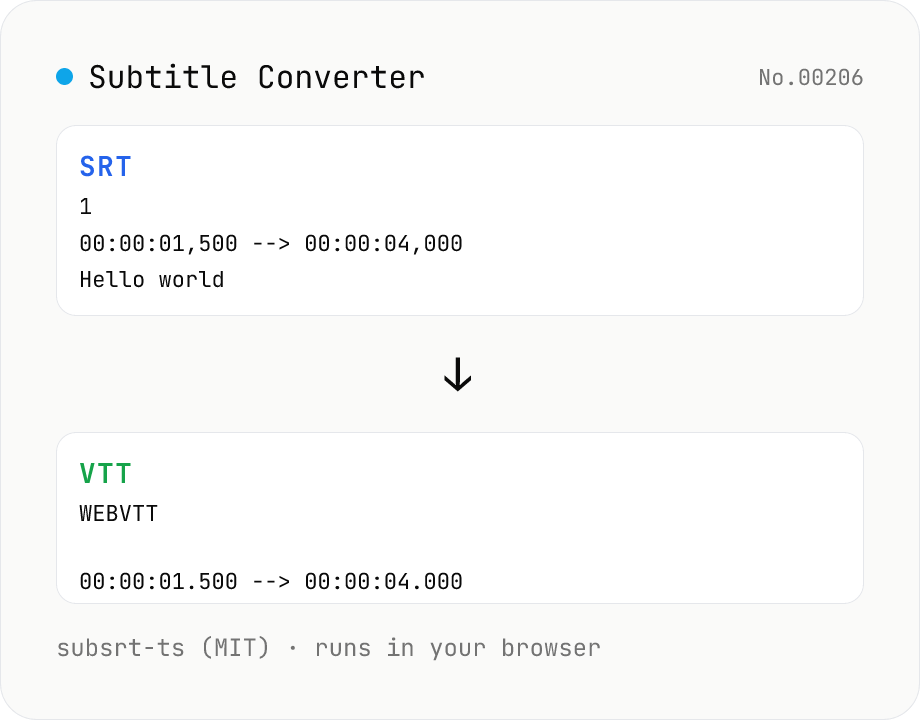
Subtitle Converter
Convert subtitle files between SRT / VTT / ASS / SSA / SBV / SUB / SMI / LRC. Drop files and pick a target format — runs entirely in your browser via subsrt-ts (MIT). No uploads.