
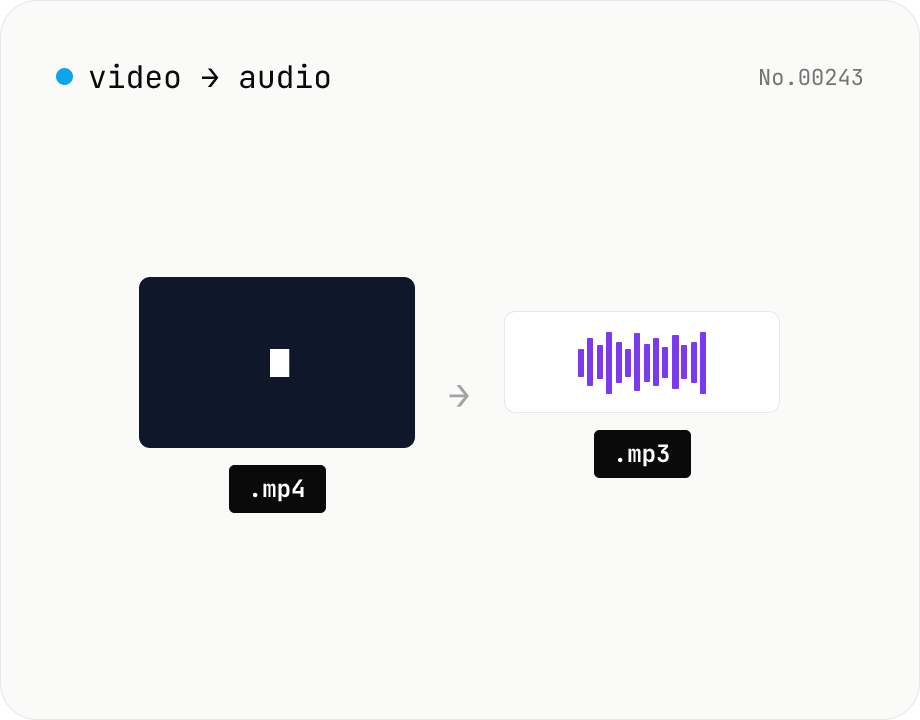
Extract audio from video — MP3 / WAV / M4A / OGG export
Pull just the audio track out of a video and save it as mp3 / wav / m4a / ogg. ffmpeg.wasm drops the video stream and re-encodes the audio in the chosen format. Supports batch processing and a single ZIP download.
How to use
Drop video files and pick a target format (mp3 / wav / m4a / ogg). Click Extract — ffmpeg.wasm drops the video track and re-encodes the audio for the chosen format. Batch processing and a ZIP download are supported.
FAQ
- Are videos uploaded?
- No. ffmpeg.wasm runs inside your browser; videos never leave your device.
- What if the video has no audio?
- You get a no audio track found error.
- Can I keep the original audio codec?
- It currently re-encodes to the chosen format.
- What about videos with multiple audio tracks?
- Only the first audio track is extracted.
Related tools
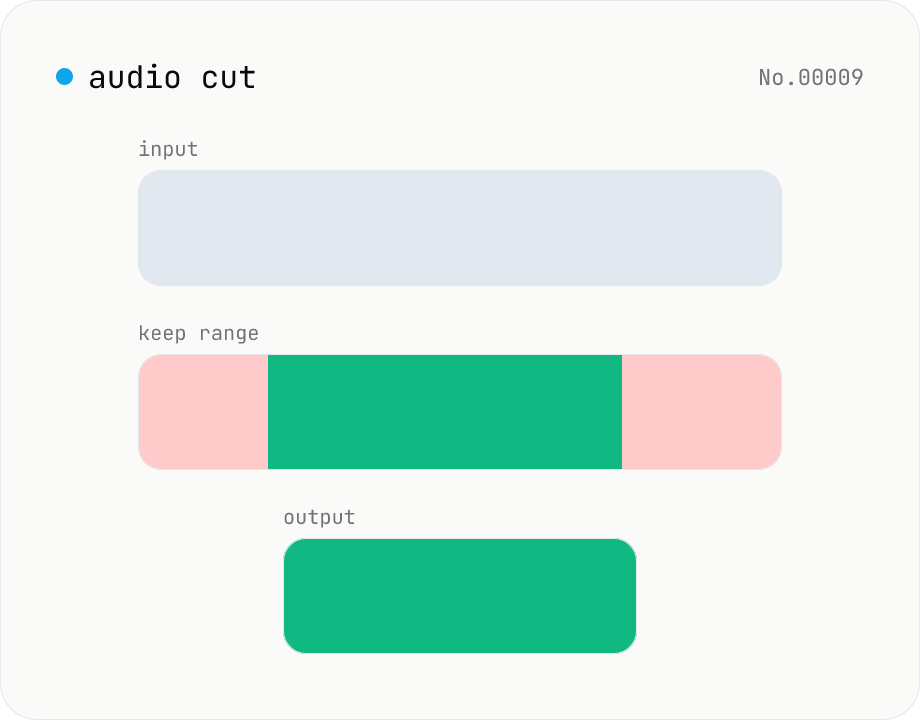
Audio cut — trim a range with no re-encoding
Trim an audio file to a chosen range with ffmpeg.wasm stream copy — no re-encoding, original codec and extension preserved. Cut points snap to the nearest keyframe. Supports batch processing and a single ZIP download.
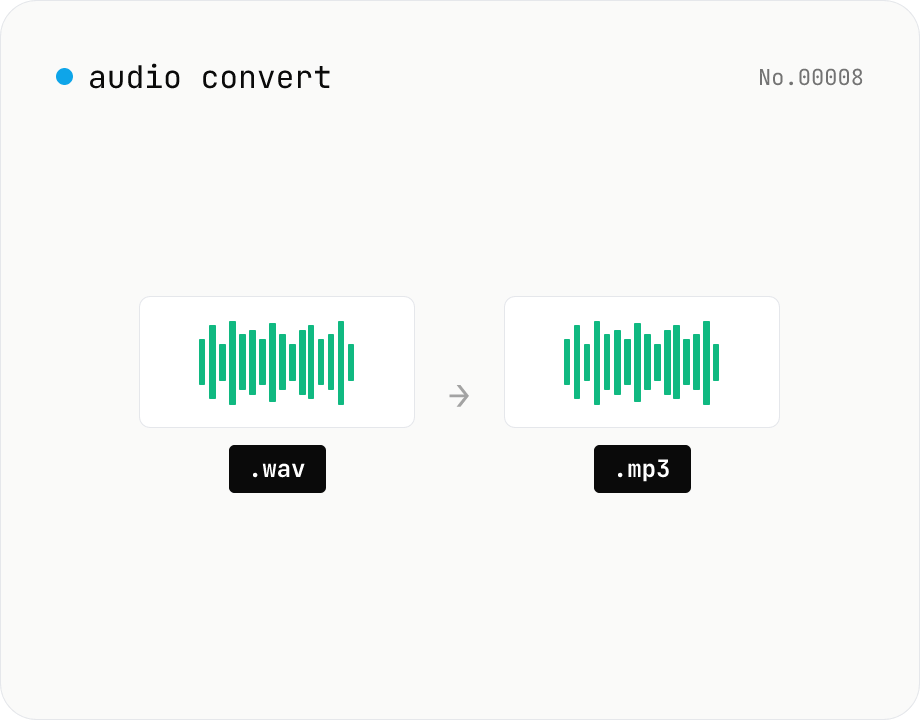
Audio format convert — MP3 / WAV / M4A / OGG / FLAC
Convert audio files to mp3 / wav / m4a / ogg / flac. ffmpeg.wasm picks an encoder based on the chosen extension and re-encodes the file entirely in your browser. Supports batch processing and a single ZIP download.
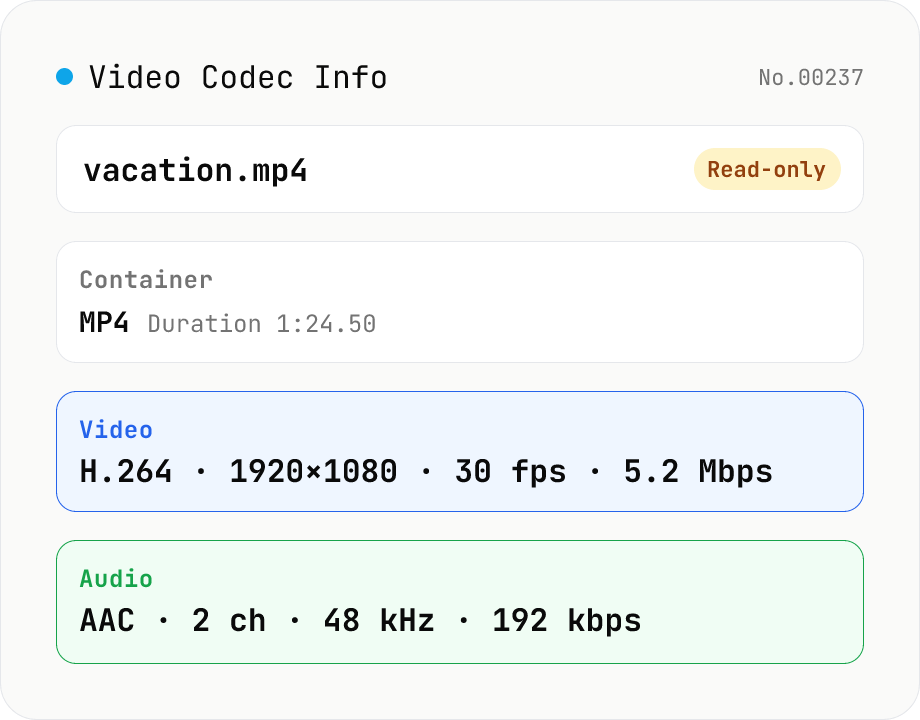
Video Codec Info
Inspect MP4 / MOV / MKV / WebM video files and read out container, codec, resolution, frame rate, bitrate, and audio track information. Read-only, runs entirely in your browser via mediainfo.js (BSD).
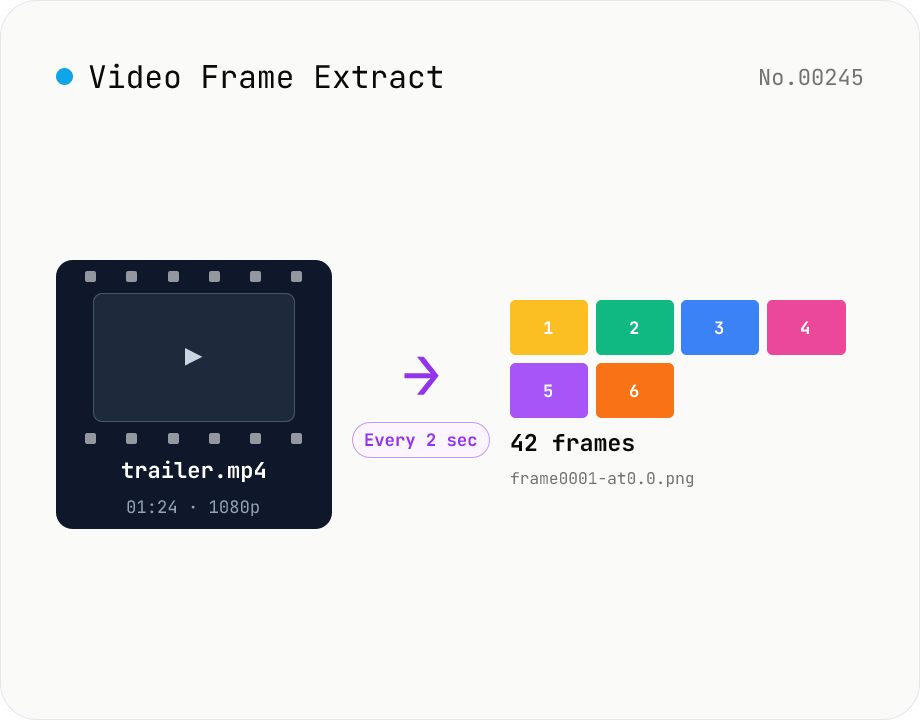
Video Frame Extract — interval or evenly-spaced PNG sequence export
Extract multiple frames from a video as a PNG sequence — either every N seconds or N evenly-spaced frames. The multi-frame sibling of video-thumbnail (which grabs a single frame). Useful for storyboards, video analysis, and asset capture. ffmpeg.wasm runs inside your browser and supports MP4 / MOV / WebM / MKV / AVI and more. Two modes: 'interval' (every N seconds) and 'count' (M evenly-spaced frames). Per-video ZIPs and a combined ZIP are both available. Files are named `<source>-frame<NNNN>-at<seconds>.png`. Nothing is uploaded.