
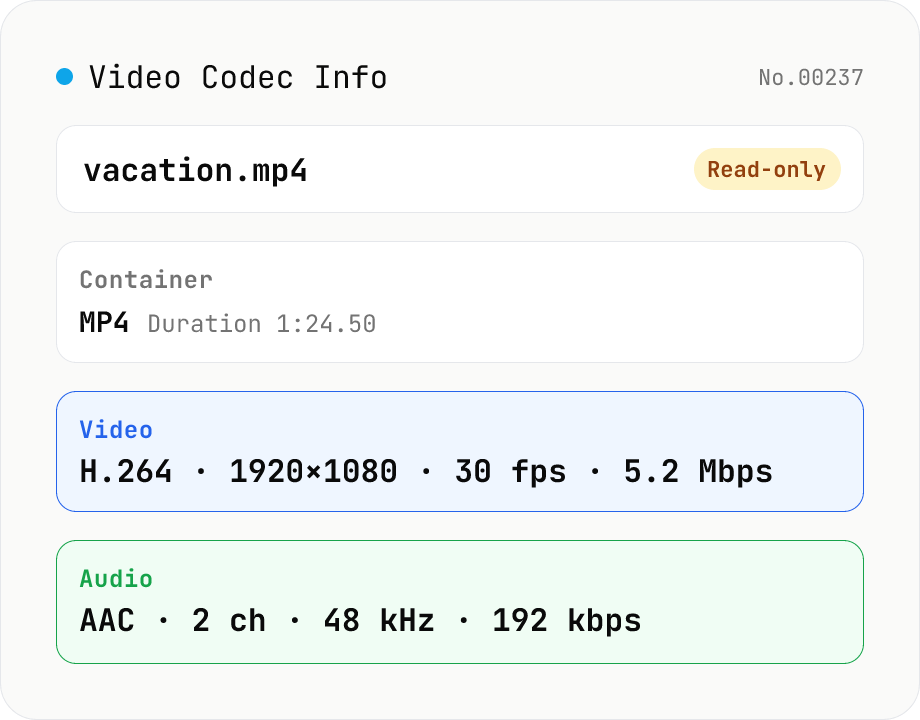
Video Codec Info
Inspect MP4 / MOV / MKV / WebM video files and read out container, codec, resolution, frame rate, bitrate, and audio track information. Read-only, runs entirely in your browser via mediainfo.js (BSD).
How to use
Drop your video files (MP4 / MOV / MKV / WebM / AVI / etc.) and the tool loads mediainfo.js (BSD-2-Clause) in your browser to analyze each one. You'll see container format, overall bit rate, and duration alongside per-track information: video tracks list codec, profile, resolution, frame rate, pixel format, color space, and bit rate; audio tracks list codec, channels, sample rate, bit rate, and language. Read-only — nothing is uploaded. Drop multiple files at once and each gets its own card.
FAQ
- Is my video uploaded?
- No. mediainfo.js (BSD) runs as wasm entirely in your browser. Videos never leave your device.
- Which formats are supported?
- MP4 / MOV / MKV / WebM / AVI / M4V / FLV / 3GP / TS / MPG / OGG / Matroska — essentially everything the upstream MediaInfo C++ library supports.
- What information do you show beyond codec?
- Video tracks include codec, profile, resolution (W×H), frame rate, bit rate, pixel format, color space, and aspect ratio. Audio tracks include codec, channels, sample rate, bit rate, and language. Container-level info also includes format, duration, file size, and overall bit rate.
- Does this re-encode or modify the file?
- No. This tool is read-only. Use the Video Convert tool for codec conversion or Video Compress to reduce size (linked in related tools).
- Can it handle very large video files?
- mediainfo.js reads only the container header / trailer rather than scanning the whole file, so even multi-GB videos usually finish in seconds. However, files large enough to exceed your browser's memory limits cannot be handled.
Related tools
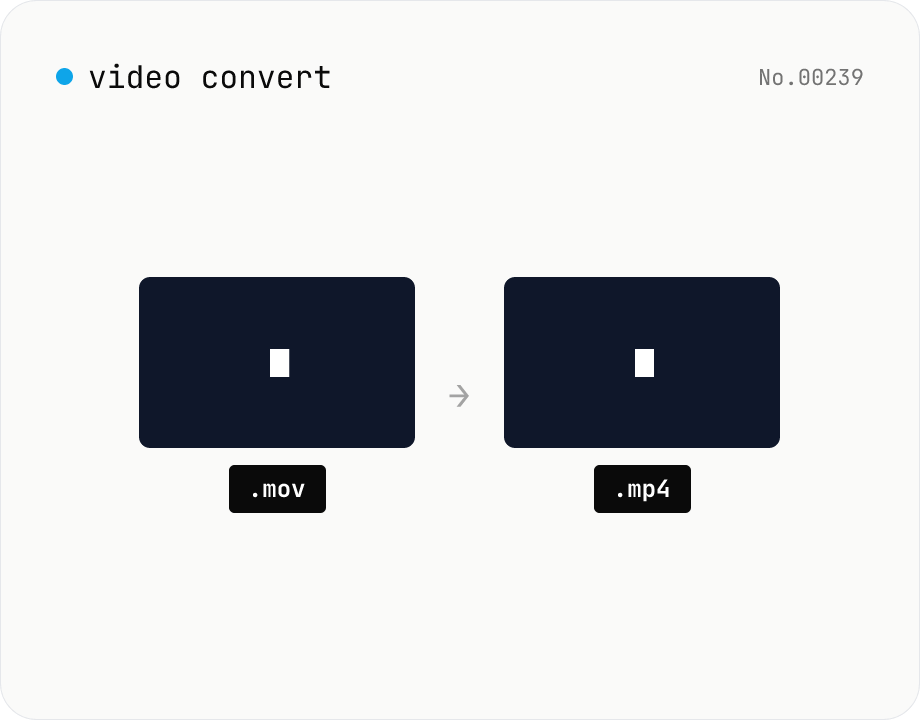
Video format convert — MP4 / MOV / WebM stream copy
Change the video container (e.g. mov → mp4) without re-encoding by using ffmpeg.wasm stream copy. Works for codec-compatible combinations only. Supports batch processing and a single ZIP download.
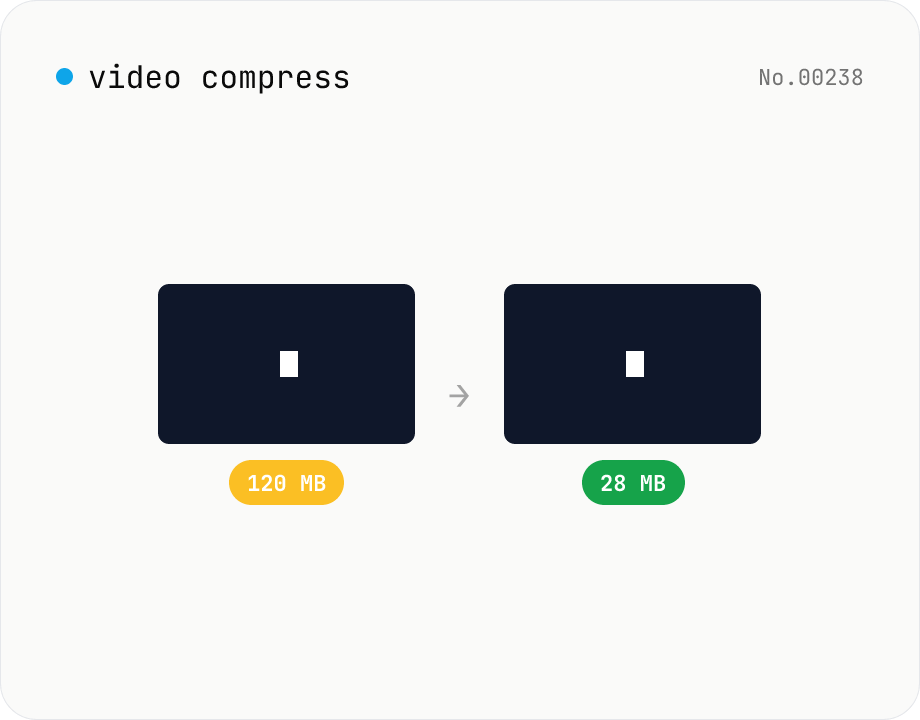
Video compress — shrink size, tune CRF / preset / x264
Re-encode a video with libx264 at the chosen CRF to shrink the file size while keeping the resolution. Pick a preset to trade speed for compression. Output is mp4. Supports batch processing and a single ZIP download.
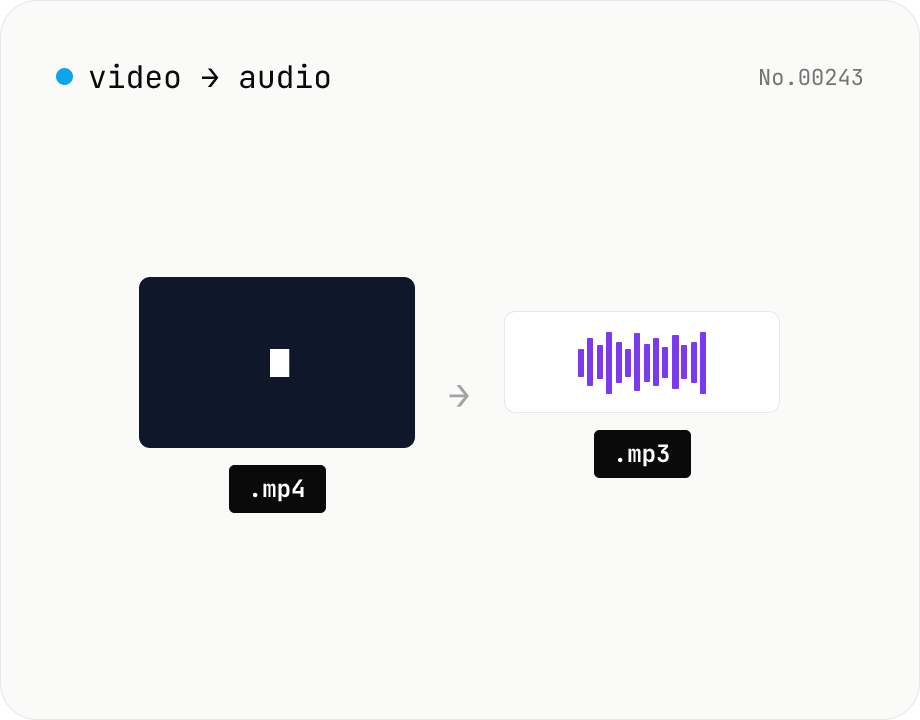
Extract audio from video — MP3 / WAV / M4A / OGG export
Pull just the audio track out of a video and save it as mp3 / wav / m4a / ogg. ffmpeg.wasm drops the video stream and re-encodes the audio in the chosen format. Supports batch processing and a single ZIP download.
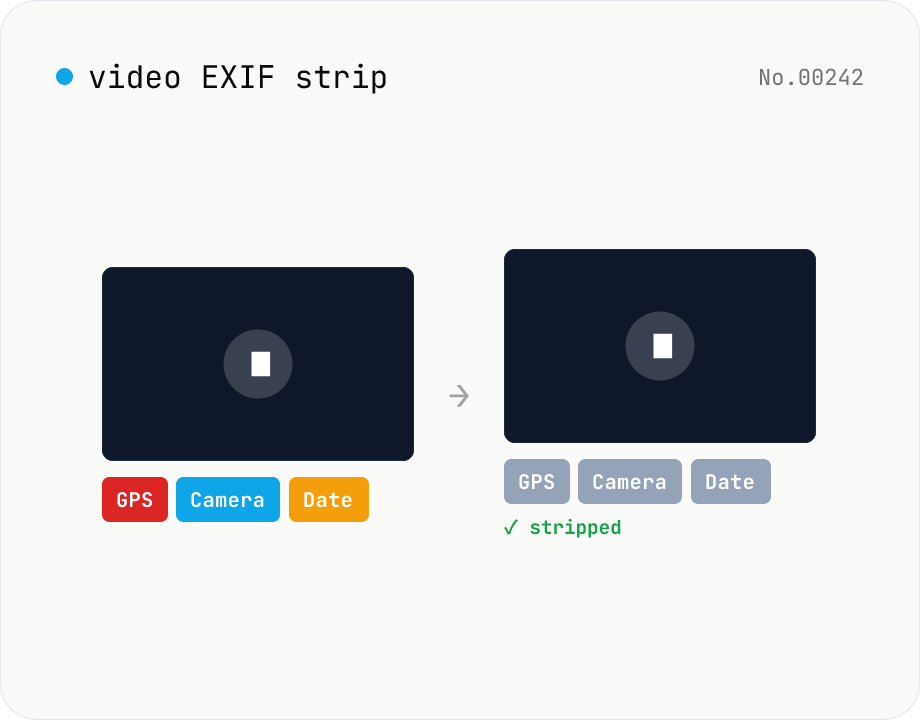
Video EXIF strip — wipe GPS / capture date metadata
Strip metadata (EXIF / GPS / capture date / etc.) from video files entirely in your browser using ffmpeg.wasm. Uses stream copy so the codec, quality and file extension are preserved (no re-encoding). Supports batch processing and a single ZIP download. Videos never leave your device.