
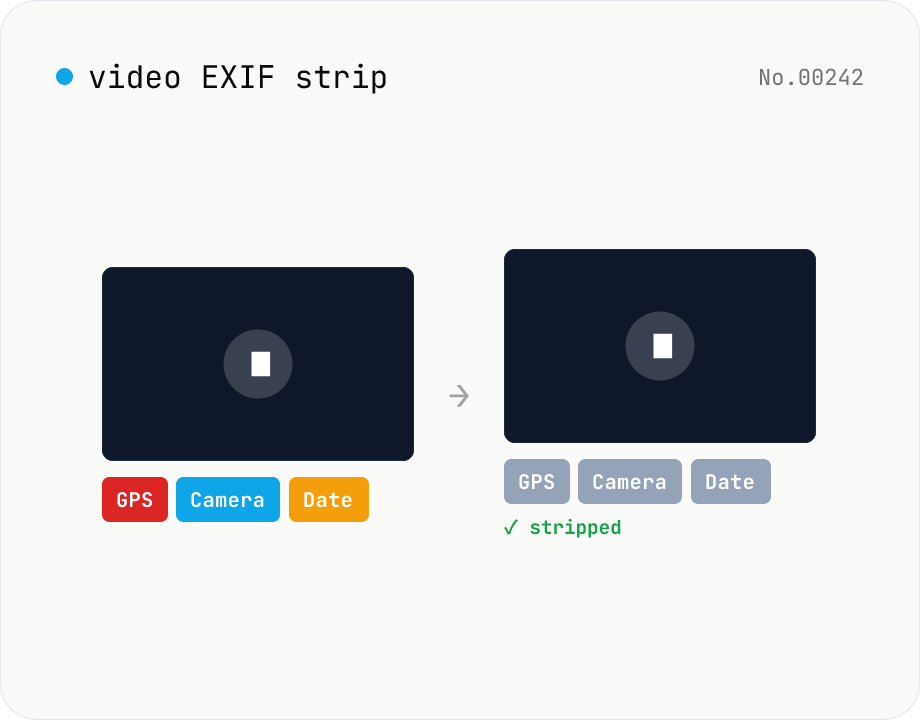
Video EXIF strip — wipe GPS / capture date metadata
Strip metadata (EXIF / GPS / capture date / etc.) from video files entirely in your browser using ffmpeg.wasm. Uses stream copy so the codec, quality and file extension are preserved (no re-encoding). Supports batch processing and a single ZIP download. Videos never leave your device.
How to use
Drop video files (MP4 / MOV / MKV, etc.) — batch supported. Click Strip — ffmpeg.wasm uses stream copy on the video / audio while dropping the metadata block, producing a clean output. ffmpeg.wasm (~30 MB) downloads on first run. Download individually or as a ZIP.
FAQ
- Are videos uploaded?
- No. ffmpeg.wasm runs inside your browser; videos and metadata never leave your device.
- Will quality drop?
- No. Stream copy byte-copies video / audio without re-encoding, so the picture is bit-identical to the original.
- What metadata is removed?
- Container-level metadata (creation time, GPS, device, software name), per-track metadata, subtitle / chapter titles, etc.
- Does the extension change?
- No, the original container format and extension are preserved.
Related tools
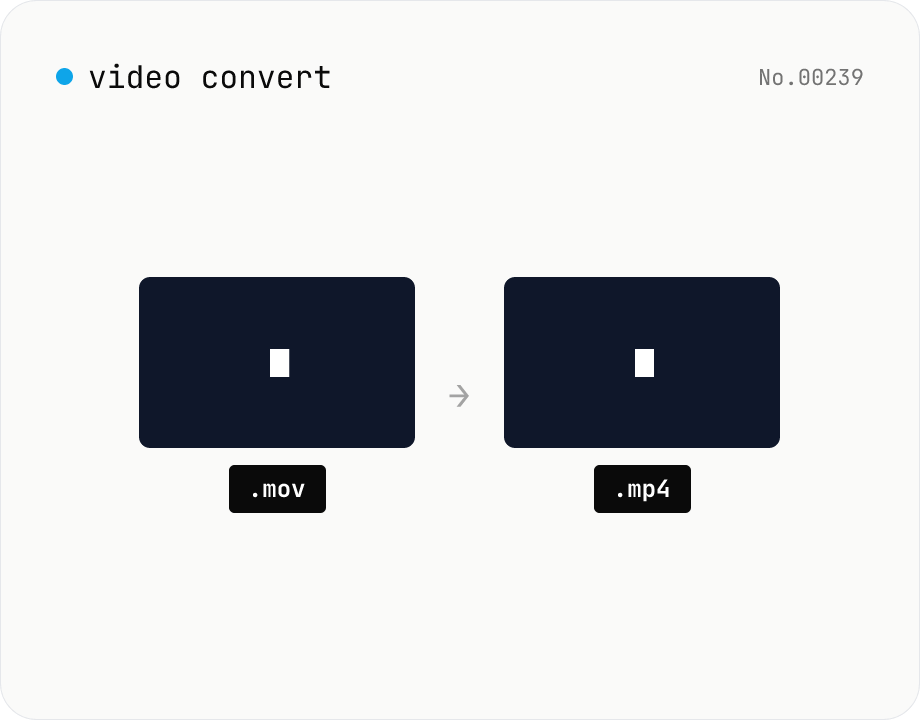
Video format convert — MP4 / MOV / WebM stream copy
Change the video container (e.g. mov → mp4) without re-encoding by using ffmpeg.wasm stream copy. Works for codec-compatible combinations only. Supports batch processing and a single ZIP download.
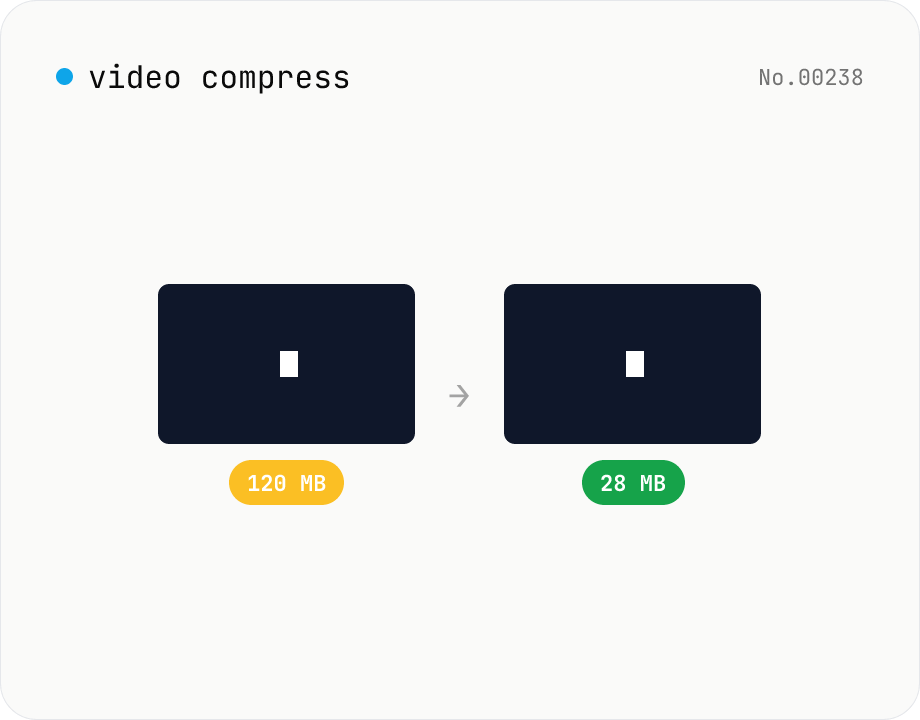
Video compress — shrink size, tune CRF / preset / x264
Re-encode a video with libx264 at the chosen CRF to shrink the file size while keeping the resolution. Pick a preset to trade speed for compression. Output is mp4. Supports batch processing and a single ZIP download.
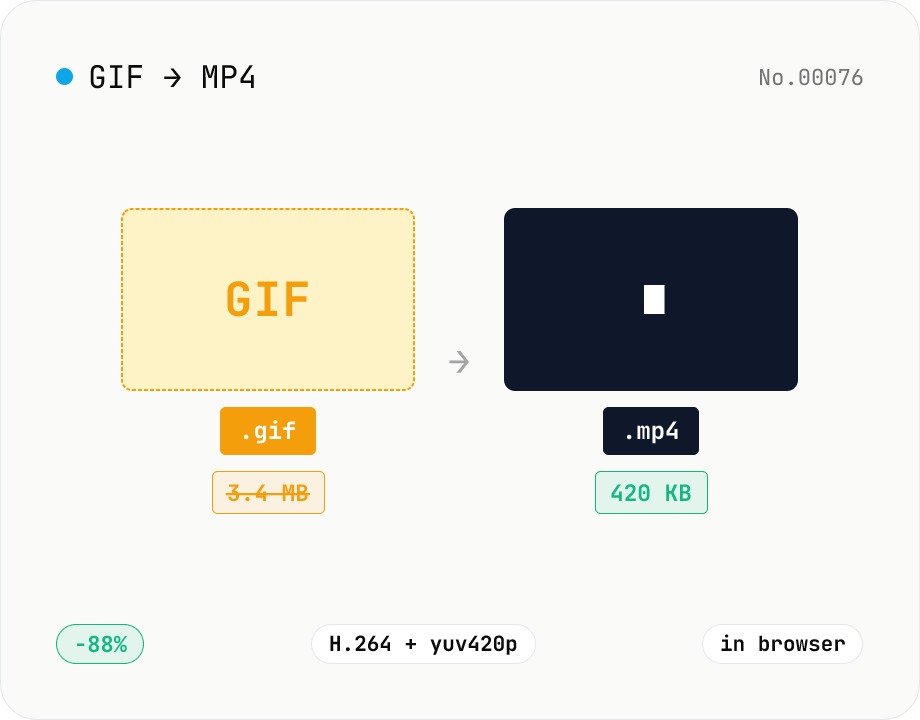
GIF to MP4 converter — H.264 cuts file size to 1/5–1/10
Convert animated GIFs to H.264/AAC MP4 videos. GIFs balloon quickly; MP4 (H.264) typically shrinks the file to 1/5–1/10 the size and plays inline on X (Twitter), Bluesky, Discord and other social platforms. ffmpeg.wasm runs entirely in your browser — GIFs never leave your device. Supports batch processing and a single ZIP download.
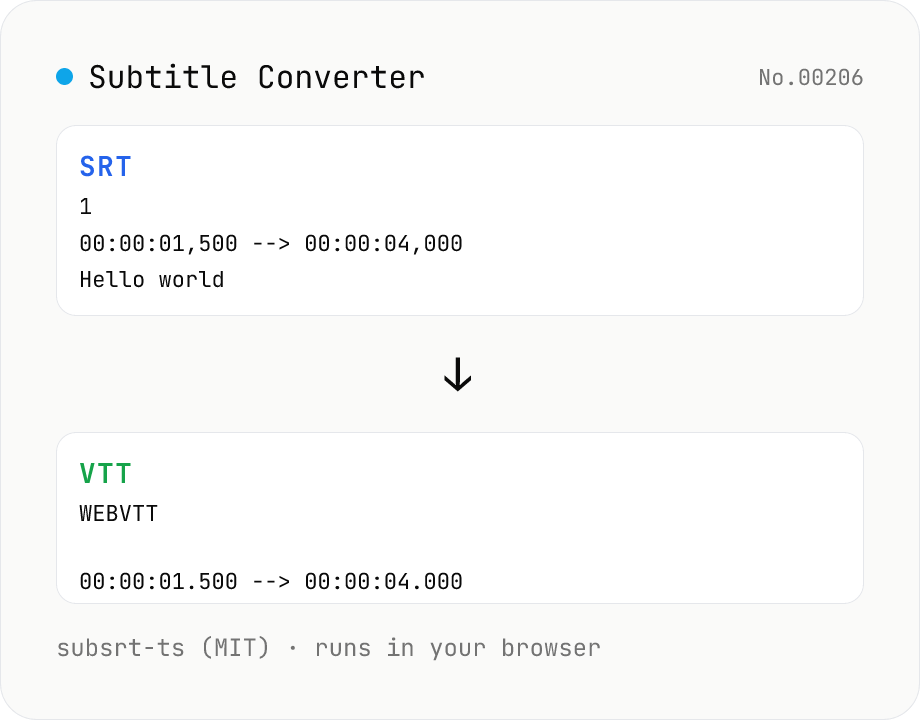
Subtitle Converter
Convert subtitle files between SRT / VTT / ASS / SSA / SBV / SUB / SMI / LRC. Drop files and pick a target format — runs entirely in your browser via subsrt-ts (MIT). No uploads.