
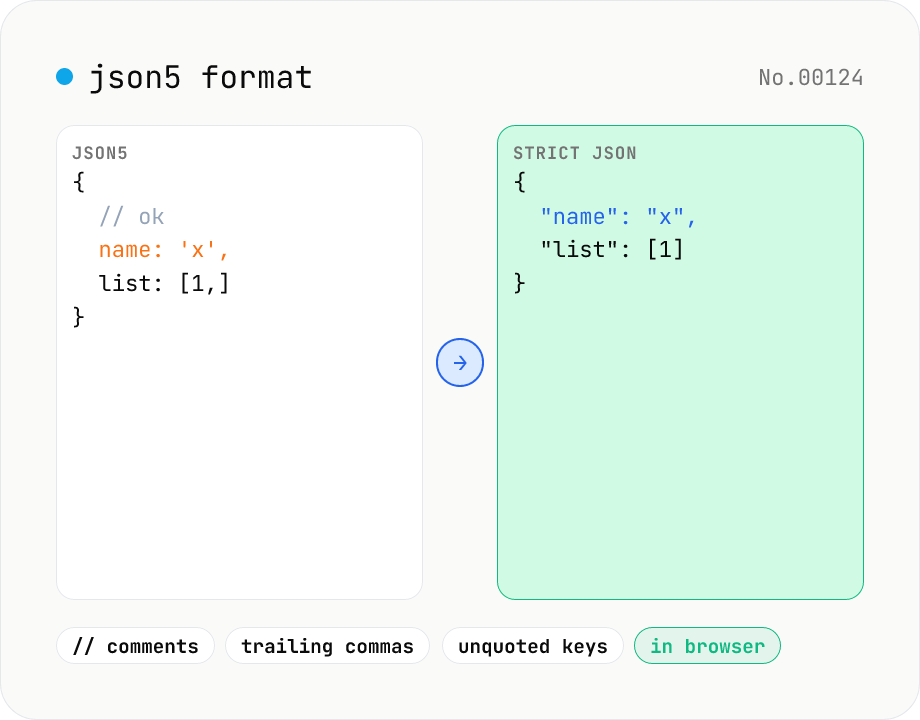
JSON5 formatter — parse JSON5 (comments, trailing commas) and emit JSON5 or strict JSON
Parse JSON5 — the JSON superset that allows comments, trailing commas, single quotes, and unquoted keys — and emit either pretty-printed JSON5 or strict standard JSON. Great for tsconfig.json, Cargo-like commented config files, or any human-edited JSON variant. Choose 2-space / 4-space / Tab indent and get line:column parse-error markers. Runs entirely in your browser.
How to use
Paste JSON5 (the JSON superset that allows comments, trailing commas, unquoted keys and single-quoted strings) and pick an output mode. Pretty JSON5 re-emits the value as JSON5 with the indent style you choose; Strict JSON converts to RFC 8259 JSON (drops comments, double-quotes keys). Pick 2-space / 4-space / Tab indent. Parse errors surface a line:column hint. Useful for converting human-edited config files like tsconfig.json into machine-strict JSON for CI.
FAQ
- What does JSON5 add over JSON?
- Five main extensions: (1) comments — // and /* */; (2) trailing commas in objects and arrays; (3) unquoted keys; (4) single-quoted strings; (5) extended number literals like 0xFF, .5, 5., Infinity, NaN. JSON5 is common for tsconfig.json, Babel config, Cargo-style commented configs, etc.
- Are comments preserved on output?
- No. The tool parses with json5.parse and re-emits with json5.stringify, both of which discard comments. For comment-preserving formatting reach for Prettier or similar.
- How is this different from json-format?
- json-format only handles strict JSON — anything with a comment or trailing comma fails to parse. Use json5-format as the front door for tsconfig-style files, then optionally convert to strict JSON for CI consumption.
- How are strings quoted on output?
- Pretty JSON5 mode uses single quotes when convenient (json5.stringify's default); Strict JSON mode always emits double quotes.
- Are JSON5 number extensions supported?
- Yes — anything json5 understands: 0xFF (hex), .5 (leading dot), 5. (trailing dot), Infinity / NaN / +0 / -0. Strict-JSON output collapses them to standard decimal representations where possible.
- Is my input uploaded?
- No. Parsing and formatting run entirely in your browser, so the JSON5 content never leaves the device.
Related tools
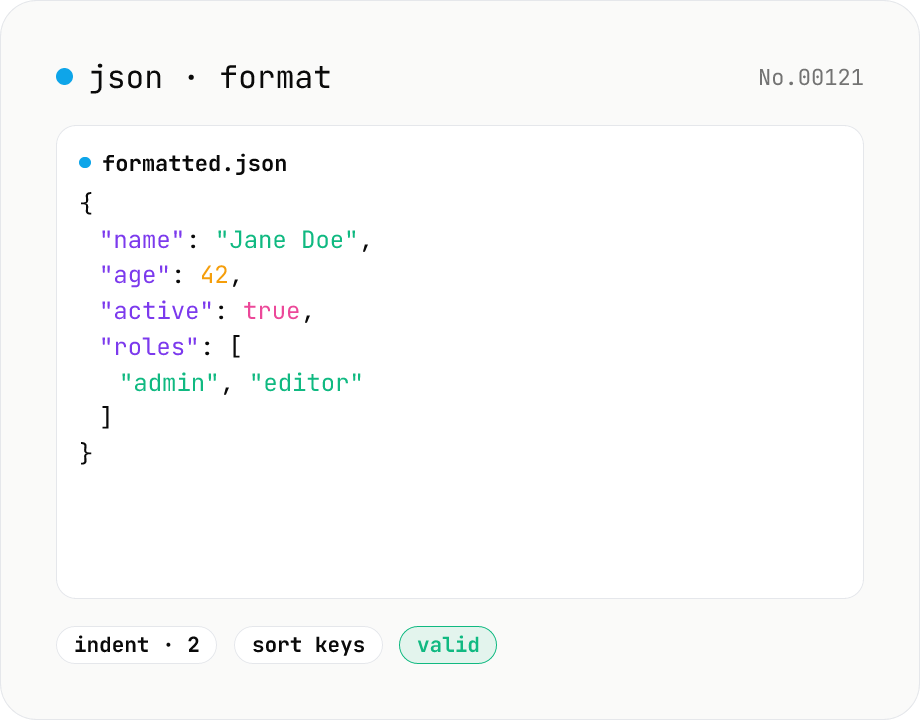
JSON format & validate — indent, minify, error pointer
Format, minify, and validate JSON entirely in your browser. Errors show the line and column. Your data never leaves your device.
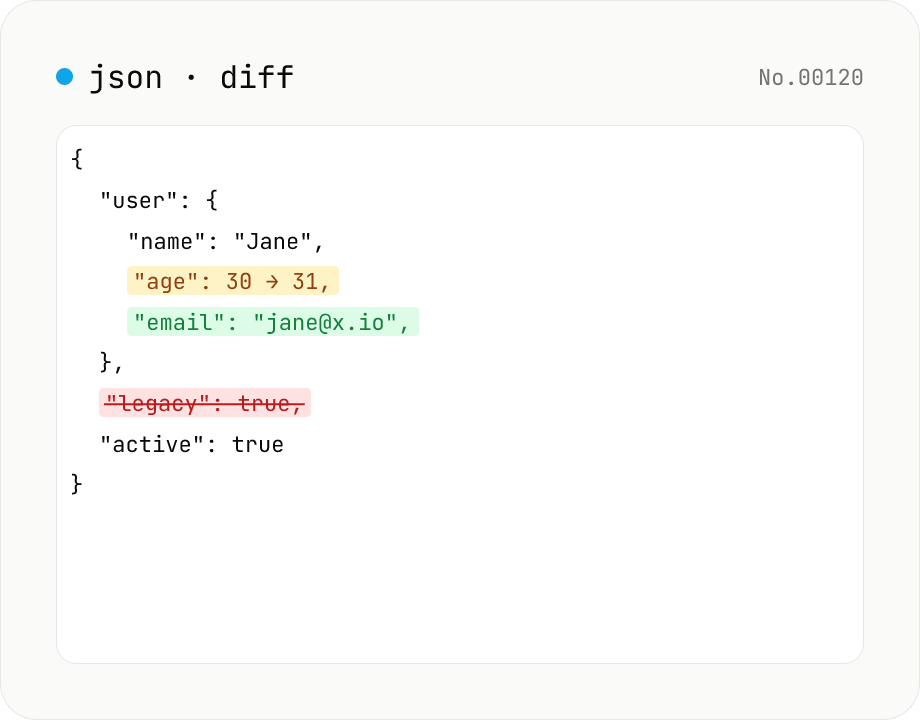
JSON diff — structural compare of two documents
Compare two JSON documents structurally. Walks nested objects and arrays recursively and highlights added / removed / modified / moved entries. Runs entirely in your browser.
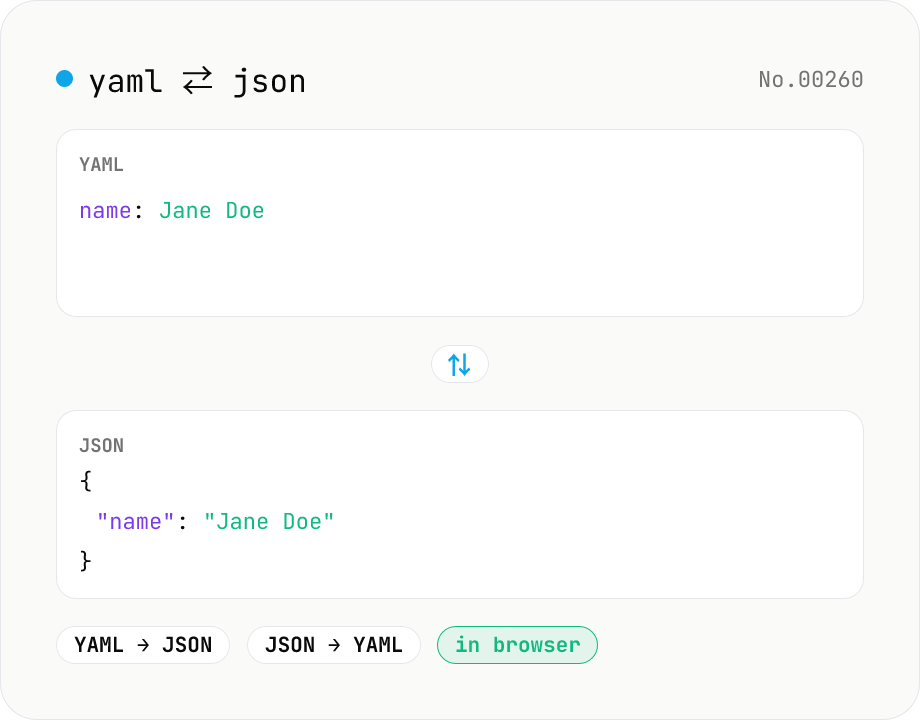
YAML ⇄ JSON converter — indent preserved
Convert YAML to JSON or JSON to YAML. Choose indent (2 / 4 / tab) and try the sample button. Powered by eemeli/yaml — runs entirely in your browser.
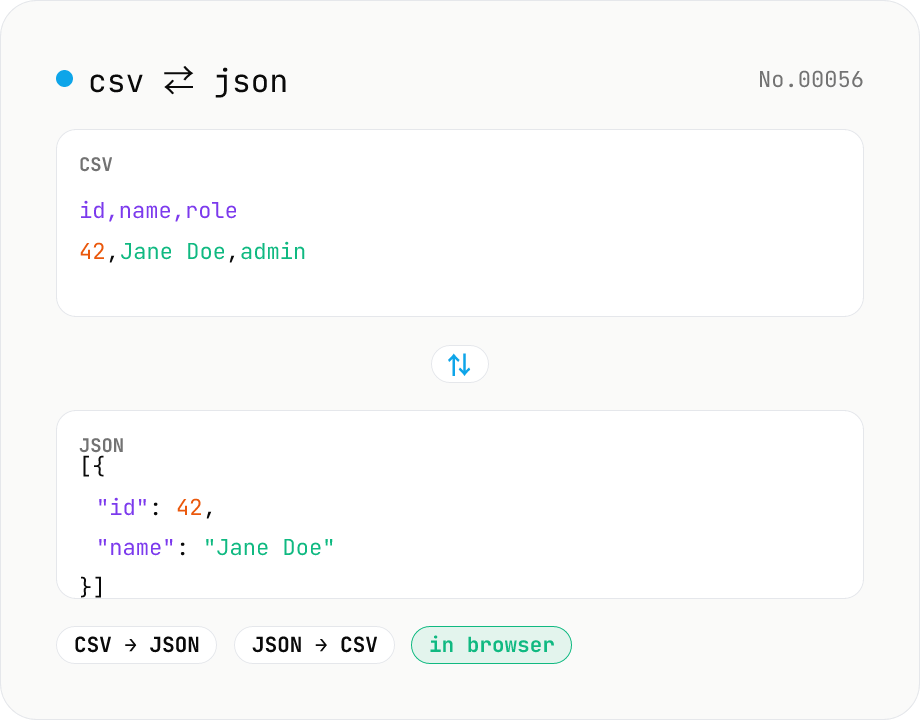
CSV ⇄ JSON converter — delimiter & header auto
Convert CSV to JSON or JSON to CSV in your browser. Pick the delimiter (comma / tab / semicolon), toggle the header row, and choose the JSON indent. Handles quoted fields with embedded commas, quotes, and newlines.