
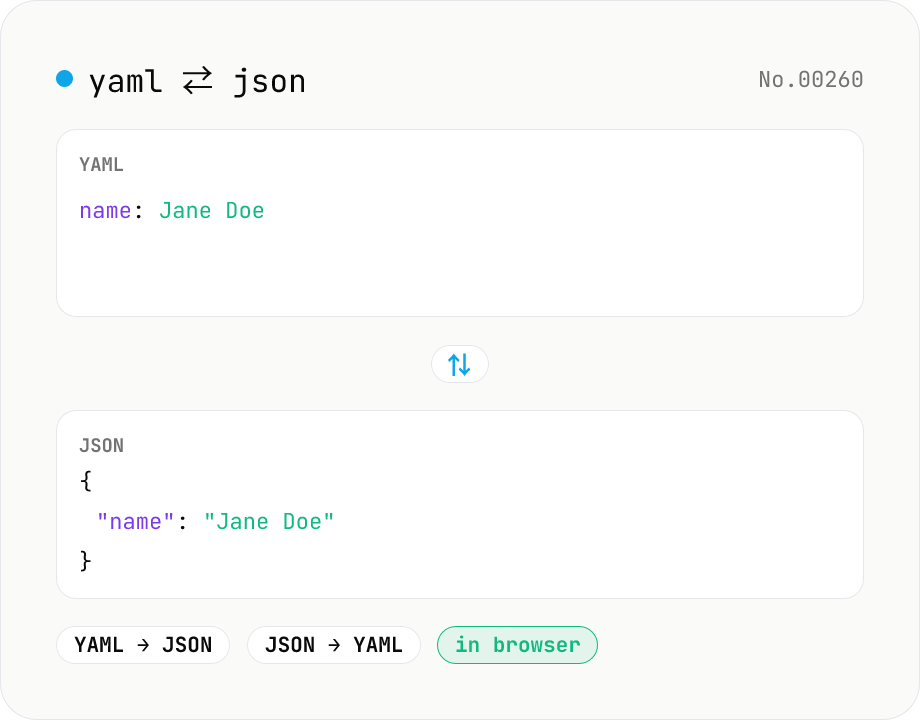
YAML ⇄ JSON converter — indent preserved
Convert YAML to JSON or JSON to YAML. Choose indent (2 / 4 / tab) and try the sample button. Powered by eemeli/yaml — runs entirely in your browser.
How to use
Pick a direction (YAML → JSON or JSON → YAML), paste your text, choose an indent (2 / 4 spaces, and Tab for YAML → JSON only), then press Run. We parse/emit via the YAML 1.2 compliant `yaml` library, so Japanese characters and emoji round-trip safely. Sample button preloads typical data. Copy or download the result as .json / .yaml.
FAQ
- Is my input uploaded anywhere?
- No. Conversion runs in your browser via local JavaScript — nothing leaves your device.
- Which YAML version is supported?
- YAML 1.2 (via the eemeli/yaml library). Anchors / aliases, multi-document streams, and both flow / block styles are supported.
- Are YAML `yes` / `no` / `on` / `off` coerced to booleans?
- Under YAML 1.2 they remain strings. Use `true` / `false` for actual booleans.
- Why do JSON → YAML outputs quote some strings?
- When a string value looks like a boolean literal (`true` / `false`) or a number, the `yaml` library quotes it to keep round-tripping unambiguous. That's correct behaviour.
- Are comments preserved?
- JSON has no comment syntax, so JSON → YAML can never produce comments. YAML → JSON drops comments because JSON cannot represent them.
- Why merge YAML→JSON and JSON→YAML into one tool?
- Both directions are the same concept. A direction toggle keeps them in a single UI. The indent options follow the active direction (Tab is only valid for JSON output).
Related tools
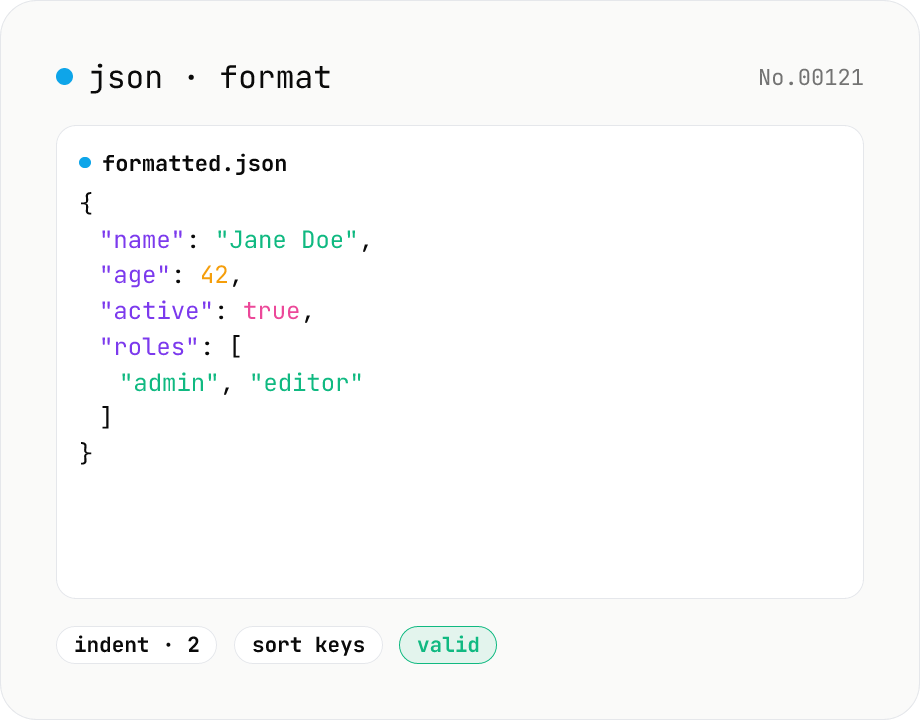
JSON format & validate — indent, minify, error pointer
Format, minify, and validate JSON entirely in your browser. Errors show the line and column. Your data never leaves your device.
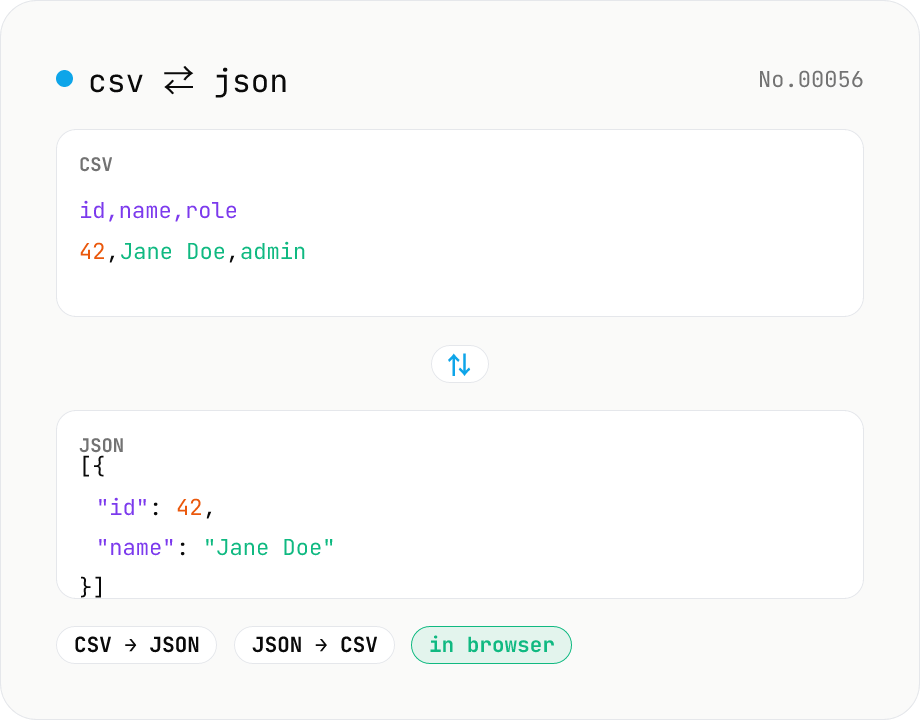
CSV ⇄ JSON converter — delimiter & header auto
Convert CSV to JSON or JSON to CSV in your browser. Pick the delimiter (comma / tab / semicolon), toggle the header row, and choose the JSON indent. Handles quoted fields with embedded commas, quotes, and newlines.
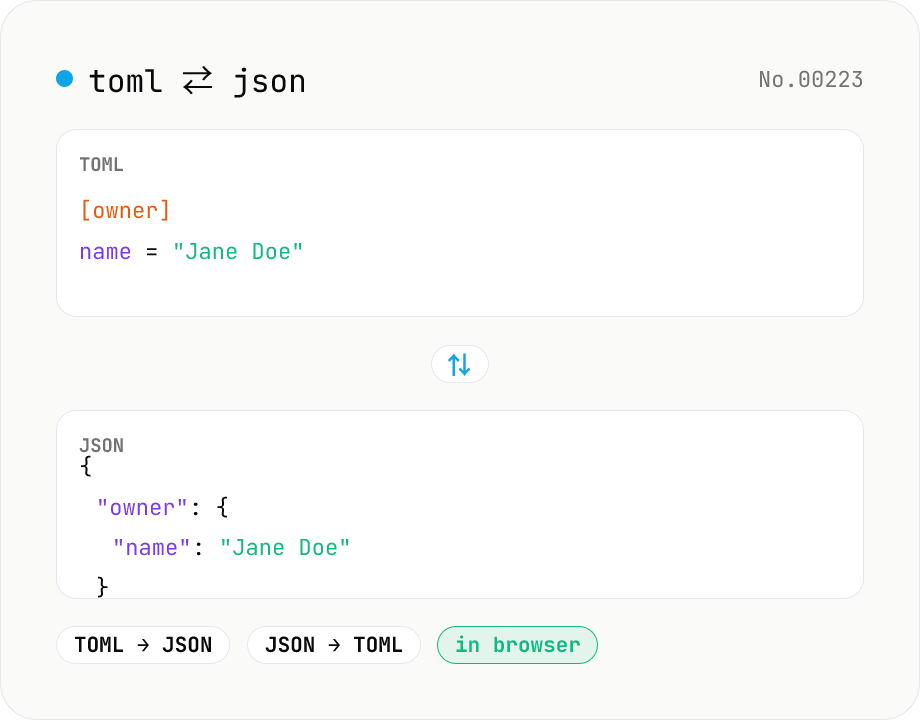
TOML ⇄ JSON converter — Cargo.toml / pyproject.toml
Convert TOML to JSON or JSON to TOML. Switch direction, choose JSON indent (2 / 4 / tab), and try the sample button. Powered by smol-toml — runs entirely in your browser.
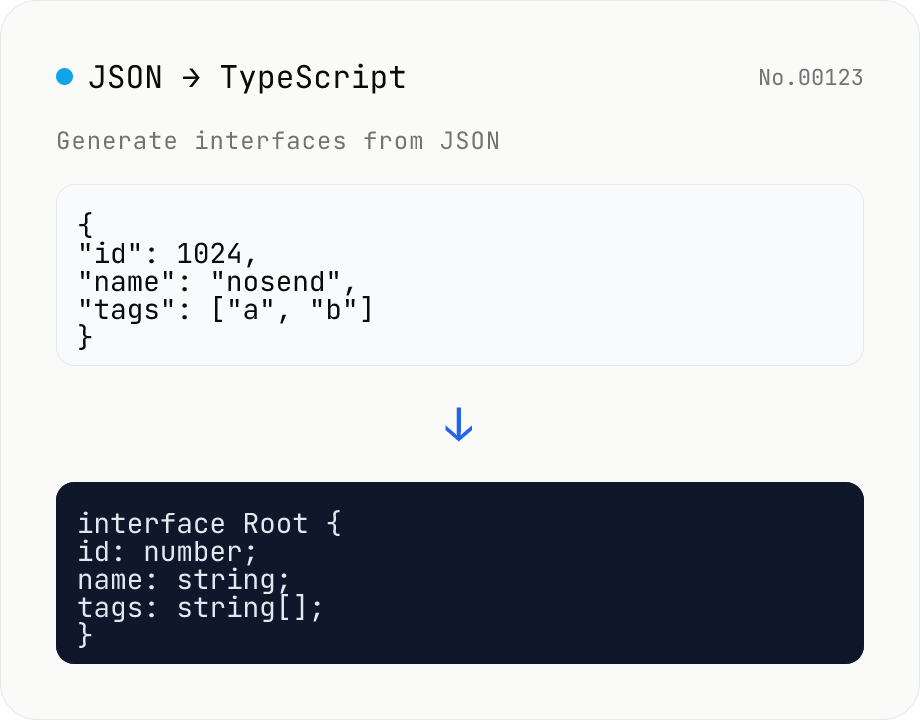
JSON to TypeScript Type Generator
Paste JSON to generate matching TypeScript interface / type definitions. Nested objects become separate interfaces, arrays merge their keys (keys present in only some elements become optional with ?), and mixed values turn into union types. Choose the root type name, interface vs type, and whether to add export. Identical shapes are deduplicated into one type. JSON is processed entirely in your browser and never uploaded.