
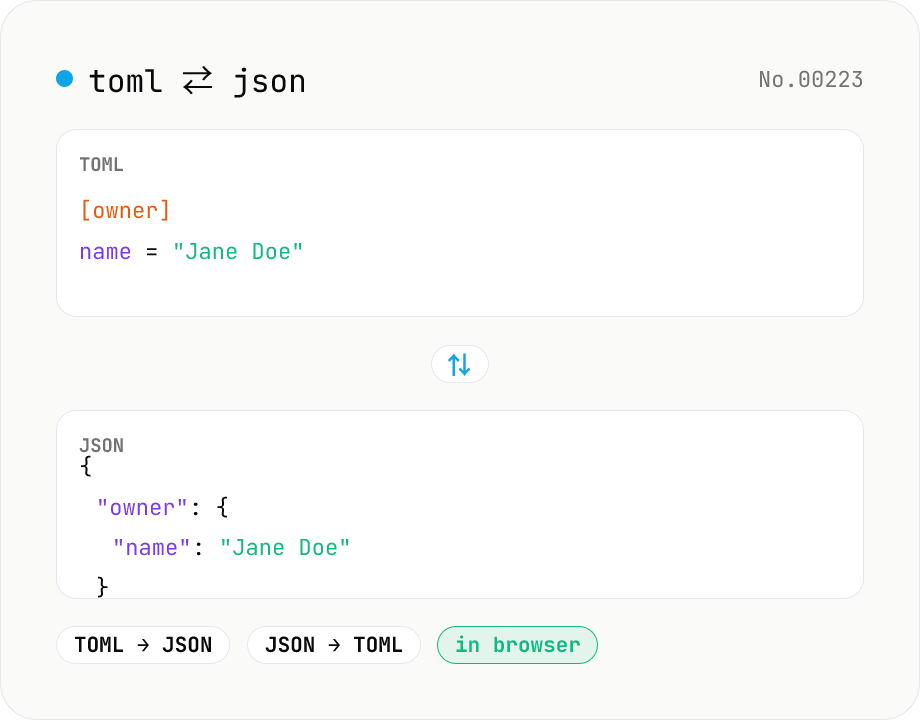
TOML ⇄ JSON converter — Cargo.toml / pyproject.toml
Convert TOML to JSON or JSON to TOML. Switch direction, choose JSON indent (2 / 4 / tab), and try the sample button. Powered by smol-toml — runs entirely in your browser.
How to use
Pick a direction (TOML → JSON or JSON → TOML), paste your text, then press Run. For TOML → JSON you can choose the JSON indent (2 / 4 spaces or Tab). We parse/emit via the TOML 1.0.0 compliant `smol-toml` library, so tables, array-of-tables, datetimes, and multi-line strings all round-trip. The sample button preloads typical config. Copy or download the result as .json / .toml.
FAQ
- Is my input uploaded anywhere?
- No. Conversion runs in your browser via local JavaScript — nothing leaves your device.
- Which TOML version is supported?
- TOML 1.0.0 (via the smol-toml library). Tables `[table]`, array-of-tables `[[array]]`, inline tables, multi-line strings, and datetime literals are all supported.
- Why do null-valued keys disappear in JSON → TOML?
- TOML has no null type, so keys whose value is null are dropped from the output. To keep them, replace null with a TOML-representable value such as an empty string "" or false.
- How are TOML datetimes (e.g. 2024-03-15) represented in JSON?
- TOML datetime literals are parsed as Date objects and become ISO 8601 strings in the JSON output. Going the other way, JSON strings stay strings — they are not auto-promoted to TOML datetimes (remove the quotes in TOML if you want a real datetime).
- Are comments preserved?
- JSON has no comment syntax, so TOML → JSON drops comments. JSON → TOML produces no comments either.
- Why merge TOML→JSON and JSON→TOML into one tool?
- Both directions are the same concept. A direction toggle keeps them in a single UI. The indent option only affects JSON output, so it appears only in TOML → JSON mode.
Related tools
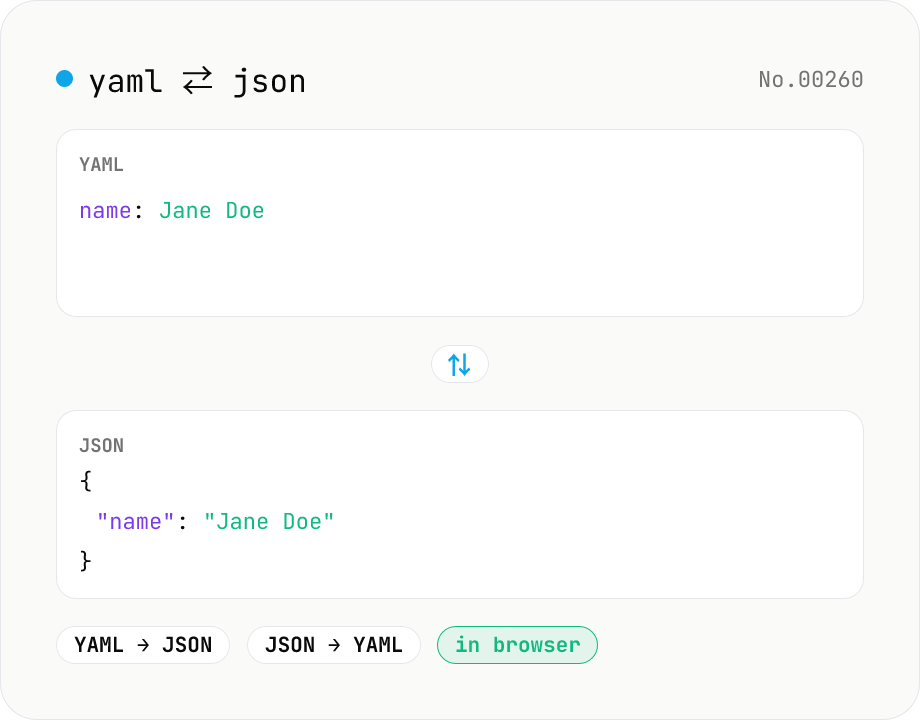
YAML ⇄ JSON converter — indent preserved
Convert YAML to JSON or JSON to YAML. Choose indent (2 / 4 / tab) and try the sample button. Powered by eemeli/yaml — runs entirely in your browser.
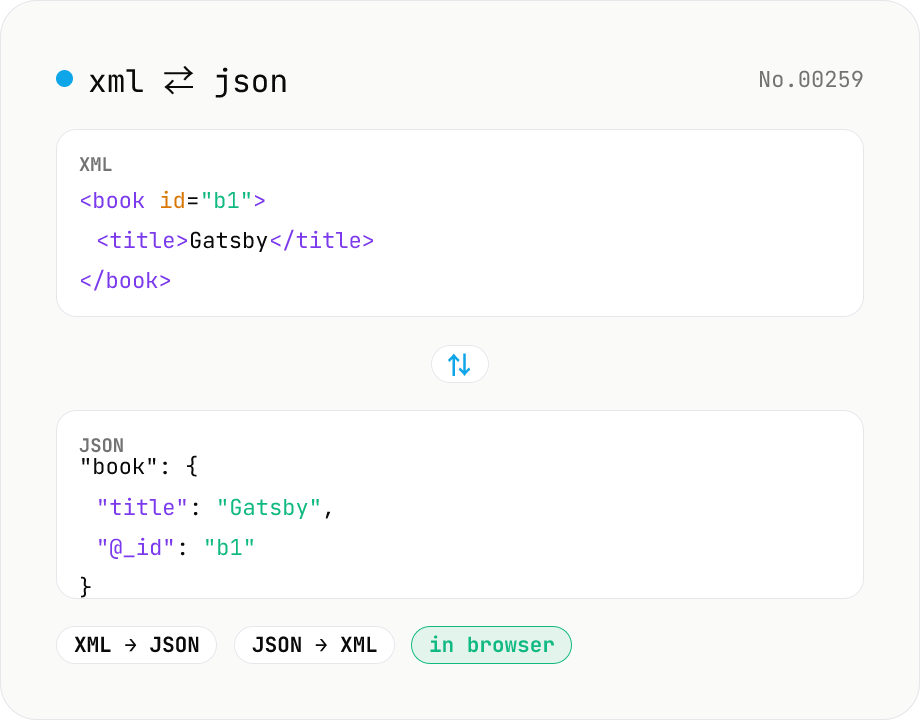
XML ↔ JSON Converter
Convert between XML and JSON. Attributes are preserved with `@_` prefix, indent (2 / 4 / tab) selectable. Runs entirely in your browser via fast-xml-parser (MIT) — no uploads.
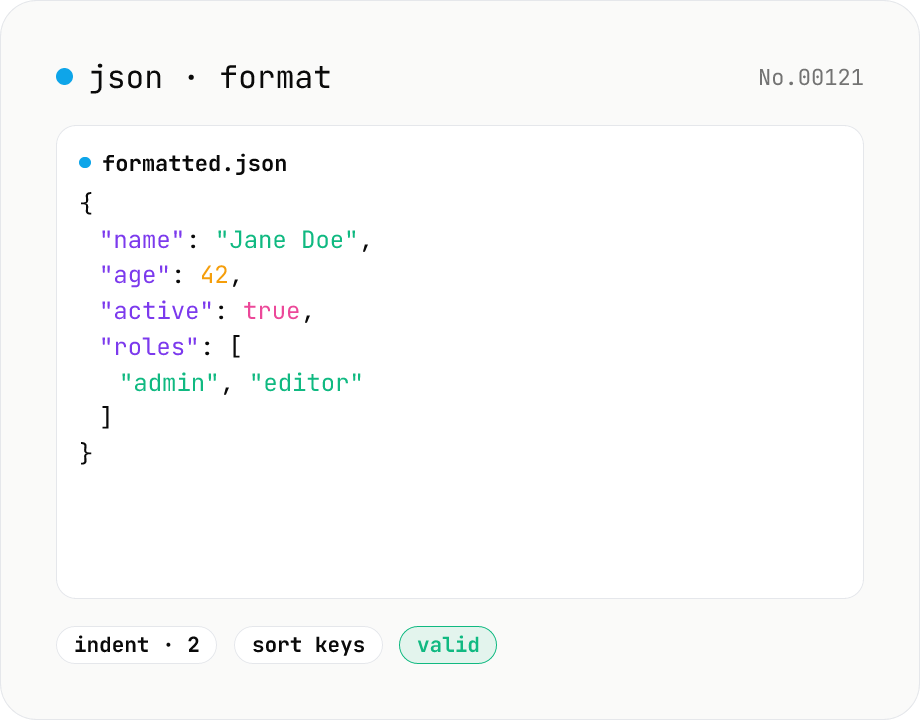
JSON format & validate — indent, minify, error pointer
Format, minify, and validate JSON entirely in your browser. Errors show the line and column. Your data never leaves your device.
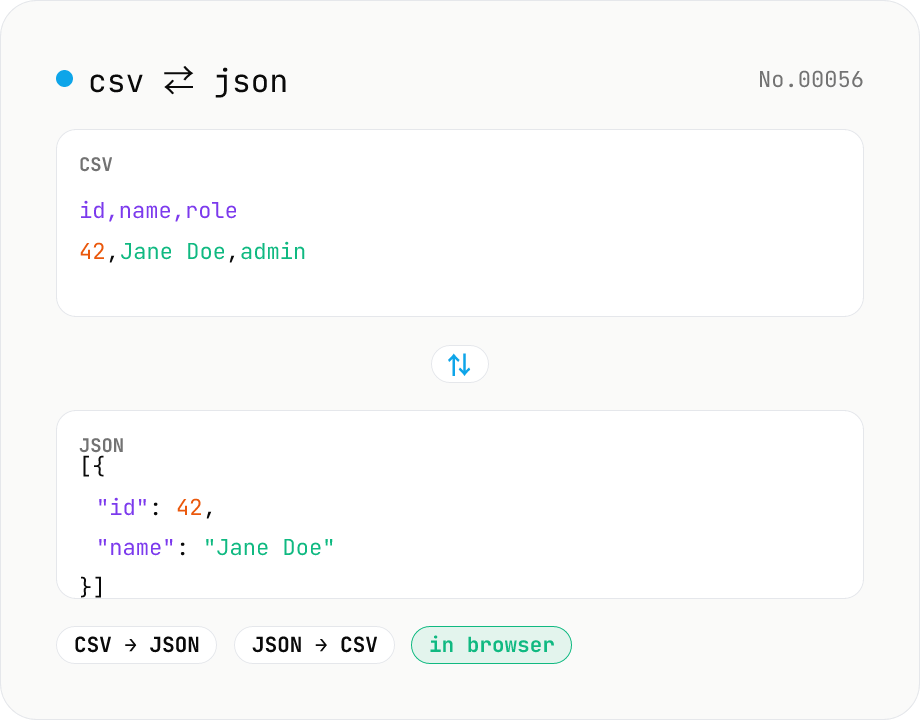
CSV ⇄ JSON converter — delimiter & header auto
Convert CSV to JSON or JSON to CSV in your browser. Pick the delimiter (comma / tab / semicolon), toggle the header row, and choose the JSON indent. Handles quoted fields with embedded commas, quotes, and newlines.