
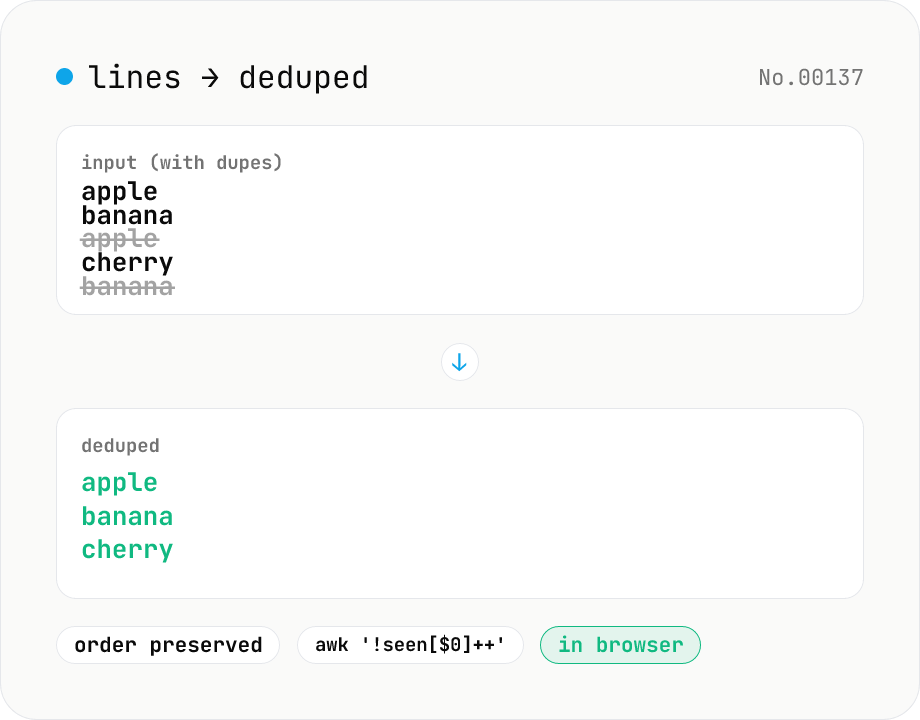
Line dedupe — keep unique or extract duplicates
Split the input by newline and remove duplicate lines, keeping only the first occurrence of each line in original order. Catches non-adjacent duplicates as well (equivalent to `awk '!seen[$0]++'`). Runs entirely in your browser.
How to use
Paste lines (one entry per line), choose Case-sensitive (default) or Case-insensitive, and click Remove duplicates. We split on \n / \r\n and keep only the first occurrence of each line, preserving original order. This matches Unix `awk '!seen[$0]++'`. Non-adjacent duplicates are removed too. In case-insensitive mode, 'Apple' and 'apple' are treated as the same line and the first occurrence is kept verbatim. Copy the result or download as .txt with one click.
FAQ
- Is text uploaded?
- No. Set-based deduplication runs entirely in your browser — input and output never leave the device.
- Is the comparison case-sensitive?
- By default yes — 'Apple' and 'apple' are kept as distinct lines. Switch Case sensitivity to Case-insensitive to merge them; the first occurrence (e.g. 'Apple') is preserved verbatim, while later 'apple' / 'APPLE' entries are dropped as duplicates.
- Is whitespace trimmed?
- No. 'foo' and ' foo' (with a leading space) are kept as distinct lines.
- Does it dedupe non-adjacent duplicates?
- Yes. Unlike Unix `uniq` (which only collapses adjacent duplicates), this tool behaves like `awk '!seen[$0]++'`, removing duplicates anywhere in the input.
- How are blank lines handled?
- Blank lines are treated as a line in their own right — repeated blank lines after the first are removed.
- In case-insensitive mode, is the output lowercased?
- No. Only the comparison key is lowercased; the output preserves the original casing of the first occurrence. For input 'Apple\napple', only 'Apple' (the first occurrence) is kept.
Related tools
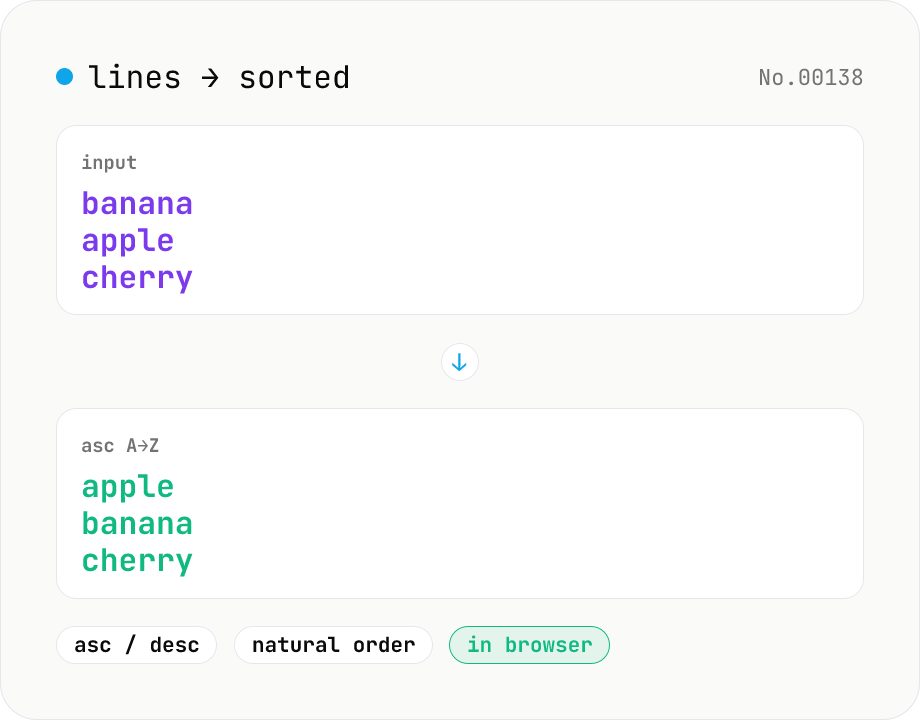
Line sort — asc / desc / numeric / locale
Split the input by newline and sort the lines either ascending (A→Z) or descending (Z→A) using locale-aware Unicode comparison. Numeric runs (file1, file2, file10) sort naturally. Empty lines and the trailing newline are preserved. Works with mixed Japanese/ASCII text. Runs entirely in your browser.
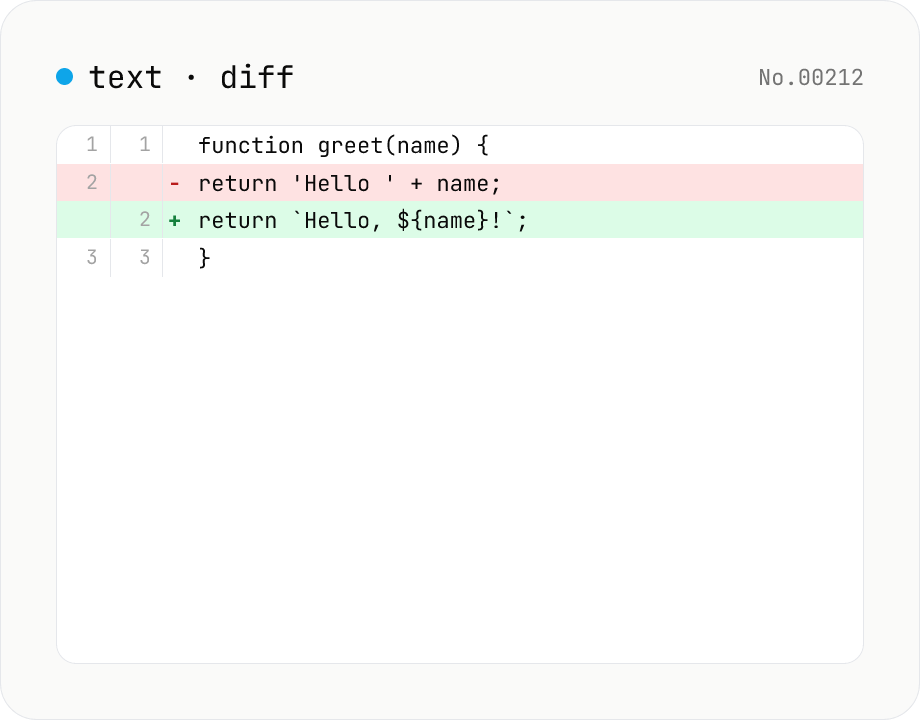
Text diff — line and word-level compare
Compare two texts line by line. Supports inline and side-by-side views, word-level highlighting, and ignoring surrounding whitespace. Runs entirely in your browser.
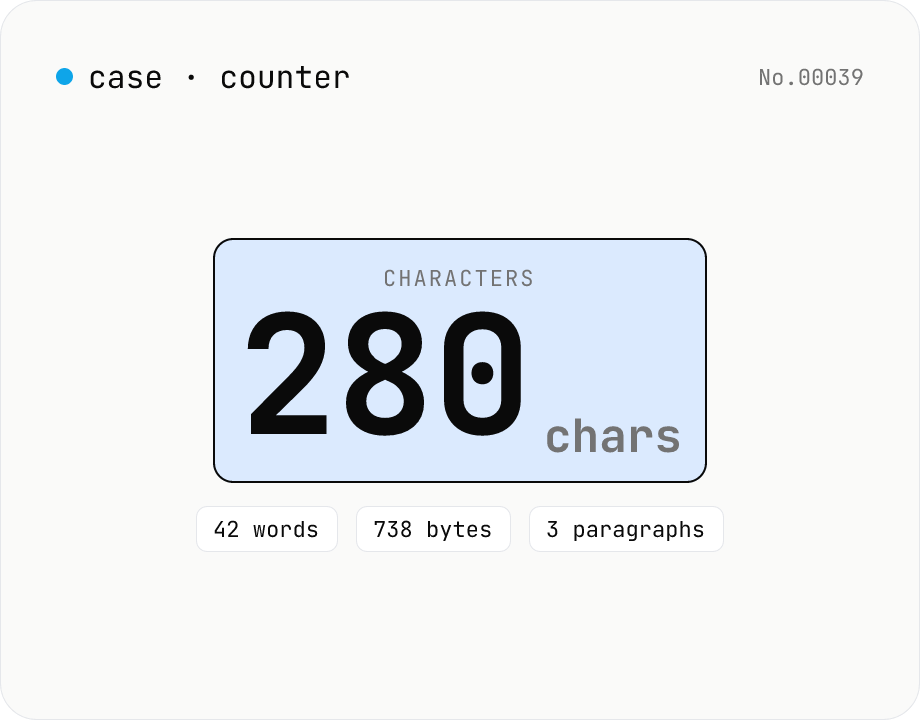
Character counter — chars / bytes / lines / words
Count characters, words, lines, paragraphs, and UTF-8 byte size in real time. Toggle whether whitespace and newlines are included. Progress bars show your text against common limits (tweets, 400-character genkō, etc.) — everything stays in your browser.
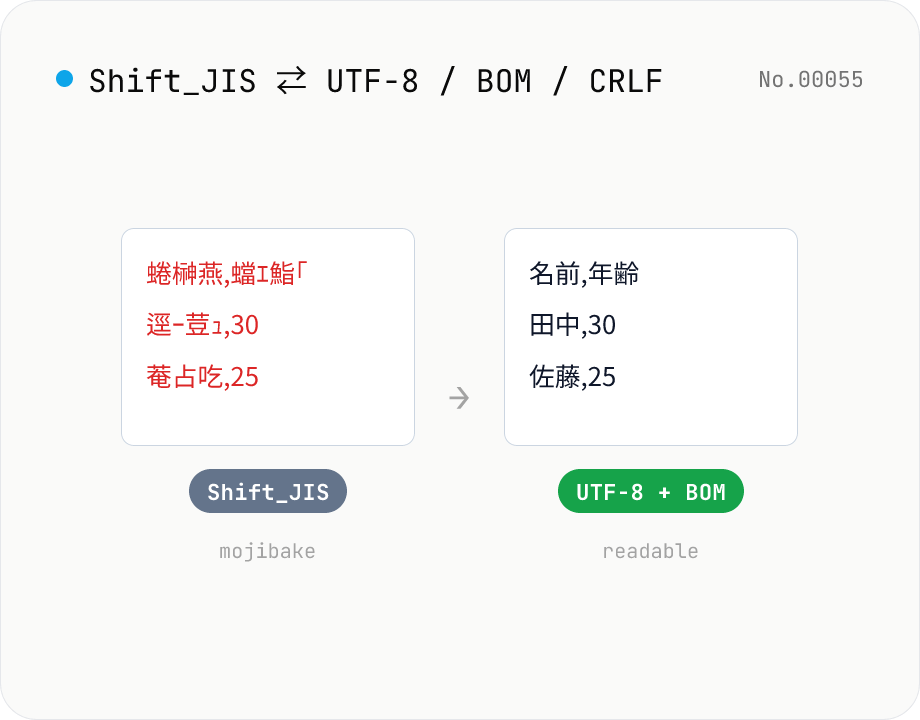
CSV / text encoding converter — Shift_JIS ↔ UTF-8 / BOM / newlines
Re-encode CSV and text files between Shift_JIS (CP932), UTF-8, UTF-16LE and EUC-JP — fix Excel's mojibake on UTF-8, hand UTF-8 text to legacy systems that need Shift_JIS, or add BOM so Excel reads UTF-8 correctly. Add / remove BOM, swap newlines (CRLF / LF / CR), and auto-detect the input encoding. Batch convert and grab the result as a ZIP. Files never leave your device — everything runs in the browser.