
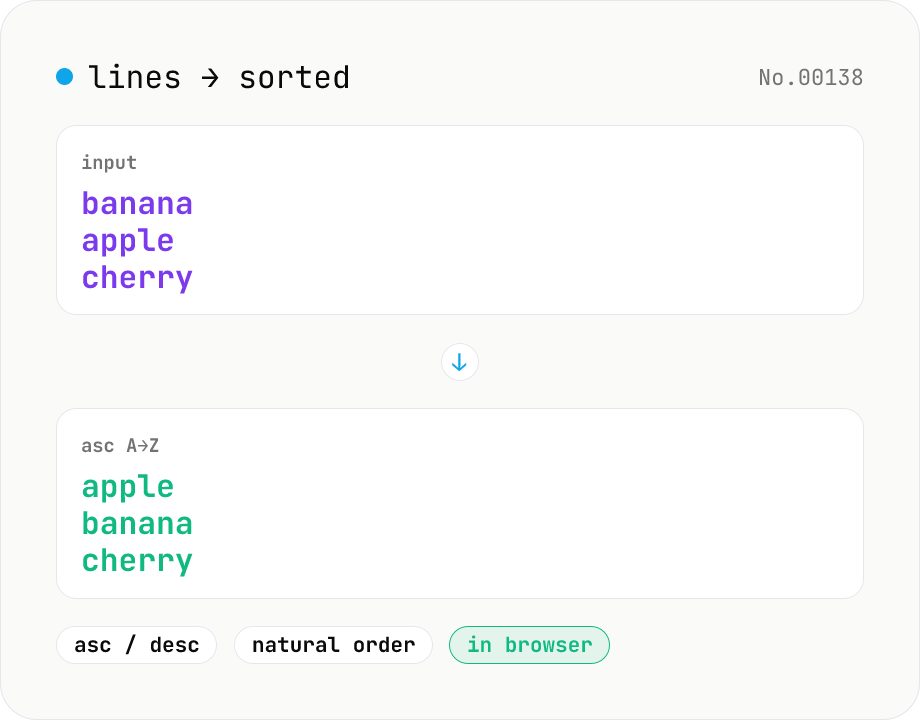
Line sort — asc / desc / numeric / locale
Split the input by newline and sort the lines either ascending (A→Z) or descending (Z→A) using locale-aware Unicode comparison. Numeric runs (file1, file2, file10) sort naturally. Empty lines and the trailing newline are preserved. Works with mixed Japanese/ASCII text. Runs entirely in your browser.
How to use
Paste lines (one entry per line), pick a direction (ascending or descending), and click Run. Lines are split on \n / \r\n and reordered using `Intl.Collator` for locale-aware comparison. Numeric runs (e.g. file1, file2, file10) sort in natural order. Any trailing newline is preserved. Copy the result or download as .txt with one click.
FAQ
- Is text uploaded?
- No. Sorting runs entirely in your browser — input and output never leave the device.
- Is the sort case-sensitive?
- No. We use `Intl.Collator({ sensitivity: 'base' })`, so 'Apple' and 'apple' are treated as equal in the ordering (but duplicates are not removed).
- How are mixed alphanumerics like file1, file2, file10 sorted?
- With `numeric: true`, they sort naturally as file1, file2, file10 — not the plain-string order file1, file10, file2. In descending mode you get file10, file2, file1.
- What happens to empty lines and trailing newlines?
- Empty lines are sorted as empty strings (they typically appear at the top in ascending mode, bottom in descending). The original trailing newline is preserved.
- How is descending implemented?
- Same collator comparison, with the result reversed. Equal-valued entries are not order-stable, but strictly distinct entries produce the exact reverse of the ascending output.
Related tools
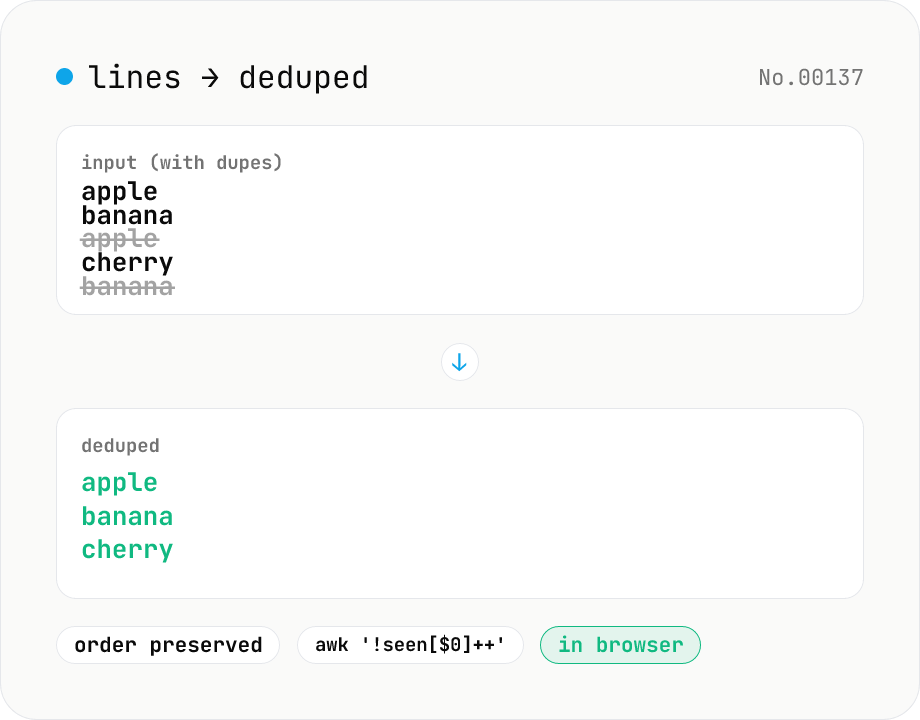
Line dedupe — keep unique or extract duplicates
Split the input by newline and remove duplicate lines, keeping only the first occurrence of each line in original order. Catches non-adjacent duplicates as well (equivalent to `awk '!seen[$0]++'`). Runs entirely in your browser.
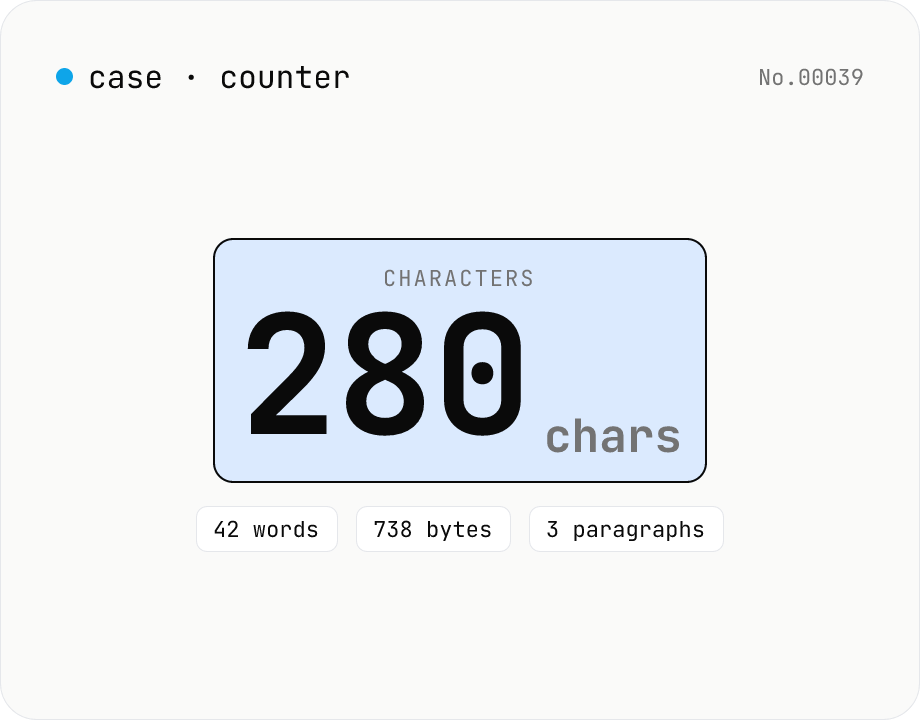
Character counter — chars / bytes / lines / words
Count characters, words, lines, paragraphs, and UTF-8 byte size in real time. Toggle whether whitespace and newlines are included. Progress bars show your text against common limits (tweets, 400-character genkō, etc.) — everything stays in your browser.
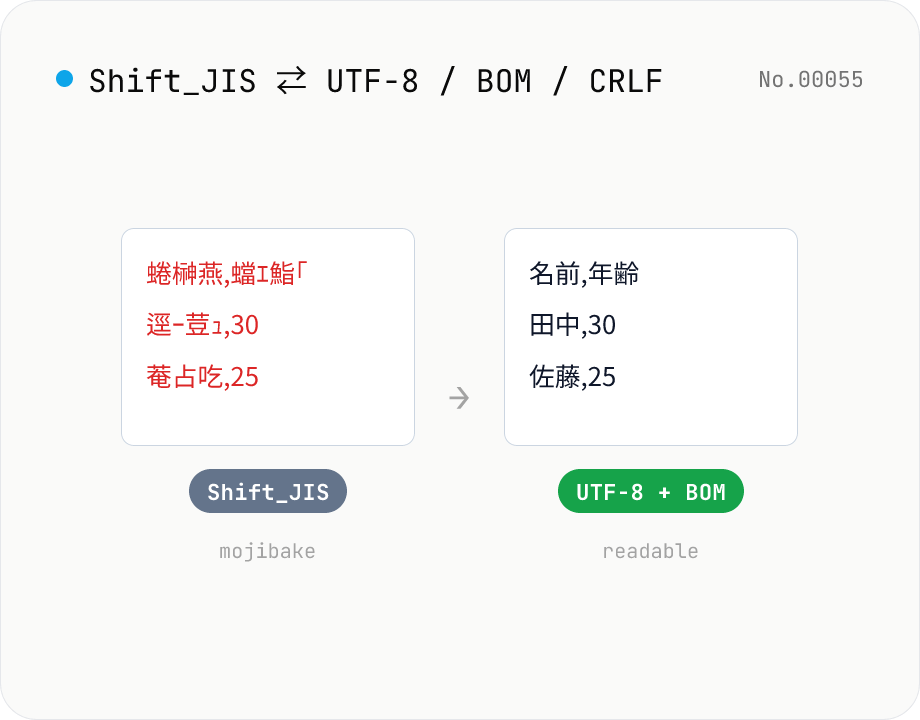
CSV / text encoding converter — Shift_JIS ↔ UTF-8 / BOM / newlines
Re-encode CSV and text files between Shift_JIS (CP932), UTF-8, UTF-16LE and EUC-JP — fix Excel's mojibake on UTF-8, hand UTF-8 text to legacy systems that need Shift_JIS, or add BOM so Excel reads UTF-8 correctly. Add / remove BOM, swap newlines (CRLF / LF / CR), and auto-detect the input encoding. Batch convert and grab the result as a ZIP. Files never leave your device — everything runs in the browser.
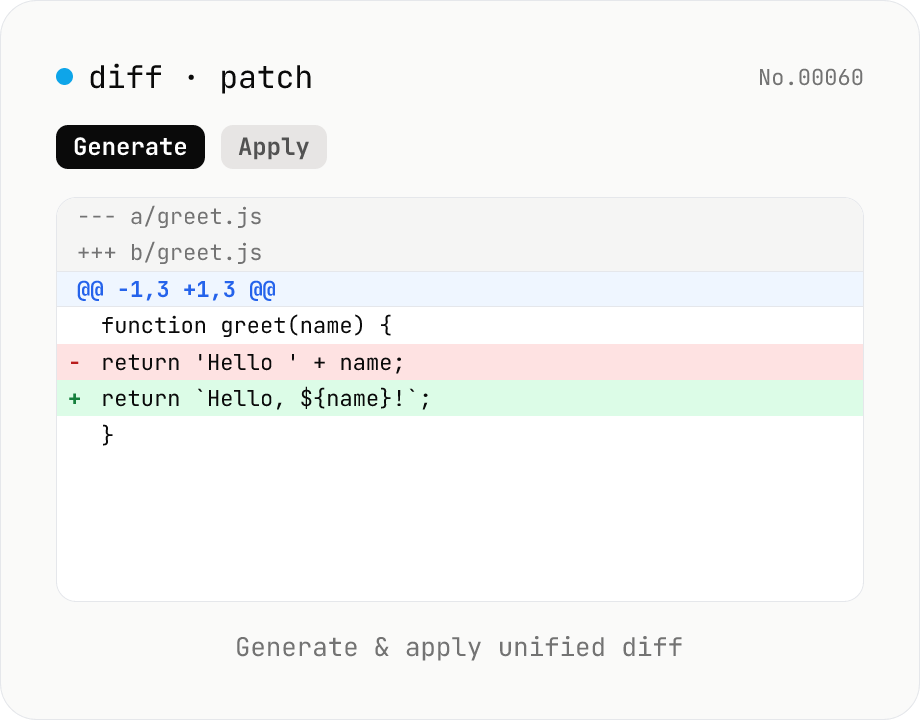
diff / patch — generate and apply unified diff
Produce a unified diff (.patch / .diff) from two texts and apply a unified diff back to the original text. Same format as Git and GNU patch (--- / +++ / @@ hunks), with adjustable context lines and file name. All processing runs in your browser.