
Lorem Ipsum generator — paragraphs of dummy text
Generate placeholder text for mockups, wireframes, and tests entirely inside your browser. Supports English Lorem ipsum and a Japanese variant. Pick the number of paragraphs and sentences per paragraph, then copy or download in one click — no API calls.
How to use
Pick a language (English or Japanese), choose how many paragraphs and sentences per paragraph you want, then click Generate. Toggle Start with Lorem ipsum to begin the first English paragraph with the classic 'Lorem ipsum dolor sit amet, ...'. Copy the result to the clipboard or download it as a .txt file. Use it for mockups, wireframes, typography tests, placeholder content, line-break checks, and seed data.
FAQ
- Is the generated text fetched from a server?
- No. The word lists ship inside the page and the random assembly runs in JavaScript. No external API is called — the tool works offline too.
- What is Lorem ipsum?
- A placeholder text that has been used in the design industry since the 16th century. It is derived from Cicero's De finibus bonorum et malorum with letters rearranged to be meaningless, letting designers focus on the typography and layout rather than reading the words.
- What is the Japanese variant?
- A hand-crafted set of meaningless Japanese sentences balanced across hiragana, katakana, and kanji. It is designed to make typography, line breaks, and character density look natural in a layout.
- Are there limits on paragraphs and sentences?
- The tool caps generation at 100 paragraphs and 50 sentences per paragraph to keep memory usage sane. Very large amounts of text can still be heavy in your browser.
Related tools
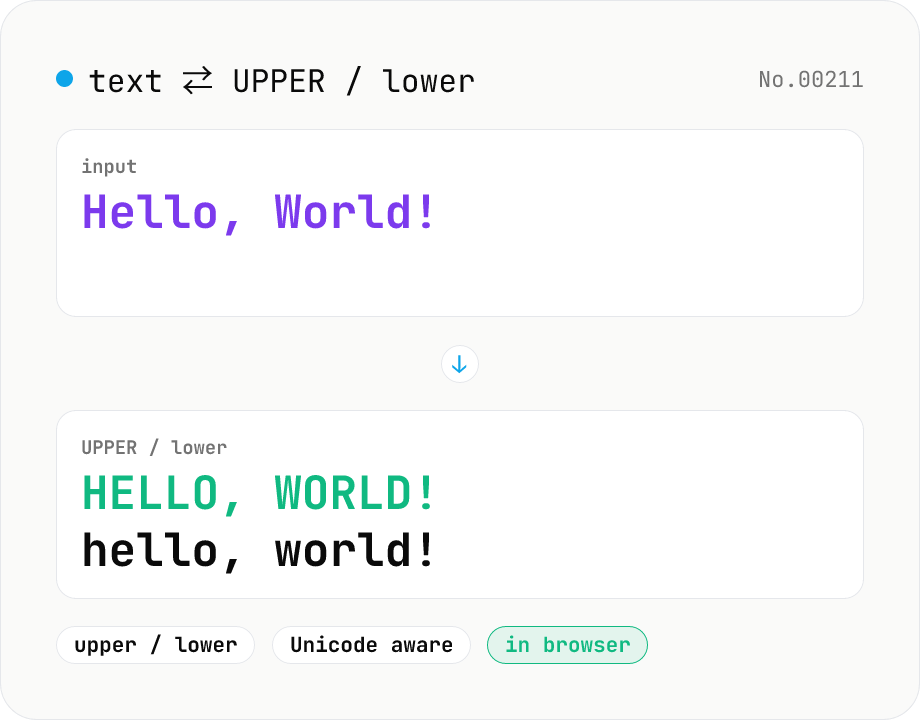
Text case — UPPERCASE / lowercase toggle
Convert text to all UPPERCASE or all lowercase, with a mode toggle. Unicode-aware so non-Latin scripts (Greek, Cyrillic, etc.) are handled correctly. Japanese, symbols, and digits pass through unchanged. Runs entirely in your browser.
Character counter — chars / bytes / lines / words
Count characters, words, lines, paragraphs, and UTF-8 byte size in real time. Toggle whether whitespace and newlines are included. Progress bars show your text against common limits (tweets, 400-character genkō, etc.) — everything stays in your browser.
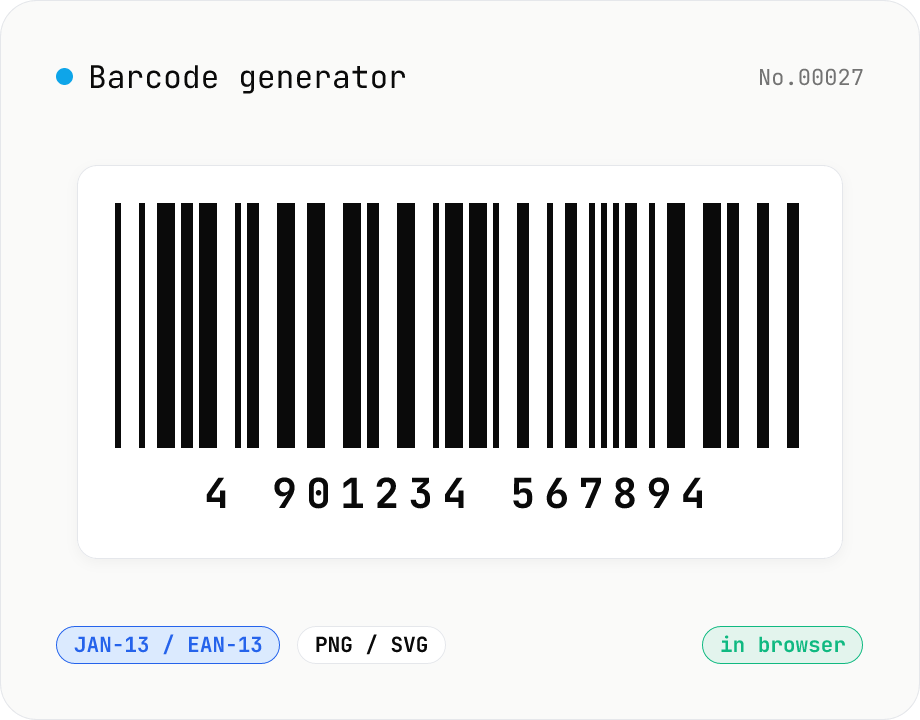
Barcode generator — JAN / EAN / UPC / CODE128 / CODE39
Turn numbers or text into 1D barcodes (JAN-13 / EAN-13, JAN-8 / EAN-8, UPC-A, CODE128, CODE39, ITF, Codabar/NW-7, MSI) and export them as PNG or SVG. Fine-tune bar width, height, colors, margin, and whether the human-readable value is printed below. Check digits are validated automatically. Everything is generated inside your browser — the value you enter never leaves your device.
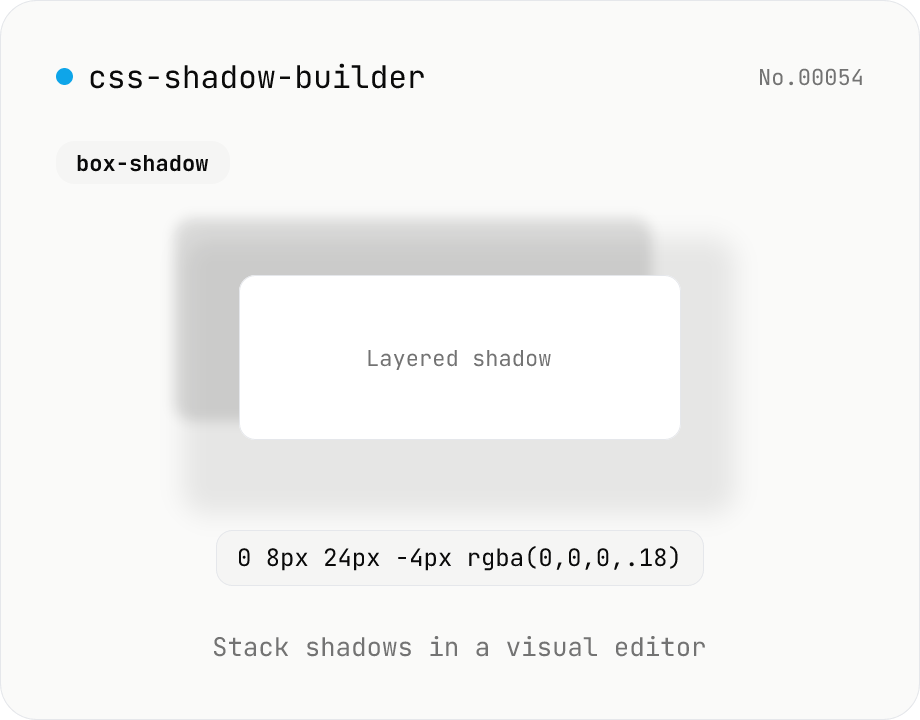
CSS shadow builder — visual GUI for box-shadow / text-shadow
Build CSS box-shadow and text-shadow visually. Toggle box / text mode and tune offset-x, offset-y, blur, spread (box only), color, and inset (box only) with sliders and number inputs. Stack multiple shadows for layered Material-style elevation, Neumorphism, text outlines, neon glows, and retro overlap — 9 presets to start. Live preview on a real div or real heading, plus a one-click copy as raw value or full CSS declaration. Pair with gradient-css for the full CSS-style trio. Runs entirely in your browser.