
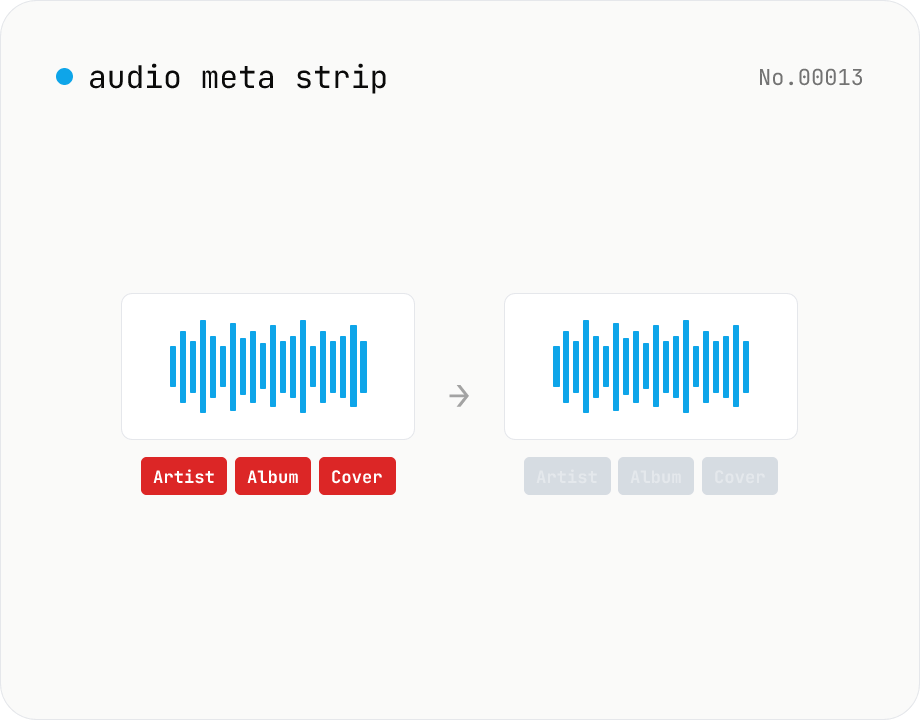
Audio metadata strip — ID3 / Vorbis / iTunes tags
Drop ID3, Vorbis comment, iTunes and other tags from audio files using ffmpeg.wasm — entirely in your browser. Uses stream copy so the codec, quality and file extension are preserved. Supports batch processing and a single ZIP download.
How to use
Drop audio files (batch supported). Click Strip — ffmpeg.wasm stream-copies the audio while dropping the metadata block. No re-encoding, original extension / quality preserved. ffmpeg.wasm (~30 MB) downloads on first run. Download individually or as a ZIP.
FAQ
- Are audio files uploaded?
- No. ffmpeg.wasm runs in your browser; audio and metadata never leave your device.
- Does quality drop?
- No. Stream copy preserves the audio bytes exactly.
- What metadata is removed?
- ID3v1 / ID3v2 (MP3), Vorbis comments (FLAC / OGG), iTunes metadata (M4A), embedded artwork, play counts and other custom tags.
- Can I keep just the artwork?
- Currently it's all-or-nothing — fine-grained keep/strip per tag isn't supported.
Related tools
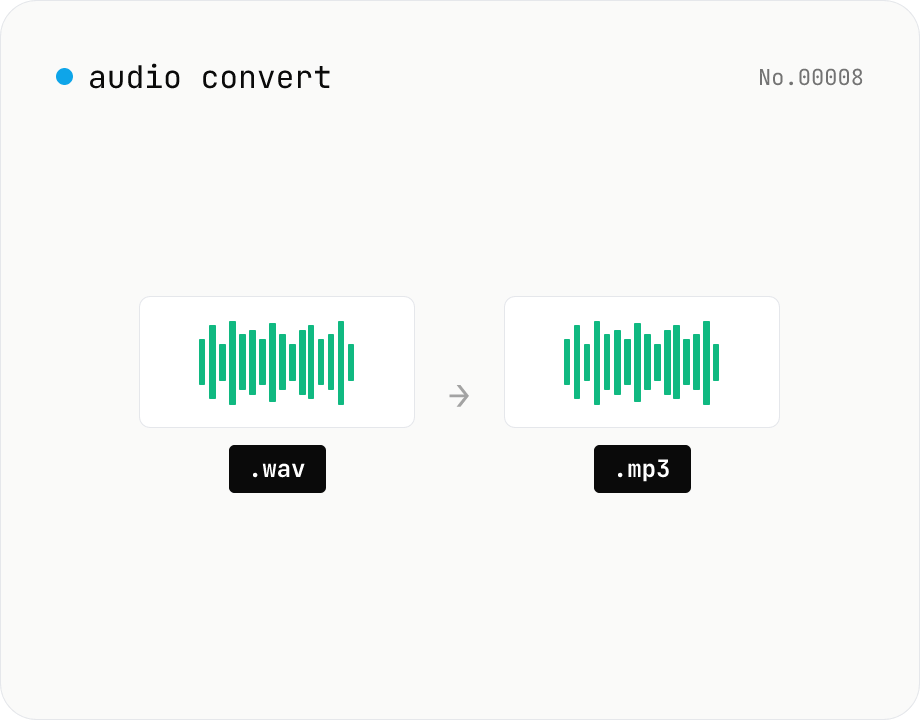
Audio format convert — MP3 / WAV / M4A / OGG / FLAC
Convert audio files to mp3 / wav / m4a / ogg / flac. ffmpeg.wasm picks an encoder based on the chosen extension and re-encodes the file entirely in your browser. Supports batch processing and a single ZIP download.
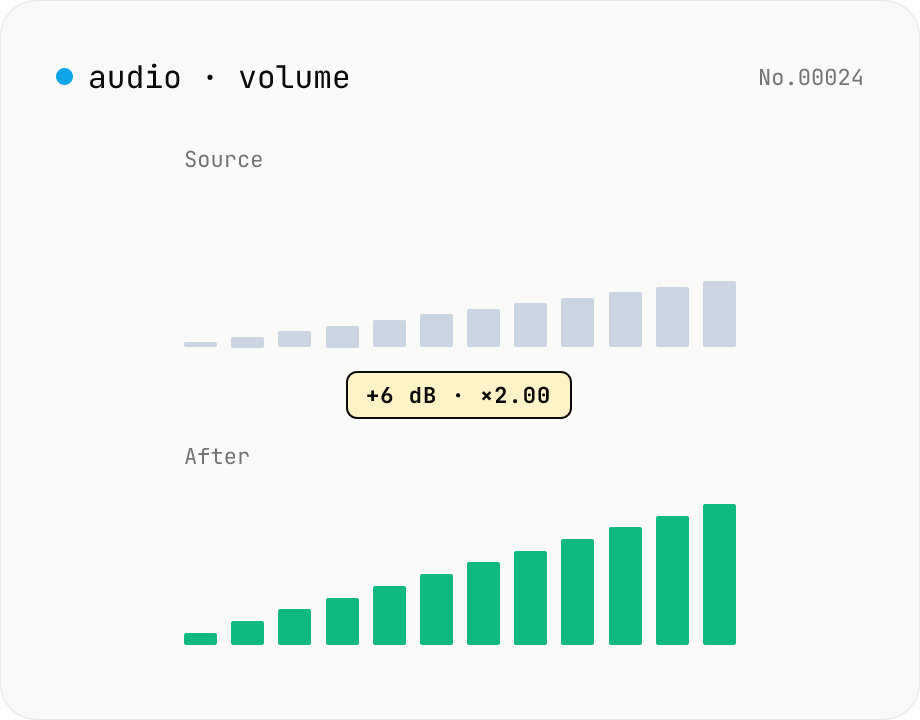
Audio volume — adjust by dB or linear multiplier
Adjust the loudness of audio files in bulk via ffmpeg.wasm's volume filter. Use the dB slider (-30 to +30 dB) or the linear multiplier (×0.03 to ×31.6). +6 dB ≈ 2x, -6 dB ≈ half. To avoid clipping, try negative values first and compare. Supports batch processing and a single ZIP download. Runs entirely in your browser — audio never leaves your device.
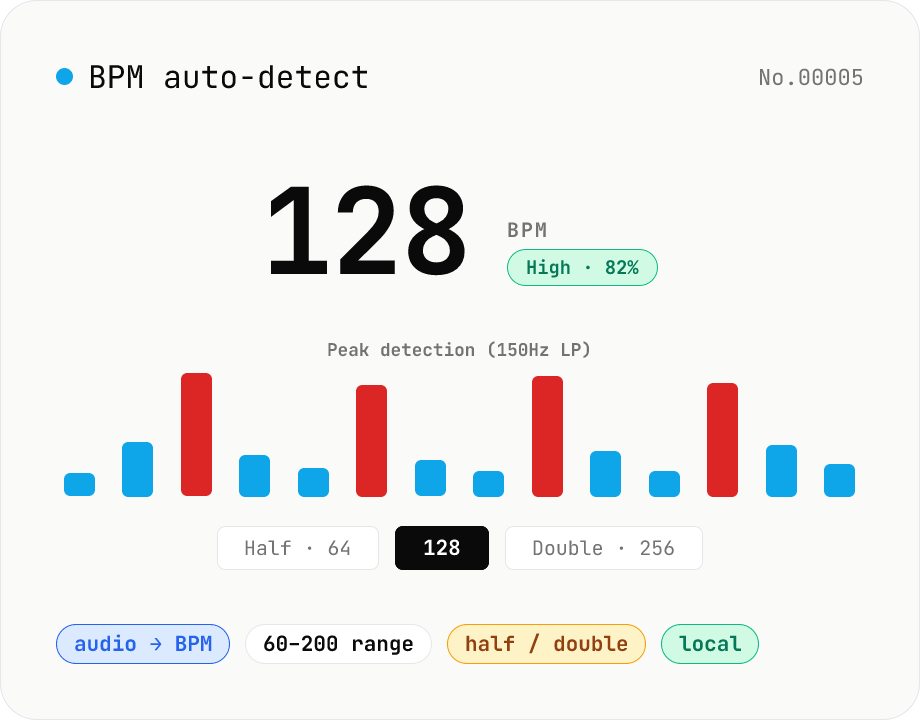
BPM auto-detect — estimate the tempo of an audio file
Drop an audio file (MP3 / WAV / M4A / FLAC / OGG) and we estimate the BPM in-browser using a low-pass filter + peak picker + histogram. Great for finding the tempo of a DJ partner track, checking sample packs, matching dance / running cadence, or grabbing a source BPM before running bpm-time-stretch. Half-tempo and double-tempo candidates are also shown so you can override 4-on-the-floor misreads (60 vs. 120). Everything stays in your browser.
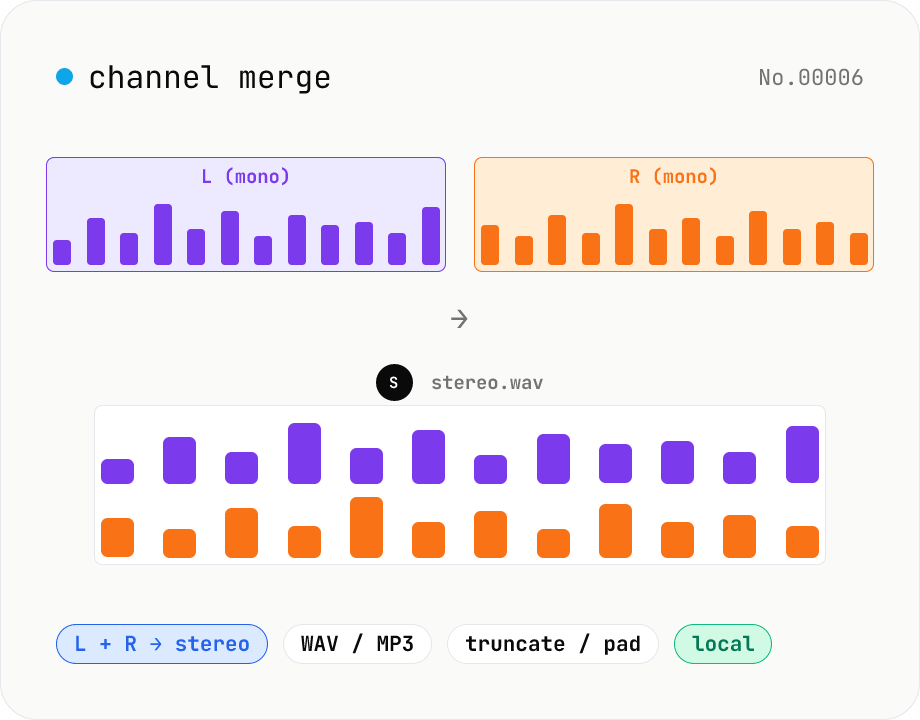
Audio channel merge — two mono files into a stereo L + R
Combine two mono audio files (MP3 / WAV / M4A / FLAC / OGG) into one stereo file. The first file becomes the left channel, the second becomes the right; we interleave them and output one stereo WAV / MP3. Useful for putting two-mic interview takes into a single L/R file, faking stereo from a mono source, or reversing audio-channel-split. When lengths differ, truncate to the shorter file or pad the shorter one with silence — your choice. Everything stays in your browser.