
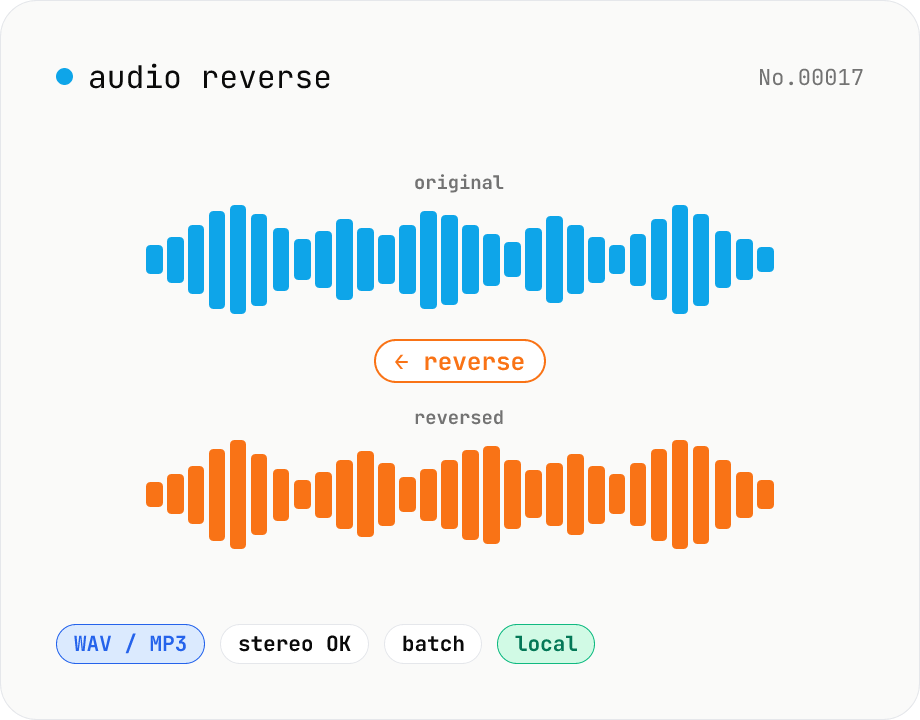
Audio reverse — flip audio backwards to WAV / MP3
Reverse audio files (MP3 / WAV / M4A / AAC / FLAC / OGG / Opus) entirely in the browser and export to WAV or MP3. Great for ASMR, music production, social media, or sound design. Web Audio API decodes the file, samples are flipped per channel (stereo handled correctly), then re-encoded. Batch multiple files and grab them as a ZIP. Your audio never leaves your device.
How to use
Drop or pick one or more audio files (MP3 / WAV / M4A / AAC / FLAC / OGG / Opus). Pick the output format (WAV or MP3). For MP3, choose a bitrate (128 / 192 / 256 / 320 kbps). Click Reverse. The Web Audio API decodes the file, flips its samples, and re-encodes to your chosen format. Save each file individually or grab everything in one ZIP.
FAQ
- How is stereo handled?
- Each channel is flipped in time independently. The L/R panning is preserved; only the time axis is reversed.
- WAV or MP3?
- Pick WAV (16-bit PCM, lossless) if you want to reimport into a DAW or preserve quality. Pick MP3 for smaller files suitable for social uploads. Repeated MP3 re-encoding will progressively degrade quality.
- My audio file won't load.
- Only formats your browser's Web Audio API can decode work here. WMA and some proprietary M4A codecs may fail. Convert to MP3 / WAV / OGG first using our audio format converter.
- Is the sample rate preserved?
- Yes. The input sample rate is copied into the WAV / MP3 header. The browser's AudioContext typically runs at 44.1 / 48 kHz, so extremely high rates (e.g., 192 kHz) may be down-sampled in some browsers.
- Is anything uploaded?
- No. The Web Audio API runs entirely inside your browser; files are never uploaded.
Related tools
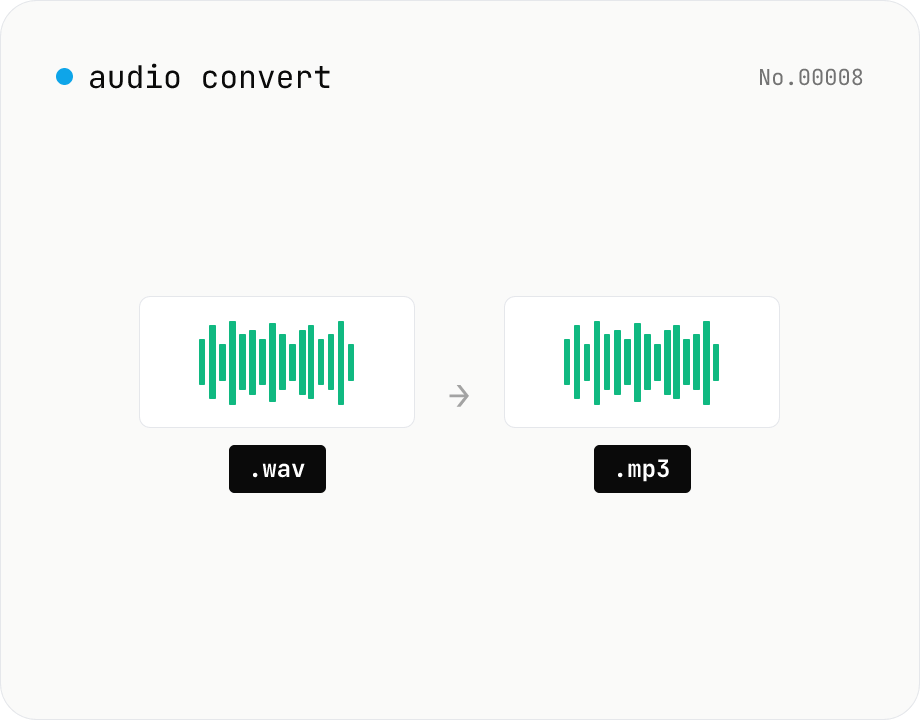
Audio format convert — MP3 / WAV / M4A / OGG / FLAC
Convert audio files to mp3 / wav / m4a / ogg / flac. ffmpeg.wasm picks an encoder based on the chosen extension and re-encodes the file entirely in your browser. Supports batch processing and a single ZIP download.
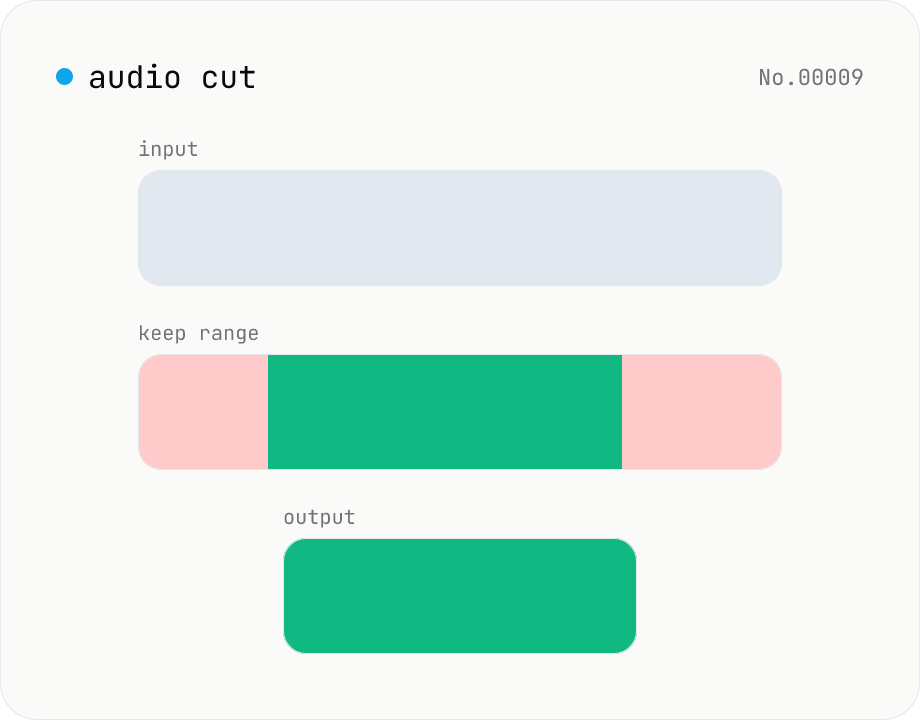
Audio cut — trim a range with no re-encoding
Trim an audio file to a chosen range with ffmpeg.wasm stream copy — no re-encoding, original codec and extension preserved. Cut points snap to the nearest keyframe. Supports batch processing and a single ZIP download.
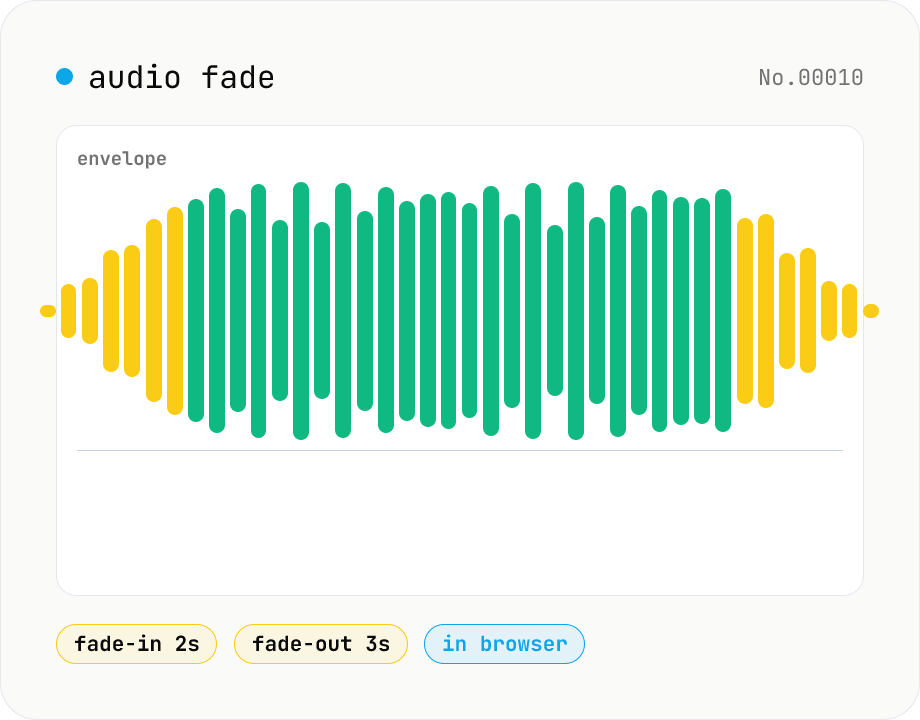
Audio fade — apply fade-in / fade-out in seconds
Add fade-in at the start and fade-out at the end of audio files. ffmpeg.wasm's afade filter handles MP3 / WAV / M4A / OGG / FLAC. Supports batch processing and a single ZIP download. Audio files never leave your device.
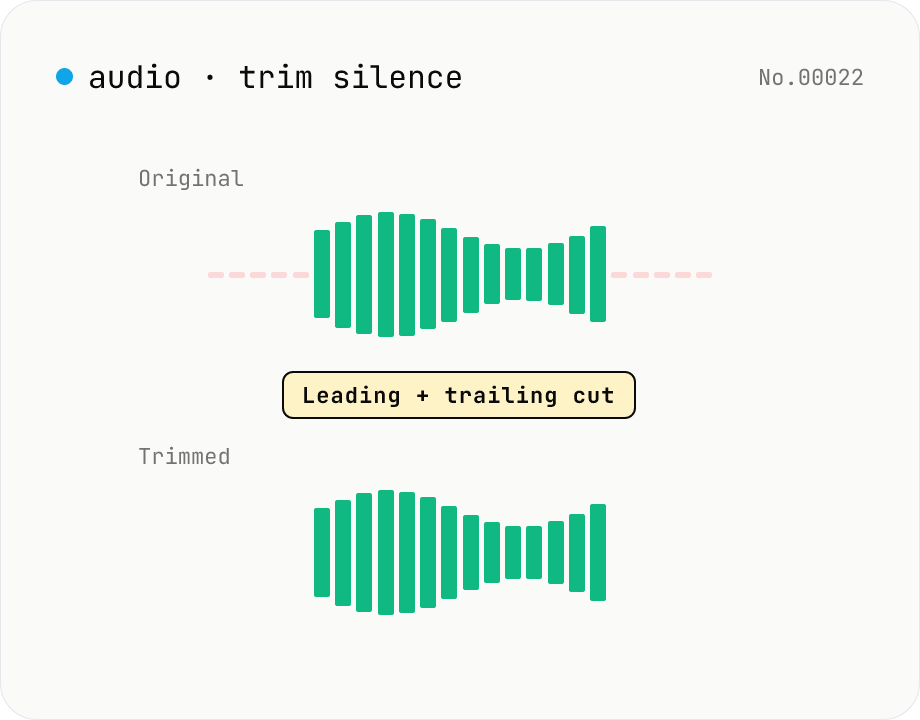
Trim silence from audio — auto-cut leading and trailing silence (ffmpeg.wasm)
Automatically trim the leading and trailing silence from MP3 / WAV / M4A / AAC / OGG / OPUS / FLAC files using ffmpeg.wasm's silenceremove filter. Great for removing dead air at the start of recordings, the awkward pause before a talk, or an unnecessarily long fade-out at the end of a podcast. Tweak the threshold (dB) and minimum silence length (seconds) and choose which side(s) to trim. Batch process and grab a single ZIP. Files never leave your device — every step runs in the browser.