
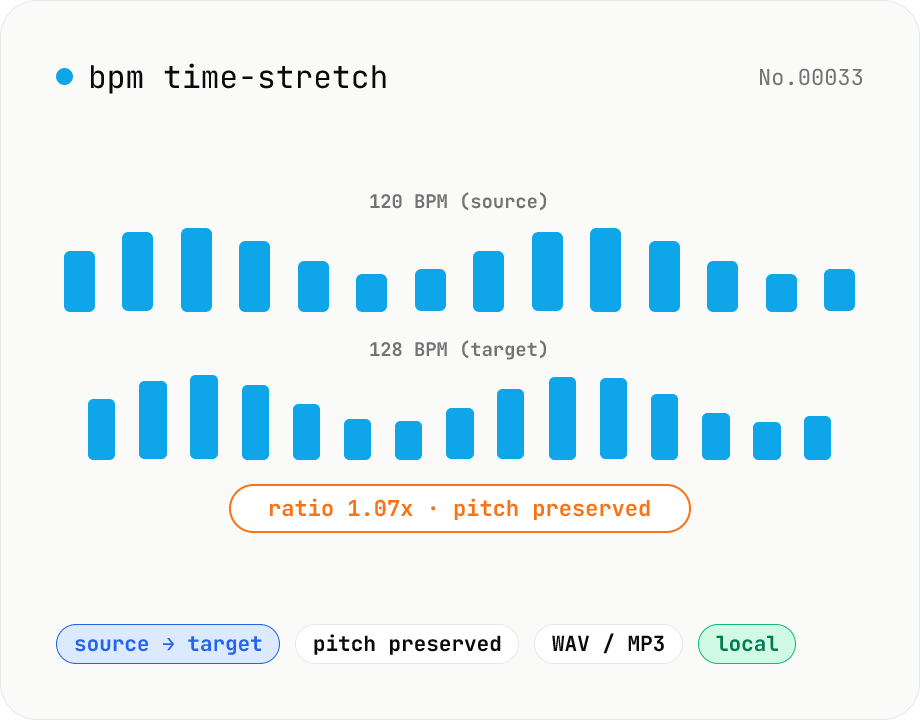
BPM time-stretch — match a target BPM from your source
Enter the source BPM and target BPM, and soundtouchjs (SoundTouch) re-times the audio by `tempo = target / current`. Pitch is preserved, so it's perfect for DJ-style beat matching, music practice at a specific tempo, podcast pacing alignment, or dance rehearsals. Batch multiple files toward a single target. Output to WAV / MP3 — your audio never leaves the browser.
How to use
Drop or pick one or more audio files (MP3 / WAV / M4A, etc.). Enter the source BPM and the target BPM. The ratio (target ÷ source) appears live — stay within 0.5–2.0 for clean results. Pick the output format (WAV / MP3). For MP3, choose a bitrate. Click Stretch to target BPM. Internally we compute `tempo = target / current` and feed it to soundtouchjs. Pitch is preserved. Save each file individually or grab everything as a ZIP.
FAQ
- I don't know the source BPM.
- Tap 8–16 beats with the bpm-tap tool first to get an estimate. For pro work, a DAW (Reaper / Ableton) auto-detection is more precise.
- Does the pitch change too?
- No. soundtouchjs decouples tempo and pitch — only timing changes, the key stays the same.
- How far can I push the ratio?
- 0.7x–1.4x usually sounds natural. Beyond that, phaser-like artifacts start showing. Treat 0.5x / 2.0x as a creative effect, not a clean tempo change.
- Can I use this for DJ mixing?
- Yes — beat-matching two tracks is the classic use case. Just remember that uneven bar lengths (fills, time changes) won't line up with a single global tempo. Mixxx / Traktor handle that better.
- Is anything uploaded?
- No. soundtouchjs and the Web Audio API run entirely in your browser.
Related tools
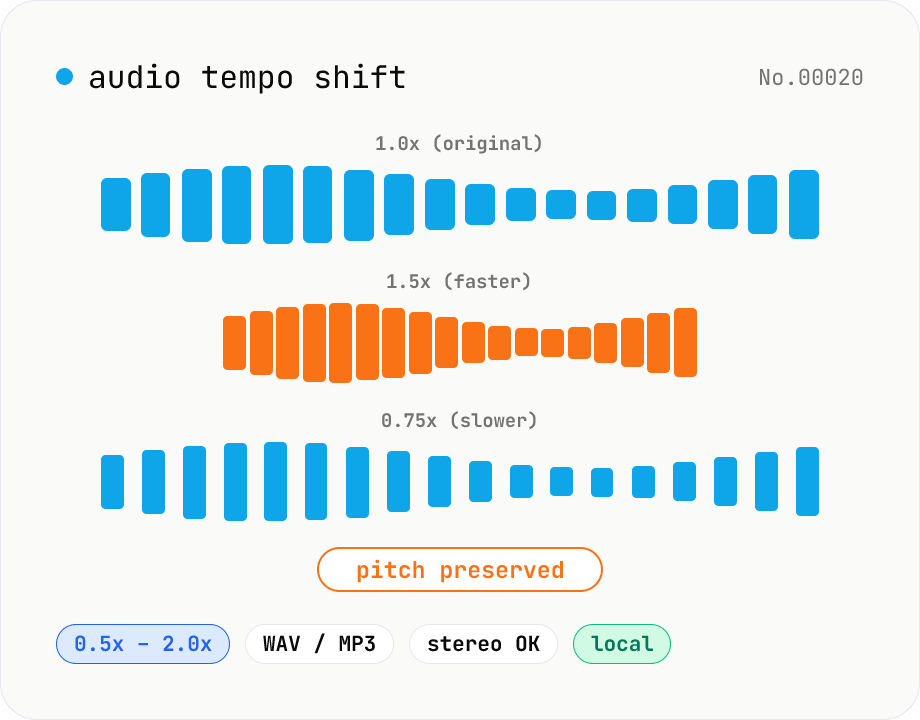
Audio tempo shift — change speed while keeping pitch
Stretch or compress audio files (MP3 / WAV / M4A / AAC / FLAC / OGG / Opus) by tempo (playback speed) without affecting pitch. Powered by soundtouchjs (SoundTouch library time-stretching) running on Web Audio API samples, from 0.5x (half speed) to 2.0x (double). Great for slowing down language-learning clips, transcribing tricky musical phrases, refining narration timing, or producing a 2x podcast cut. Export to WAV or MP3 with batch support. Your audio stays inside your browser — nothing is uploaded.
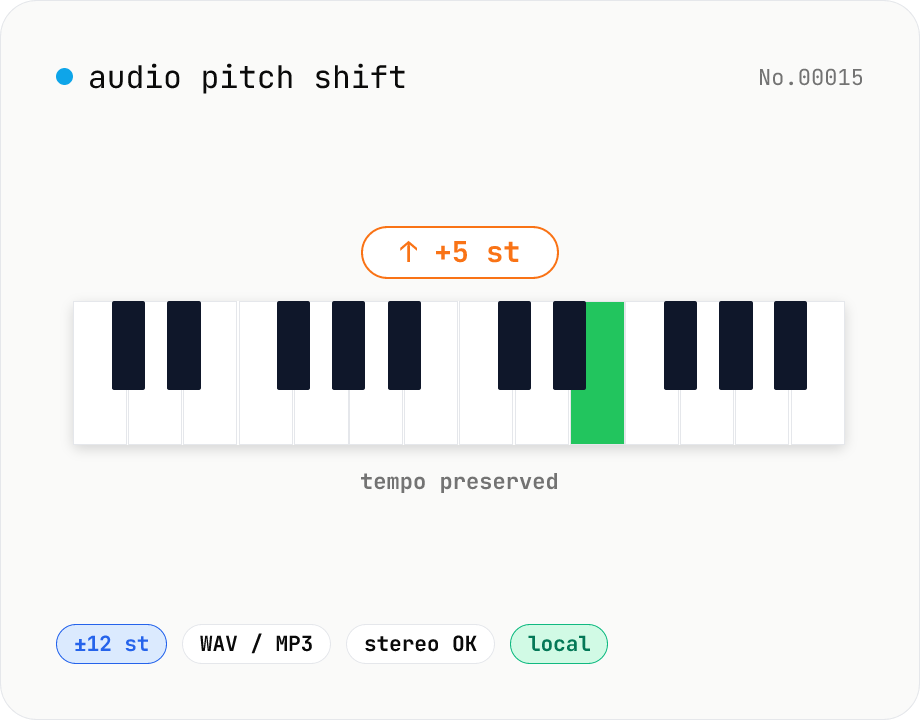
Audio pitch shift — change key in semitones while keeping tempo
Pitch-shift audio files (MP3 / WAV / M4A / AAC / FLAC / OGG / Opus) by semitones (±12 = one octave) without changing playback speed. Powered by soundtouchjs (SoundTouch library) running on Web Audio API samples. Great for karaoke key changes, matching keys across language-learning clips, tweaking narration tone for videos, or stylized voice effects. Export to WAV or MP3 with batch support. Your audio stays inside your browser — nothing is uploaded.
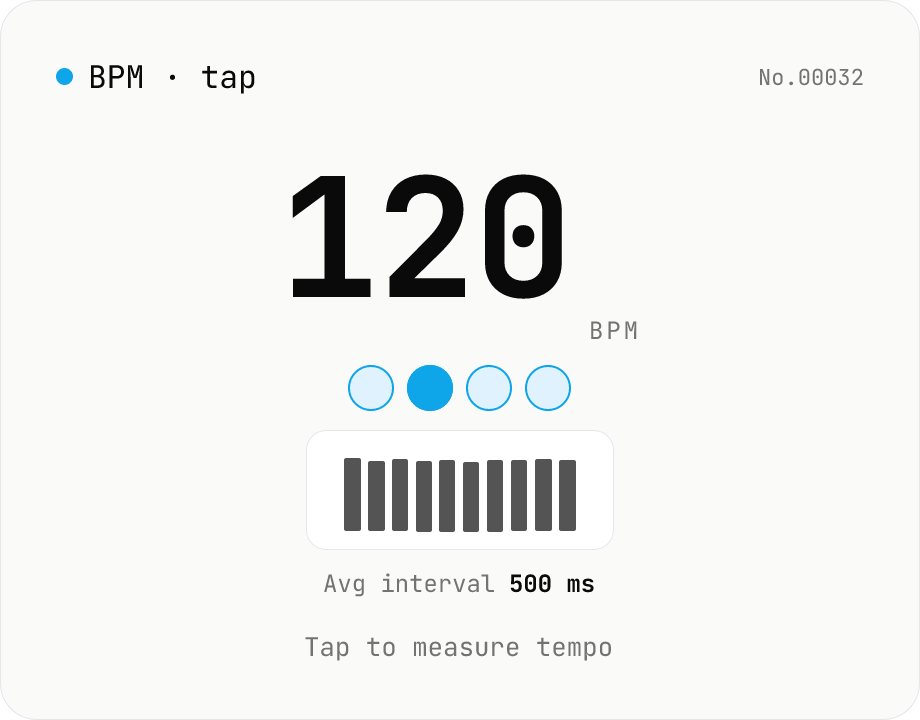
BPM tap — measure tempo by tapping along
Tap a button (or press space) along with a song and the tool computes BPM from the recent inter-tap intervals using the median. Outlier-resistant median + IQR-based stability, up to 16 recent taps, with reset / history clear. Optional Web Audio metronome plays in sync with the detected BPM. All processing runs in your browser.
Audio format convert — MP3 / WAV / M4A / OGG / FLAC
Convert audio files to mp3 / wav / m4a / ogg / flac. ffmpeg.wasm picks an encoder based on the chosen extension and re-encodes the file entirely in your browser. Supports batch processing and a single ZIP download.