
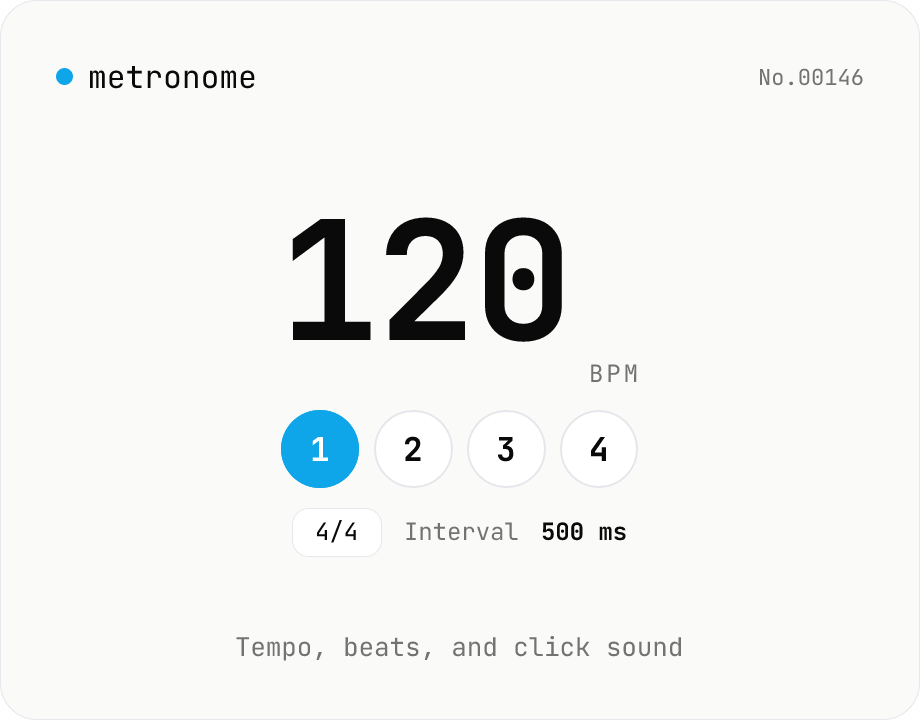
Metronome — BPM, time signature, and click sound
Web Audio API metronome with BPM (30–300), time signature (1–12 beats), and click sound (click / woodblock / cowbell). First beat is accented with a higher pitch, and the current beat is highlighted live. Look-ahead scheduling keeps timing accurate to under 1 ms drift, with volume / mute control. Pair with bpm-tap to play back a tapped tempo. Everything is synthesized in your browser — nothing uploaded.
How to use
Pick a BPM (30–300) and time signature (beats per bar), then adjust sound (click / woodblock / cowbell) and volume. Press Start (or the space bar) to play. The first beat is accented with a higher pitch, other beats use the lower pitch, and the current beat lights up in the row below. The beat interval (ms) is shown live so it pairs naturally with bpm-tap.
FAQ
- How accurate is the timing?
- Audio events are scheduled on the Web Audio clock with a 100 ms look-ahead checked every 25 ms. This is more accurate than relying on setInterval alone, with under a few milliseconds of cumulative drift over long sessions.
- Why doesn't audio stop instantly?
- Beats that were already scheduled within the look-ahead window finish playing. To cut out instantly, drop the volume to 0 before pressing Stop.
- What if I hear no sound?
- Browsers block audio until you interact with the page, so the first click on Start is required to unlock the AudioContext. Also check your speaker volume and that the tab isn't muted.
- How many beats per bar are supported?
- 1 to 12. Common choices are 3/4 (waltz), 4/4 (most music), and 6/8 — the first beat is always accented.
- How can I measure the BPM of a song first?
- Use the bpm-tap tool to tap along with the song and read its BPM, then enter that value here to play it back.
Related tools
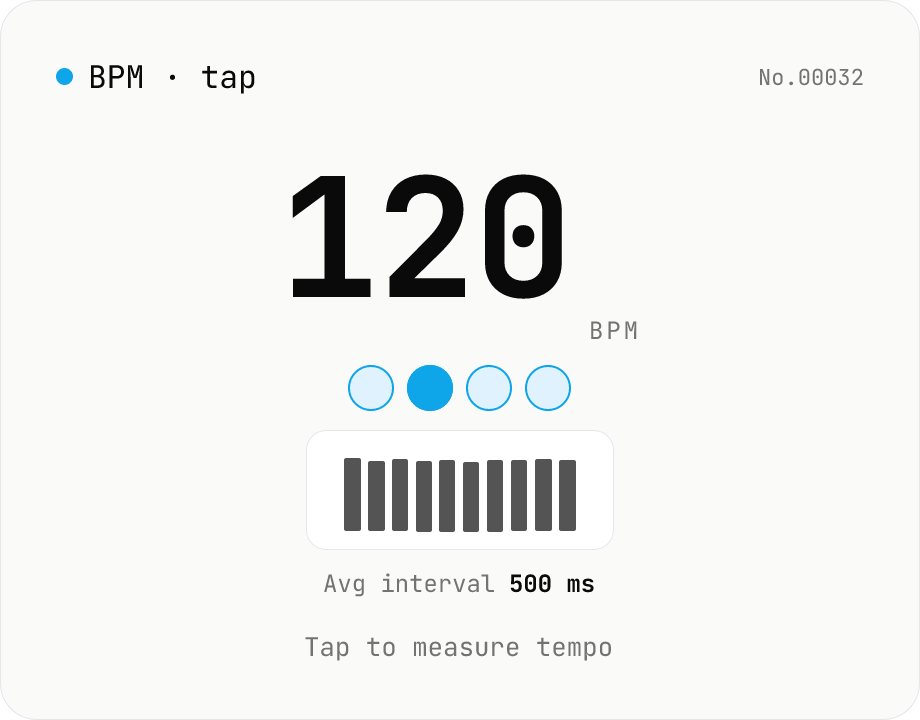
BPM tap — measure tempo by tapping along
Tap a button (or press space) along with a song and the tool computes BPM from the recent inter-tap intervals using the median. Outlier-resistant median + IQR-based stability, up to 16 recent taps, with reset / history clear. Optional Web Audio metronome plays in sync with the detected BPM. All processing runs in your browser.
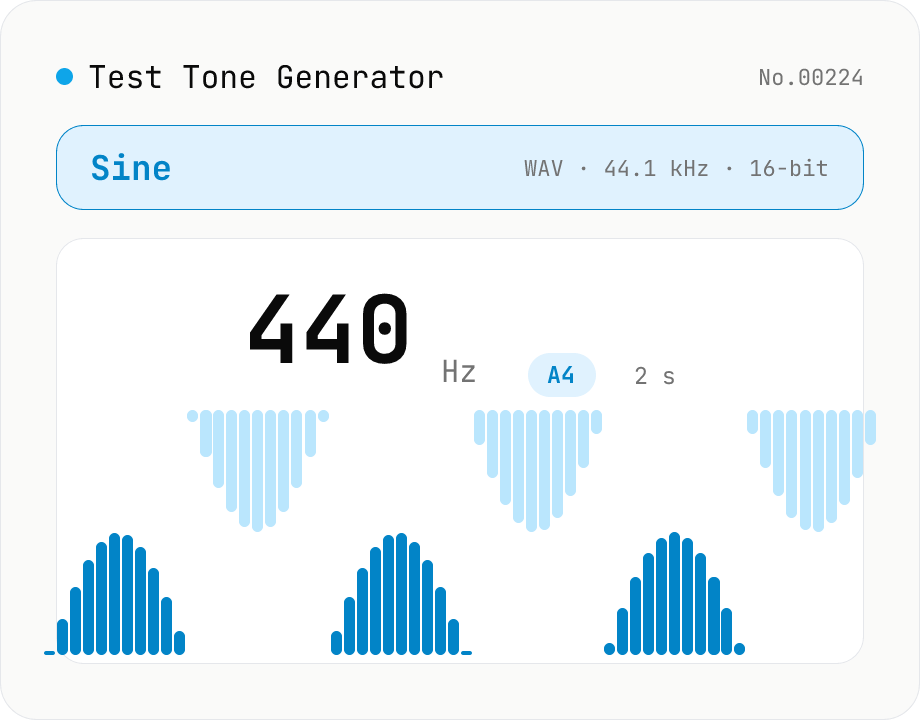
Test Tone Generator
Generate test tones at any frequency from 20 Hz to 20 kHz using the Web Audio API. Choose sine / square / triangle / sawtooth, presets like A4 (440 Hz) / 1 kHz / 10 kHz, and see the matching note name and cents offset live. Built-in fade in/out avoids click noise. Download as WAV (44.1 kHz / 16-bit / mono). Useful for instrument tuning, speaker channel checks, hearing tests, and reference signals. Everything is synthesized in your browser — nothing uploaded.
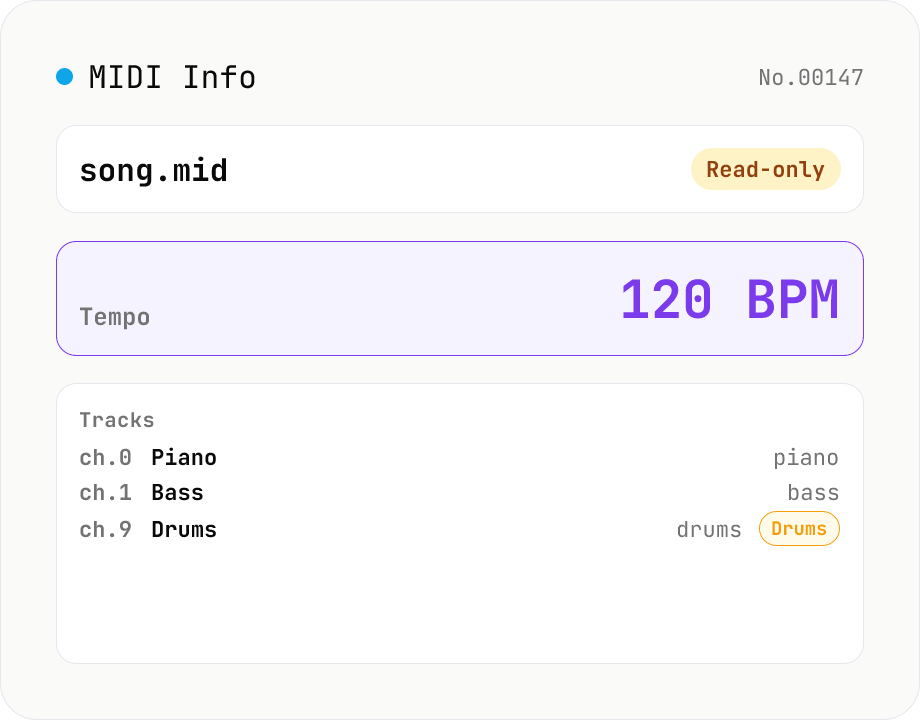
MIDI File Info Viewer
Drop a MIDI file (.mid / .midi) to inspect tempo, time signature, key signature, PPQ, track count, per-track instrument (GM family), note count, duration, channel, and copyright / text events. Read-only, runs entirely in your browser via @tonejs/midi (MIT).
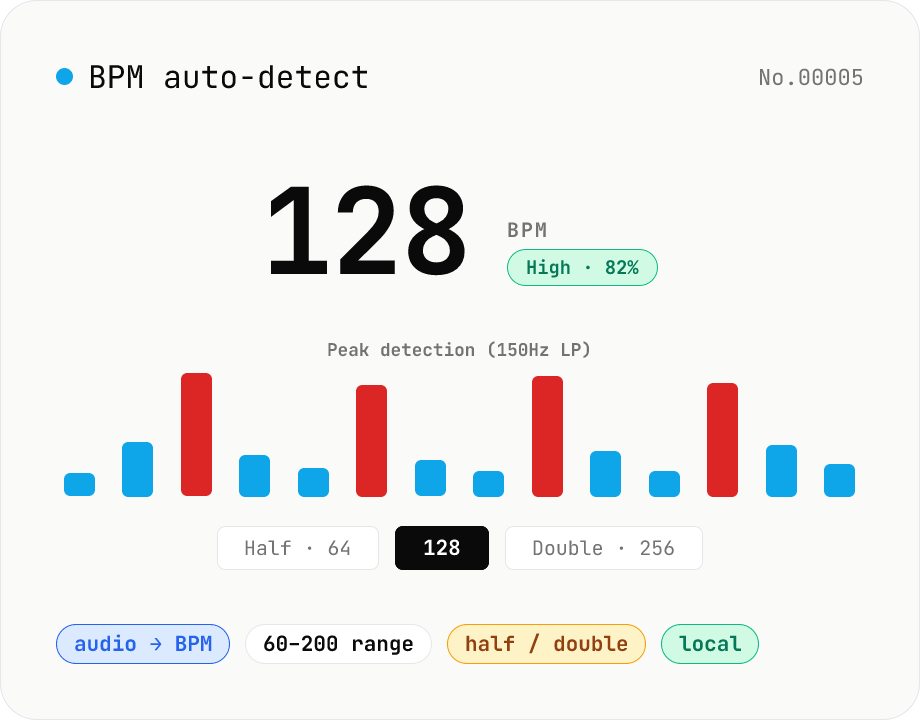
BPM auto-detect — estimate the tempo of an audio file
Drop an audio file (MP3 / WAV / M4A / FLAC / OGG) and we estimate the BPM in-browser using a low-pass filter + peak picker + histogram. Great for finding the tempo of a DJ partner track, checking sample packs, matching dance / running cadence, or grabbing a source BPM before running bpm-time-stretch. Half-tempo and double-tempo candidates are also shown so you can override 4-on-the-floor misreads (60 vs. 120). Everything stays in your browser.