
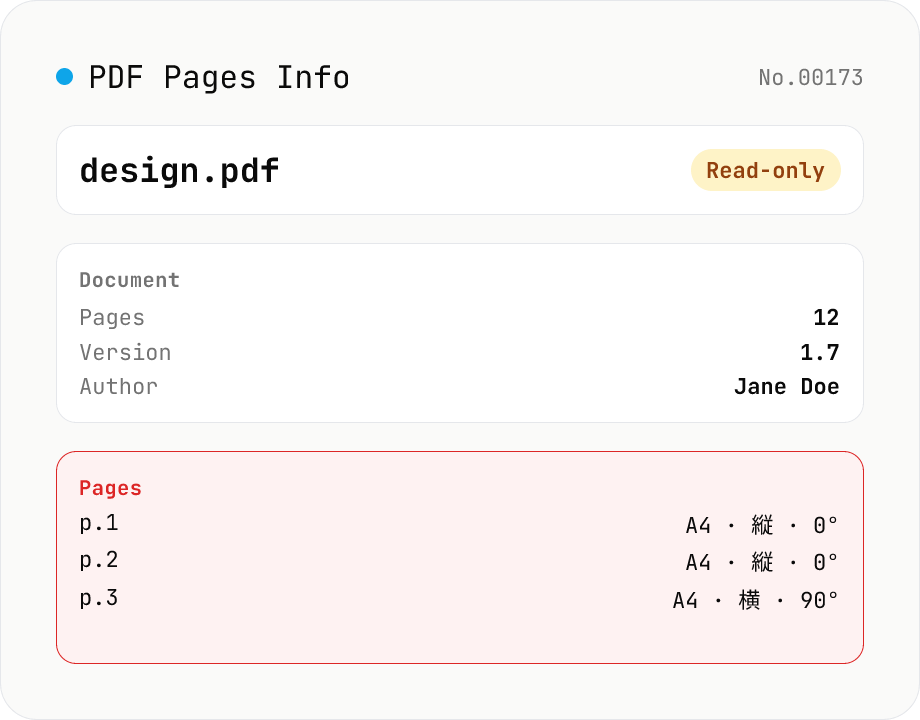
PDF Pages Info Viewer
Drop a PDF and inspect per-page dimensions (with A4 / Letter detection), aspect ratio, orientation, rotation, annotation count, text / image presence — plus document-level metadata (PDF version, title, author, producer). Read-only, runs entirely in your browser via pdfjs-dist.
How to use
Drop a PDF and pdfjs-dist analyses it in your browser: document-level metadata (PDF version, title, author, subject, keywords, creation / modification dates, AcroForm / XFA / signature presence) plus per-page details (number, size in pt + mm + detected paper size like A4 / Letter / B5, orientation, rotation, annotation count, text presence, image presence). Read-only — no edits, no uploads. Drop multiple PDFs to get one card per file.
FAQ
- Is my PDF uploaded?
- No. pdfjs-dist runs as JavaScript + wasm in your browser. PDFs never leave your device — internal docs and unpublished drafts are safe.
- How is paper size detected?
- We match the page rectangle (in pt) against ISO A (A0–A6), ISO B (B4 / B5), US (Letter / Legal / Tabloid / Executive), and JIS (B4 / B5 / hagaki). A ±2pt tolerance absorbs rounding noise. Non-standard sizes show only the raw pt / mm values.
- How are text-present / image-present flagged?
- Text is checked via `getTextContent()` — flagged if the result is non-empty. Images are checked by walking the operator list and looking for image painting ops (`paintImageXObject` / `paintInlineImageXObject` / etc).
- Can I analyze encrypted PDFs?
- Not directly — this tool has no password prompt, so encrypted PDFs surface an error. Unlock with `pdf-unlock` first, then drop again.
- What's the difference between Rotation and Orientation?
- Orientation is computed from the page's *actual dimensions* (width > height = landscape, else portrait). Rotation reports the PDF's `/Rotate` value (0 / 90 / 180 / 270). Showing both reveals cases where a page is dimensionally portrait but rotated 90° to display as landscape.
Related tools
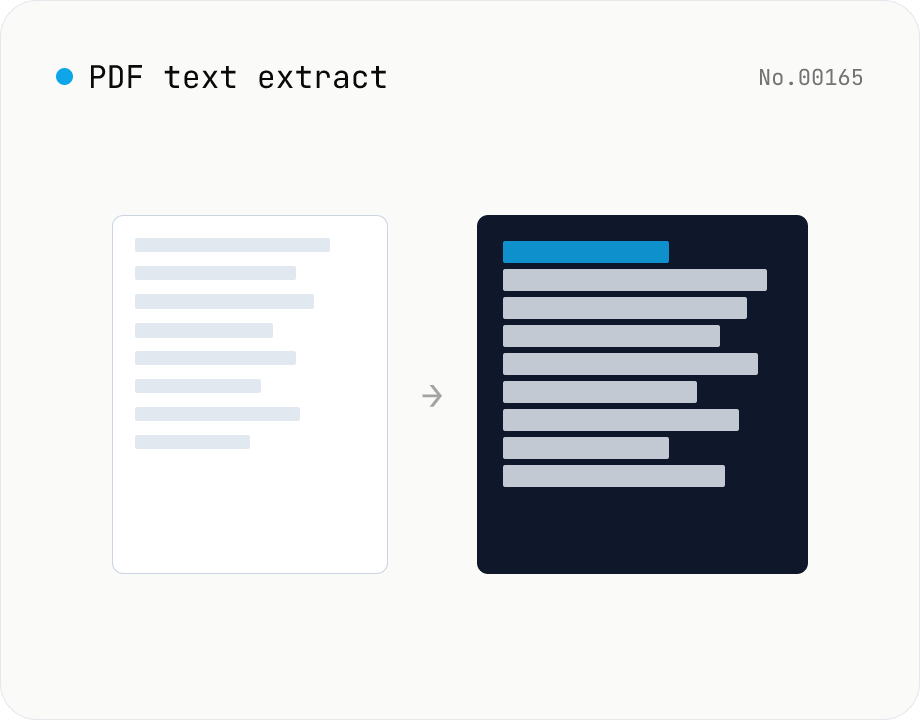
PDF text extract — export pages to .txt
Extract plain text from PDF files entirely in the browser via pdfjs-dist getTextContent. Each PDF becomes its own .txt file; batch downloads ship as a ZIP. Page-break markers are optional.
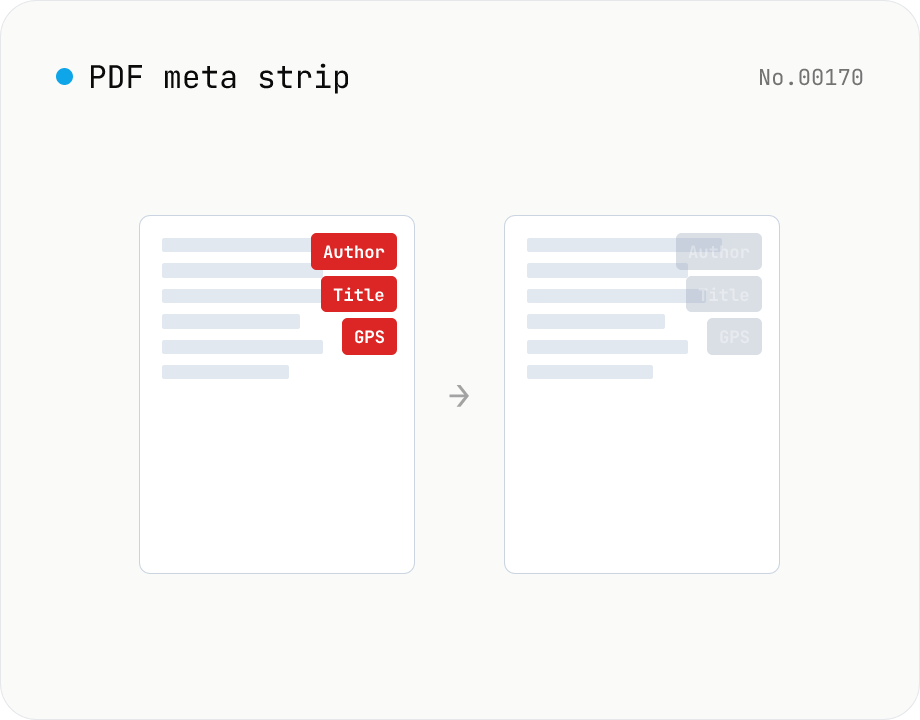
PDF metadata strip — Title / Author / XMP at once
Remove the PDF Info dictionary (Title / Author / Subject / Keywords / Creator / Producer / CreationDate / ModDate) and the XMP metadata stream entirely in the browser via pdf-lib. The page content is untouched. Supports batch processing and a single ZIP download.
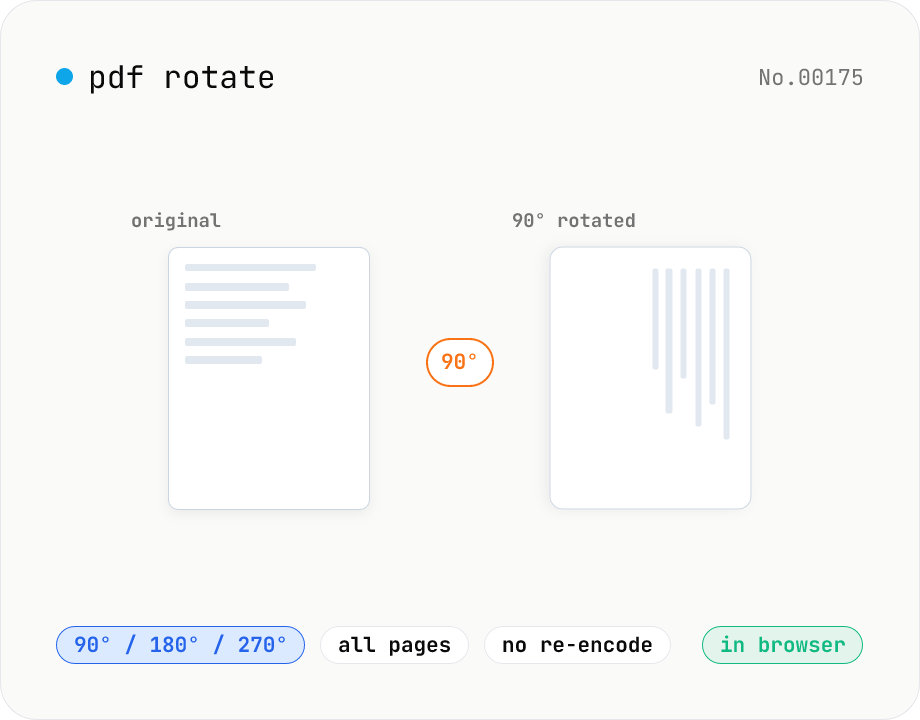
PDF rotate — 90 / 180 / 270 degrees in batch
Rotate every page of a PDF by 90° / 180° / 270° (clockwise) and save it as a new PDF. Process multiple PDFs at once and download them individually or as a single ZIP. Files never leave your browser — all rotation happens locally.
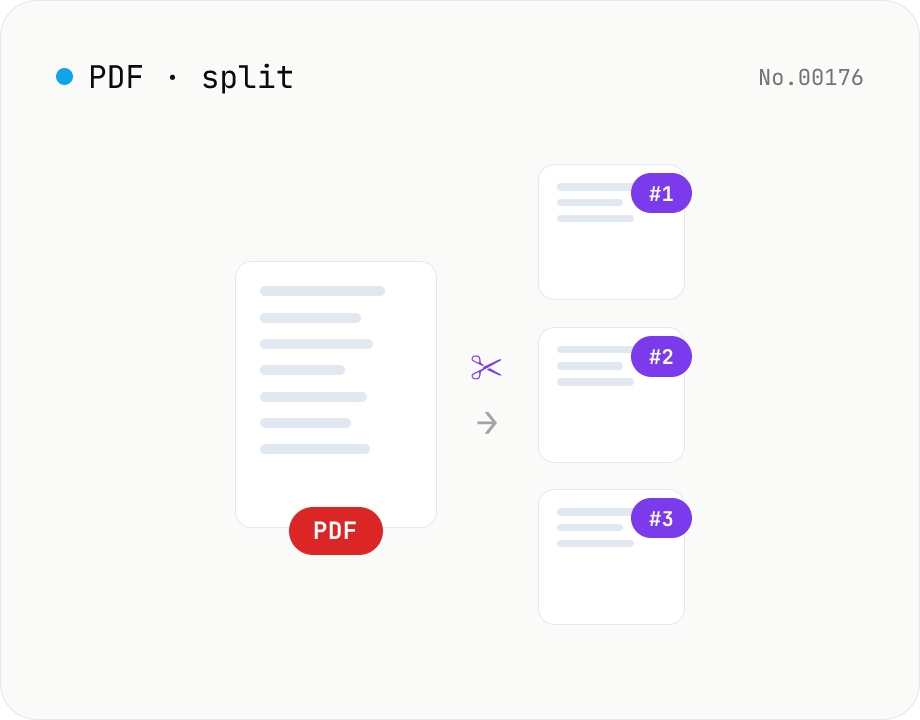
PDF split — by page range or every N pages
Split a PDF using one of three modes: page ranges, every N pages, or one PDF per page. Download all parts as a ZIP. Runs entirely in your browser.