
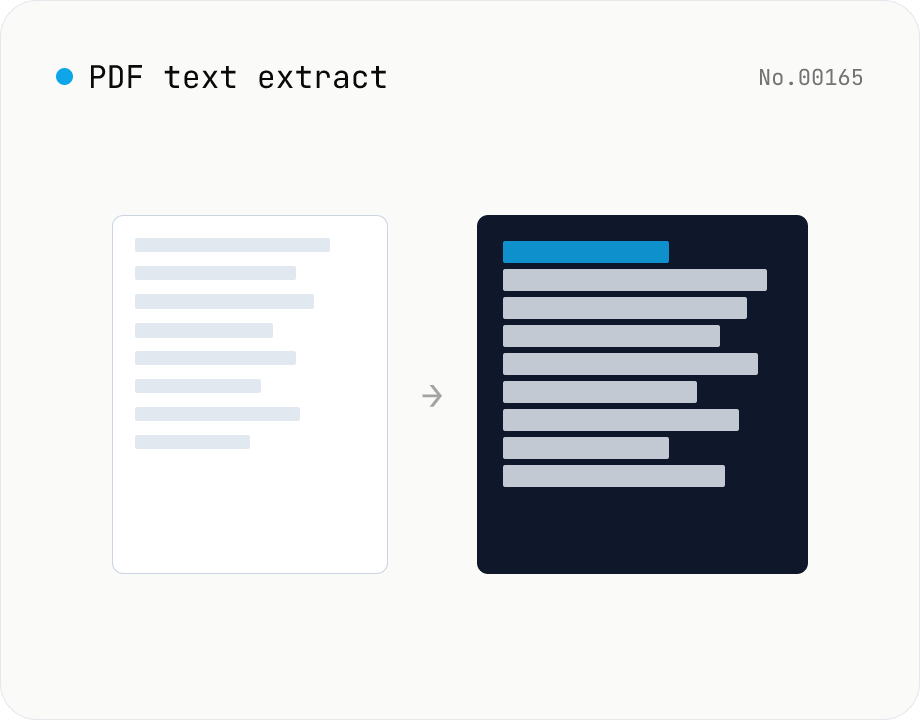
PDF text extract — export pages to .txt
Extract plain text from PDF files entirely in the browser via pdfjs-dist getTextContent. Each PDF becomes its own .txt file; batch downloads ship as a ZIP. Page-break markers are optional.
How to use
Drop PDFs (batch supported). Click Extract — pdfjs-dist iterates the text items on each page and collects them into one .txt per file. Copy or download files individually, or grab everything as a ZIP. Toggle Insert page breaks to add `---- Page N ----` separators between pages.
FAQ
- Are PDFs uploaded?
- No. pdfjs-dist runs in your browser; PDFs never leave your device.
- Can it extract text from scanned PDFs?
- No. PDFs without a text layer (image-only scans) need OCR, which this tool does not perform.
- Are columns / tables preserved?
- Only raw text items are read in document order, so multi-column layouts and table structure are flattened. Treat the output as plain text.
- Does it work on password-protected PDFs?
- No. Unlock them first with the PDF unlock tool.
Related tools
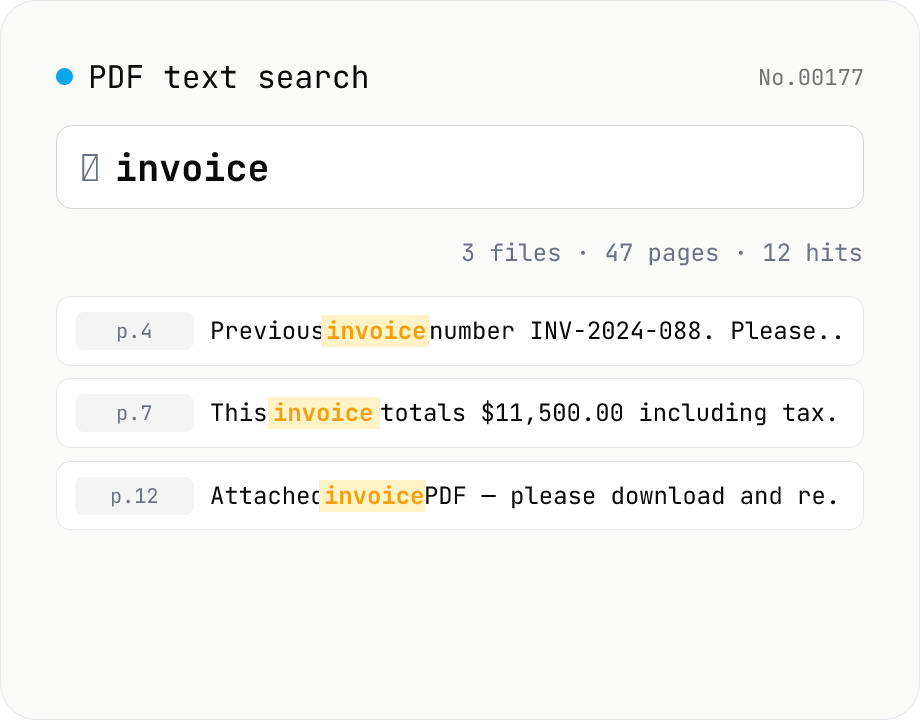
PDF text search — full-text search across multiple PDFs
Search several PDFs at once and inspect every match with its page number and surrounding context. Toggle case sensitivity, word boundaries (\b), regular expressions, and a multi-line mode. Adjust the query or context width (10–200 chars) and the matches refresh live. Each file shows a hit count and the full result set can be downloaded as CSV. Uploaded PDFs never leave the browser.
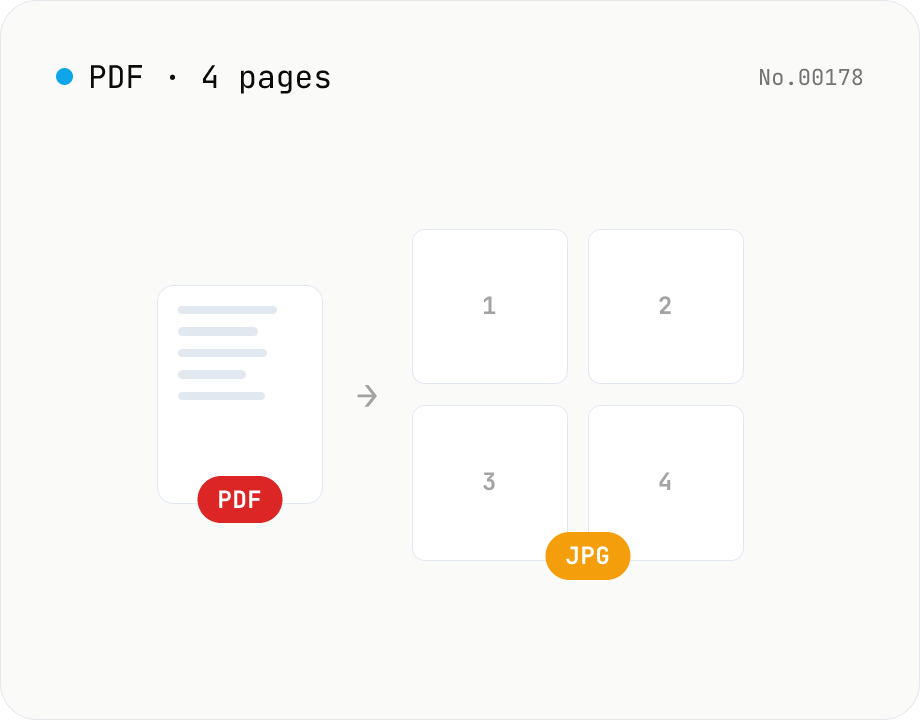
PDF to JPG — convert each page to an image
Upload a PDF and convert each page to JPEG (.jpg). Pick scale and quality, save pages individually, or download everything as a ZIP. Transparency is flattened to white, which keeps files small and easy to share on social networks or blogs. Runs entirely in your browser — your PDF stays local.
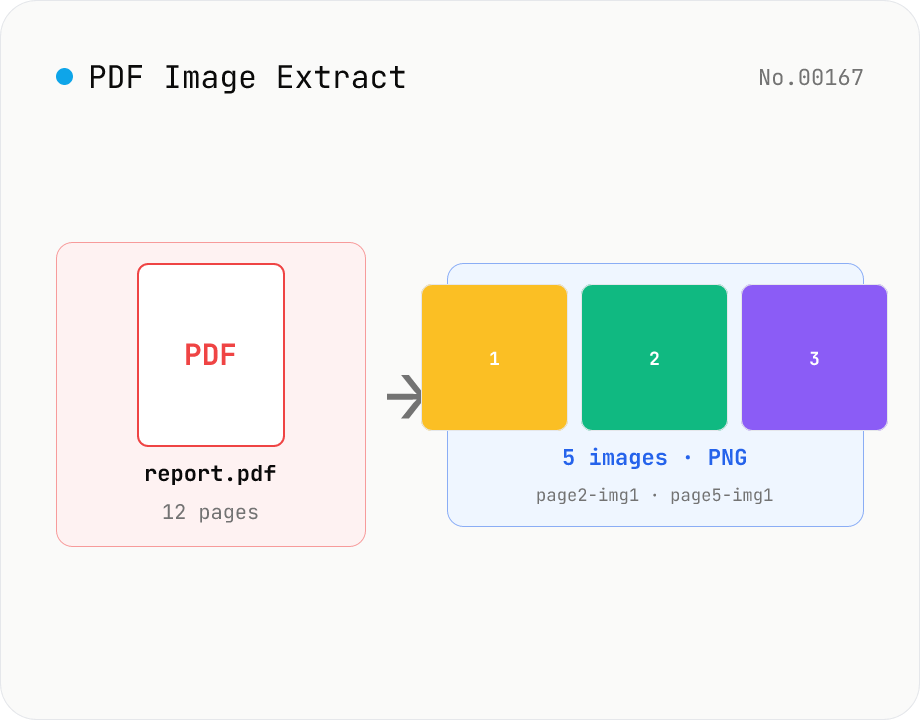
PDF Image Extract — export embedded images as PNG
Extract every embedded image from a PDF as a PNG file via pdfjs-dist. Each page's operator list is scanned for `paintImageXObject` / `paintInlineImageXObject` / `paintImageXObjectRepeat`, and `page.objs` is read to recover the ImageBitmap or raw RGB(A) / grayscale buffer, then rendered to Canvas and saved as PNG. Optionally deduplicates identical images that appear on multiple pages. Multiple PDFs ship as a single ZIP. Files are named `<source>-page<N>-img<M>.png`. Password-protected PDFs are flagged with a CTA to pdf-unlock. Everything happens inside your browser.
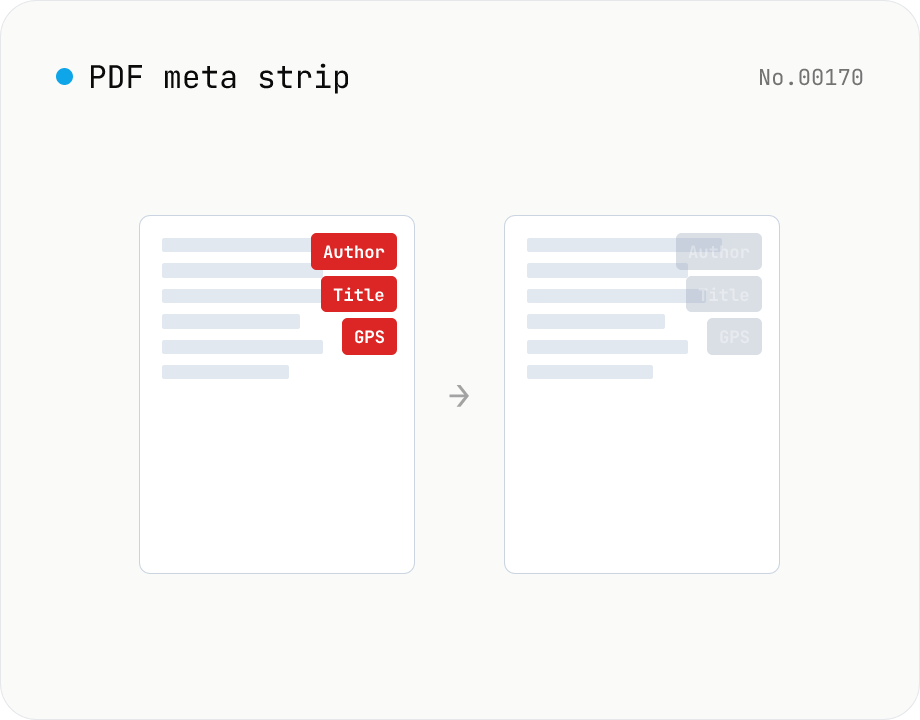
PDF metadata strip — Title / Author / XMP at once
Remove the PDF Info dictionary (Title / Author / Subject / Keywords / Creator / Producer / CreationDate / ModDate) and the XMP metadata stream entirely in the browser via pdf-lib. The page content is untouched. Supports batch processing and a single ZIP download.