
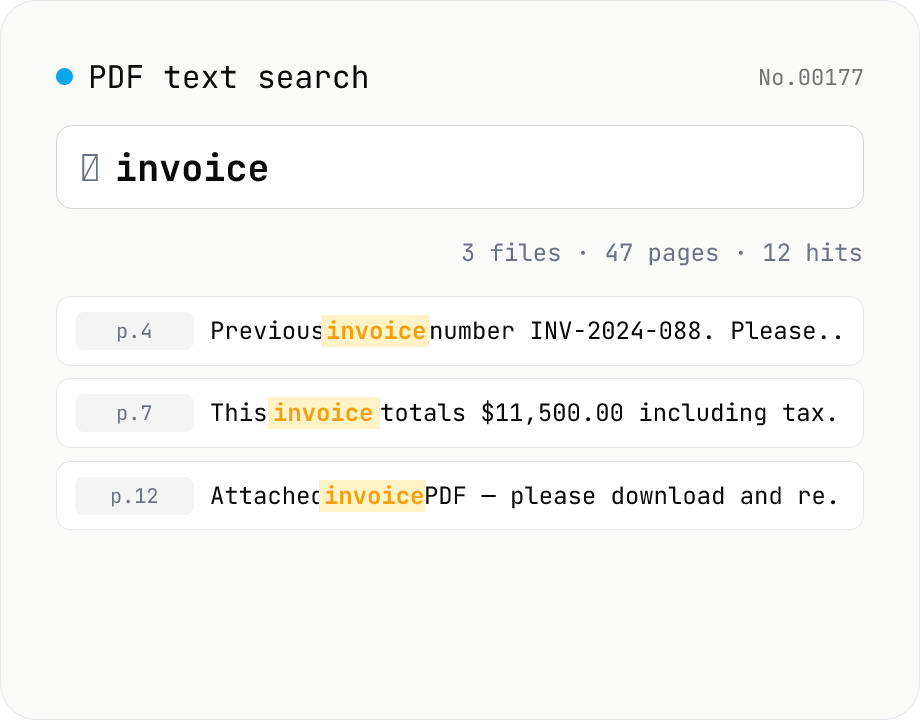
PDF text search — full-text search across multiple PDFs
Search several PDFs at once and inspect every match with its page number and surrounding context. Toggle case sensitivity, word boundaries (\b), regular expressions, and a multi-line mode. Adjust the query or context width (10–200 chars) and the matches refresh live. Each file shows a hit count and the full result set can be downloaded as CSV. Uploaded PDFs never leave the browser.
How to use
Drop one or more PDFs and start typing a query — for each match the result panel shows the page number plus context characters before/after the hit. The four search options are case sensitivity, whole-word boundary (\b), regular expressions, and a multi-line / single-string mode (s flag); flipping any of them re-runs the search instantly. The context width slider (10–200 chars) controls how much surrounding text is shown. Each PDF card surfaces a hit count so you can triage files first and drill into specific matches second. The full result set can be exported as CSV (file, page, line, context, match).
FAQ
- Are uploaded PDFs sent anywhere?
- No. pdfjs-dist parses the file in your browser and the search runs through the browser's JavaScript engine — there is no upload destination.
- Can I search scanned (image-only) PDFs?
- Only PDFs with an embedded text layer (typeset / OCR-processed documents) can be searched. Pure raster scans return zero hits.
- How much regex syntax is supported?
- Native JavaScript RegExp grammar — captures, back-references, look-ahead/behind, Unicode property escapes (`\p{Letter}`), named captures, etc. No delimiters (`/foo/i`) are needed; flags come from the checkboxes.
- What does multi-line mode change?
- By default each line of the page is matched separately. Multi-line mode treats the entire document as a single string, so cross-line matches and `.` matching newlines work (equivalent to enabling the `s` flag). Surrounding context is also expanded.
- Can it handle password-protected PDFs?
- No — use the pdf-unlock tool first, then re-add the file. The tool surfaces a banner with a link when it detects an encrypted document.
- Will many results freeze the browser?
- Hits are rendered without a hard cap, so extreme match counts (10k+) can slow the page. Narrow the query or grab the CSV export and analyze offline.
Related tools
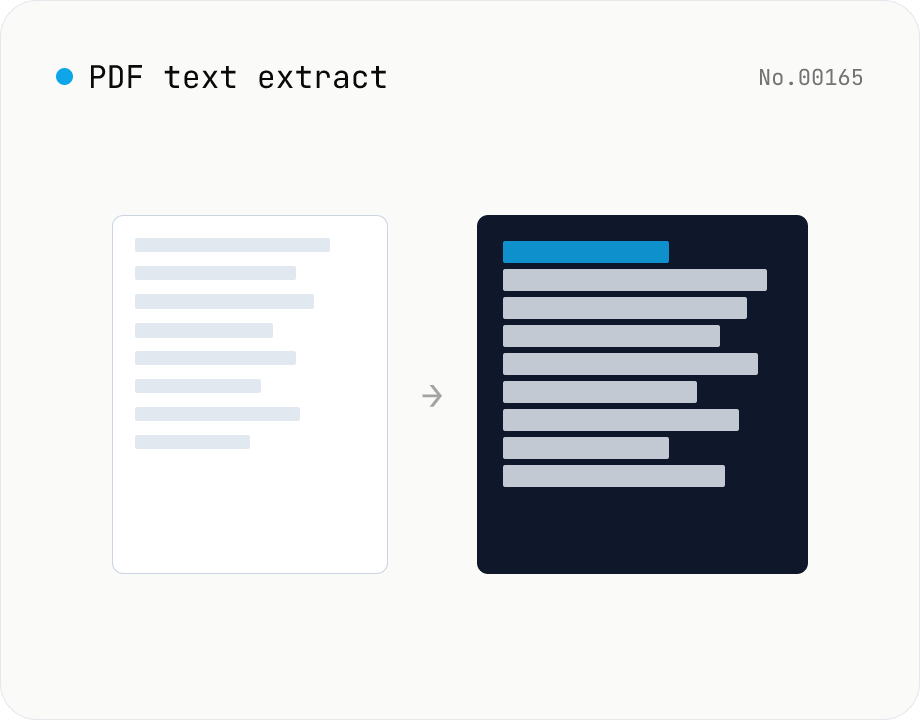
PDF text extract — export pages to .txt
Extract plain text from PDF files entirely in the browser via pdfjs-dist getTextContent. Each PDF becomes its own .txt file; batch downloads ship as a ZIP. Page-break markers are optional.
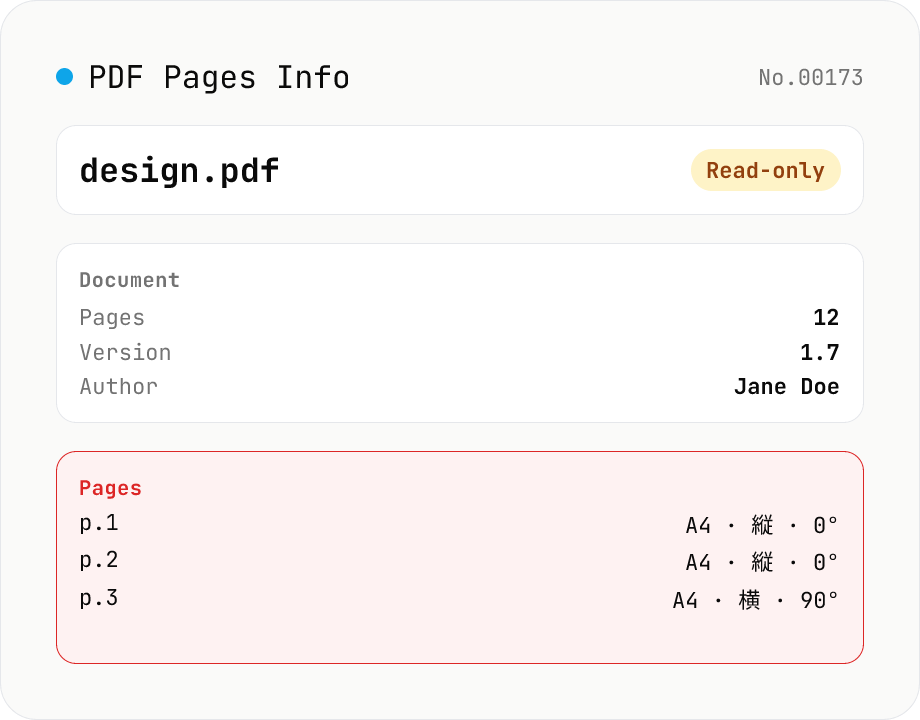
PDF Pages Info Viewer
Drop a PDF and inspect per-page dimensions (with A4 / Letter detection), aspect ratio, orientation, rotation, annotation count, text / image presence — plus document-level metadata (PDF version, title, author, producer). Read-only, runs entirely in your browser via pdfjs-dist.
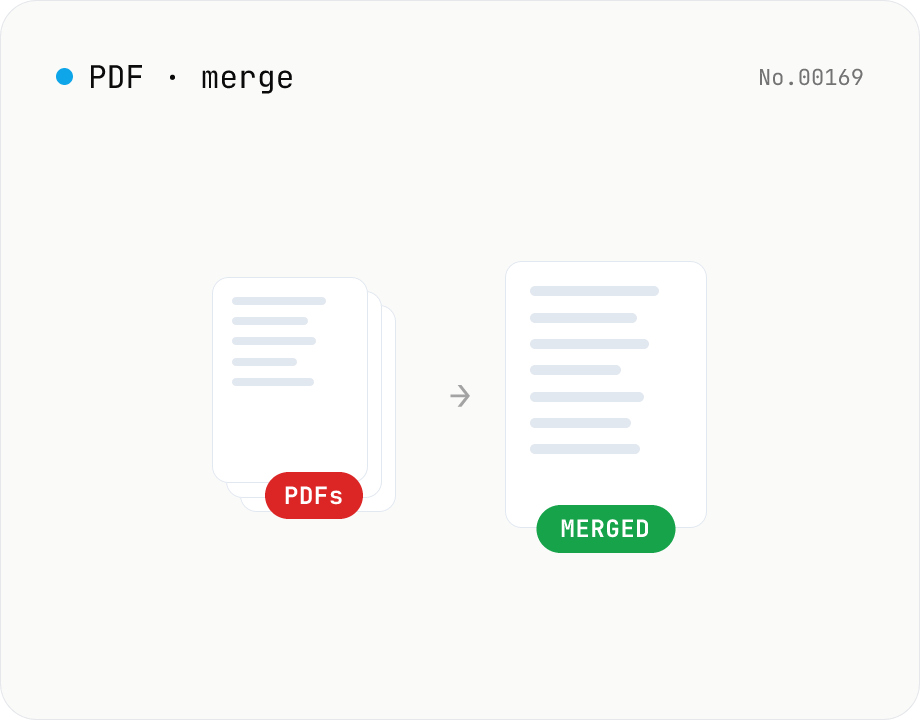
PDF merge — combine multiple PDFs into one
Drag and drop multiple PDFs, reorder them, and merge into a single PDF. Runs entirely in your browser.
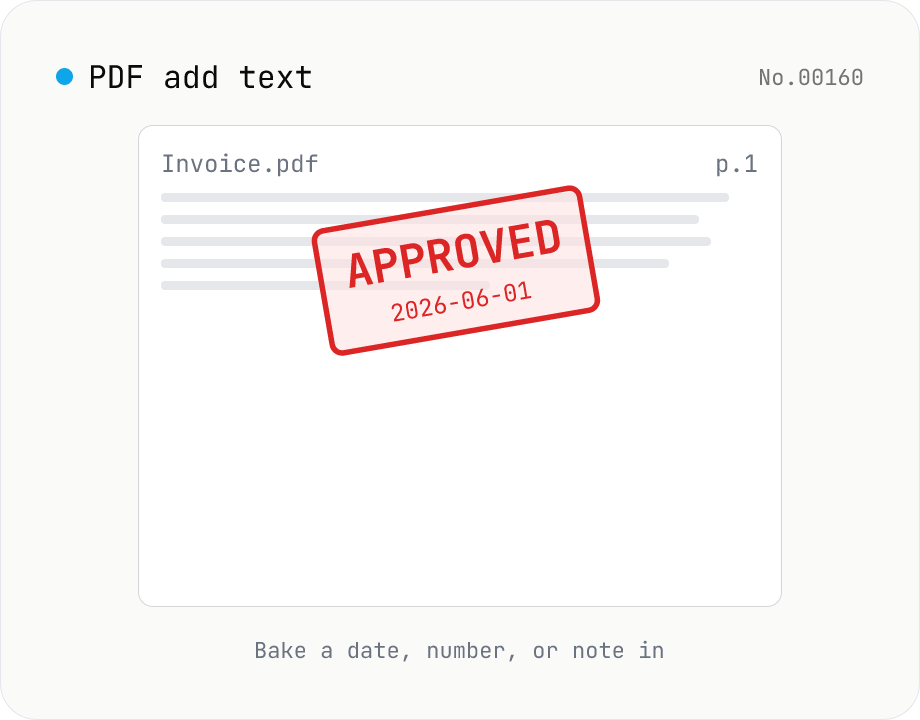
PDF add text — bake dates, notes, or labels into a page
Drop a text annotation onto a chosen page of a PDF — perfect for date stamps, file numbers, contractor names, or any quick label that just needs to look right. Position via 9-grid + margin, set font size / color / rotation / opacity, and pick which pages. Uses pdf-lib's built-in Helvetica (Regular / Bold / Oblique), so the text is ASCII / Latin only. For Japanese, build a stamp PNG with stamp-jp and place it with pdf-add-image. Multiple PDFs can be batched and downloaded as a ZIP. Files never leave your browser.