
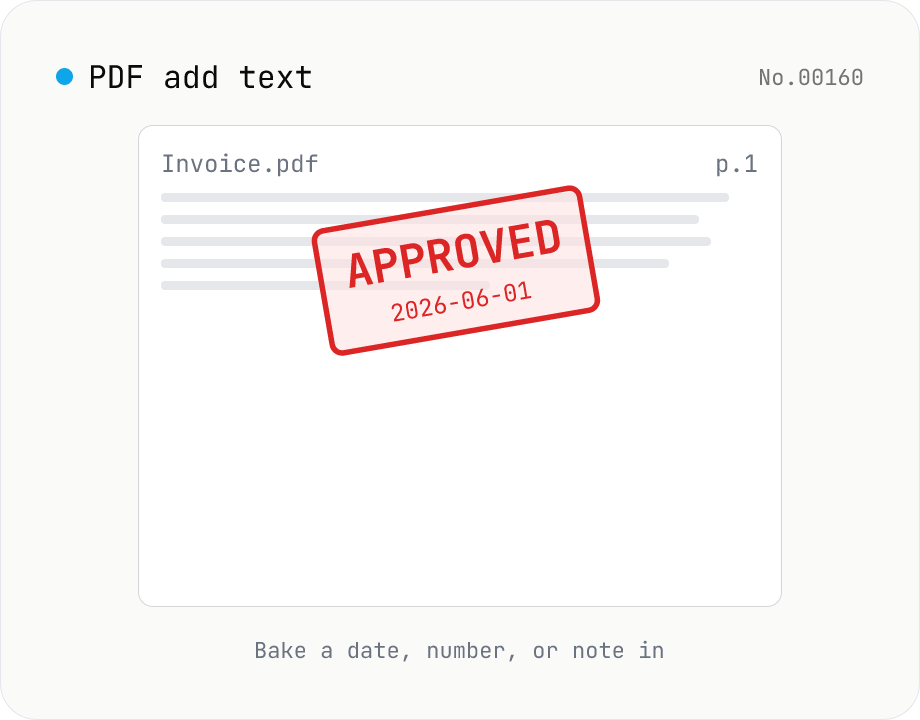
PDF add text — bake dates, notes, or labels into a page
Drop a text annotation onto a chosen page of a PDF — perfect for date stamps, file numbers, contractor names, or any quick label that just needs to look right. Position via 9-grid + margin, set font size / color / rotation / opacity, and pick which pages. Uses pdf-lib's built-in Helvetica (Regular / Bold / Oblique), so the text is ASCII / Latin only. For Japanese, build a stamp PNG with stamp-jp and place it with pdf-add-image. Multiple PDFs can be batched and downloaded as a ZIP. Files never leave your browser.
How to use
Drop one or more base PDFs and type whatever you want to bake into them. Pick a 9-grid position with margin, set font size / color / rotation / opacity, and choose which pages get the text. Newlines render as multi-line text. Press Add text and the same string is stamped into every selected page of every PDF — handy for date stamps, file numbers, APPROVED labels, or DRAFT notes. Helvetica is ASCII / Latin only; for Japanese text, build a stamp PNG with stamp-jp and place it with pdf-add-image.
FAQ
- Is anything uploaded?
- No. pdf-lib runs in your browser and neither the PDFs nor the text leaves your machine.
- Can I add Japanese text?
- Not directly. This tool uses pdf-lib's built-in Helvetica which only covers ASCII / Latin glyphs. For kanji or kana, build a stamp image with stamp-jp and place it via pdf-add-image, or print to PDF from the browser.
- Can I use multiple lines?
- Yes — newlines in the text box render as separate lines, spaced according to the font size.
- How is color specified?
- As a HEX code (#RRGGBB or #RGB). An HTML color picker is included so you can pick visually and the HEX appears in the text input.
- How is this different from pdf-page-numbers / pdf-watermark / pdf-overlay?
- pdf-page-numbers stamps templated page numbers; pdf-watermark drapes a faded watermark across every page; pdf-overlay stamps a PDF onto another PDF. pdf-add-text is the freeform version — no templates, no watermark conventions, just 'put this string here'.
- Can it handle password-protected PDFs?
- No — strip the password first with pdf-unlock, then re-upload.
Related tools
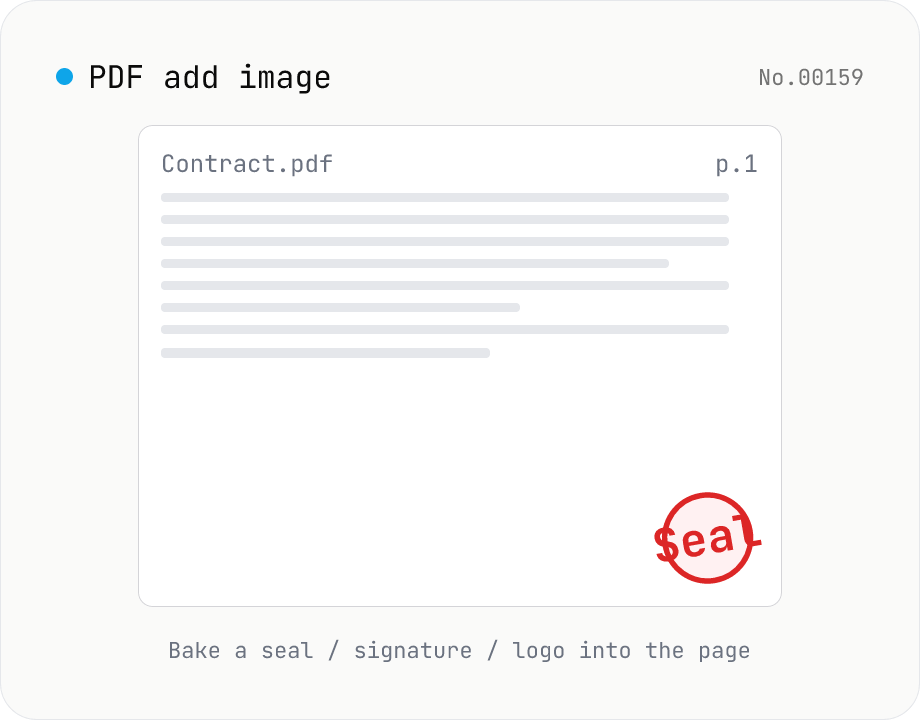
PDF add image — bake a signature / seal / logo into a page
Drop an image (PNG / JPEG / WebP) onto a chosen page of a PDF — perfect for adding a personal seal, scanned handwritten signature, or company logo just before sending the document back. Pick a 9-grid position with margin, set the image size as a percentage of page width, and tweak opacity, rotation, and which pages get the image. Powered by pdf-lib's embedPng / embedJpg. Batch multiple PDFs and download as a ZIP. Files never leave your browser.
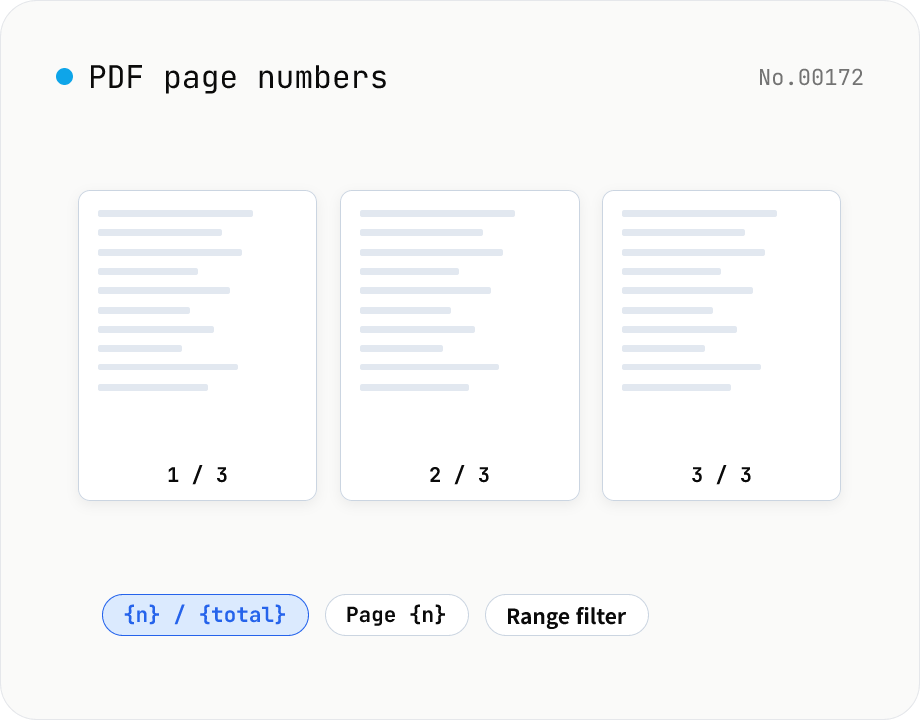
PDF page numbers — template / 9 positions / range
Stamp page numbers onto every page of a PDF. The format is a free template (`{n}` / `{n} / {total}` / `Page {n}` etc.). Tune the placement (9-grid), font size, color, starting number, margin, and which page range to apply to. Runs entirely on pdf-lib in the browser — your files never leave the device. Batch processing and ZIP download supported.
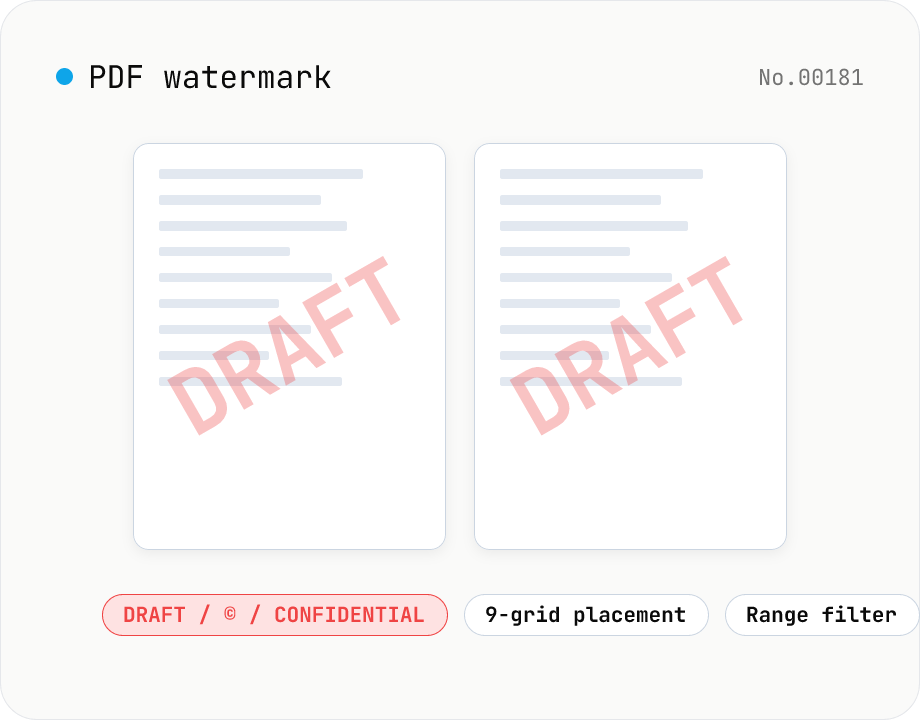
PDF watermark — text or image overlay
Stamp every page of a PDF with text (DRAFT / CONFIDENTIAL / © ...) or an image logo. Pick from a 9-grid placement, adjust opacity, size, rotation, and restrict to specific page ranges. Runs entirely on pdf-lib in the browser — your files never leave the device. Batch processing and ZIP download supported.
PDF text extract — export pages to .txt
Extract plain text from PDF files entirely in the browser via pdfjs-dist getTextContent. Each PDF becomes its own .txt file; batch downloads ship as a ZIP. Page-break markers are optional.