
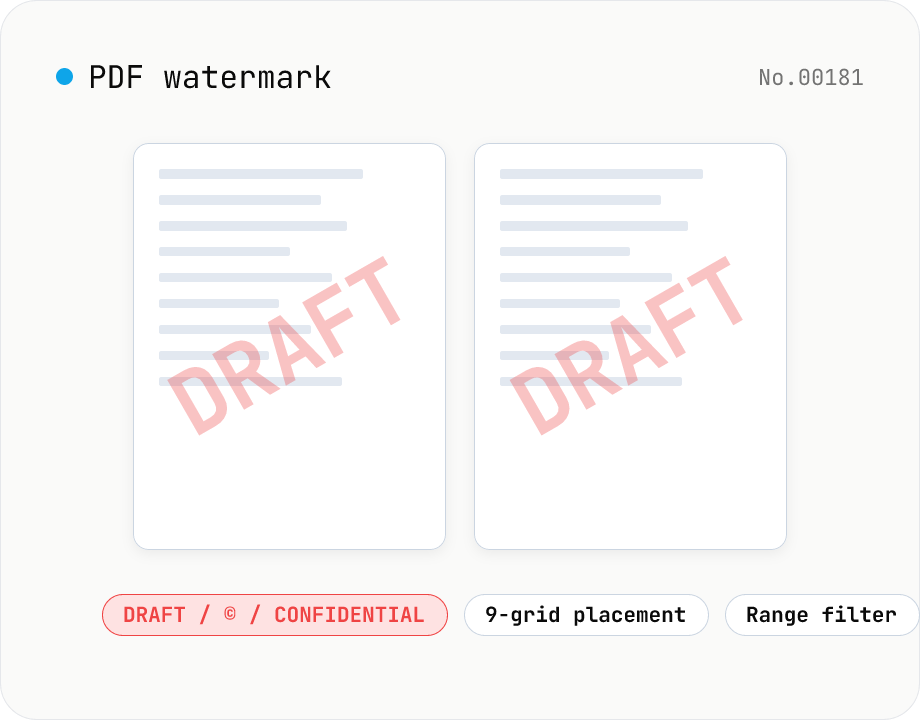
PDF watermark — text or image overlay
Stamp every page of a PDF with text (DRAFT / CONFIDENTIAL / © ...) or an image logo. Pick from a 9-grid placement, adjust opacity, size, rotation, and restrict to specific page ranges. Runs entirely on pdf-lib in the browser — your files never leave the device. Batch processing and ZIP download supported.
How to use
Pick the watermark type (text or image), then drop your PDFs. In text mode, set the string, color, and font size; in image mode, choose a PNG / JPEG / WebP logo. Tune placement (9-grid), opacity, rotation, margin, and the page range (`all` or `1-3,5,7`), then click Add watermark to stamp every selected page. Output PDFs preserve the original page sizes and orientations. Batch processing and a single ZIP download are supported. Everything runs on pdf-lib in your browser — files never leave your device.
FAQ
- Is my PDF uploaded to a server?
- No. Dropped PDFs are read as ArrayBuffers and handed straight to pdf-lib in the browser. Stamping, encoding, and saving are local — no network traffic.
- Can I write Japanese in the text watermark?
- Text mode only supports Helvetica (Latin / symbols). For non-Latin scripts, render the text as a transparent PNG in your editor of choice and use image mode instead.
- How do I write the page range?
- Leave it empty (or write `all`) to apply to every page. Otherwise, use comma-separated page numbers or ranges like `1-3,5,7`. Out-of-bounds entries are silently skipped, not treated as errors.
- How do position and margin interact?
- Pick one of the 9 anchor points (corners, edge midpoints, or center). The margin (as % of page width) controls how far from each chosen edge the watermark sits. For center placement, the margin value is ignored.
- What rotation values are accepted?
- Any integer between -180° and 180°. Common picks: 0 (horizontal), -45, 45, 90, -90. Rotation pivots around the watermark's own center.
- Does it support encrypted PDFs?
- Not in this version. Run them through pdf-unlock first, then pipe the result into this tool.
Related tools
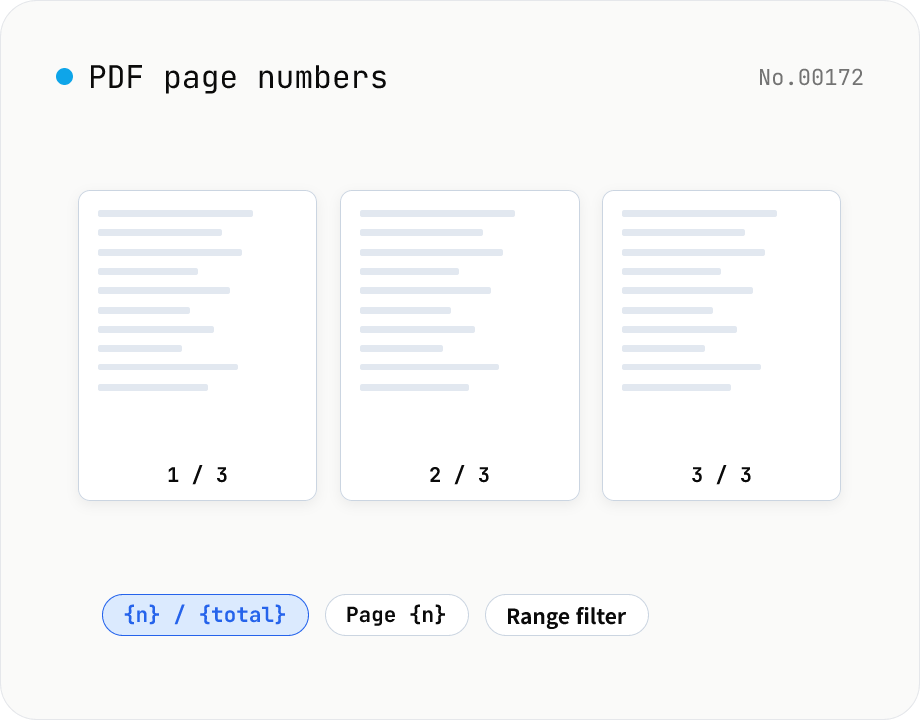
PDF page numbers — template / 9 positions / range
Stamp page numbers onto every page of a PDF. The format is a free template (`{n}` / `{n} / {total}` / `Page {n}` etc.). Tune the placement (9-grid), font size, color, starting number, margin, and which page range to apply to. Runs entirely on pdf-lib in the browser — your files never leave the device. Batch processing and ZIP download supported.
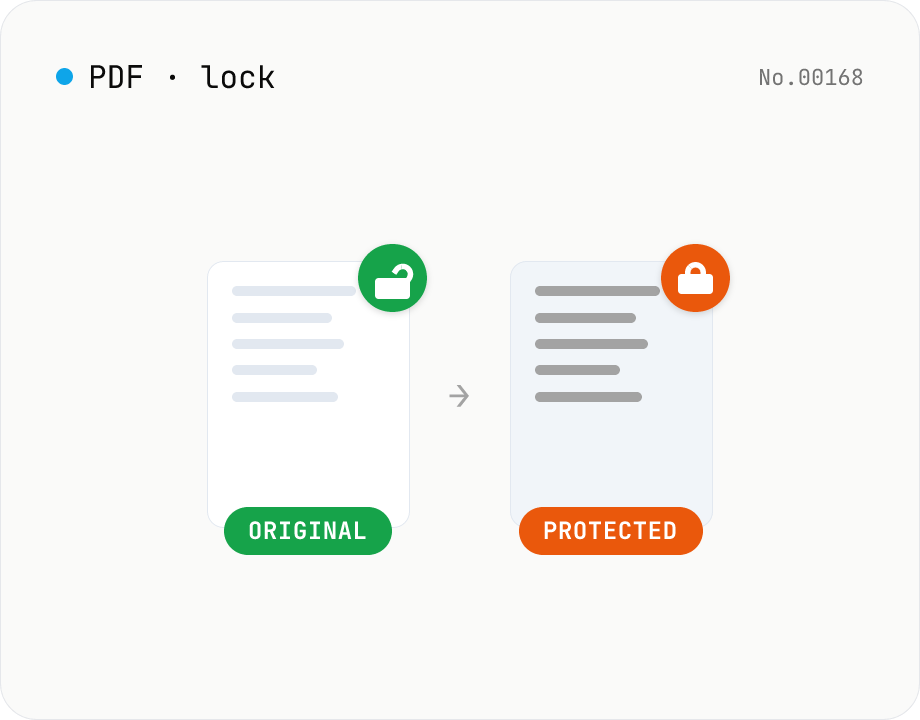
PDF password lock — restrict printing / copy / edit
Add a user / owner password and restrict printing, copying or editing on a PDF. AES 256-bit / 128-bit, all done by qpdf (WASM) inside your browser — neither the PDF nor the password leaves your device. Batch multiple files at once.
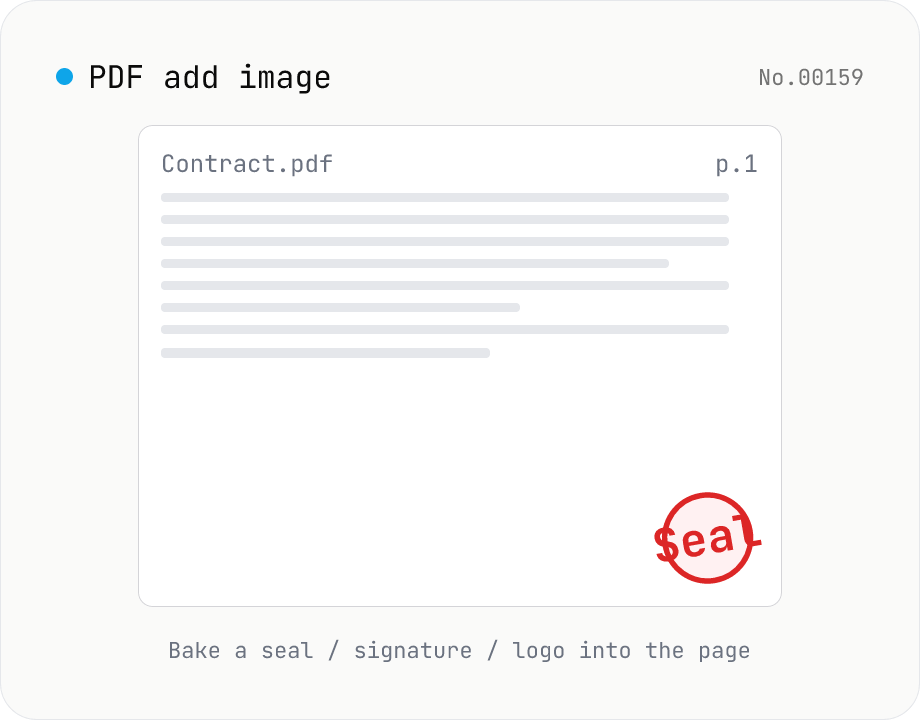
PDF add image — bake a signature / seal / logo into a page
Drop an image (PNG / JPEG / WebP) onto a chosen page of a PDF — perfect for adding a personal seal, scanned handwritten signature, or company logo just before sending the document back. Pick a 9-grid position with margin, set the image size as a percentage of page width, and tweak opacity, rotation, and which pages get the image. Powered by pdf-lib's embedPng / embedJpg. Batch multiple PDFs and download as a ZIP. Files never leave your browser.
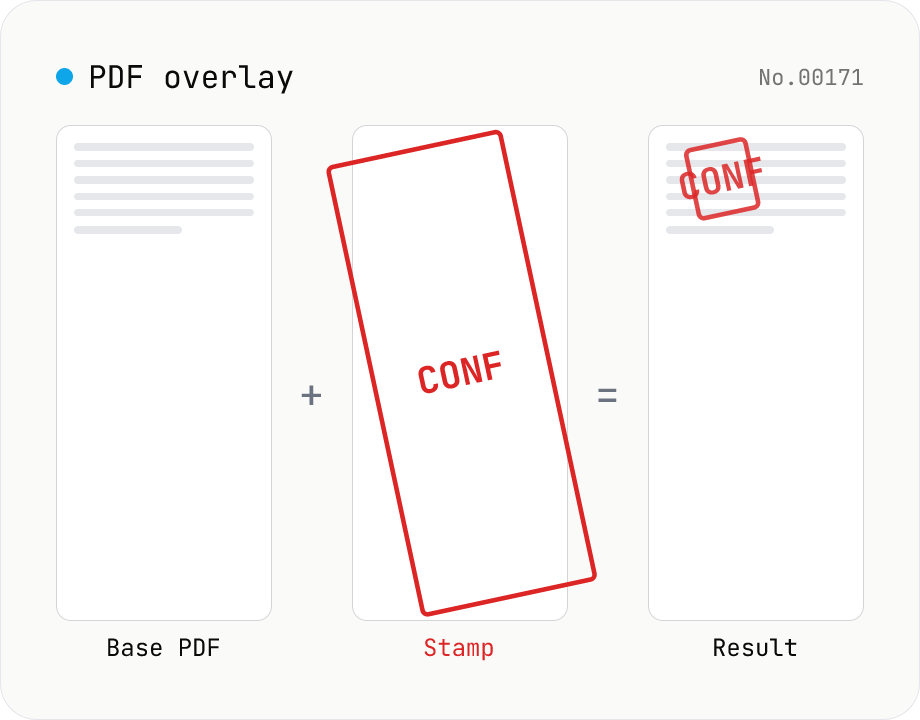
PDF overlay — stamp a PDF onto every page of another
Layer the first page of one PDF (the stamp) on top of every page of another (the base). Perfect when your watermark, company seal, 'Confidential' badge, or boilerplate cover sheet is already a PDF. Choose a 9-grid position or custom XY offset, set scale / rotation / opacity, and the same stamp is baked into every base page. Powered by pdf-lib's embedPdf + drawPage. Multiple base PDFs can be processed at once and downloaded as a ZIP. Nothing leaves the browser.